The ActivitySmith Python library provides convenient access to the ActivitySmith API from Python applications.
See the API reference.
This package is available on PyPI:
pip install activitysmithAlternatively, install from source with:
python -m pip install .import os
from activitysmith import ActivitySmith
activitysmith = ActivitySmith(
api_key=os.environ["ACTIVITYSMITH_API_KEY"],
)
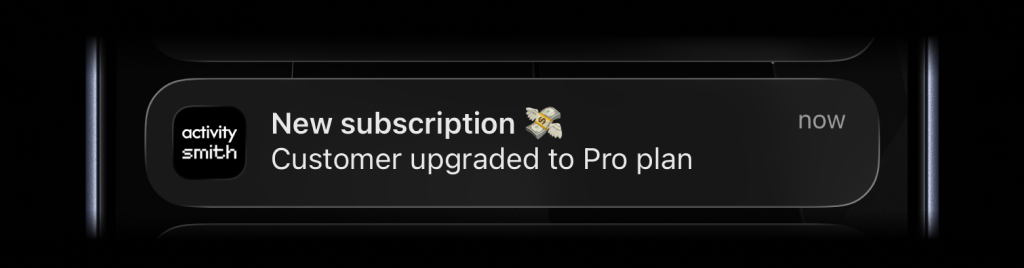
activitysmith.notifications.send(
    {
        "title": "New subscription 💸",
        "message": "Customer upgraded to Pro plan",
    }
)
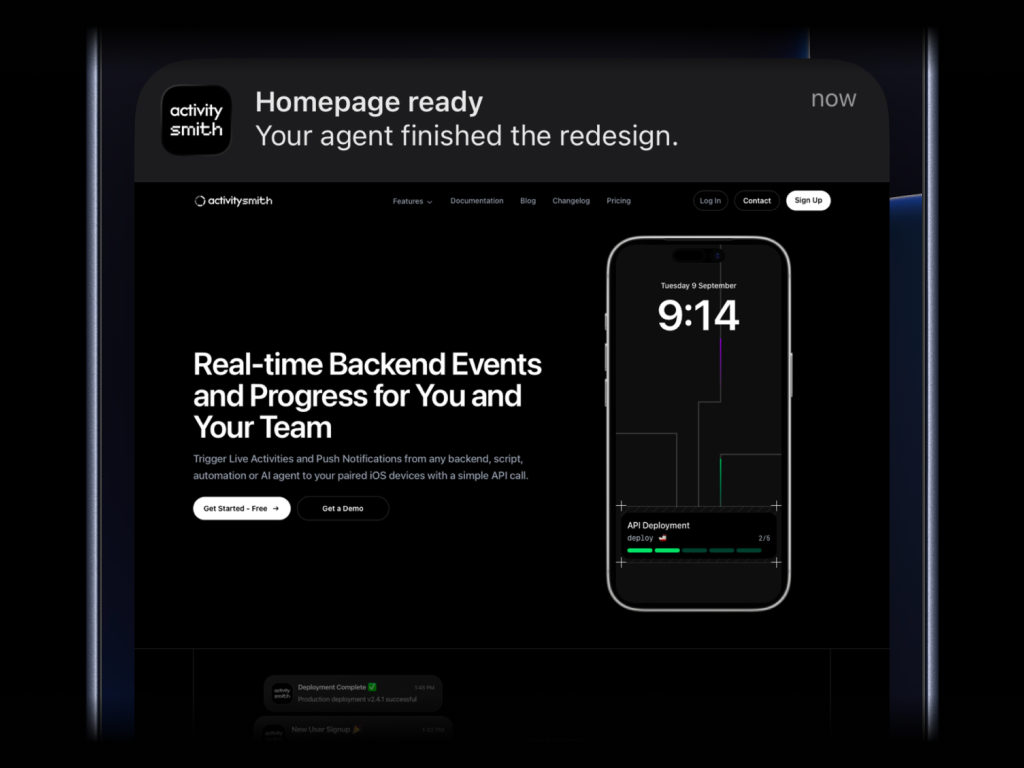
activitysmith.notifications.send(
    {
        "title": "Homepage ready",
        "message": "Your agent finished the redesign.",
        "media": "https://cdn.example.com/output/homepage-v2.png",
        "redirection": "https://github.com/acme/web/pull/482",
    }
)
Send images, videos, or audio with your push notifications, press and hold to preview media directly from the notification, then tap through to open the linked content.
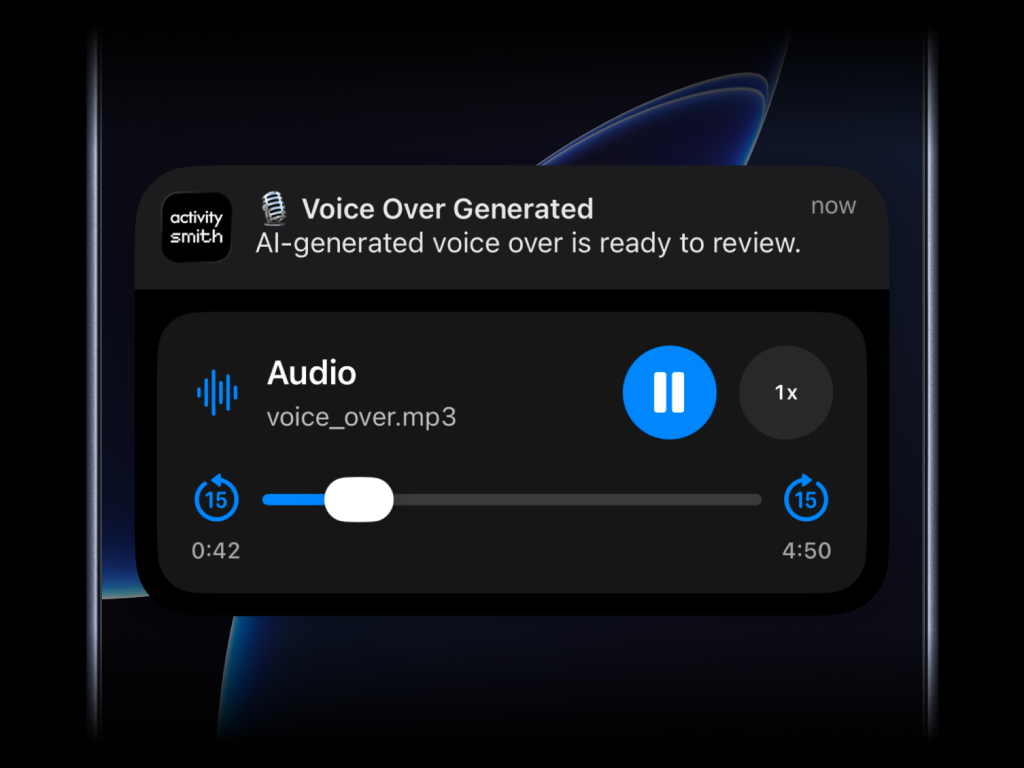
What will work:
- direct image URL:
.jpg,.png,.gif, etc. - direct audio file URL:
.mp3,.m4a, etc. - direct video file URL:
.mp4,.mov, etc. - URL that responds with a proper media
Content-Type, even if the path has no extension
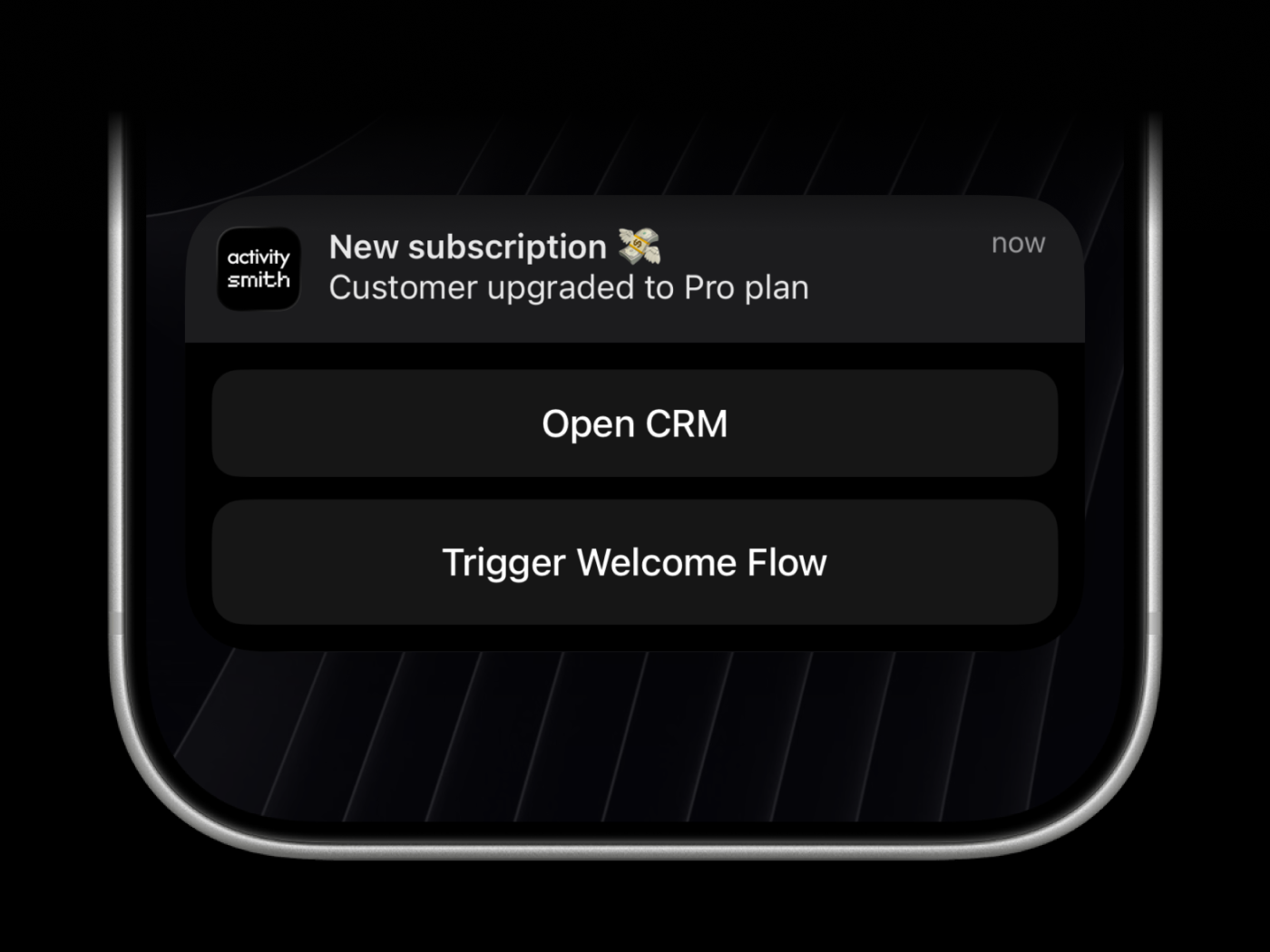
Actionable push notifications can open a URL on tap or trigger actions when someone long-presses the notification. Webhooks are executed by the ActivitySmith backend.
activitysmith.notifications.send(
    {
        "title": "New subscription 💸",
        "message": "Customer upgraded to Pro plan",
        "redirection": "https://crm.example.com/customers/cus_9f3a1d",  # Optional
        "actions": [  # Optional (max 4)
            {
                "title": "Open CRM Profile",
                "type": "open_url",
                "url": "https://crm.example.com/customers/cus_9f3a1d",
            },
            {
                "title": "Start Onboarding Workflow",
                "type": "webhook",
                "url": "https://hooks.example.com/activitysmith/onboarding/start",
                "method": "POST",
                "body": {
                    "customer_id": "cus_9f3a1d",
                    "plan": "pro",
                },
            },
        ],
    }
)
Live Activities come in two UI types, but the lifecycle stays the same:
start the activity, keep the returned activity_id, update it as state
changes, then end it when the work is done.
segmented_progress: best for jobs tracked in stepsprogress: best for jobs tracked as a percentage or numeric range
- Call
activitysmith.live_activities.start(...). - Save the returned
activity_id. - Call
activitysmith.live_activities.update(...)as progress changes. - Call
activitysmith.live_activities.end(...)when the work is finished.
Use segmented_progress when progress is easier to follow as steps instead of a
raw percentage. It fits jobs like backups, deployments, ETL pipelines, and
checklists where "step 2 of 3" is more useful than "67%".
number_of_steps is dynamic, so you can increase or decrease it later if the
workflow changes.
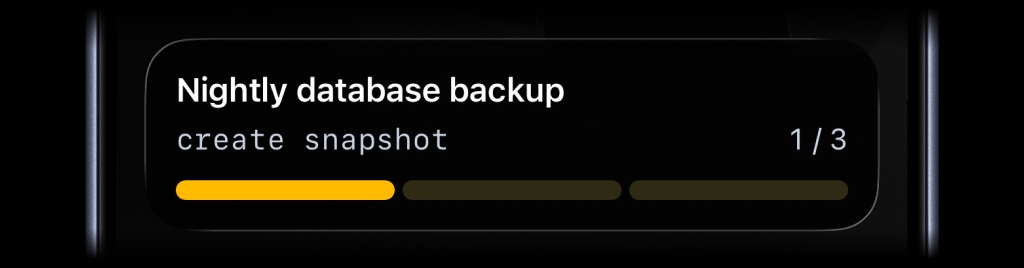
start = activitysmith.live_activities.start(
    {
        "content_state": {
            "title": "Nightly database backup",
            "subtitle": "create snapshot",
            "number_of_steps": 3,
            "current_step": 1,
            "type": "segmented_progress",
            "color": "yellow",
        },
        "channels": ["devs", "ops"],  # Optional
    }
)

activity_id = start.activity_id
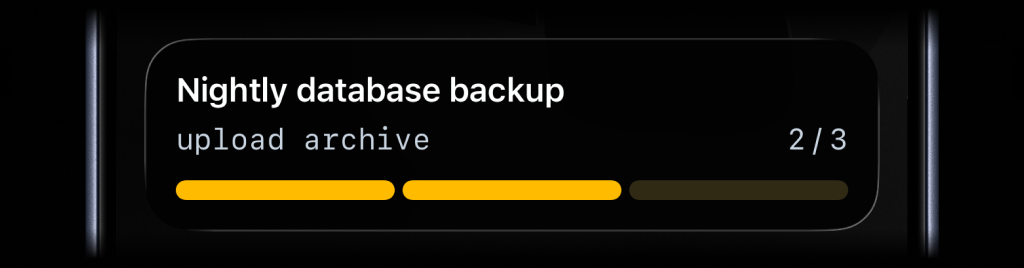
activitysmith.live_activities.update(
    {
        "activity_id": activity_id,
        "content_state": {
            "title": "Nightly database backup",
            "subtitle": "upload archive",
            "number_of_steps": 4,
            "current_step": 2,
        }
    }
)
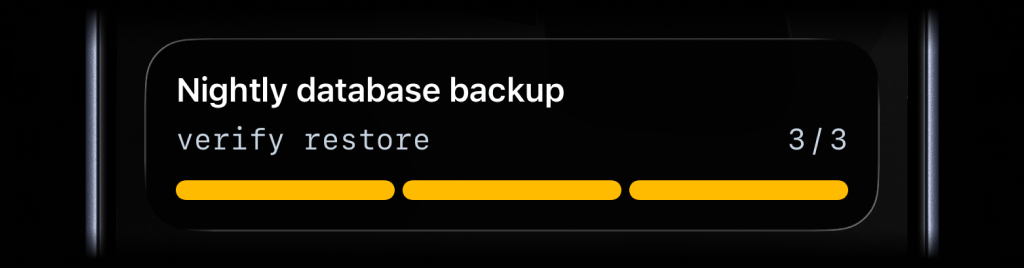
activitysmith.live_activities.end(
    {
        "activity_id": activity_id,
        "content_state": {
            "title": "Nightly database backup",
            "subtitle": "verify restore",
            "number_of_steps": 4,
            "current_step": 4,
            "auto_dismiss_minutes": 2,
        }
    }
)Use progress when the state is naturally continuous. It fits charging,
downloads, sync jobs, uploads, timers, and any flow where a percentage or
numeric range is the clearest signal.
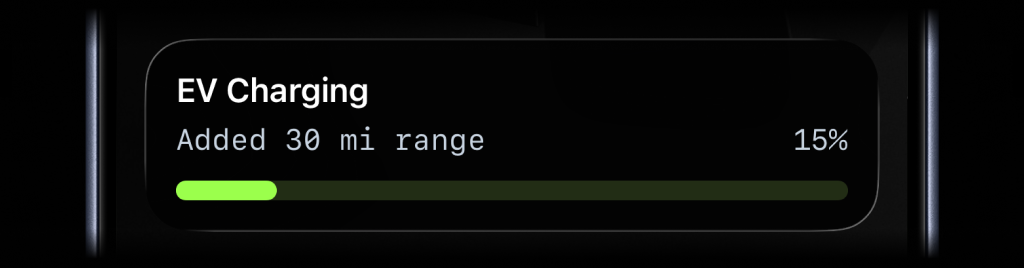
start = activitysmith.live_activities.start(
    {
        "content_state": {
            "title": "EV Charging",
            "subtitle": "Added 30 mi range",
            "type": "progress",
            "percentage": 15,
            "color": "lime",
        }
    }
)

activity_id = start.activity_id
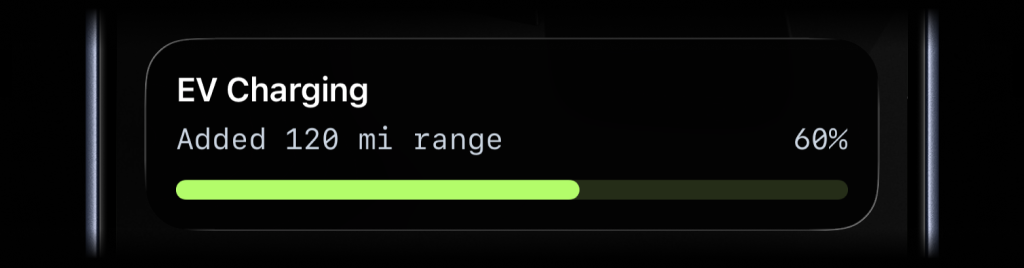
activitysmith.live_activities.update(
    {
        "activity_id": activity_id,
        "content_state": {
            "title": "EV Charging",
            "subtitle": "Added 120 mi range",
            "percentage": 60,
        }
    }
)
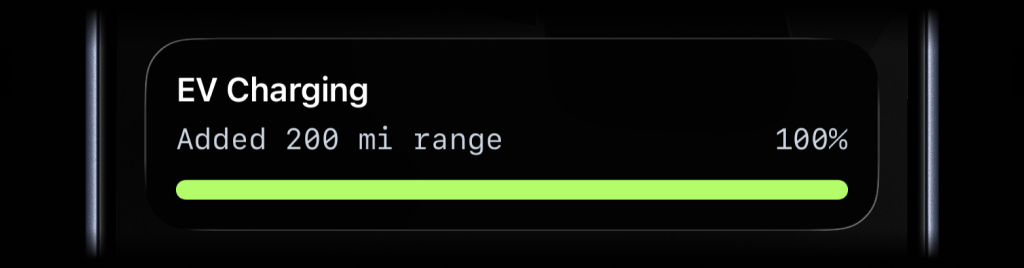
activitysmith.live_activities.end(
    {
        "activity_id": activity_id,
        "content_state": {
            "title": "EV Charging",
            "subtitle": "Added 200 mi range",
            "percentage": 100,
            "auto_dismiss_minutes": 2,
        }
    }
)Just like Actionable Push Notifications, Live Activities can have a button that opens provided URL in a browser or triggers a webhook. Webhooks are executed by the ActivitySmith backend.
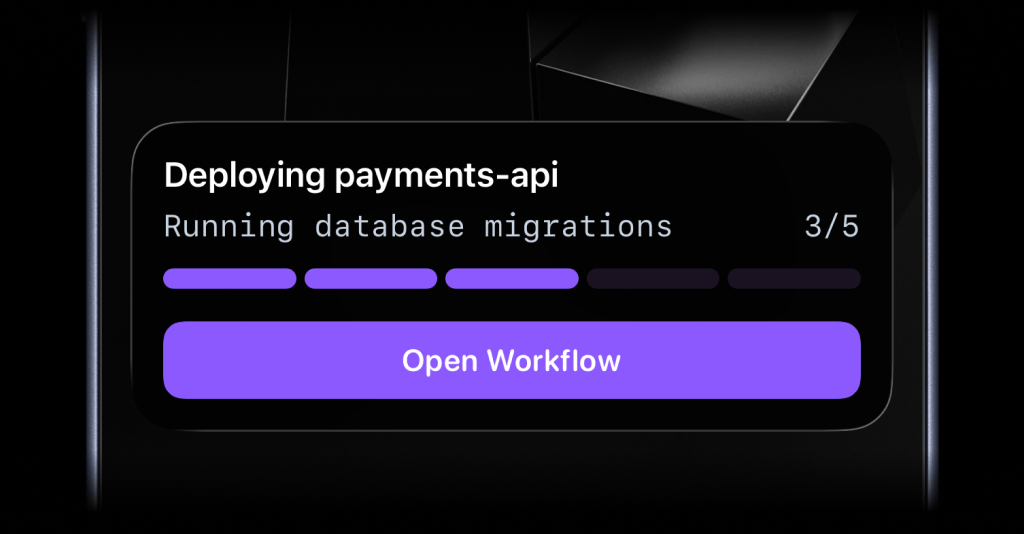
start = activitysmith.live_activities.start(
    {
        "content_state": {
            "title": "Deploying payments-api",
            "subtitle": "Running database migrations",
            "number_of_steps": 5,
            "current_step": 3,
            "type": "segmented_progress",
        },
        "action": {
            "title": "Open Workflow",
            "type": "open_url",
            "url": "https://github.com/acme/payments-api/actions/runs/1234567890",
        },
    }
)

activity_id = start.activity_idactivitysmith.live_activities.update(
{
"activity_id": activity_id,
"content_state": {
"title": "Reindexing product search",
"subtitle": "Shard 7 of 12",
"number_of_steps": 12,
"current_step": 7,
},
"action": {
"title": "Pause Reindex",
"type": "webhook",
"url": "https://ops.example.com/hooks/search/reindex/pause",
"method": "POST",
"body": {
"job_id": "reindex-2026-03-19",
"requested_by": "activitysmith-python",
},
},
}
)Channels are used to target specific team members or devices. Can be used for both push notifications and live activities.
activitysmith.notifications.send(
    {
        "title": "New subscription 💸",
        "message": "Customer upgraded to Pro plan",
        "channels": ["sales", "customer-success"],  # Optional
    }
)try:
activitysmith.notifications.send(
{
"title": "New subscription 💸",
}
)
except Exception as err:
print("Request failed:", err)Request/response models are included and can be imported from activitysmith_openapi.models.
- Python 3.9 or newer
MIT