Skip to content

Latest commit


History

History
19 lines (16 loc) · 1.09 KB

File metadata and controls

19 lines (16 loc) · 1.09 KB

Active Parameters in Jenkins build

Pre-Requisites:

- Jenkins
- docker images with tags in dockerhub

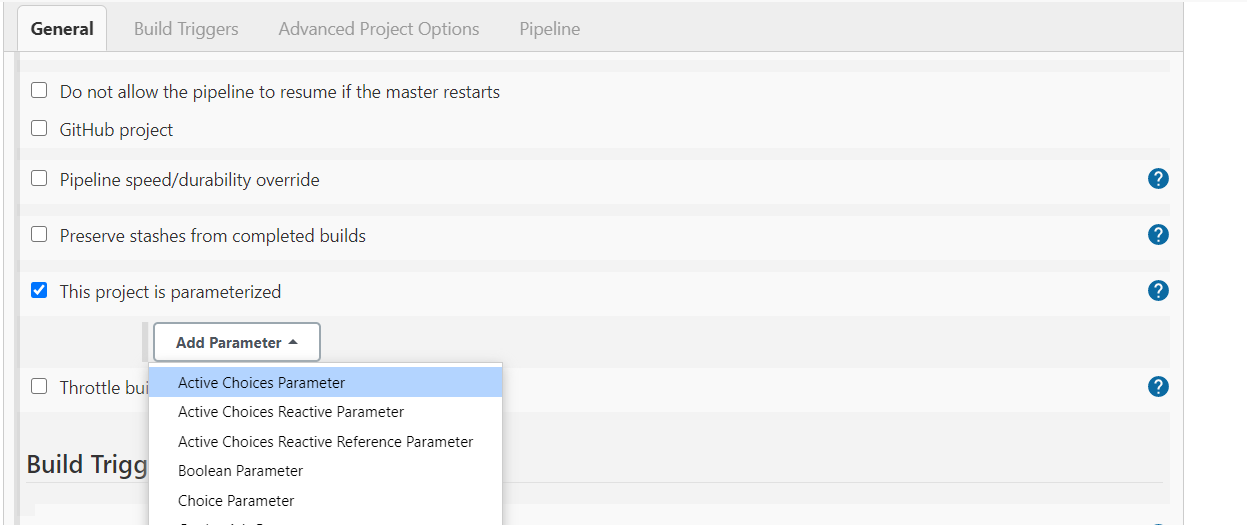
Install Active parameter plugin in jenkins

image

Create new pipeline job and select Active choice parameter

image

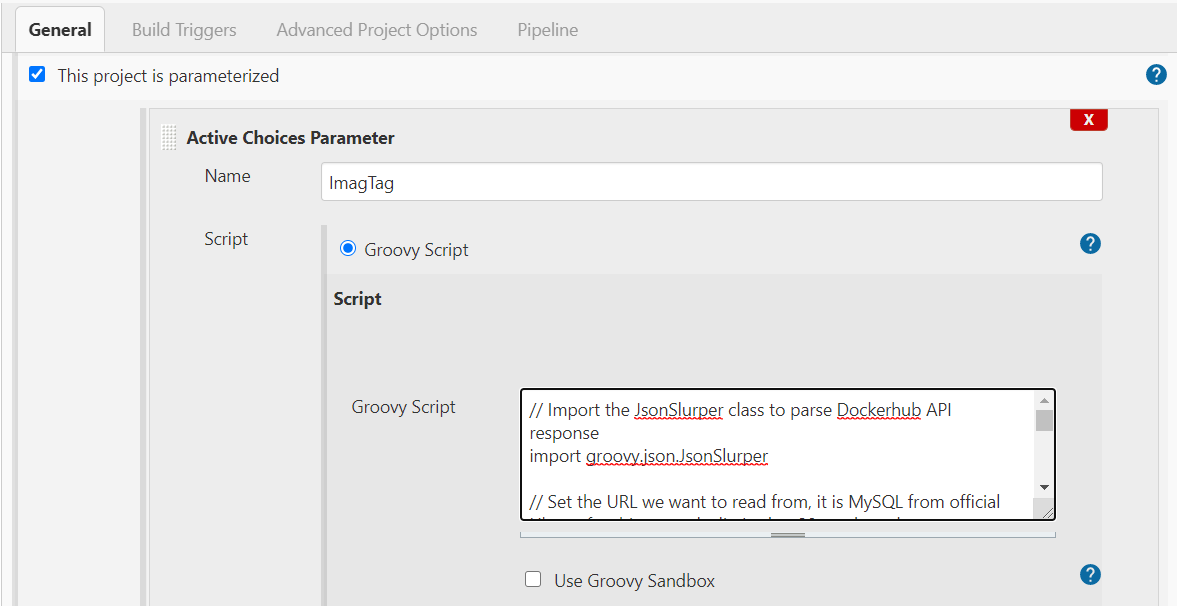
Give Name for Parameter as "ImagTag" and Select redio button of Groovy script

image

Also provide jenkins pipeline script in side pipeline section and click on save
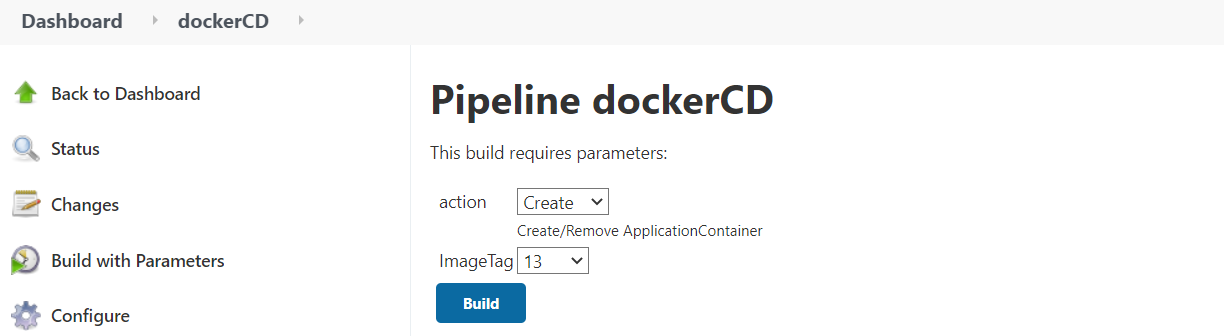
Check Jenkins job by clicking on Build with parameter

image

Open Port number: 8888 in security group and check output in web UI

http://3.238.177.67:8888/hello

image