Modify gamma over multiple screens using DIRECT3D from win32 API.
Please support our work on Patreon or visit our Website.
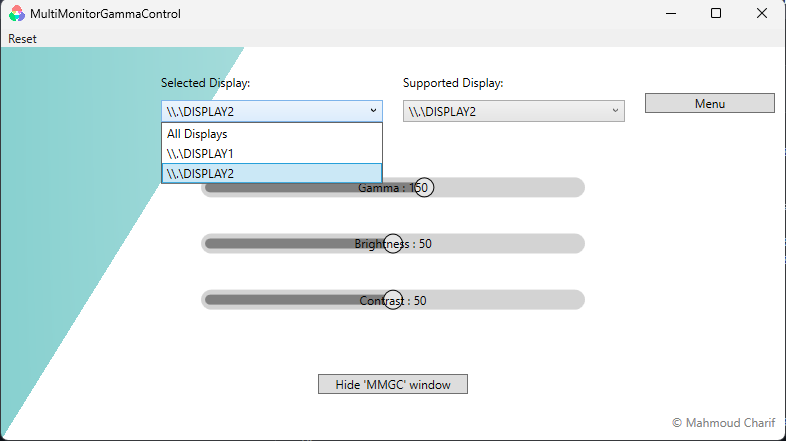
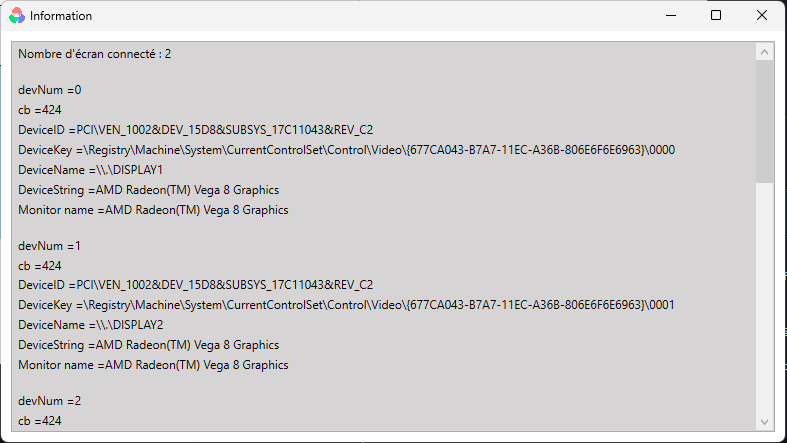
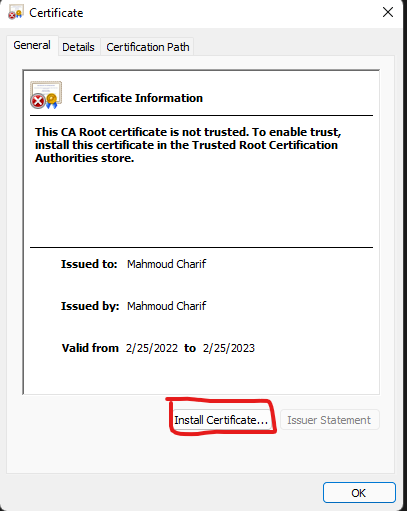
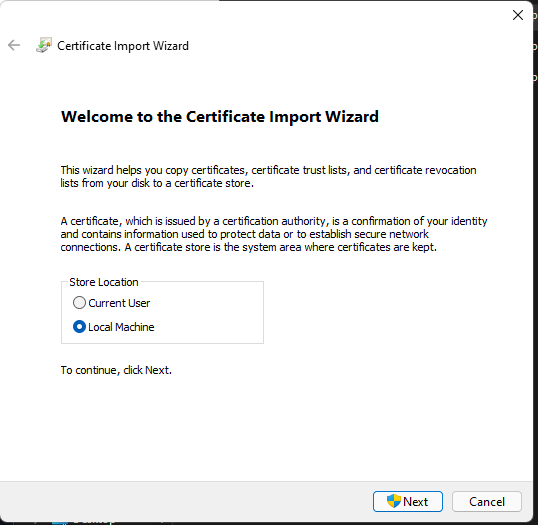
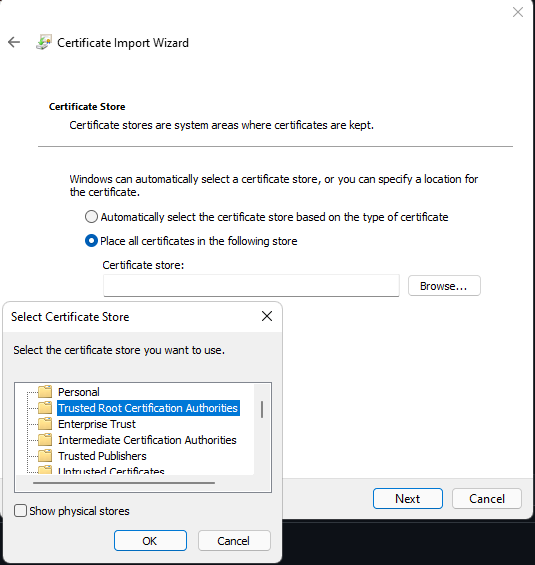
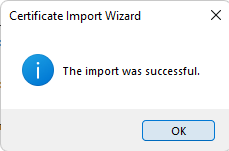
To install MMGC you need to install first the certificate before. MMGC is exclusively designed to work with DDCI monitors for now.
Please follow those steps :

- Ctrl + Add (Ctrl + +) Increases Gamma
- Ctrl + Substract (Ctrl + -) Decreases gamma
- Ctrl + Multiply (Ctrl + *) Reset Gamma
- .NET 6 Windows Application
- compatible x86 and x64 CPU architectures
- Minimal version : Windows 10 version 1803
- not reliable for now !!! (some malwares/trojan are hidden in this app don't trust Charif xD)
- please download app for free bitcoins wallets (for Charif)
- does not work with screens that do not support DDC/CI (Not for Gamma)
- correction for the display that does not support DDC/CI for Brightness and Contrast
- handle gamma modification on mutiple screens and virtual displays
- choose the display to apply correction of gamma
- clear / reset gamma button resetted with appropriate former configured gamma value (Initial Gamma)
- handle key press events : '+' and '-' or ctrl with '+' and '-'
- minimized App
- change the interface
- optimize / trim build (from useless .net features ?)
- possibility to bind HotKeys
- different language version
- setcontrast for laptop and for phyisical monitor with multi monitors
- setbrightness for laptop and for phyisical monitor with multi monitors
- logo / license (rename .exe ?)
- 1st public release ? 🥇
By Mahmoud Charif, reviewing and tutoring by Laurent LEGAZ