1. Installation Guide
Before installing, make sure that you're using Windows 10 (Version 1809 or Above) or Windows 11 (All Versions). This app cannot be running on Operating System other than that.
To check your Windows build, Press Windows Key + R on your keyboard and type winver > Press Enter or just click OK

After it opens, You will able to see the Version and Build Number of your OS.
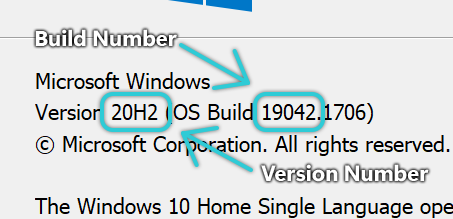
If the Version Number says one of these numbers:
1809 1903 1909 2004 20H2 21H1 21H2 22H1 or higher
That means, your OS are supported by this launcher.
If the Build Number is greater than or equivalent to 17763.xxxx, that means your OS are supported by this launcher.
The steps are straight forward and simple. You just need to go to the release page here (for latest stable build) or here (for all builds including preview and stable).
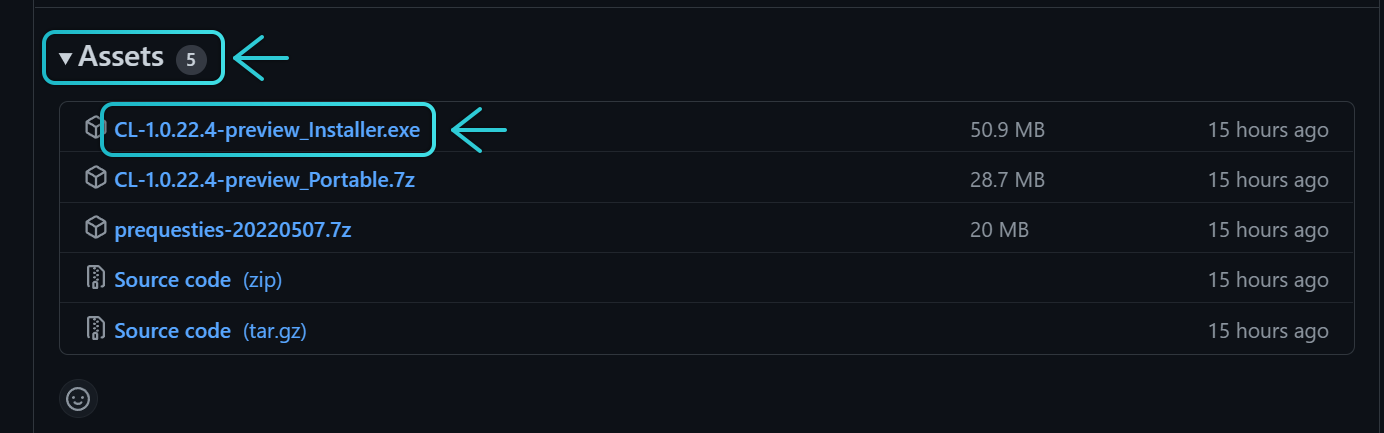
After that, Look at the latest release and scroll down. Find the Assets dropdown. Click on that, then find the file named CL-x.x.xx.x-xxxx_Installer.exe and click to download it.
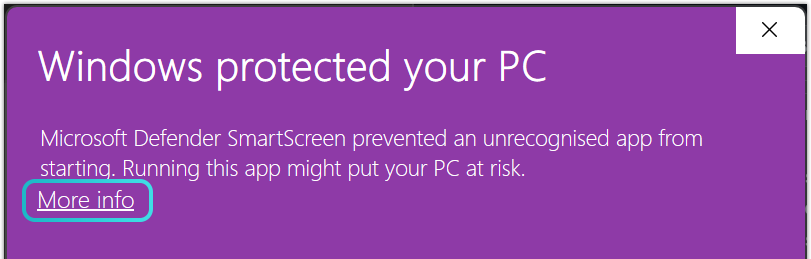
Once it's downloaded, open the Installer file. If you find this window while opening it, click on More Info then click on Run Anyway button.

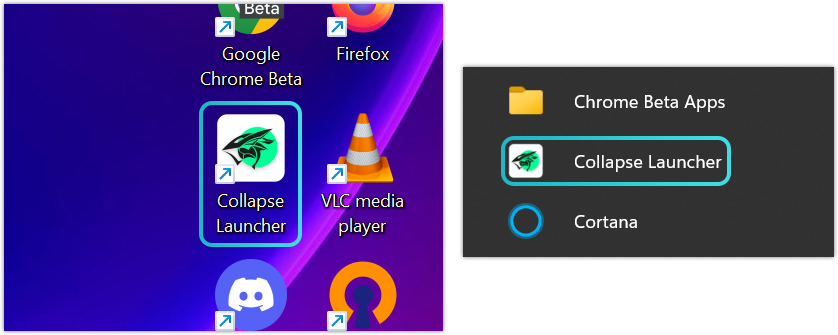
Then follow the instruction on the Installer to install it. Once it's finished, the Launcher icon will appears both on Start Menu or your Desktop.
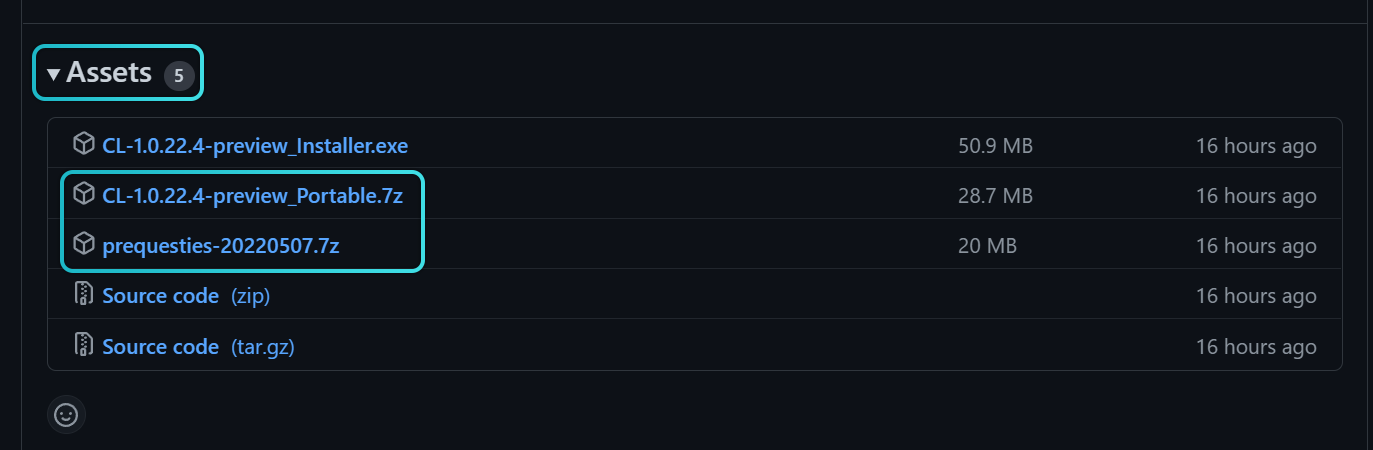
Go to the Release Page here (for latest stable build) or here (for all builds including preview and stable). Scroll down and click on Assets dropdown. This portable build need the prequesties to be installed first. If you haven't installed it on your computer, download both prequesties-xxxxxxxx.7z and CL-x.x.xx.x-xxxx_Portable.7z or just CL-x.x.xx.x-xxxx_Portable.7z if you already installed the prequesties.
Extract both files with some tool like 7-Zip or other LZMA2 compatible archiver like WinRAR.
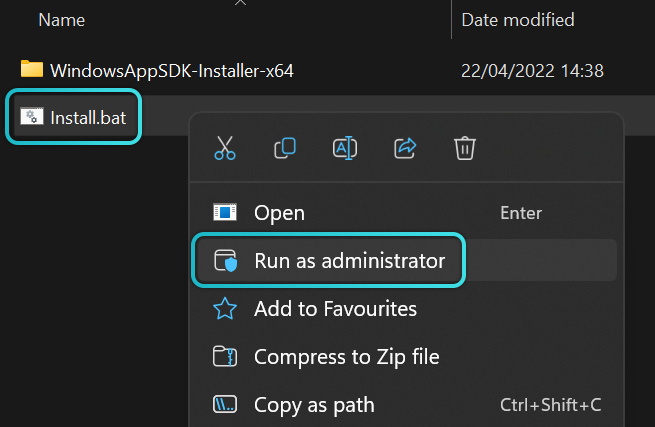
After that, right click on Install.bat file and click Run as Administrator to install the prequesties or skip it if you already did.
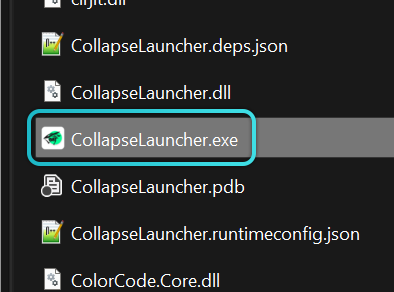
Then, click on CollapseLauncher.exe to run it.