POC Video:
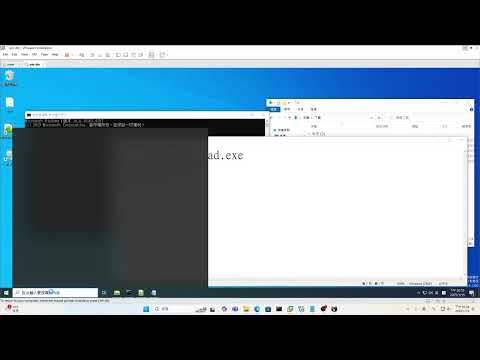
In this program, I hooked GetMessage to obtain the Unicode characters (and ASCII) that IMM uses this API to send to the application. This is how these keyloggers work.
-
Prepare the MinHook Library
First, compile the MinHook library to obtain the necessary.libfiles, then place them in the project directory. -
Build the Project
- Open the solution (
.sln) file in Visual Studio or another supported IDE. - Compile the project.
- Open the solution (
-
Run the Sample
- Open a command prompt (cmd) with administrative privileges.
- Execute the following command to load and run the DLL:
rundll32 IMECoreLogger.dll,IMELoggerEntry
The record will be stored in IMEKeyInputlogger.txt.
The following is the development environment and test environment I implemented.
- Operating System: Microsoft Windows 11 Pro
Version: 10.0.22631, Build 22631 - Development Tool: Visual Studio 2022 (v143)
- Windows SDK: 10
- C++ Standard: ISO C++14
- C Language Standard: Legacy MSVC
- MinHook: MinHookVC17
- Operating System: Microsoft Windows 10 Education Edition
Version: 10.0.18363, Build 18363 - Test Mode