Adding Conditional Control to Text-to-Image Diffusion Models by Lvmin Zhang and Maneesh Agrawala.
This example is based on the training example in the original ControlNet repository. It trains a ControlNet to fill circles using a small synthetic dataset.
Before running the scripts, make sure to install the library's training dependencies:
Important
To make sure you can successfully run the latest versions of the example scripts, we highly recommend installing from source and keeping the install up to date as we update the example scripts frequently and install some example-specific requirements. To do this, execute the following steps in a new virtual environment:
git clone https://github.com/mindspore-lab/mindone
cd mindone
pip install -e ".[training]"The original dataset is hosted in the ControlNet repo. We re-uploaded it to be compatible with datasets here. Note that datasets handles dataloading within the training script.
Our training examples use Stable Diffusion 1.5 as the original set of ControlNet models were trained from it. However, ControlNet can be trained to augment any Stable Diffusion compatible model (such as CompVis/stable-diffusion-v1-4) or stabilityai/stable-diffusion-2-1.
Our training examples use two test conditioning images. They can be downloaded by running
wget https://huggingface.co/datasets/huggingface/documentation-images/resolve/main/diffusers/controlnet_training/conditioning_image_1.png

wget https://huggingface.co/datasets/huggingface/documentation-images/resolve/main/diffusers/controlnet_training/conditioning_image_2.png
export MODEL_DIR="stable-diffusion-v1-5/stable-diffusion-v1-5"
export OUTPUT_DIR="path to save model"
python train_controlnet.py \
--pretrained_model_name_or_path=$MODEL_DIR \
--output_dir=$OUTPUT_DIR \
--dataset_name=fusing/fill50k \
--resolution=512 \
--learning_rate=1e-5 \
--validation_image "./conditioning_image_1.png" "./conditioning_image_2.png" \
--validation_prompt "red circle with blue background" "cyan circle with brown floral background" \
--train_batch_size=4Gradient accumulation with a smaller batch size can be used to reduce training requirements,
export MODEL_DIR="stable-diffusion-v1-5/stable-diffusion-v1-5"
export OUTPUT_DIR="path to save model"

python train_controlnet.py \
 --pretrained_model_name_or_path=$MODEL_DIR \
 --output_dir=$OUTPUT_DIR \
 --dataset_name=fusing/fill50k \
 --resolution=512 \
 --learning_rate=1e-5 \
 --validation_image "./conditioning_image_1.png" "./conditioning_image_2.png" \
 --validation_prompt "red circle with blue background" "cyan circle with brown floral background" \
 --train_batch_size=1 \
--gradient_accumulation_steps=4| red circle with blue background | |
 |
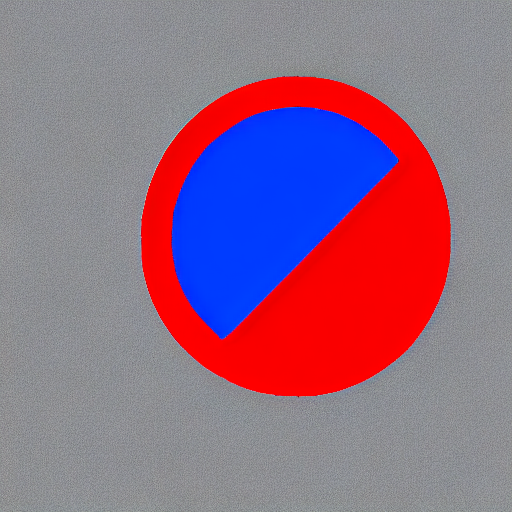 |
| cyan circle with brown floral background | |
 |
 |
| red circle with blue background | |
|
 |
| cyan circle with brown floral background | |
|
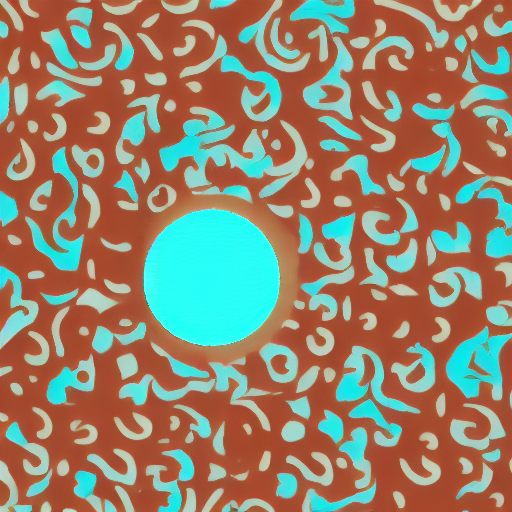 |
The trained model can be run the same as the original ControlNet pipeline with the newly trained ControlNet.
Set base_model_path and controlnet_path to the values --pretrained_model_name_or_path and
--output_dir were respectively set to in the training script.
from mindone.diffusers import StableDiffusionControlNetPipeline, ControlNetModel, UniPCMultistepScheduler
from mindone.diffusers.utils import load_image
import mindspore as ms
import numpy as np

base_model_path = "path to model"
controlnet_path = "path to controlnet"

controlnet = ControlNetModel.from_pretrained(controlnet_path, mindspore_dtype=ms.float16)
pipe = StableDiffusionControlNetPipeline.from_pretrained(
    base_model_path, controlnet=controlnet, mindspore_dtype=ms.float16
)

# speed up diffusion process with faster scheduler
pipe.scheduler = UniPCMultistepScheduler.from_config(pipe.scheduler.config)

control_image = load_image("./conditioning_image_1.png")
prompt = "pale golden rod circle with old lace background"

# generate image
generator = np.random.Generator(np.random.PCG64(0))
image = pipe(
    prompt, num_inference_steps=20, generator=generator, image=control_image
)[0][0]
image.save("./output.png")We provide a training script for training a ControlNet with Stable Diffusion XL. Please refer to README_sdxl.md for more details.