This module includes all the primary sources required to build and development of web appications using JAQ Stack.
System requirements
 Image: Folder structure
-
Create a new directory and cd to it
$ mkdir projectscd projects
-
Clone git repository
git clone https://github.com/ksurendra/jaqstack.git[Note: 'ksurendra' will change for you. Copy from github]
-
Jaq-stack directory will be created with sources in it
cd jaq-stack
-
Build the project
mvn clean package
-
If the build goes well, you will see the output as below
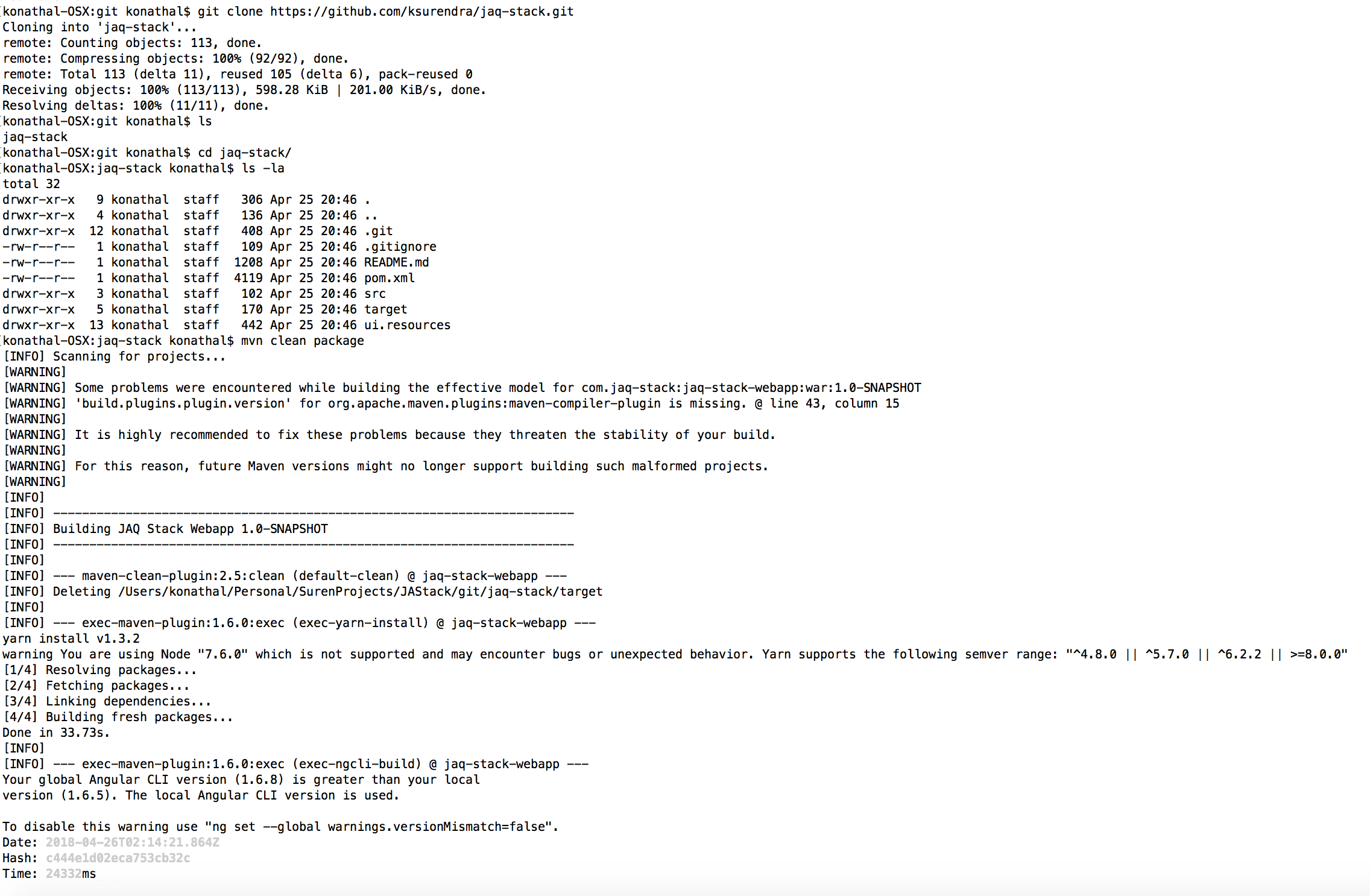 Image: Sample build screen 1
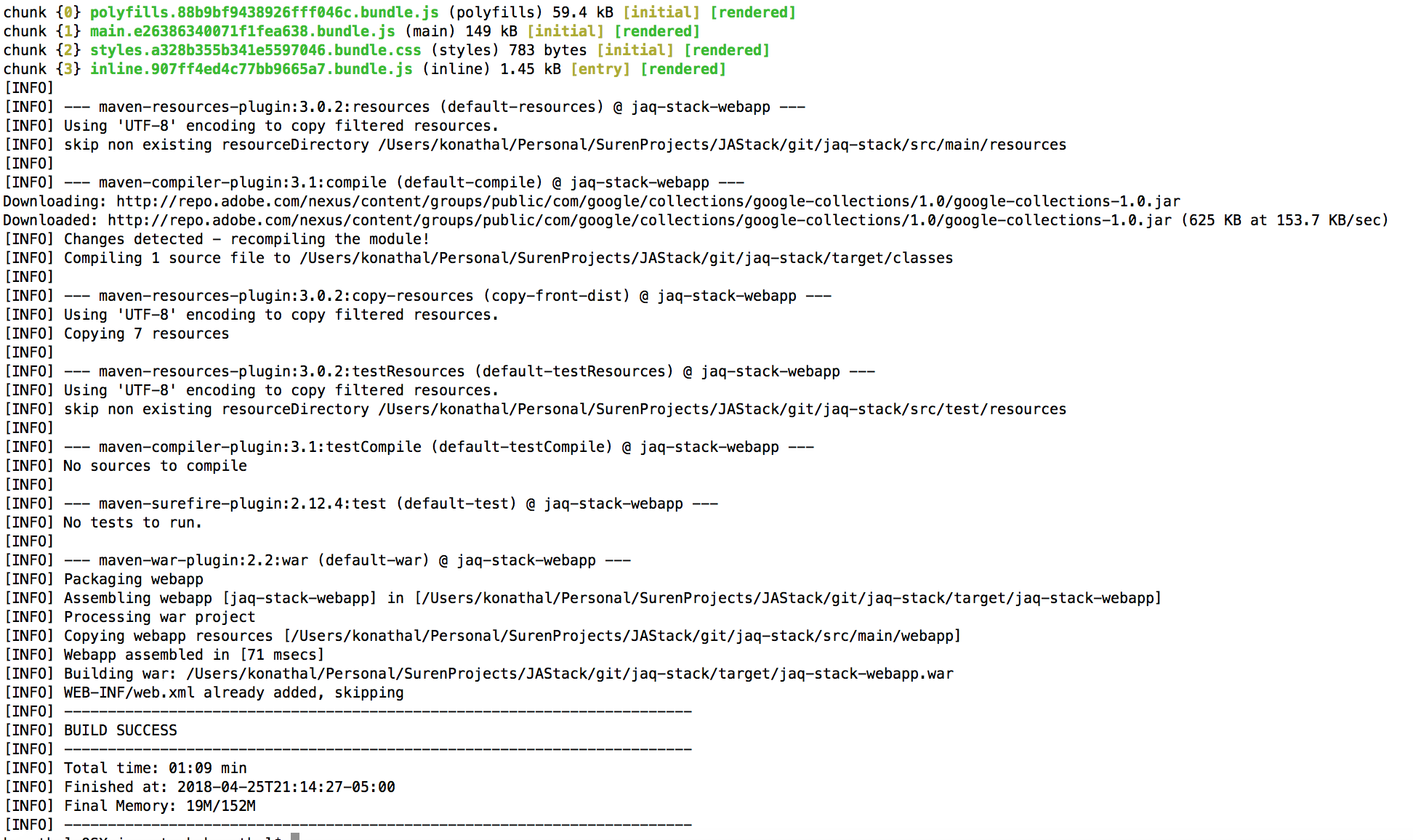 Image: Sample build screen 2
 -
The above will generate a
warfile named `` under/jaq-stack/target/jaq-stack-webapp.war -
Deploy this
warto any web application server like Tomcat, Jetty, etc
Using Tomcat as an example:
- Open tomcat's admin console like
http://sampleserver.com:8080/manager/html - Choose
Select WAR file to upload, uplaod thejaq-stack-webapp.war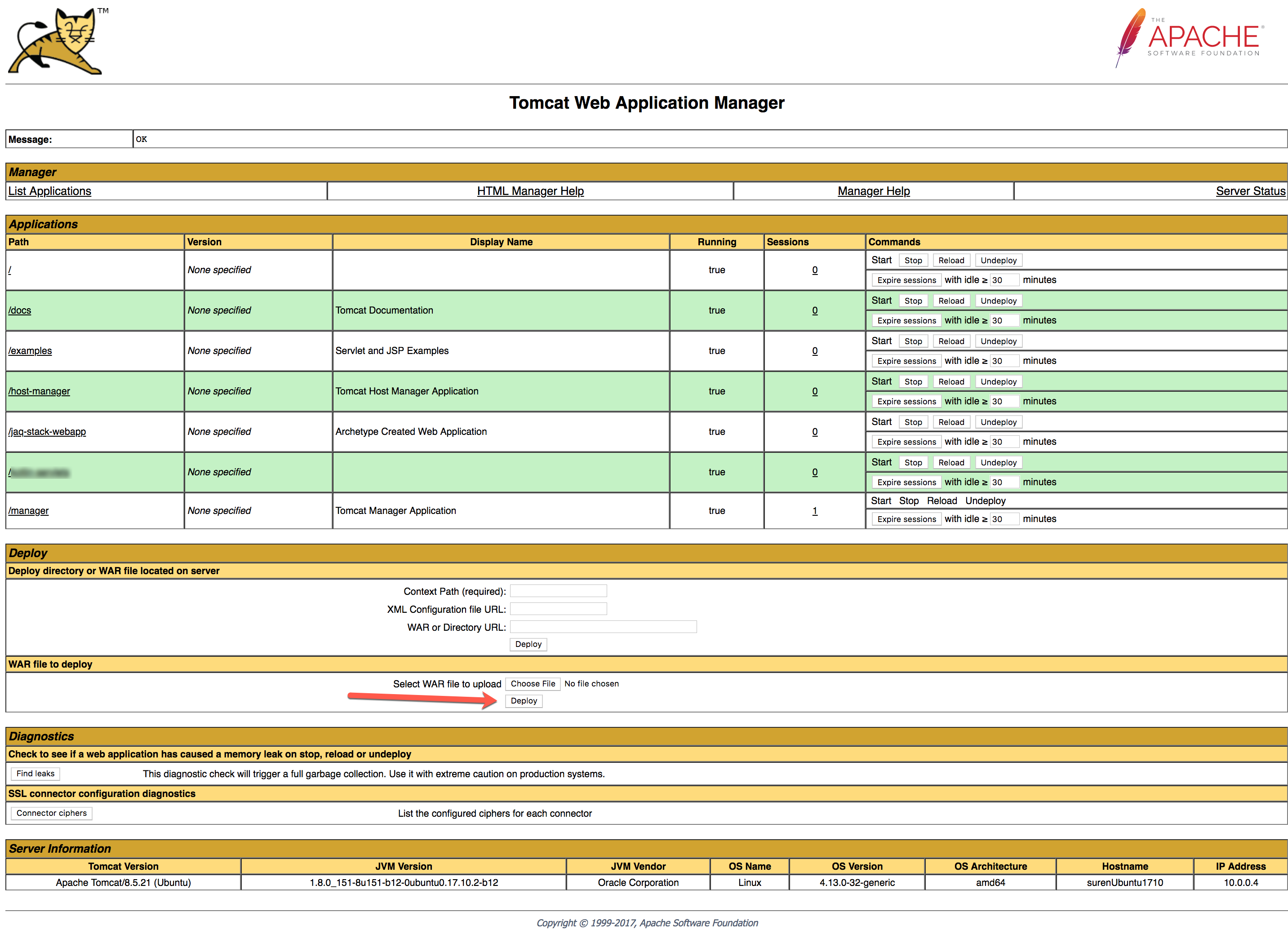 Image: Sample Tomcat admin console screen
 - If the deployment is successful, you can see
/jaq-stack-webappin the deployed applications. - Open a new browser and use this url
http://samplesever.com:8080/jaq-stack-webapp/. You should seeJava Hello World!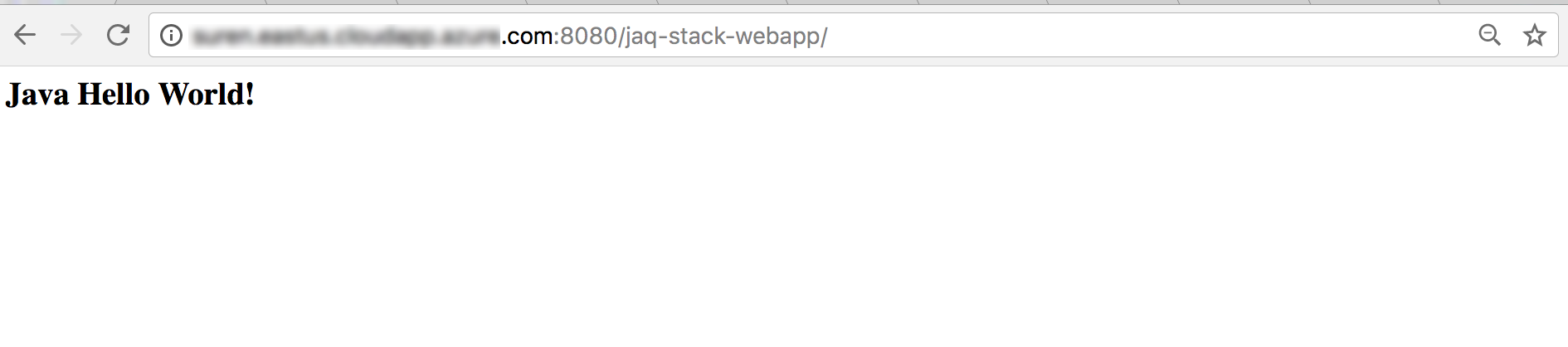 Image: Sample jaq-stack-webapp page on browser
-
Main application
http://sampleserver:8080/jaq-stack-webappImage: Sample jaq-stack-webapp page on browser -
Initializr Theme
http://sampleserver:8080/jaq-stack-webapp/initializr/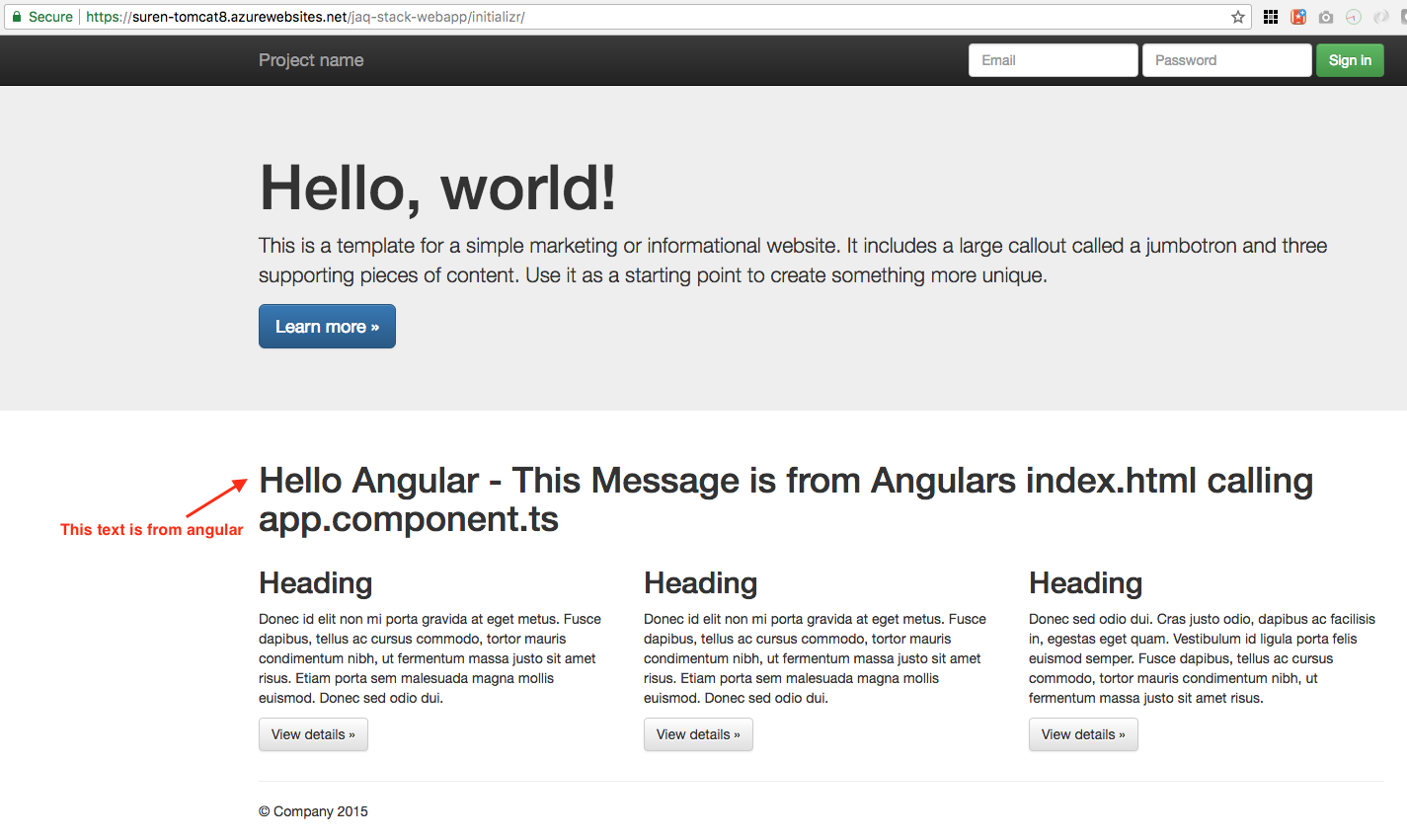 Image: Sample jaq-stack-webapp page on browser
 -
Sample servlet
http://sampleserver.com:8080/jaq-stack-webapp/simple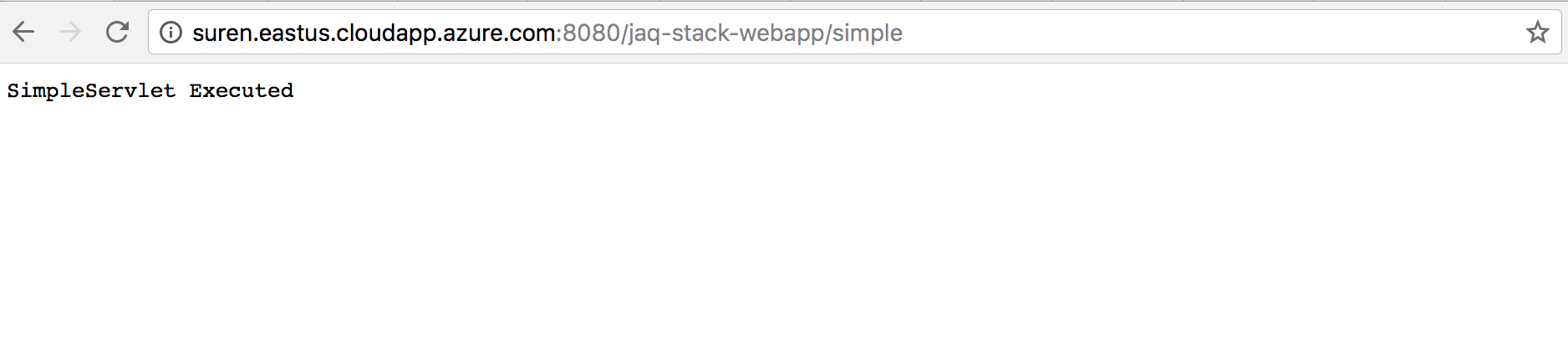 Image: Sample jaq-stack-webapp page on browser
- If
mvn packagecommand fails showing that ng fails,then run try thissudo npm install -g @angular/cli- If installation of the above goes into infinite loop, then
mkdir ~/.npm-globalnpm config set prefix ~/.npm-globalexport PATH=~/.npm-global/bin:$PATH- Back on the command line, update your system variables:
source ~/.profile