This setup requires you to have a working installation of Houdini with Dash, as well as a copy of Python (3.8 to 3.13). There is some necessary configuration to get this working, which will be covered in the following sections.
The Card-Jitsu Snow engine needs a special "WNS URL", to be able to connect to the right server.
You can find this URL inside your index.html file, and searching for "wns".
If you have Houdini set up with Wand, it would look something like this:
-
Open the
templates/vanilla-media/play/index.html.templatefile in your editor of choice -
Change the line with
"wns":"n7vcp1clubpwns.clubpenguin.com"to"wns":"{{ (parseUrl .Env.WEB_VANILLA_PLAY).Host }}" -
Restart nginx:
sudo docker-compose restart web
This may be different for your setup of course. The important part is that the WNS URL is set to your vanilla play URL, i.e. "play.localhost", or "localhost/play/".
This step is not required if you run this project locally!
Dash will tell the Card-Jitsu Snow client where the game server is located, and thus needs to have the right configuration as well.
-
Open the
settings.pyfile inside thedashfolder -
Search for a line with
CJS_HOST -
Change the content of the
CJS_HOSTto your public ip address -
Restart dash
And now, we need to set up the actual repository.
-
Clone this repository:
git clone https://github.com/Lekuruu/snowflake.git -
Rename the
.env_examplefile to.envand edit it, to match your setup -
Install the requirements:
pip install -r requirements.txt -
Run the server:
python main.py
Snowflake includes a recreation of the Card-Jitsu Snow beta as a toggleable option. If you wish to use this feature, you'll need to add a few new SWF files.
-
cardjitsu_snowpayoutbeta.swf and cardjitsu_snowplayerselectbeta.swf both need to be in
/game/mpassets/minigames/cjsnow/en_US/deploy/swf/ui/windows/. -
cjsnow_uiassetsbeta.swf and cjsnow_playerselectassetsbeta.swf both need to be in
/game/mpassets/minigames/cjsnow/en_US/deploy/swf/ui/assets/.
If something went wrong, you will most likely see this screen pop up:
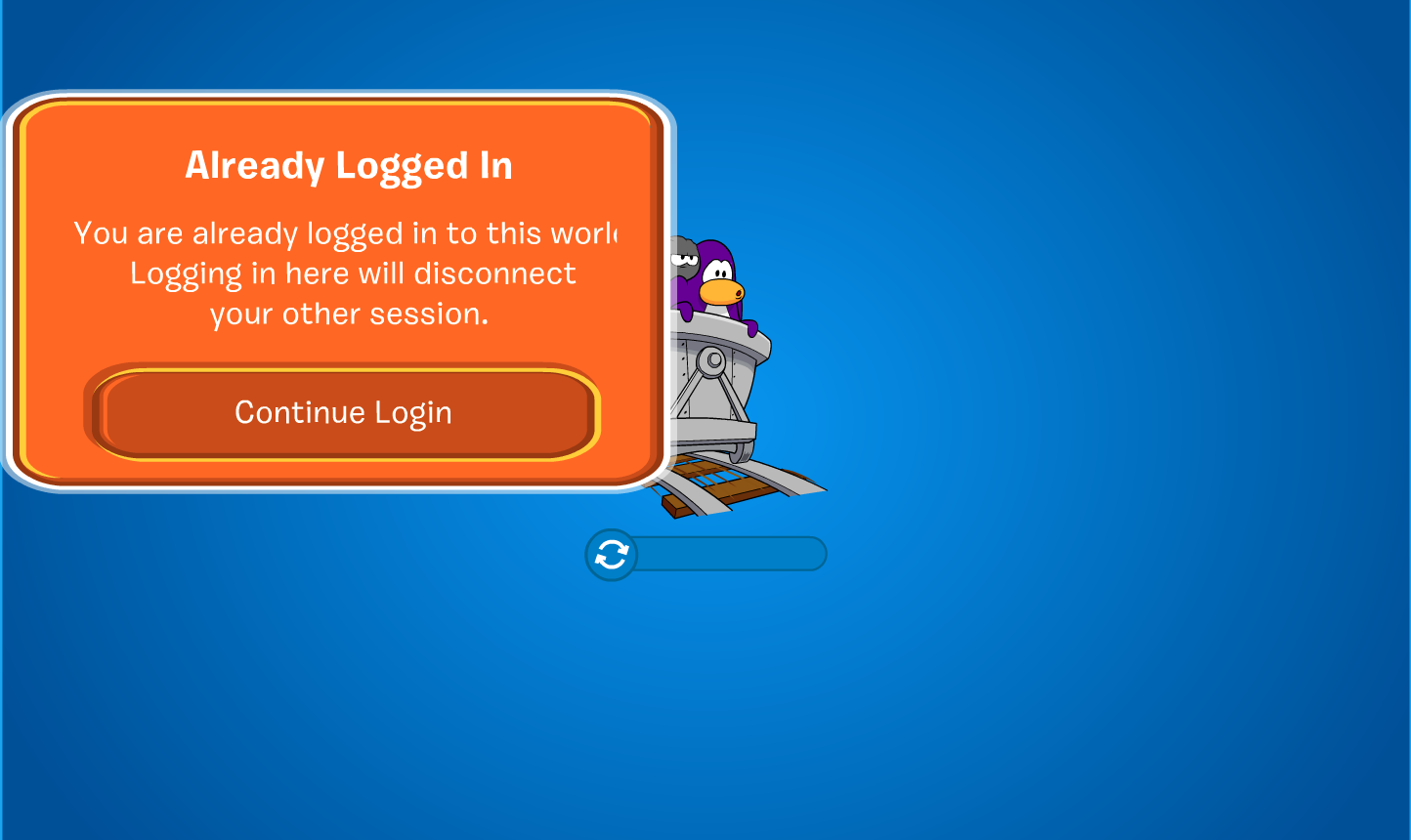
There are many reasons why this could be happening. Here are some basic things to check:
-
Ensure that port 7002 is accessible from the outside
-
Check if your
crossdomain.xmlis accessible under<your_play_url>/crossdomain.xml -
Ensure you set the right media url in the
.env -
Ensure your copies of houdini and dash are up-to-date
There have been multiple users experiencing issues with flash's policy file requests (e.g. in here).
This might be resolved, by setting ENABLE_POLICY_SERVER to True in your .env file.
You might want to check if your server is https only, i.e. only allowing secure ssl connections. If that is the case, you need to replace the flash_client_base_fp11.swf inside /game/mpassets/playclients/r3662/ with this file.
Feel free to contact me on Discord (@lekuru), or per E-Mail (contact@lekuru.xyz), for further support.