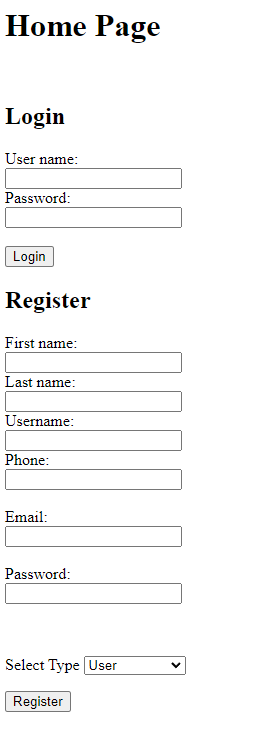
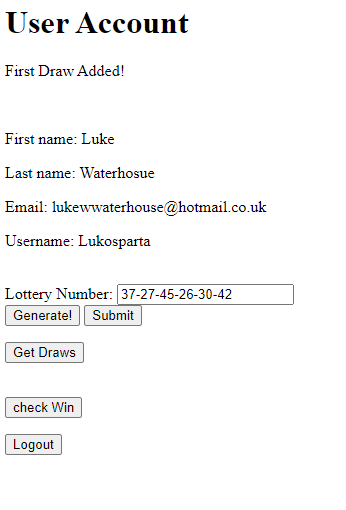
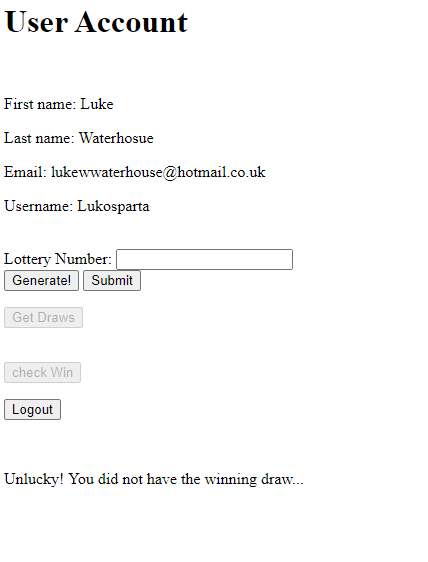
This project was a part of my Security programming paradigms module at University and although the development framework is quite outdated it gave me good practice of some core security principles
If you want to run both Tomcat Server and MySQL on Docker the docker-compose.yml file which will do everything for you.
The docker-compose.yml will set up both Tomcat Server and MySql database server in one go and create a Docker network. To run the file open a terminal in the CSC2031 Coursework folder (containing this README file) and simply run:
docker-compose up
You should see a lot of commands appearing in the terminal as this are set up. Once you see something like below everything should be good to go:
ready for connections. Version: '8.0.21' socket: '/var/run/mysqld/mysqld.sock' port: 3306 MySQL Community Server - GPL.
Open a browser and head to http://localhost:44444
When you have finished using Docker it is best to stop it.
-
On the terminal hit CTRL-C to get a prompt
-
docker-compose down
If you are running a local tomcat server during development and mysql database in Docker then instructions to run the database are in the MySQL Database folder (README FILE)
IMPORTANT: You will need to use the following URL in your Java code if running a local tomcat server on your computer and MySQL in Docker. This needs to be used in all your Java Servlets which are connecting to the mysql database
String DB_URL = "jdbc:mysql://localhost:33333/lottery";
You can add a local tomcat server to your project in IntelliJ.
- Select IntelliJ IDEA -> Preferences -> Build, Execution, Deployment -> Application Servers
- Click the + to add new server and follow instructions. You will need to point to the location of where your tomcat download is in your directory (tomcat home).
- Get MYSQL docker image running
- In IntelliJ hit run (green triangle) - your web app should deploy onto tomcat for you and open in a browser.
- To stop tomcat in IntelliJ hit stop (red square)
If you are running a local tomcat server and MySQL database server during development you will need to use the following URL. This needs to be used in all your Java Servlets which are connecting to the mysql database
String DB_URL = "jdbc:mysql://localhost:3306/lottery";