| marp | true |
|---|---|
| theme | nypl |
| paginate | true |
Markdown-based presentation template for The New York Public Library

-
Marp is a markdown presentation ecosystem. It provides a CLI tool to convert markdown files into PDF, PowerPoint, and HTML slide decks.
-
Syntax is based on GitHub Flavored Markdown, so you can write slides in a familiar way.
-
Inserting
---creates a new slide.
Add a YAML front matter to the top of your markdown file...
---
marp: true
theme: nypl
---
...and split pages by horizontal ruler (---). It's very simple!
# Slide 1

foobar

---

# Slide 2

foobarRun following commands in your terminal:
# PDF output
$ npx @marp-team/marp-cli@latest sample.md --theme-set ./css

# Watch mode for live preview
$ npx @marp-team/marp-cli@latest sample.md --theme-set ./css -w- Install extention: Marp for VS Code
- Go to settings and search for
markdown.marp.themes - Add the following url:
https://raw.githubusercontent.com/NYPL/nypl-marp-template/refs/heads/main/themes/nypl-marp-template.scss
- Open your markdown file in VS Code.
- Press
Ctrl+Shift+V(orCmd+Shift+Von Mac) to open the Marp preview pane. - Use the VS Code command palette (
Ctrl+Shift+PorCmd+Shift+P) and search for "Marp: Export Slide Deck" to export your slides as PDF or PowerPoint.
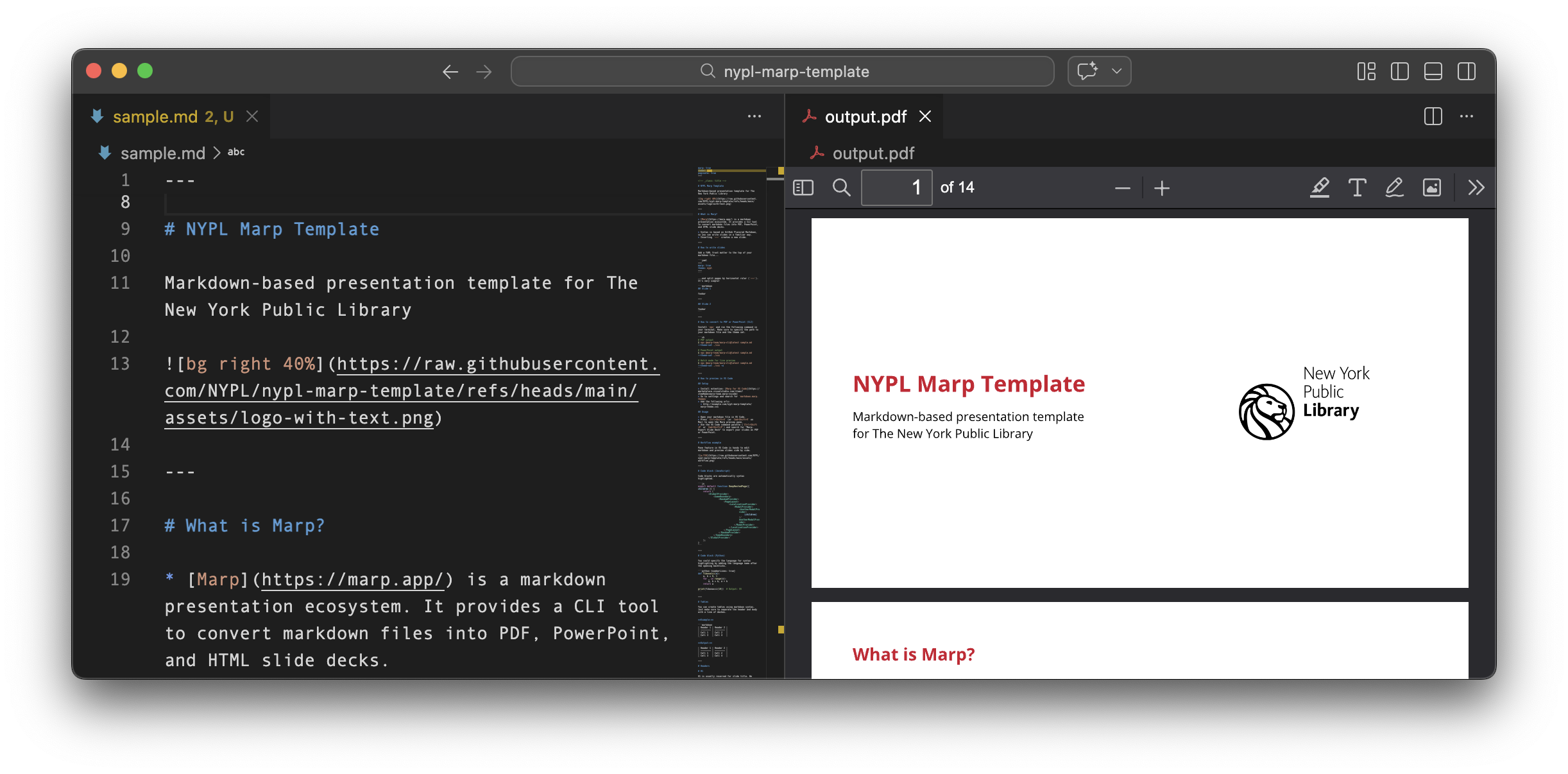
Pane feature in VS Code is handy to edit markdown and preview slides side by side.
Supports syntax highlighting.
function fibonacci(n) {
  let a = 0, b = 1;
  for (let i = 0; i < n; i++) {
    [a, b] = [b, a + b];
  }
  return a;
}

console.log(fibonacci(10));  // Output: 55
def fibonacci(n):
a, b = 0, 1
for _ in range(n):
a, b = b, a + b
return a
print(fibonacci(10)) # Output: 55def fibonacci(n)
a, b = 0, 1
n.times do
a, b = b, a + b
end
a
end
puts fibonacci(10) # Output: 55- old line
+ new lineSupports table markdown syntax.
Example:
| Header | Header | Header | Center | Right |
| ------ | ------ | ------ | :----: | ----: |
| Cell   | Cell   | Cell   |  Cell  |  100% |
| Cell   | Cell   | Cell   |  Cell  |   50% |
| Cell   | Cell   | Cell   |  Cell  |   30% |
Output:
| Header | Header | Header | Center | Right |
|---|---|---|---|---|
| Cell | Cell | Cell | Cell | 100% |
| Cell | Cell | Cell | Cell | 50% |
| Cell | Cell | Cell | Cell | 30% |
H1 is usually reserved for slide title. We recommend using H2 - H4 for content.
NYPL’s Mission Statement
The mission of The New York Public Library is to inspire lifelong learning, advance knowledge, and strengthen our communities.
To deliver on this promise, we rely on three great resources—our staff, our collections, and our physical and digital spaces—to provide opportunities for learning and growth to all New Yorkers.
Bold text is supported, as well as italic and bold italic. You can also create lists:
- Unordered list item 1
- Unordered list item 2
- Unordered list item 3
- Unordered list item 4
- Ordered list item 1
- Ordered list item 2
- Ordered list item 3
You can insert links and images using markdown syntax. With size modifiers (e.g. w:300 left), you can adjust the size of images to fit your slides.
We could also use $$ to render it as a block, or in $ to render it inline.