Creating new sitemap configuration
Every sitemap need to have configuration in Sitecore. Follow these steps to create new sitemap configuration.
-
Go to
/sitecore/system/Modules/Dynamic Sitemap XMLbranch in Sitecore -
Create there new item based on template General Configuration. Name of this item must be equal to site name in Web.config. By default there is an item with name Website
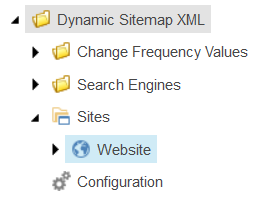
- In this item we can configure several things:
- Search Engines – engines to which sitemap will be sent
- Included Templates – templates which will be included in sitemap
- Excluded Items – items which will be excluded from sitemap
- Excluded Paths – whole paths that will be excluded from sitemap
- Root Item – root item for site content – e.g. Home item
-
Sitemap File Name – file name for generated sitemap. By default file name looks like
sitemap-sitename-language.xml, e.g.sitemap-website-en.xml - Server Host – host that will replace default host name in links
- Default Change Frequency – value that will be used by default for element . If this field is empty – that element won’t be added.
- Default Priority - value that will be used by default for element . If this field is empty – that element won’t be added.
- Beneath General Configuration item we can specify additional configurations:
Change Frequency Definitions – these are definitions for specifying <changefreq> element. There are two types of definition:
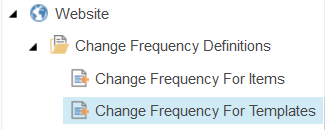
- Change Frequency For Items – here we can specify which items will have selected change frequency value
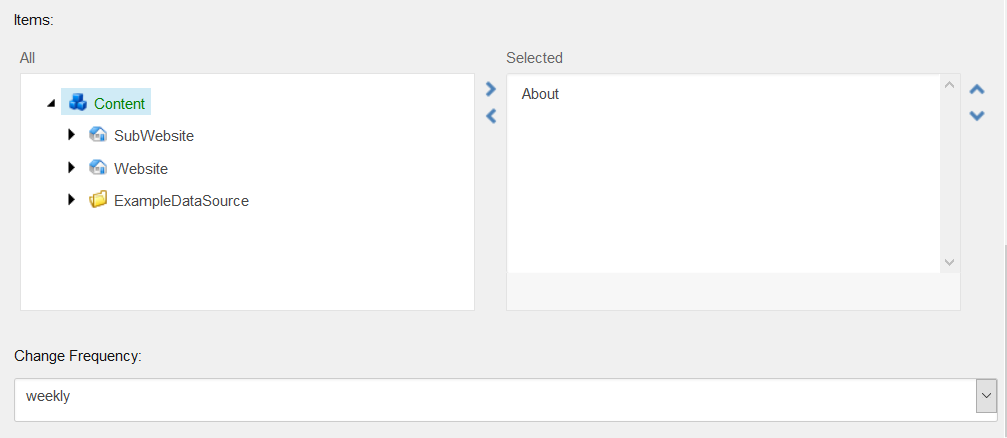
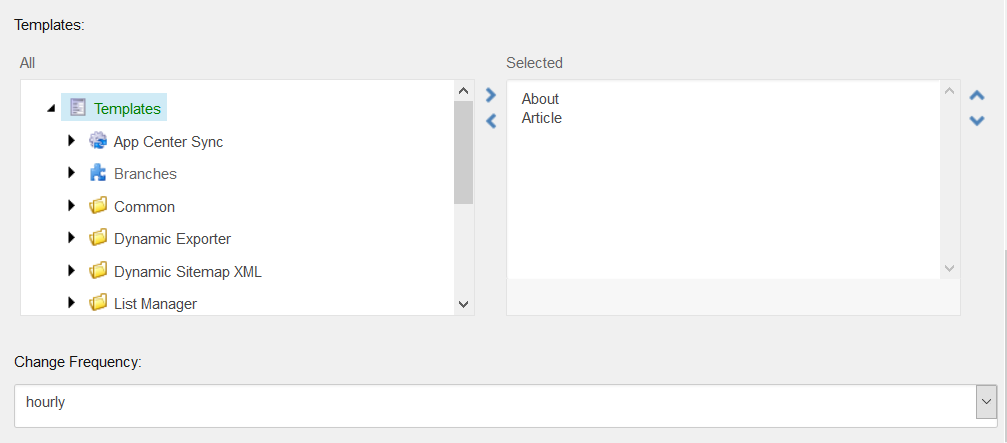
- Change Frequency For Templates – here we can specify which templates will have selected change frequency value:
Priority Definitions – similarly to change frequency, we can specify definitions for <priority> element. There are two types of definition
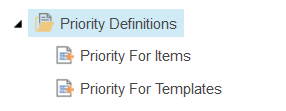
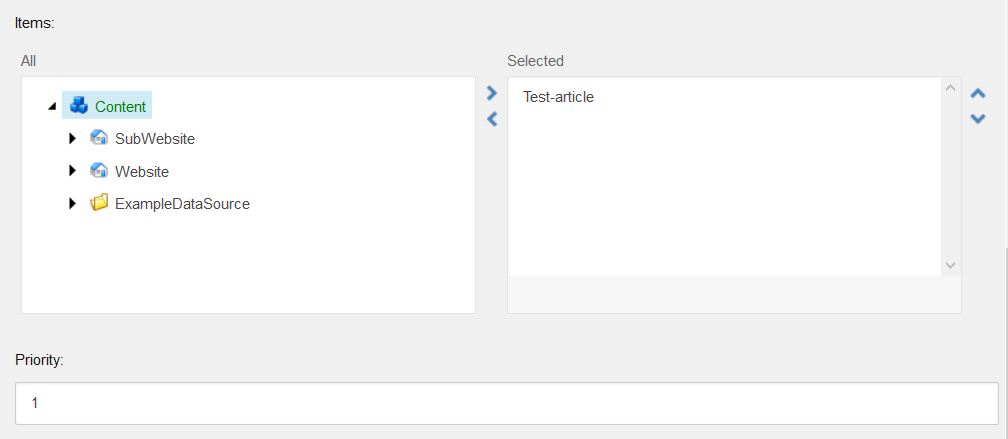
- Priority For Items - here we can specify which items will have selected priority value
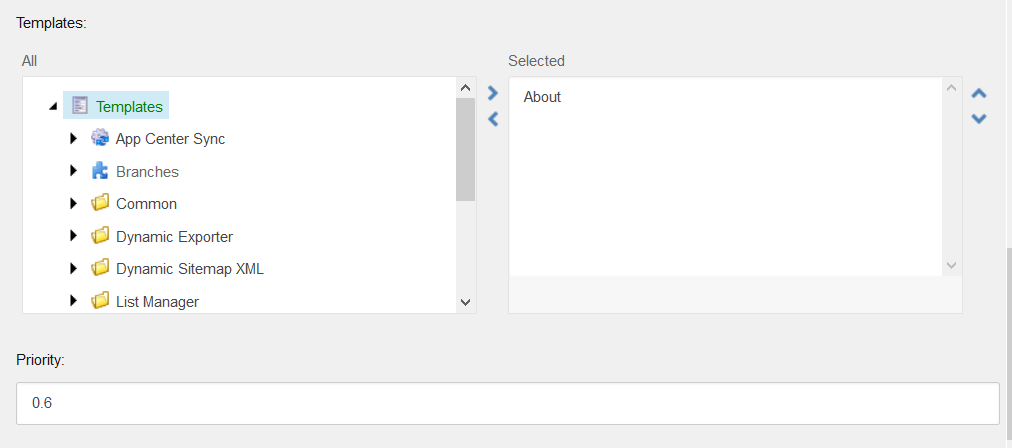
- Priority For Templates - here we can specify which templates will have selected priority value