Orchestration project with Vagrant and Kubernetes 3d & 3s
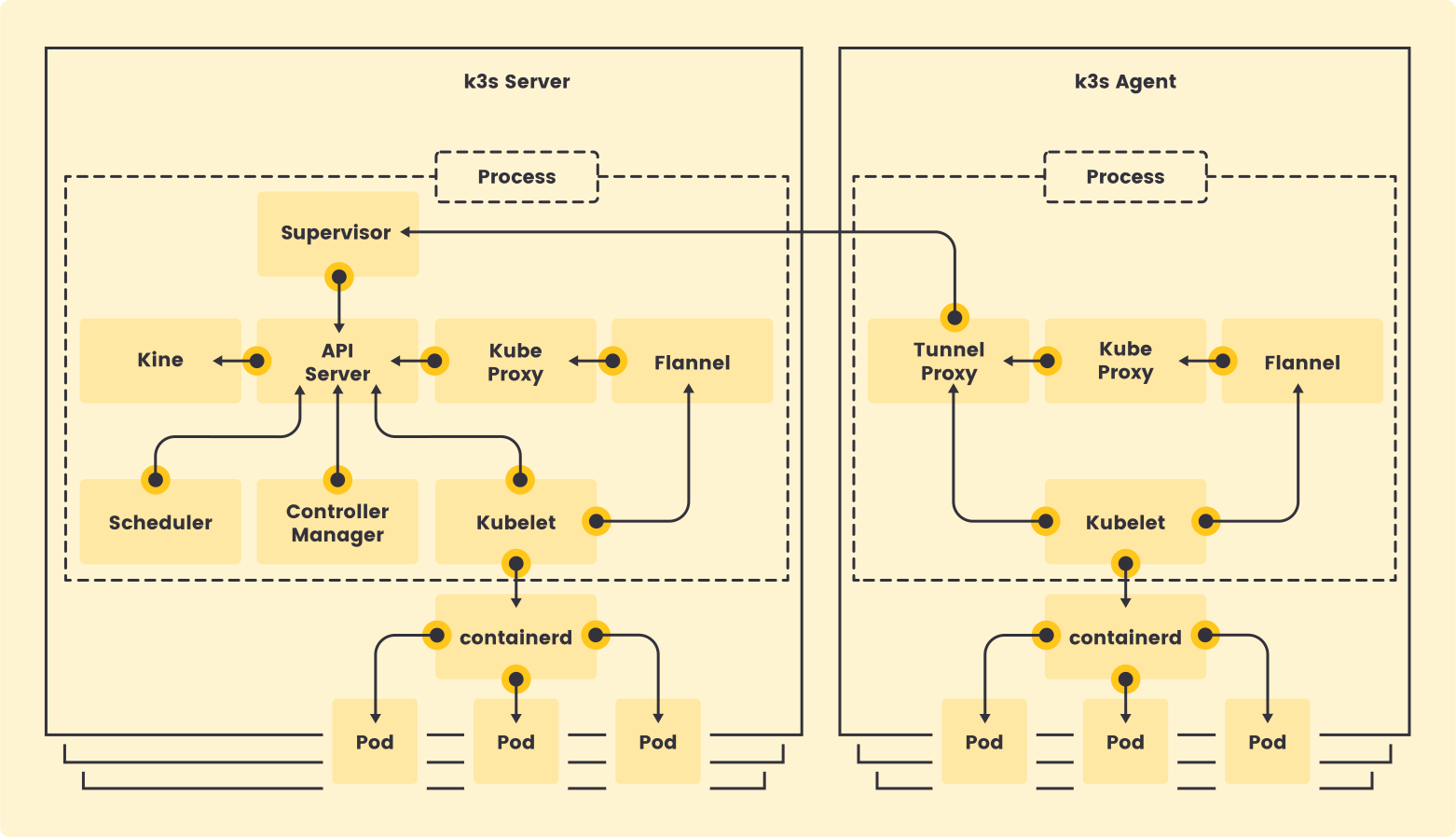
K3S is a lightweight Kubernetes distribution designed for resource-constrained environments and edge computing. It simplifies the deployment and management of Kubernetes clusters by reducing the complexity and resource requirements typically associated with standard Kubernetes installations.
Flannel is a virtual network that connects containers across multiple hosts. It is often used as a network fabric for Kubernetes clusters, providing a layer 3 network that enables pods to communicate with each other regardless of the host they are running on.
Vagrant is a tool for building and managing virtualized development environments. It allows developers to create reproducible and portable development environments using simple configuration files. Vagrant can work with various virtualization providers, such as VirtualBox, VMware, and cloud providers like AWS and Azure.
When you use vagrant up, Vagrant looks for a file named Vagrantfile in the following order:
[home]/[current_user]/[parent_dir]/[current_directory]/Vagrantfile
[home]/[current_user]/[parent_dir]/Vagrantfile
[home]/[current_user]/Vagrantfile
[home]/Vagrantfile
/Vagrantfile
To create a vagrant file, simply create a file named Vagrantfile in the desired directory and define your virtual machine configuration using the Vagrant configuration syntax.
Vagrant.configure("2") do |config|
  config.vm.box = "ubuntu/bionic64"

  config.vm.network "forwarded_port", guest: 80, host: 8080

  config.vm.provision "shell", inline: <<-SHELL
    apt-get update
    apt-get install -y apache2
  SHELL
endvagrant up
vagrant halt
vagrant destroy# Remove a VM
vagrant destroy <vm_name>
# Force removal
vagrant destroy <vm_name> --force# List of runnings VMs
VBoxManage list runningvms# Kernel-based Virtual Machine: conflict resolution - unload KVM modules
sudo modprobe -r kvm_intel kvm