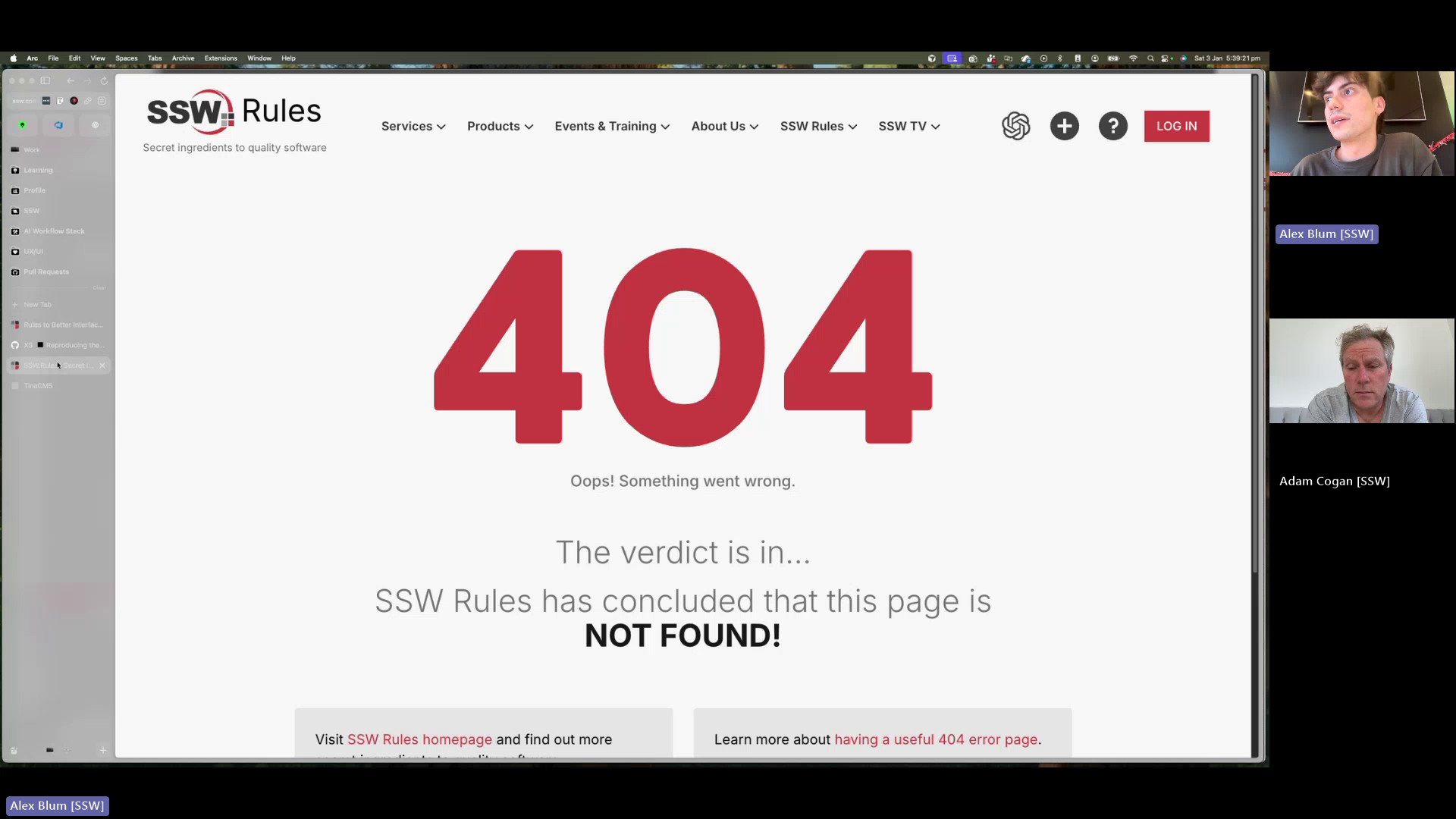
🟥 🐛 Bug - Invalid URI in 'Related Rule' section breaks the rule #2265


Description

Requested by: @designbyalex via YakShaver.ai 🦬
cc: @designbyalex, @adamcogan, @Marxoz, @PothieuG, @Freego1783
Hi Team!
🟥 Watch the video (2 min 21 sec)
Url from screen share: https://rules.ssw.com.au
Pain
- A Rule breaks (404 error) when a Related Rule contains an invalid URI / slug / path.
- This commonly occurs when a folder name or slug is renamed, but existing Rules still reference the old path.
- The resulting 404 error is misleading and provides no indication of the real issue.
- When a Rule is broken in this way, it cannot be opened or edited in TinaCMS, preventing non-technical users from fixing it.
- The only workaround is a manual fix in GitHub:
- Locate the correct
rule.mdx - Identify the invalid Related Rule path
- Update it to the correct URI
- Locate the correct
This creates unnecessary friction and blocks content fixes for editors who rely on TinaCMS.
Acceptance Criteria
- Broken Rules caused by invalid Related Rule URIs can still be opened in the TinaCMS editor.
- TinaCMS clearly flags invalid URIs / slugs within the Related Rule section.
- Editors can update and fix invalid URIs / slugs directly in TinaCMS.
- The system displays a clear and accurate error message indicating that a Related Rule link is broken (instead of a generic 404).
Steps to Reproduce
- Open any
rule.mdxfile in GitHub. - Add a Related Rule with an invalid or non-existent path.
- Deploy the change to PROD.
- Open the Rule on the website and observe the page breaking with a 404.
- Attempt to open the same Rule in TinaCMS.
- Confirm that the Rule cannot be edited or fixed via the editor.
Screenshot
Figure: Incorrect path in related rule breaks page, preventing edits.