✨ Feature - Create install page for desktop app #729

Description

@calumjs @ricksu978 @adamcogan
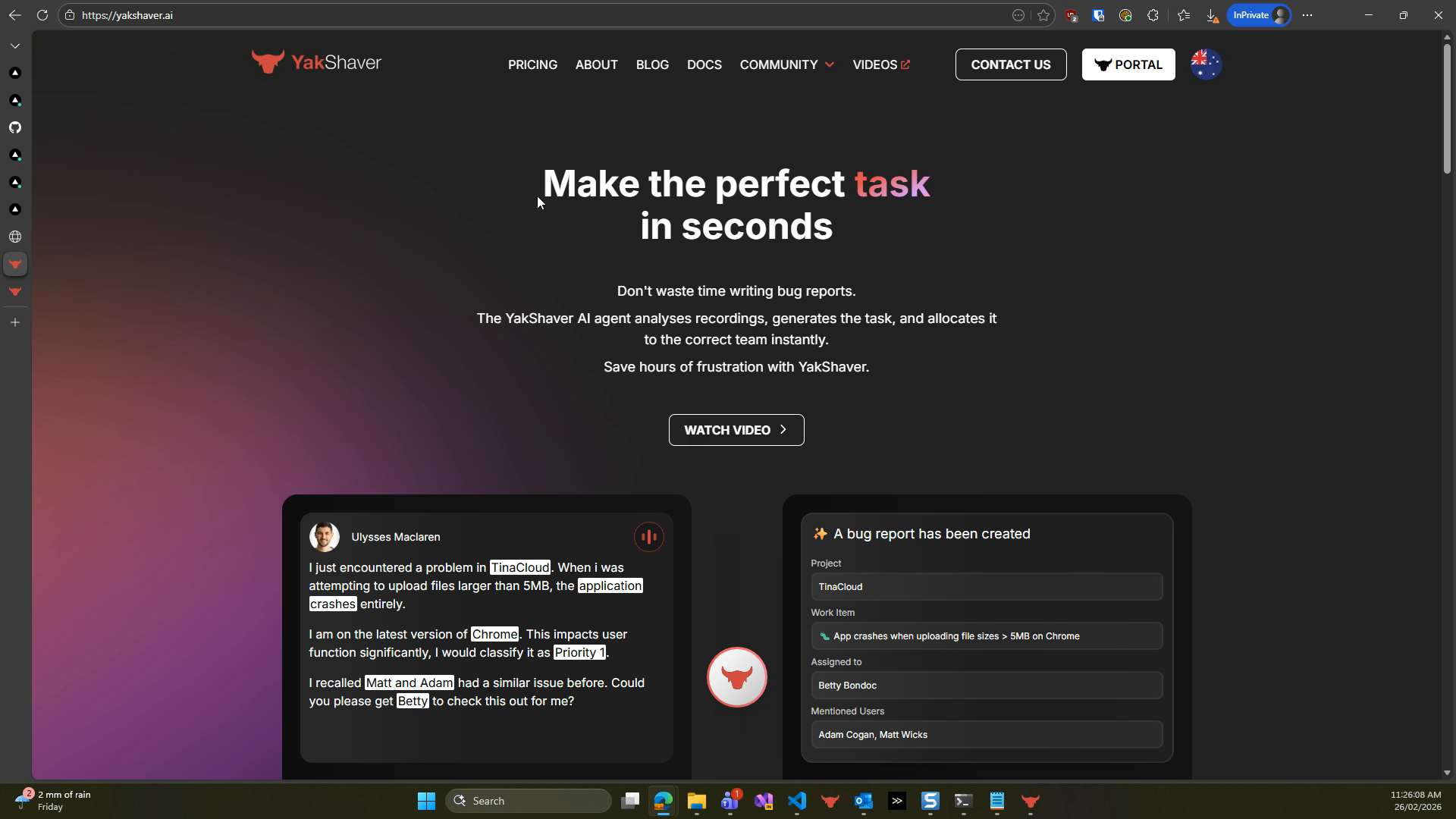
There is no visible Install section on the product page. Users must hunt through docs or remember to go to /MCP to find the Windows installer, and there is no clear place to download the Mac installer or the Teams app. This makes it hard for users to install the desktop app quickly.
We need a dedicated Install page that prominently exposes the desktop app installers (Windows and Mac) and provides a link to the Teams app. The desktop app installer should be the primary focus on the page.
Tasks
- Create a new Install page in the product site repository that can be reached from the product page.
- Add a clear Windows installer download link to the Install page.
- Add a clear Mac installer download link to the Install page.
- Add a Teams app link to the Install page.
- Make the Install page emphasize the desktop app installers over the Teams app.
- Add a prominent link on the product page that points to the new Install page.
- Verify that the Windows and Mac installer links download the correct files and install successfully.