Spinnaker canary usage
위의 참고 URL 을 쭈욱 따라하면서 카나리 디플로이에 대하여 기본적으로 이해하고,
현재 버전에서 정상적으로 동작하는지를 테스트 하였다.
설치 버전 halyard 1.12.5 kubernetes 1.11
prometheus 는 istio 를 설치하면 같이 설치되는 프로그램이다.
S3 는 minio 를 셋팅하였다.
> hal config canary enable

> hal config canary prometheus enable
> hal config canary prometheus account add my-prometheus --base-url http://a83f0e6aa3ee611e9a56802910c21b39-1872812420.ap-> northeast-2.elb.amazonaws.com:9090

> hal config canary aws enable
> MINIO_ACCESS_KEY=AKIAJxxx
> MINIO_SECRET_KEY=QfvochKlxxxxx
> echo $MINIO_SECRET_KEY | \
hal config canary aws account add my-s3 --bucket spin-bucket --endpoint \
    http://minio:9000 --access-key-id $MINIO_ACCESS_KEY \
    --secret-access-key
> hal config canary aws edit --s3-enabled=true

> hal config canary edit --default-metrics-store prometheus
> hal config canary edit --default-metrics-account my-prometheus
> hal config canary edit --default-storage-account my-s3

# 최종 변경사항 반영
> hal deploy apply
위와같이 셋팅 후 배포시 정상적으로 spin-kayenta pod 가 생기는 것을 확인 할 수있었다.
또한 Config 항목에 Canary 가 생성되었다.

현재 default namespace 에 istio 가 auto injection 이 되어있어서,
위 화면에서 설명한 injector 에서 curl 명령어는 정상적으로 작동을 안 한다.
istio 로 pod 가 배포되면 컨테이너가 두개이상이 되기때문에,
컨테이너 명을 지정해서 curl 을 날려야 하는 것 같다.
kubectl -n default run injector --image=alpine -- \
    /bin/sh -c "apk add --no-cache --yes curl; \
    while true; do curl -sS --max-time 3 \
    http://sampleapp:8080/; done"
그리하여 다른 네임스페이스에 설치하였음.
kubectl -n spinnaker run injector --image=alpine -- \
    /bin/sh -c "apk add --no-cache --yes curl; \
    while true; do curl -sS --max-time 3 \
    http://sampleapp.default.svc.cluster.local:8080/; done"
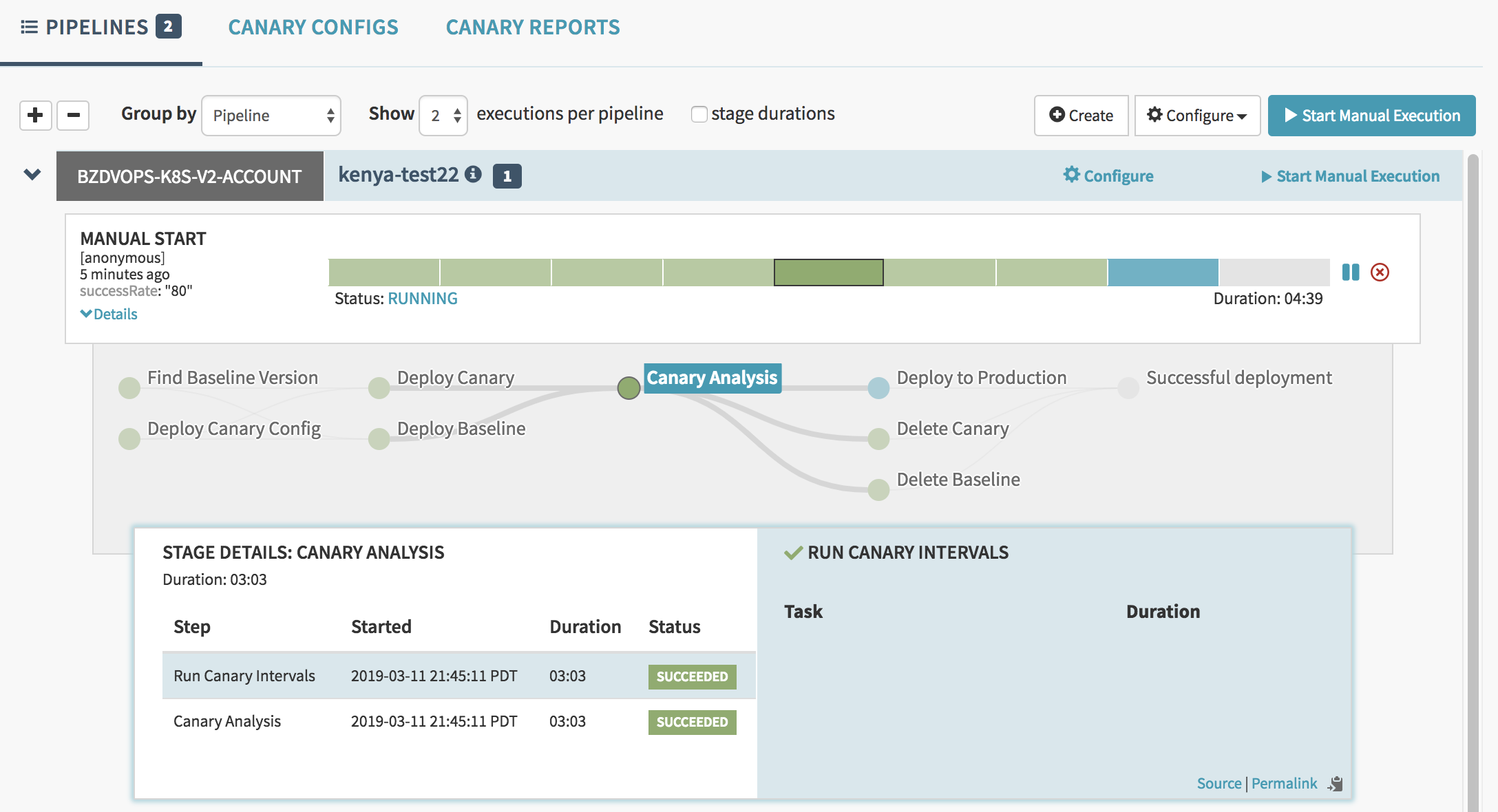

위의 prometheus 화면을 보면 알수있듯이
카나리 진행중에 canary, baseline 의 pod 를 생성하여서
해당 서비스를 호출하였을때 이 두개의 pod 로 연결을 하여 score 를 측정하고,
카나리로 지정해 놓은 시간이 지났을때 결과 값을 내어놓고, 해당 pod 는 삭제 된다.
