pip install -r requirements.txt
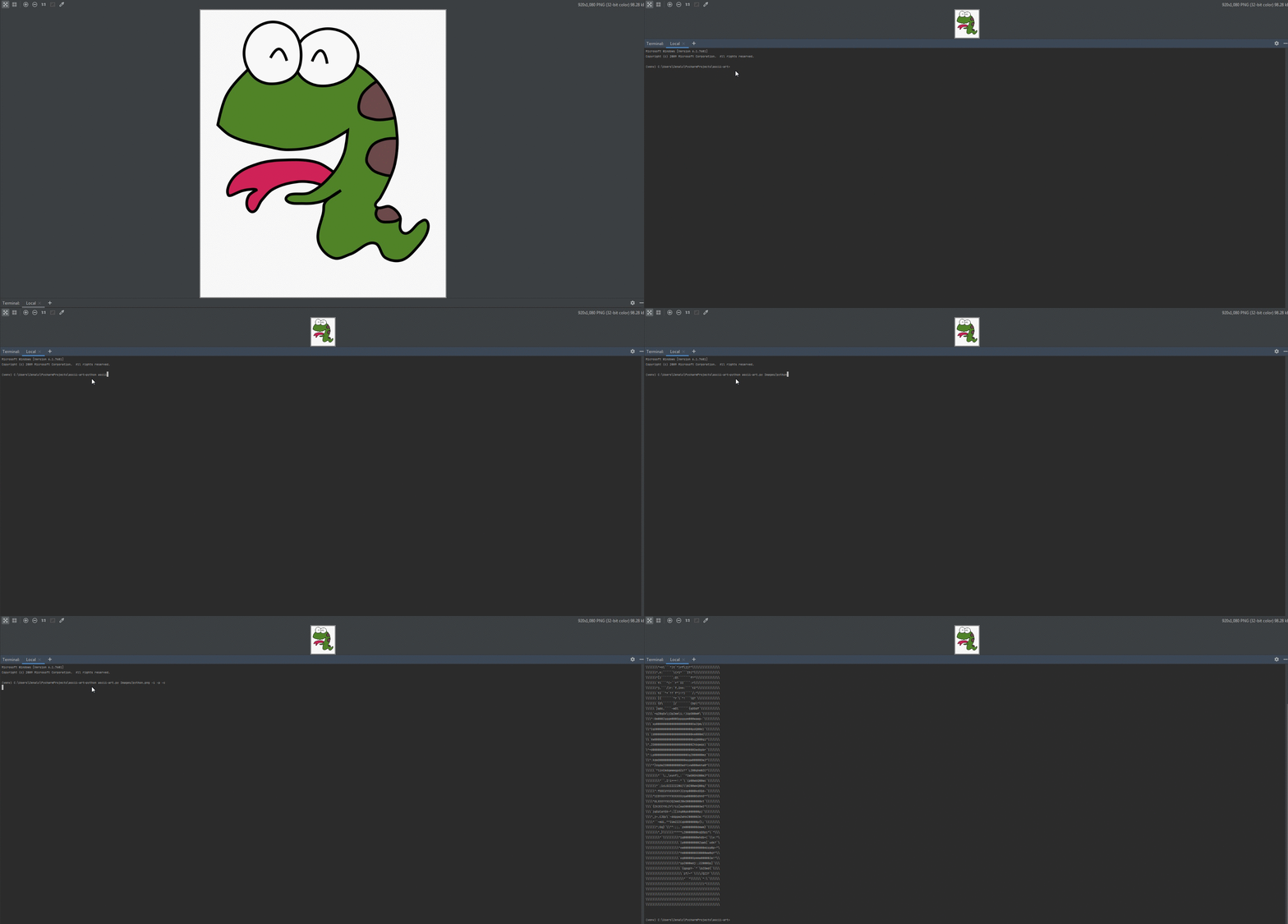
To run, use: python run.py [path/to/image]
To get a list of all optional arguments: python run.py -h
To copy generated ASCII text to clipboard: python run.py [path/to/image] --copy
To print generated ASCII text: python run.py [path/to/image] --print [optional_color]
To write generated ASCII text to a text file: python run.py [path/to/image] --write [optional_filename]
To change algorithm used to generate ASCII text: python run.py [path/to/image] --choice [choice_name]
To invert generated ASCII text python run.py [path/to/image] --inverted
To change height of generated ASCII text python run.py [path/to/image] --height HEIGHT
To change width of generated ASCII text python run.py [path/to/image] --width WIDTH