


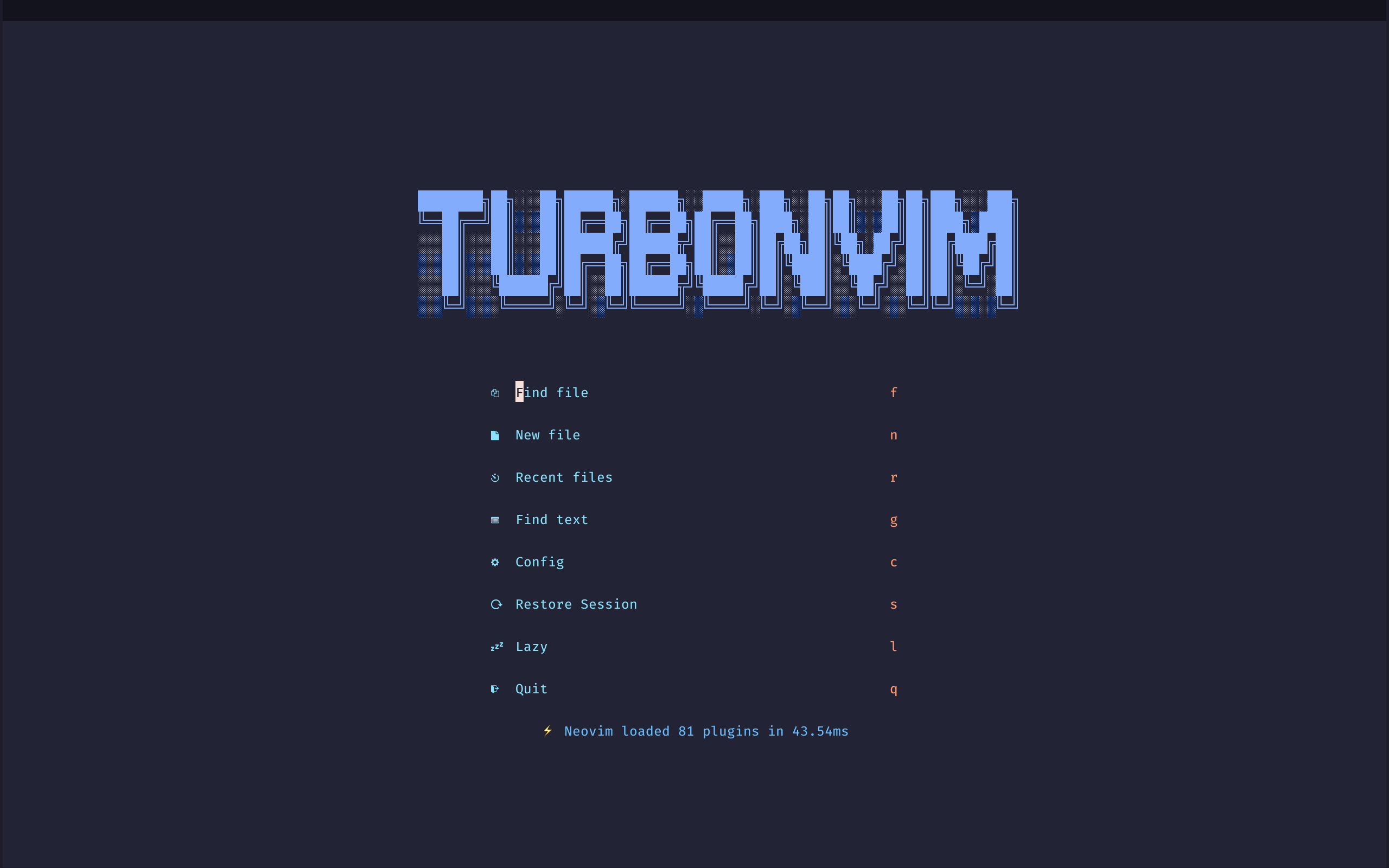
TurboNvim is an excellent Neovim configuration with lazy.nvim , which is as powerful as Vscode, is lightning fast ⚡
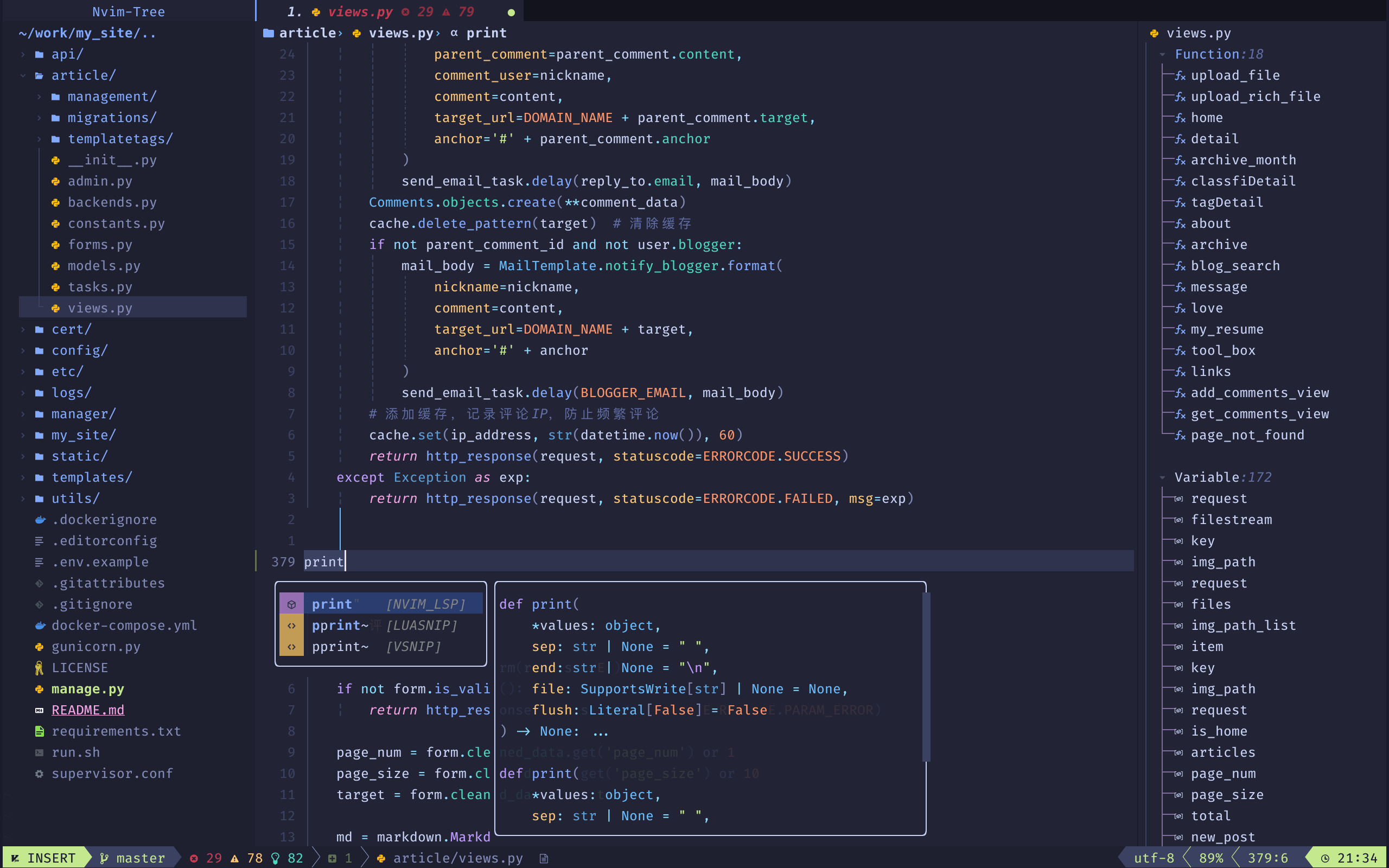
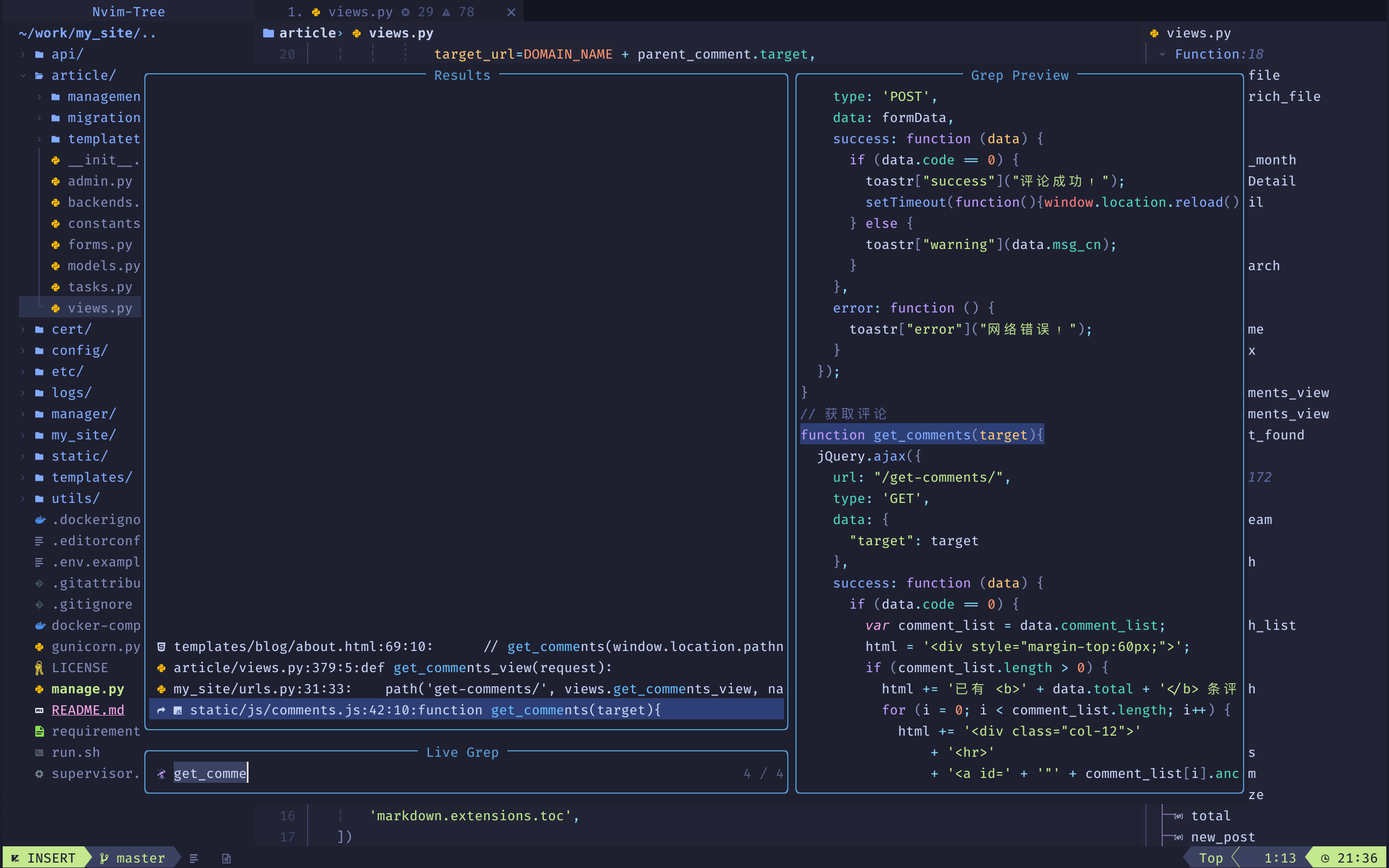
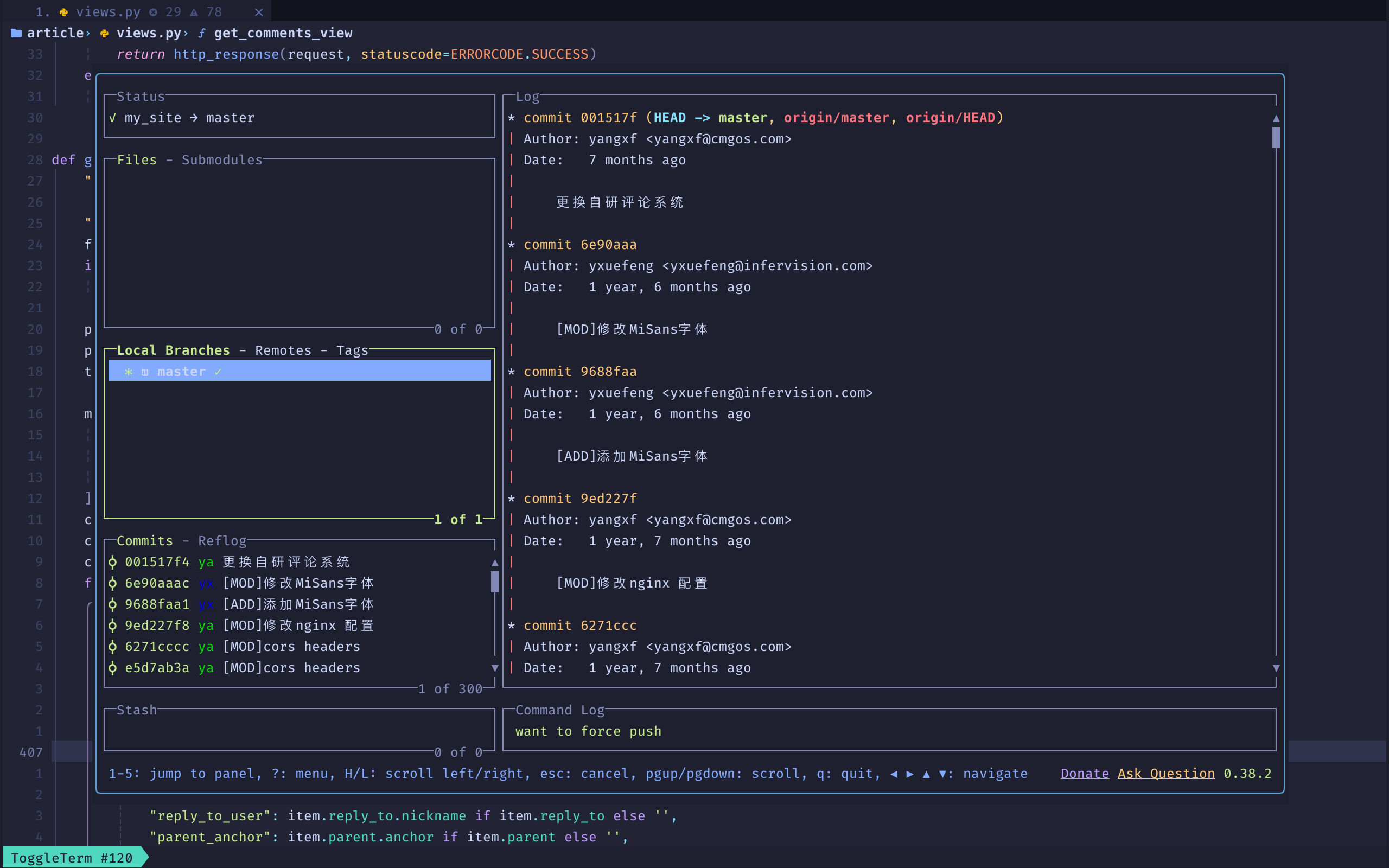
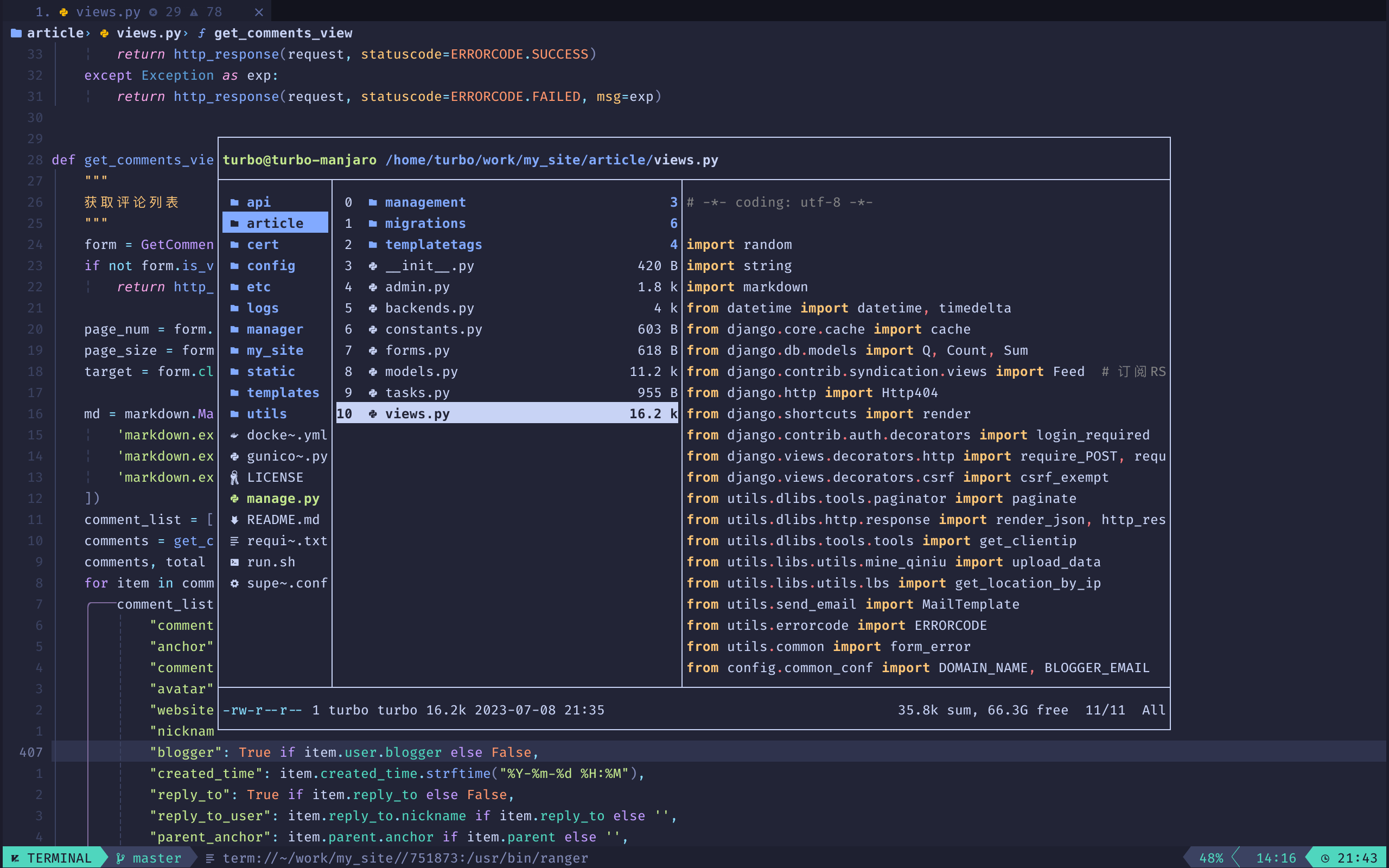
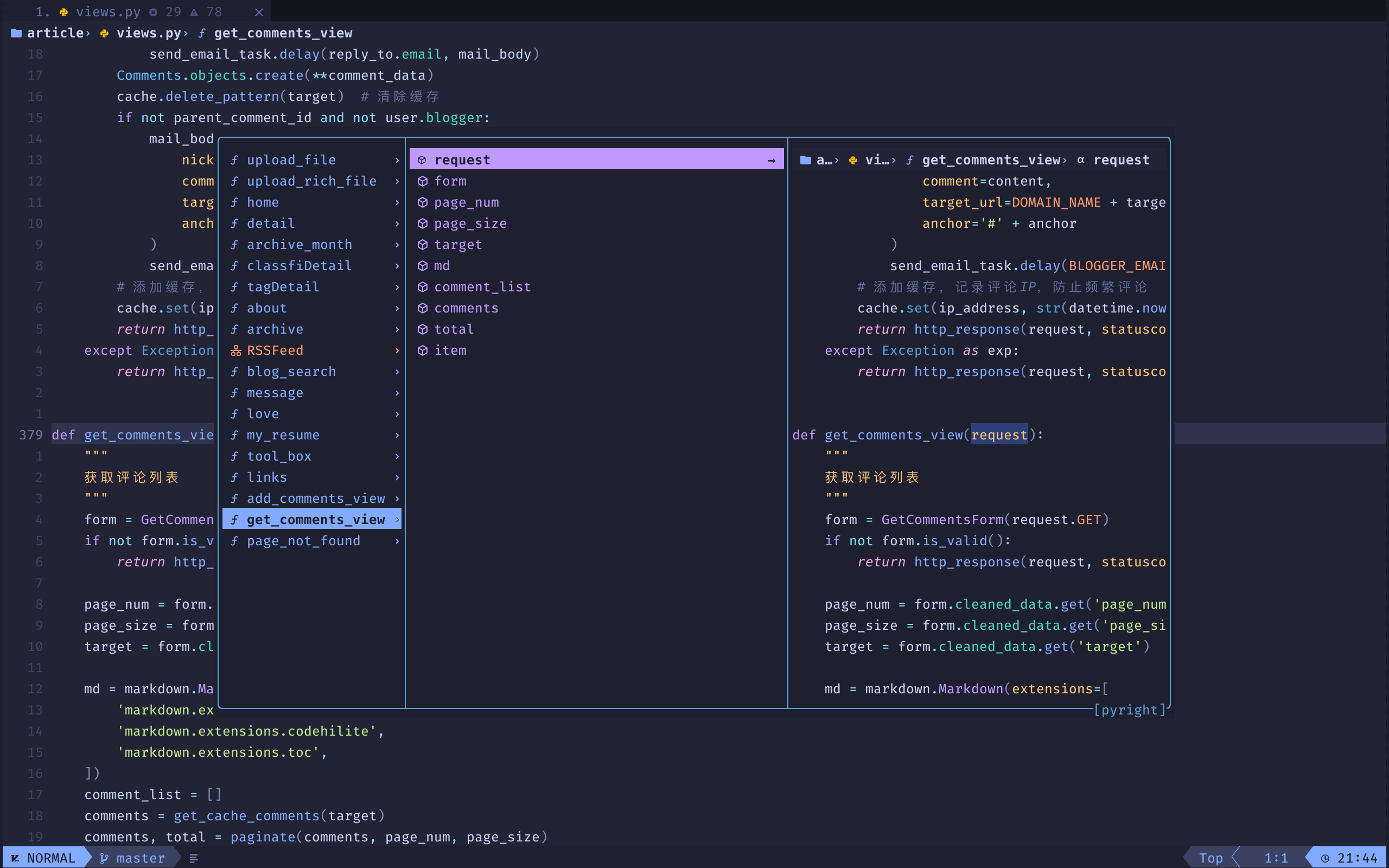
- File explorer with Neo-Tree
- Autocompletion with Blink
- Git integration with Gitsigns
- Statusline with Lualine
- Winbar with Dropbar
- Bufferline with Bufferline
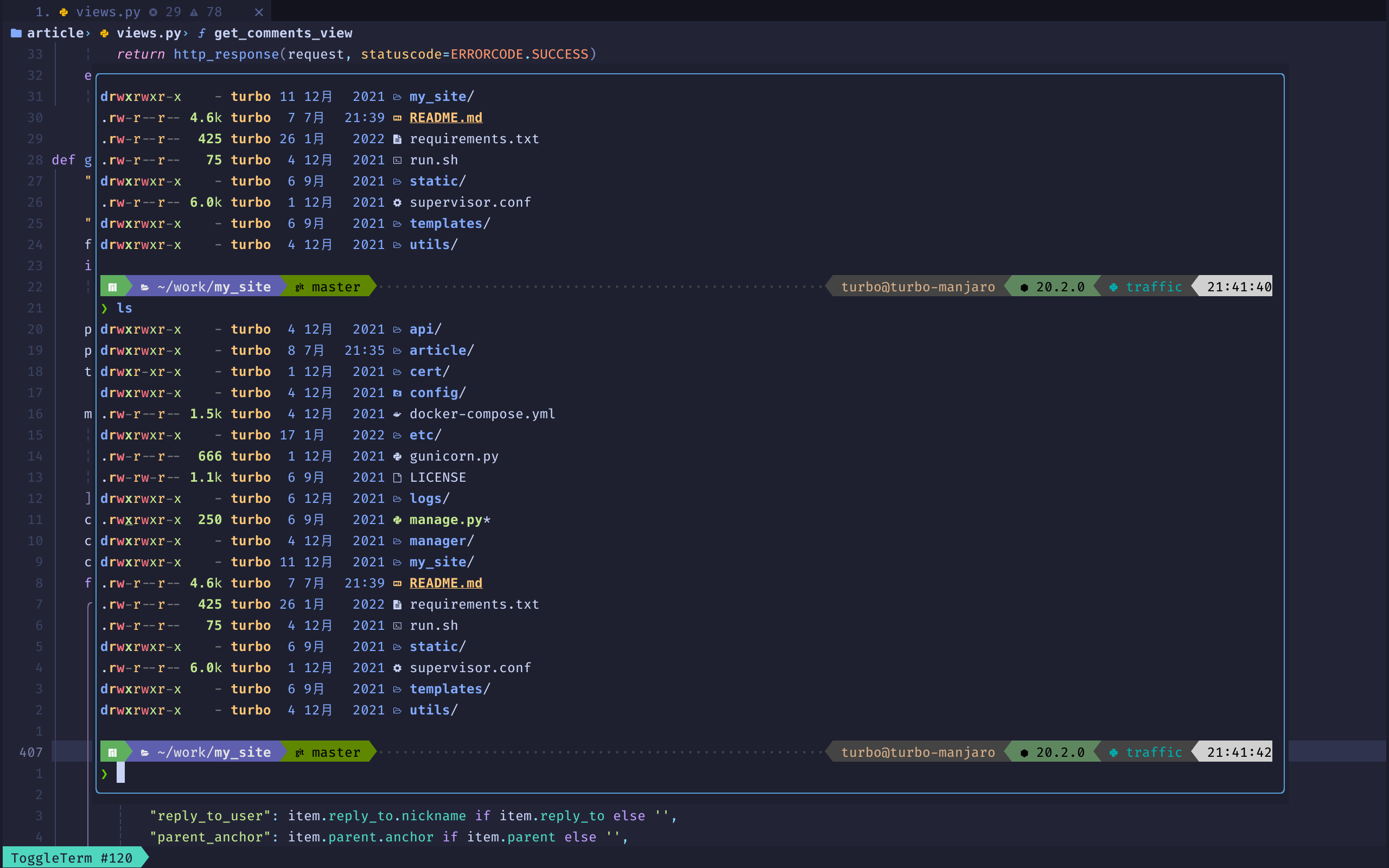
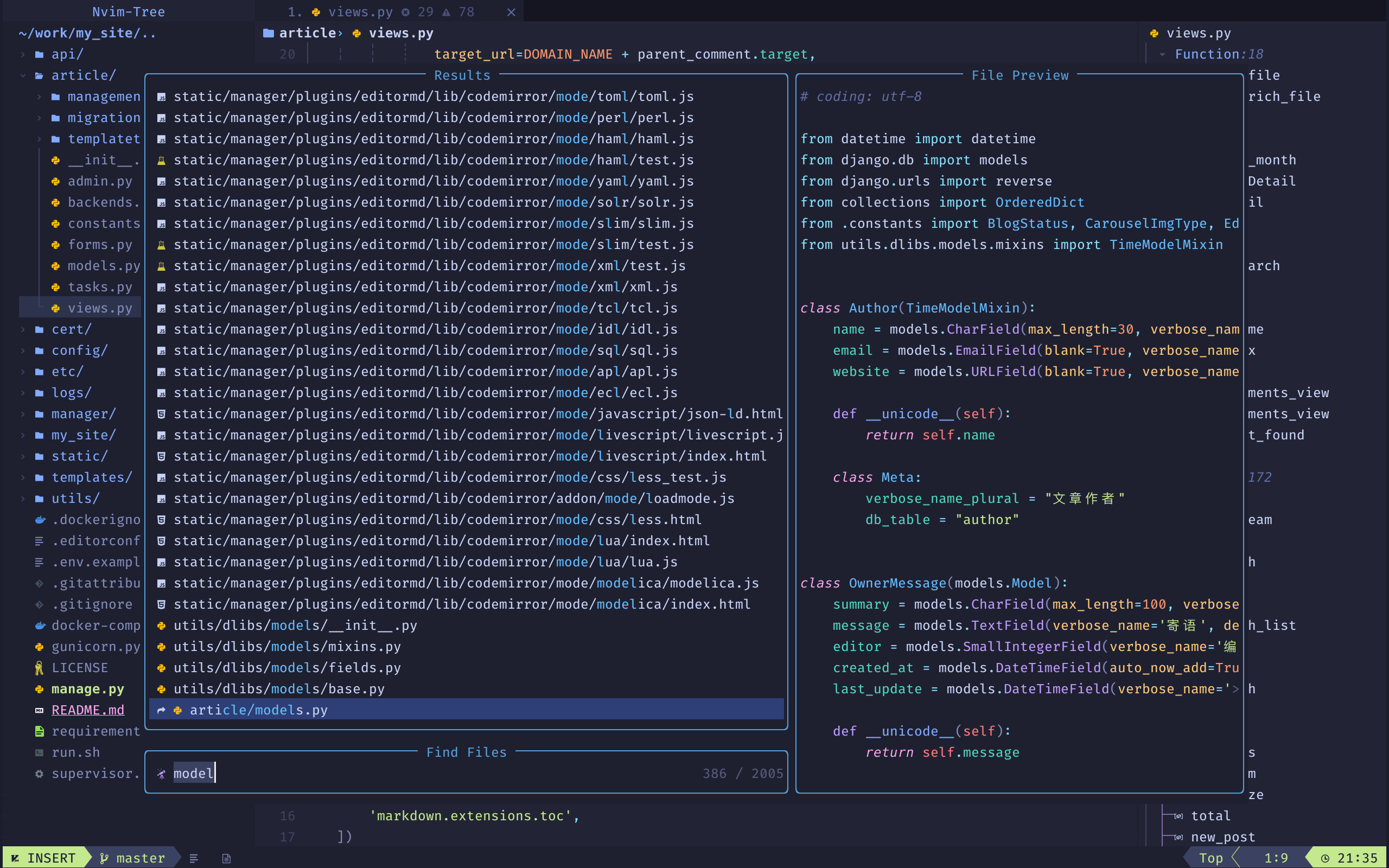
- Terminal and Fuzzy finding with Snacks
- Syntax highlighting with Treesitter
- Formatting with Conform
- Linting with Nvim-Lint
- Language Server Protocol with Native LSP
- Debug Adapter Protocol with nvim-dap
- Nerd Fonts
- Neovim 0.8+ (Including nightly)
- Tree-sitter CLI (Note: This is only necessary if you want to use
auto_installfeature with Treesitter) - A clipboard tool is necessary for the integration with the system clipboard (see
:help clipboard-toolfor supported solutions) - Terminal with true color support (for the default theme, otherwise it is dependent on the theme you are using) [2]
- Optional Requirements:
[1] All downloadable Nerd Fonts contain icons which are used by TurboNvim. Install the Nerd Font of your choice to your system and in your terminal emulator settings, set its font face to that Nerd Font. If you are using TurboNvim on a remote system via SSH, you do not need to install the font on the remote system.
[2] Note when using default theme: For MacOS, the default terminal does not have true color support. You will need to use iTerm2, Kitty, WezTerm, or another terminal emulator that has true color support.
mv ~/.config/nvim ~/.config/nvim.bak
mv ~/.local/share/nvim ~/.local/share/nvim.bakgit clone --depth 1 https://github.com/a1401358759/TurboNvim ~/.config/nvim
nvimRename-Item -Path $env:LOCALAPPDATA\nvim -NewName $env:LOCALAPPDATA\nvim.bak
Rename-Item -Path $env:LOCALAPPDATA\nvim-data -NewName $env:LOCALAPPDATA\nvim-data.bakgit clone --depth 1 https://github.com/a1401358759/TurboNvim $env:LOCALAPPDATA\nvim
nvimEnter :LspInstall followed by the name of the server you want to install
Example: :LspInstall pyright
Enter :TSInstall followed by the name of the language you want to install
Example: :TSInstall python
Enter :DapInstall followed by the name of the debugger you want to install
Example: :DapInstall python
Run :Lazy check to check for plugin updates
Run :Lazy update to apply any pending plugin updates
Run :Lazy clean to remove any disabled or unused plugins
Run :Lazy sync to update and clean plugins
Sincere appreciation to the following repositories, plugin authors and the entire neovim community out there that made the development of TurboNvim possible.
