
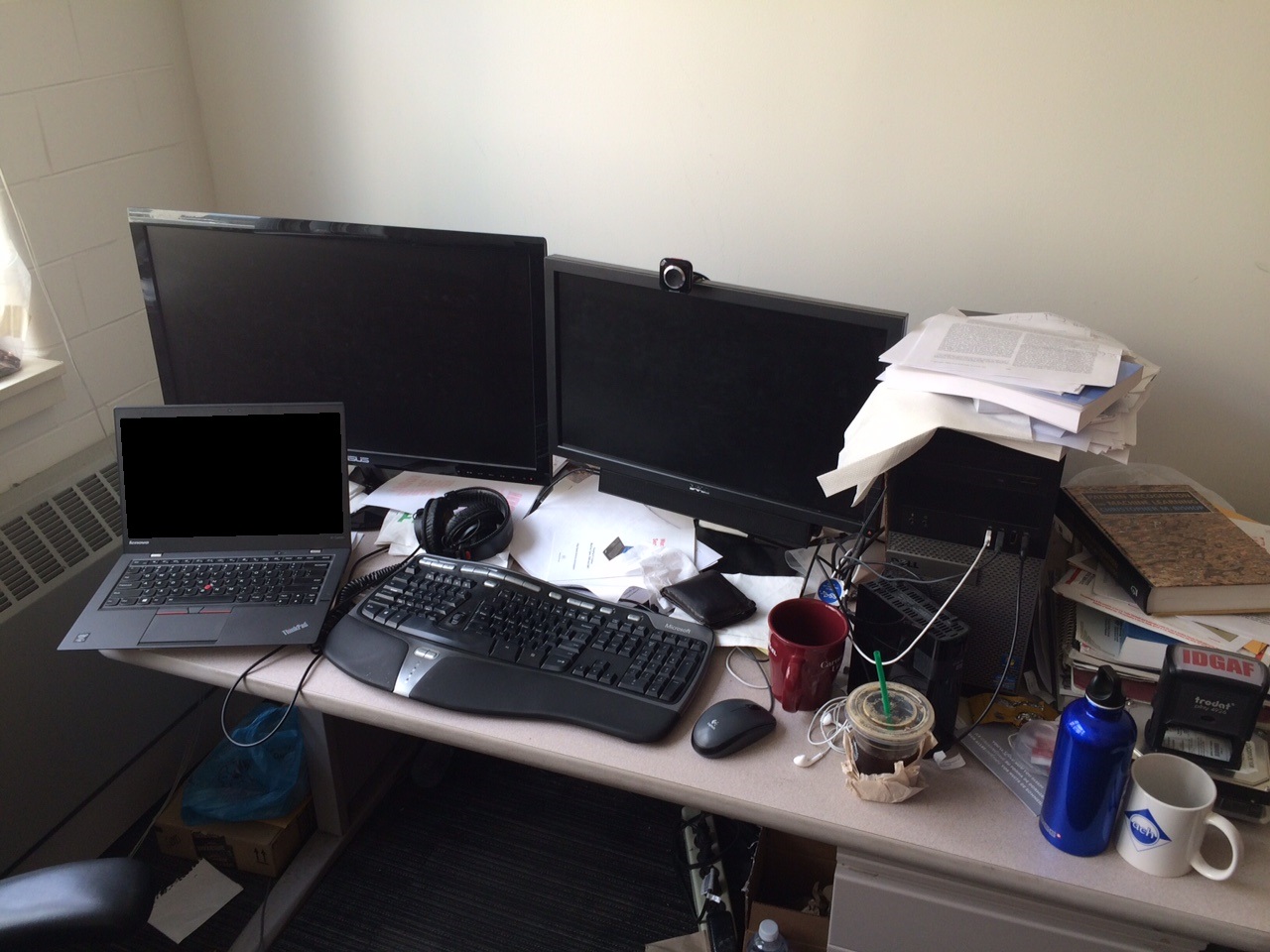
(Image from https://web.eecs.umich.edu/~fouhey/fun/desk/desk.jpg, credit David Fouhey)

Automatically downloads the onnx and prototxt files on the first run. It is necessary to be connected to the Internet while downloading.
For the sample image,
$ python3 detic.pyIf you want to specify the input image, put the image path after the --input option.
You can use --savepath option to change the name of the output file to save.
$ python3 detic.py --input IMAGE_PATH --savepath SAVE_IMAGE_PATHBy adding the --video option, you can input the video.
If you pass 0 as an argument to VIDEO_PATH, you can use the webcam input instead of the video file.
$ python3 detic.py --video VIDEO_PATHBy adding the --model_type option, you can specify model type which is selected from "SwinB_896_4x", "R50_640_4x". (default is SwinB_896_4x)
$ python3 detic.py --model_type SwinB_896_4xBy adding the --vocabulary option, you can specify the model's vocabulary which is selected from "lvis", "in21k". (default is lvis)
$ python3 detic.py --vocabulary lvisBy adding the --detection_width option, you can specify the model's input width to increase inference speed
$ python3 detic.py --detection_width 320Pytorch
ONNX opset=11