
Replies: 7 comments

-
|
@ericward-noaa: I wonder if this is a symptom of outdated XCode? |
Beta Was this translation helpful? Give feedback.

-
|
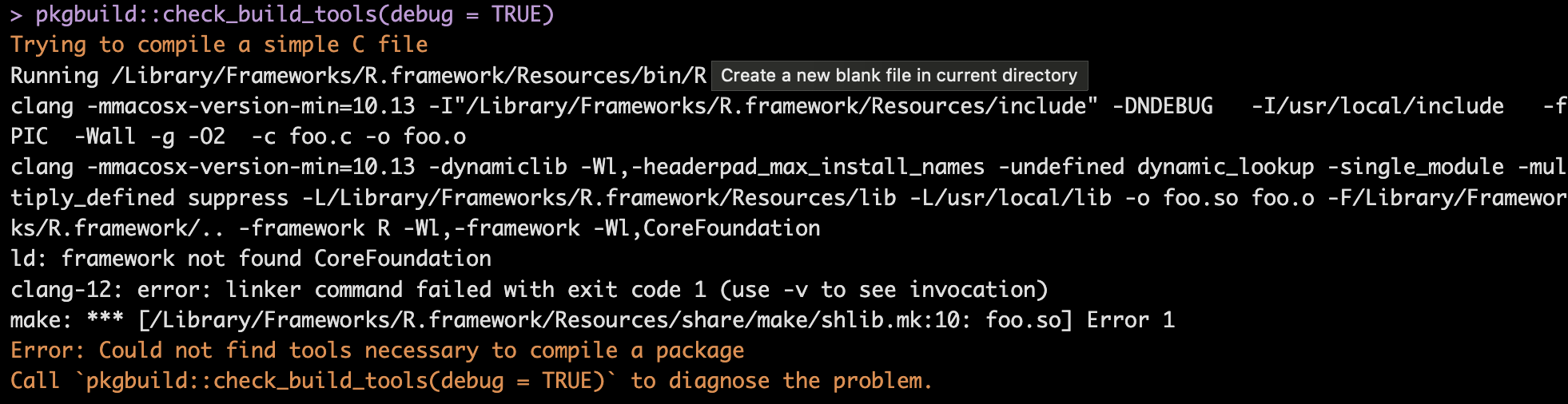
I've tried checking XCode in Terminal by running "xcode-select --install" which gives me the message"xcode-select: error: command line tools are already installed, use "Software Update" in System Settings to install updates" but there aren't any software updates in system settings. So I have CommandLineTools. Here's more of the error message in R. My mac version is Ventura 13.3.1 |
Beta Was this translation helpful? Give feedback.
-
|
I found this possible solution on SO: Copy/paste the following into your R console and run it. After doing so, try to reinstall {atsar}.
|
Beta Was this translation helpful? Give feedback.
-
|
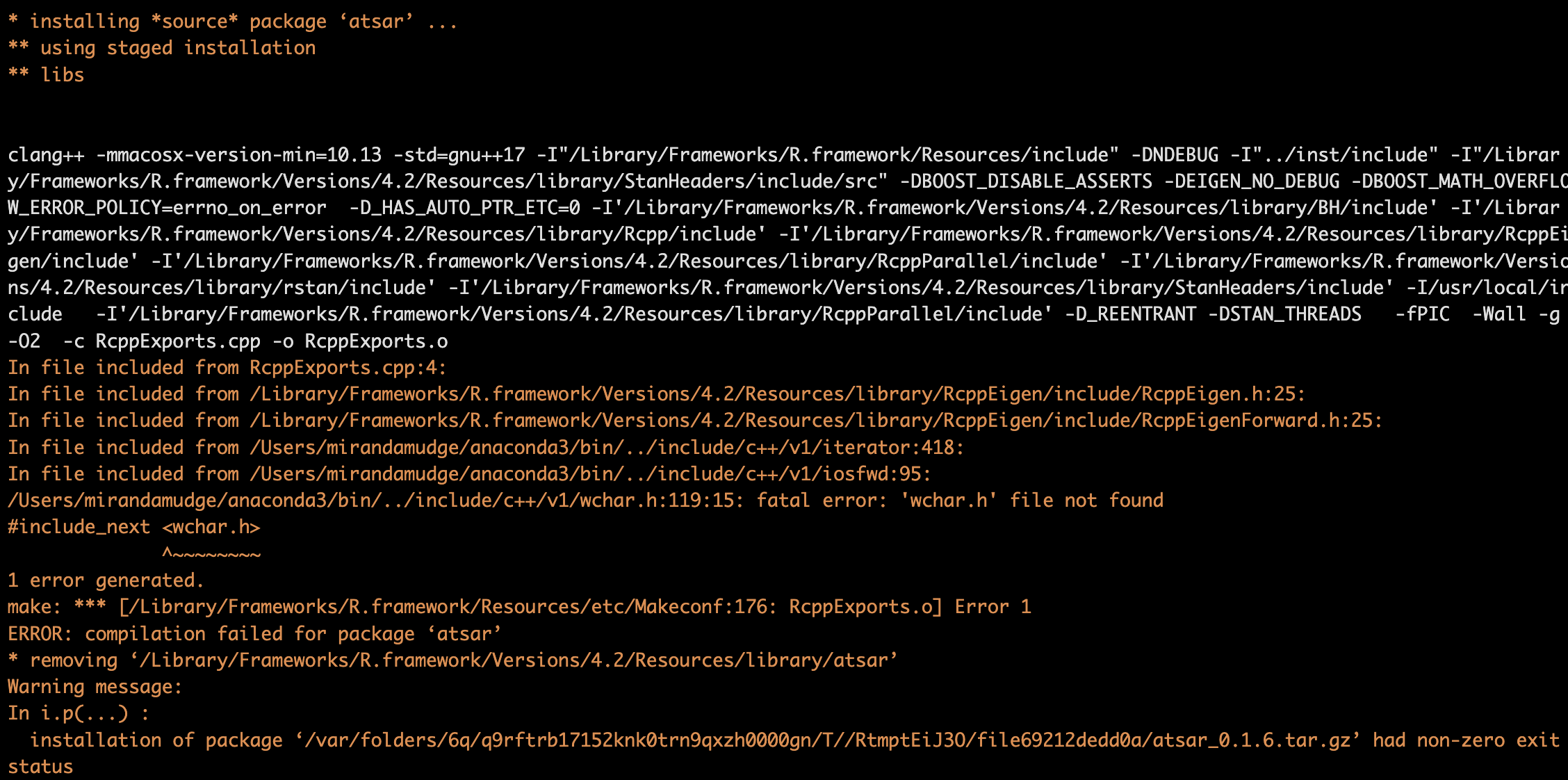
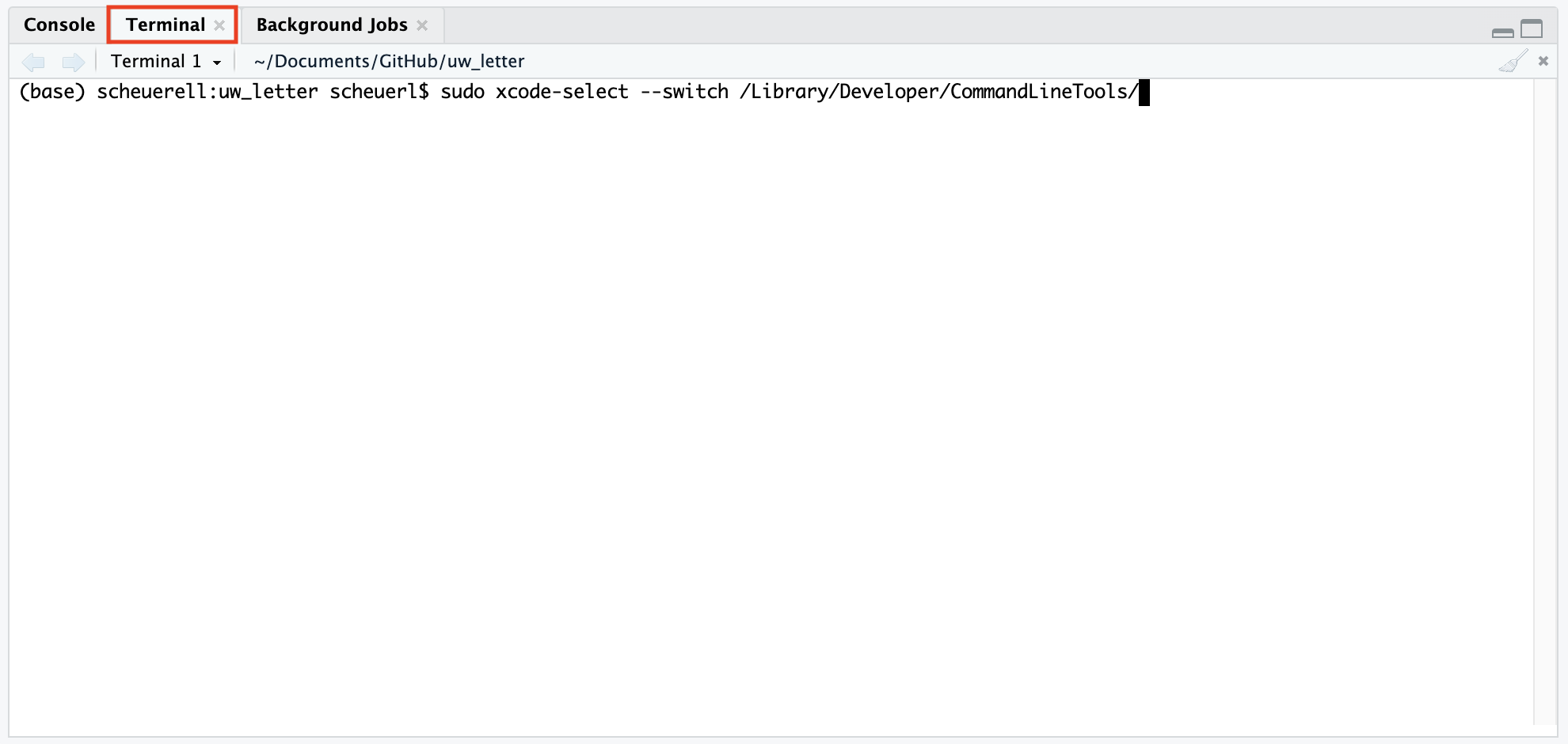
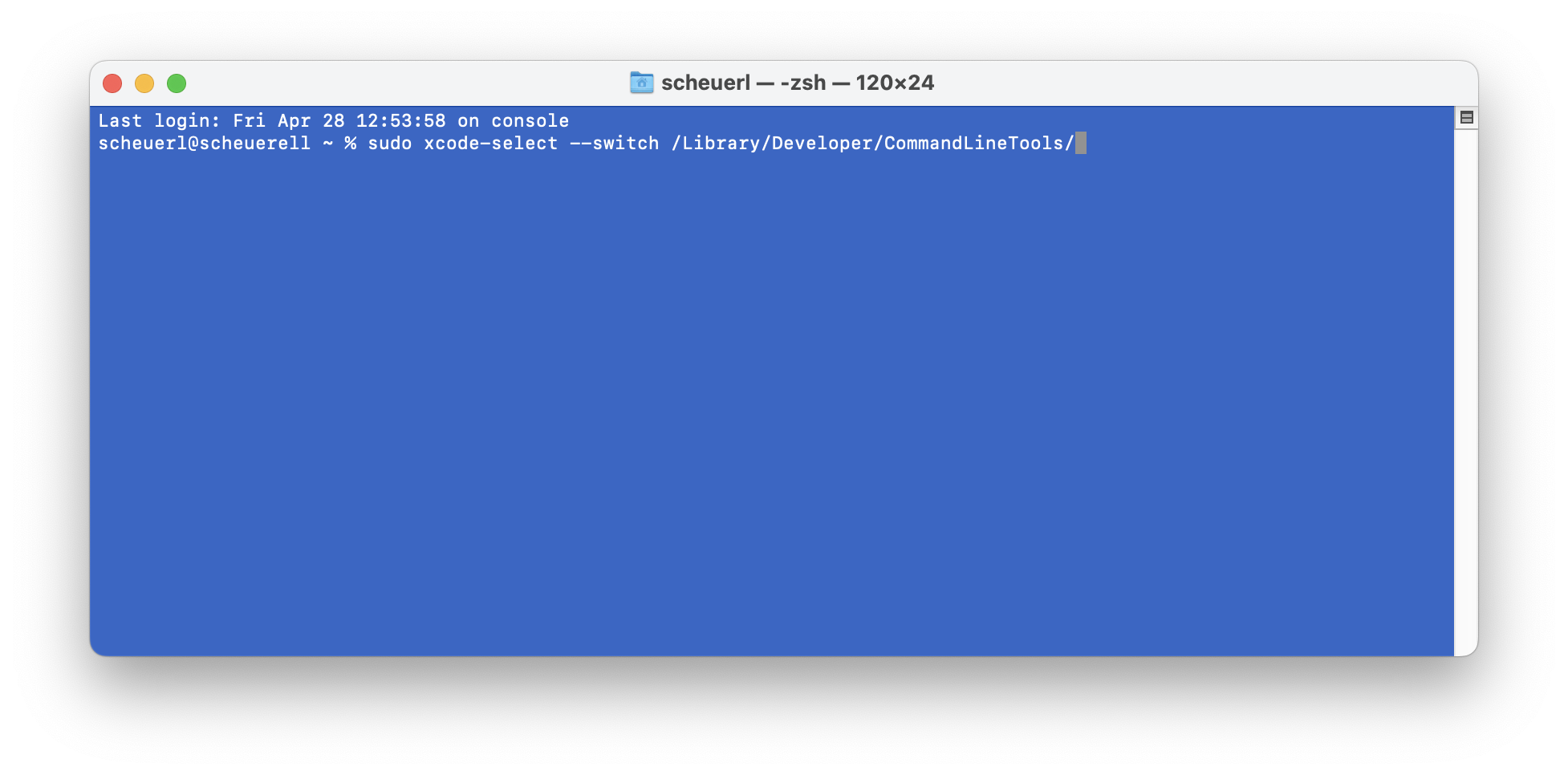
That did help with installing the needed packages that I didn't originally have, but I still have an error: I looked up the error "wchar.h file not found" and an SO thread suggested that it may mean R doesn't know where to find Xcode. I'm not sure how to do this in Rstudio though. The top comment does have the correct location for my Xcode, but the sudo command doesn't work in R. https://stackoverflow.com/questions/26185978/macos-wchar-h-file-not-found |
Beta Was this translation helpful? Give feedback.
-
|
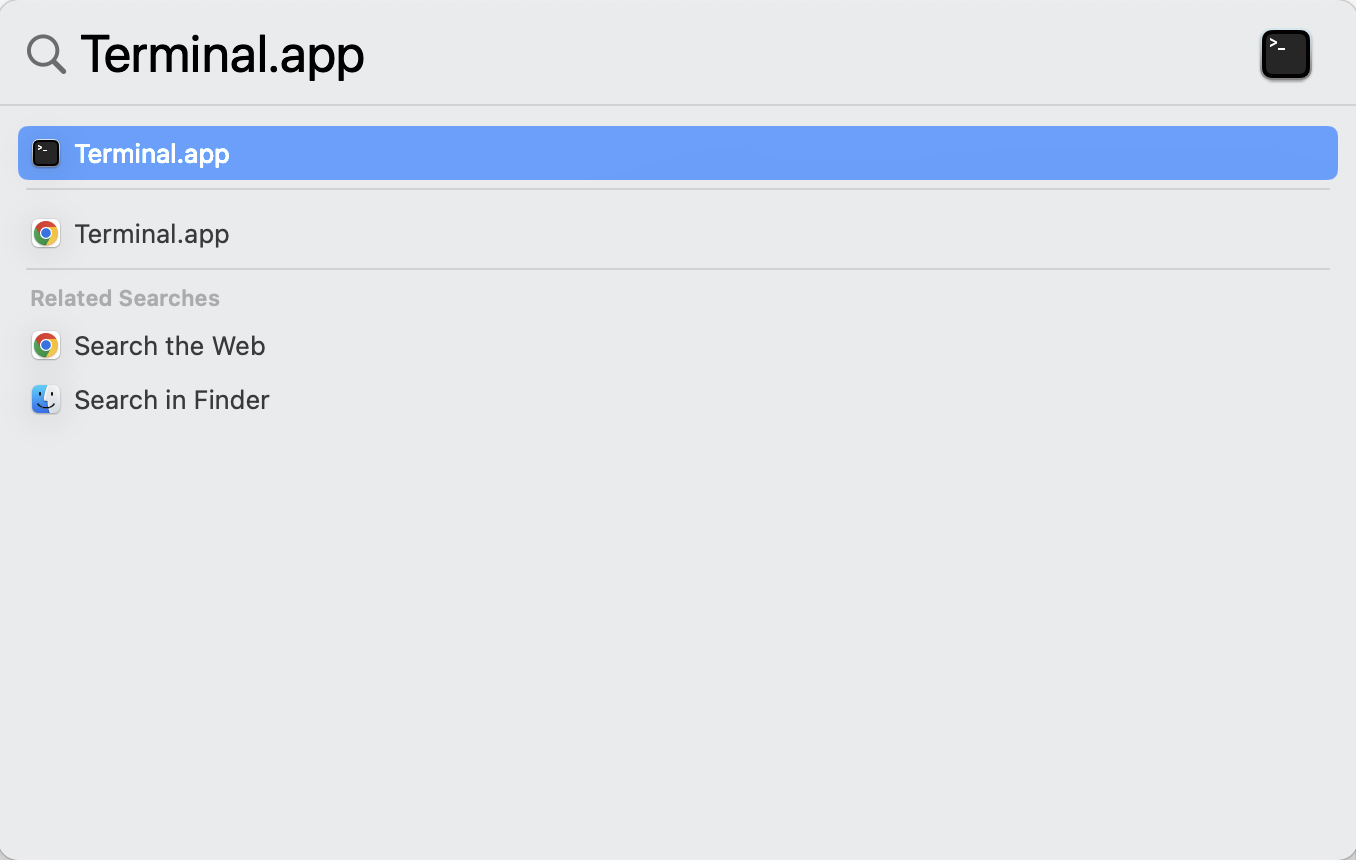
You'll have to run the sudo command from a Terminal, not the R console (you can copy/paste). To do so, you have 2 options:
|
Beta Was this translation helpful? Give feedback.

-
|
Hi, If you are on a Windows or MacOS (not M1), then you can install atsar from our ATSA-ES repository that has binaries. You shouldn't have to build the package unless you are on a M1/2 mac: Here: https://atsa-es.r-universe.dev/atsar To install |
Beta Was this translation helpful? Give feedback.
-
|
I jumped straight to Eli's comment which worked. Thanks Mark and Eli! |
Beta Was this translation helpful? Give feedback.


Uh oh!
There was an error while loading. Please reload this page.
-
When I try to download the atsar package, it gives me this error that additional tools are needed. If I click no, it fails. If I click yes, it fails with and says to call package build - but that sends me back to the popup seen here.
Beta Was this translation helpful? Give feedback.
All reactions