1 Java Springboot java-spring-boot-starter
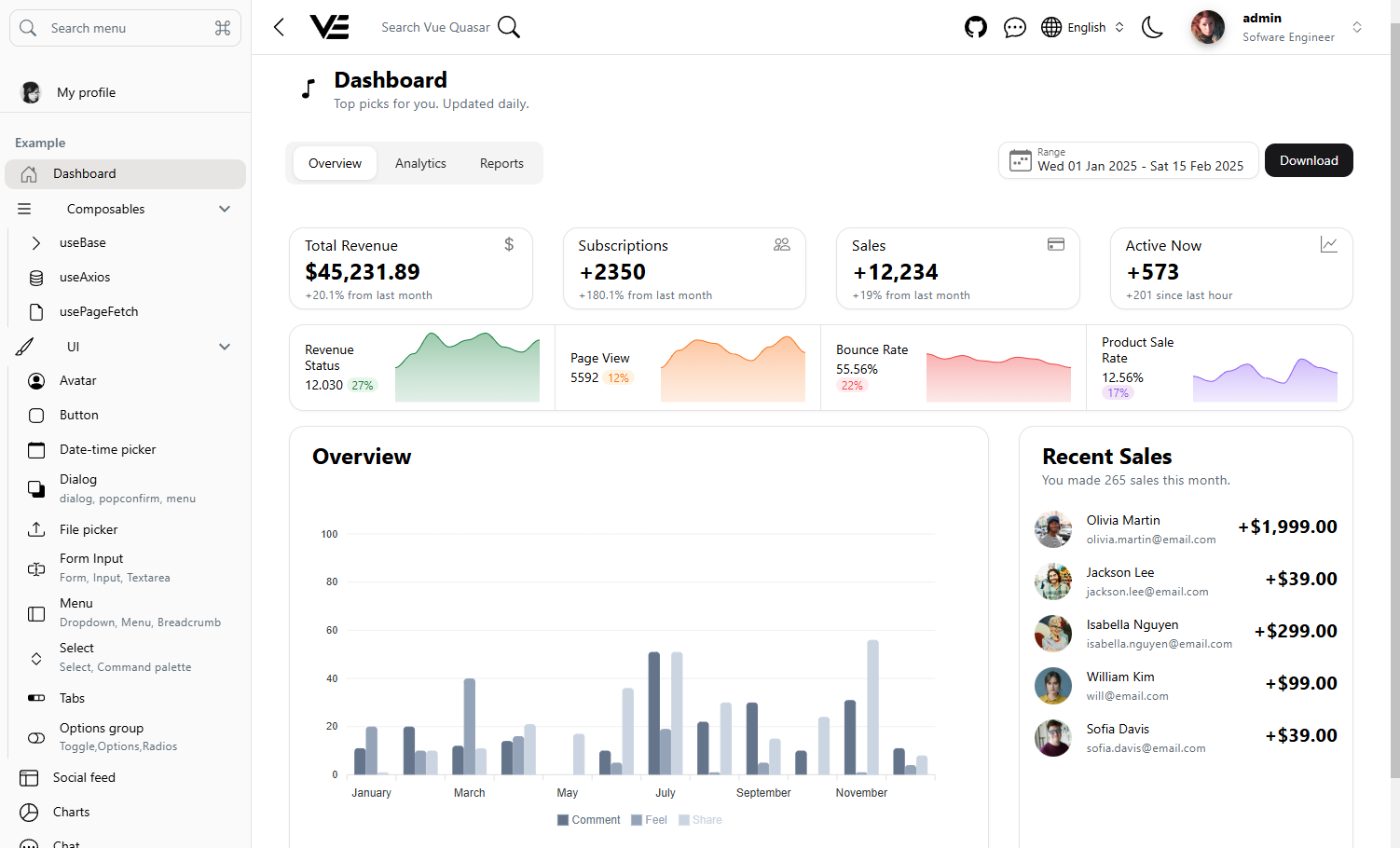
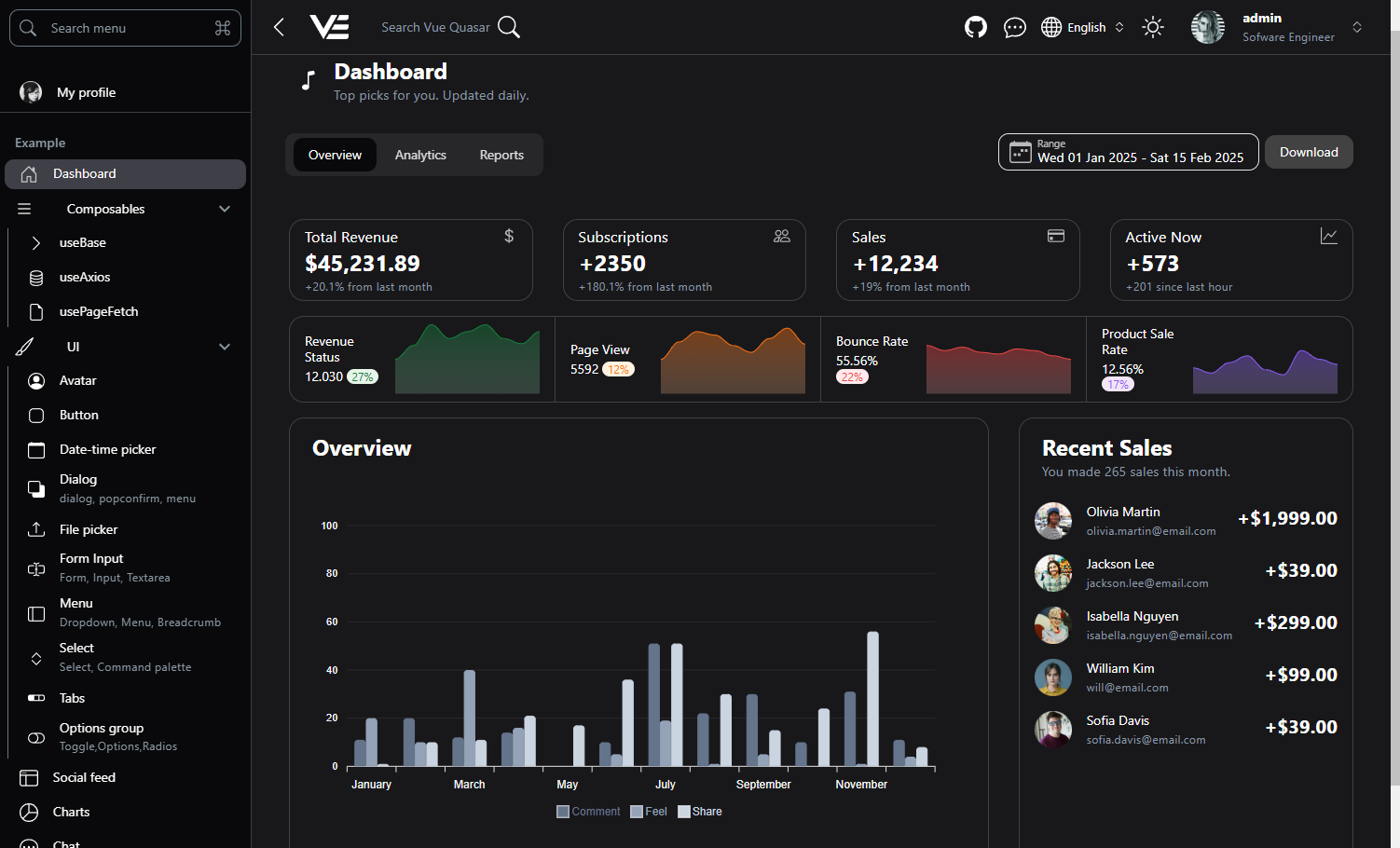
Dashboard
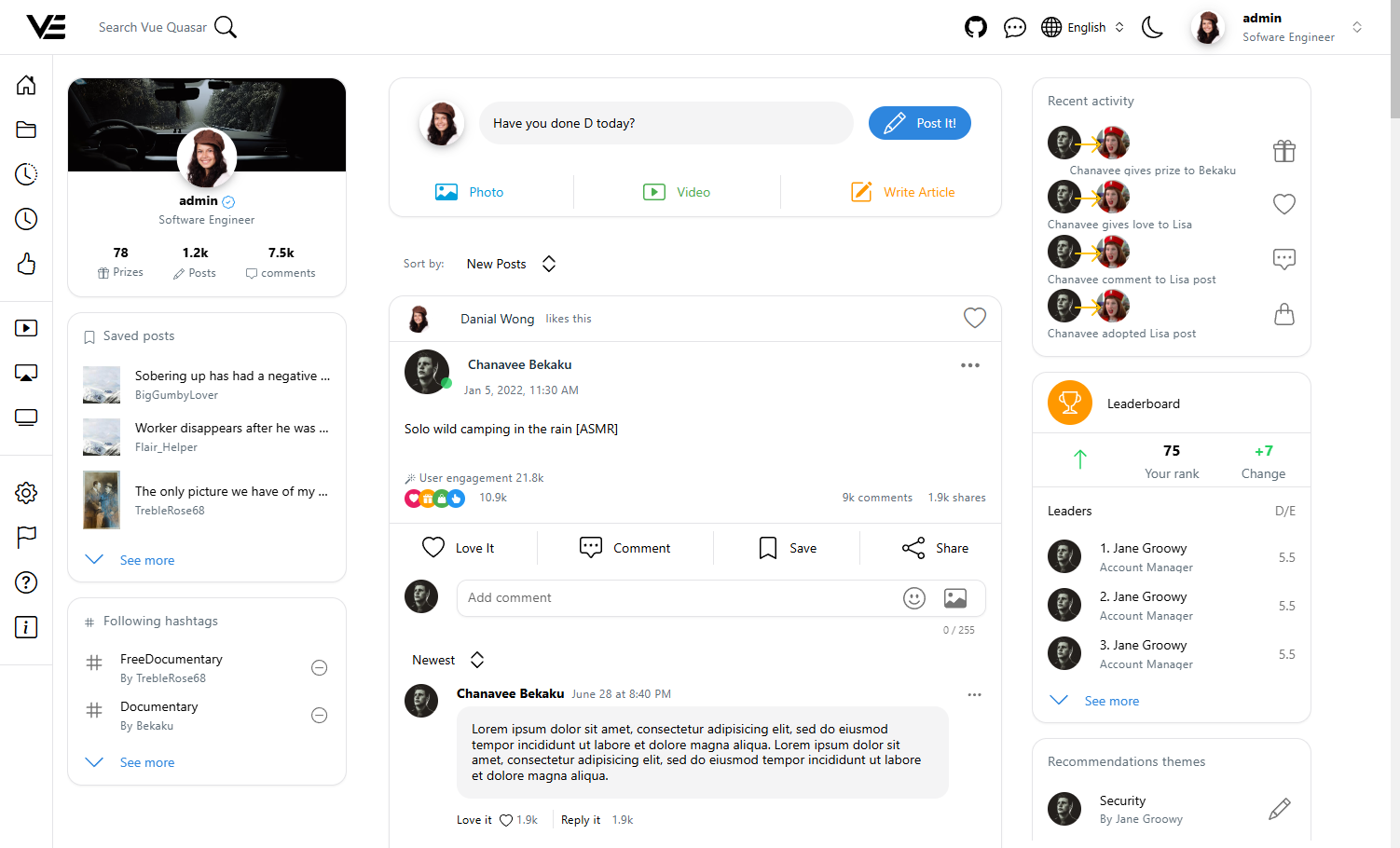
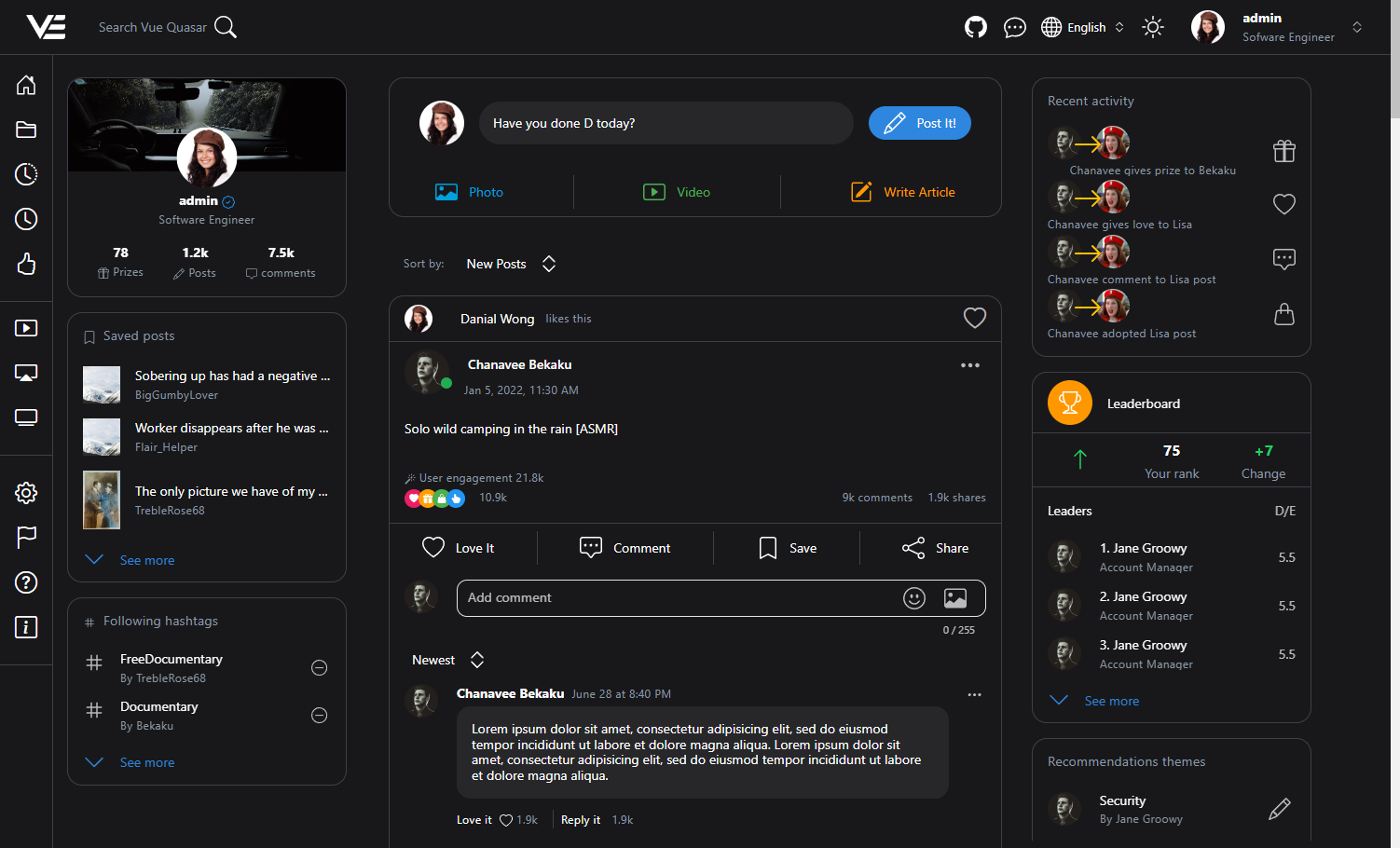
Social feed
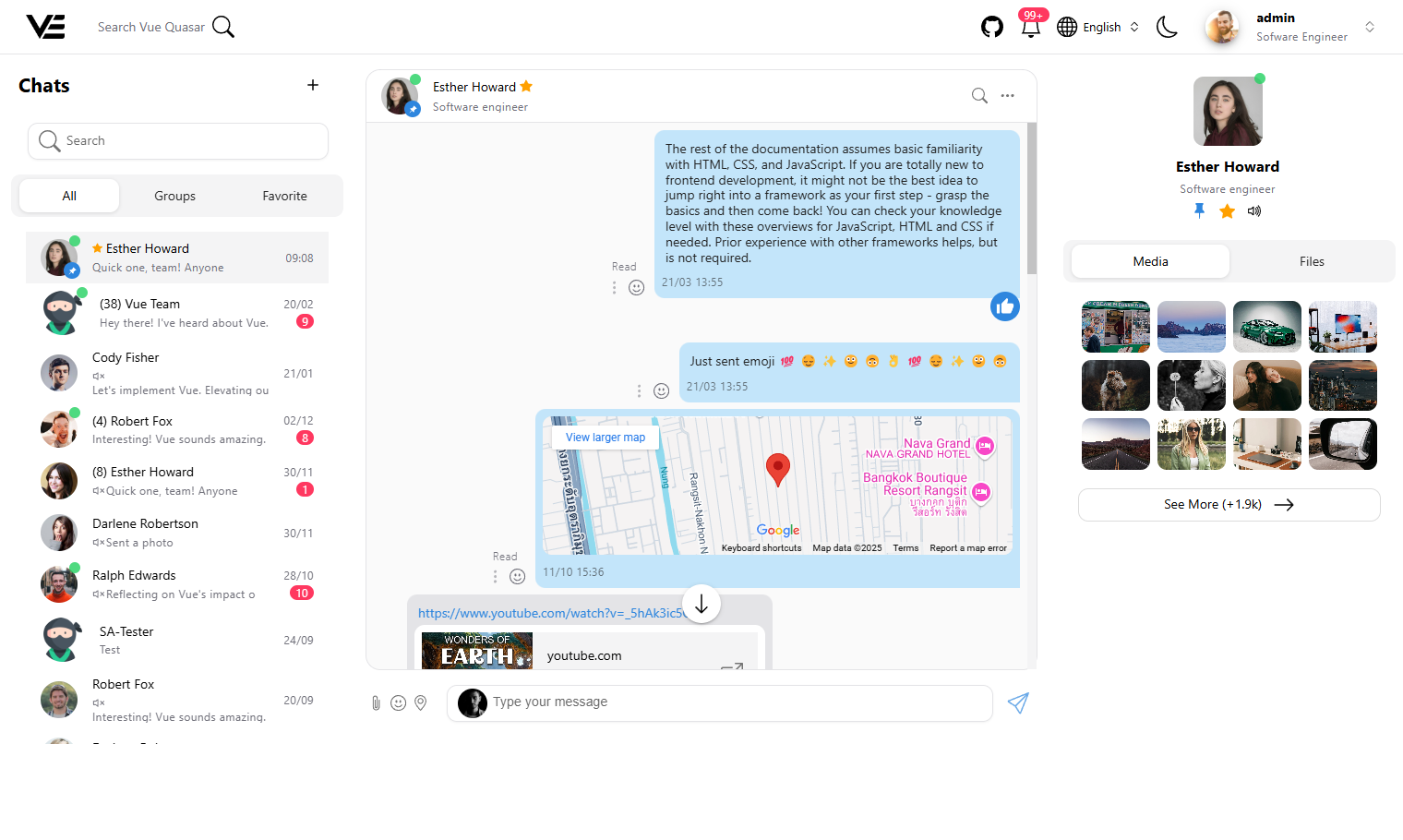
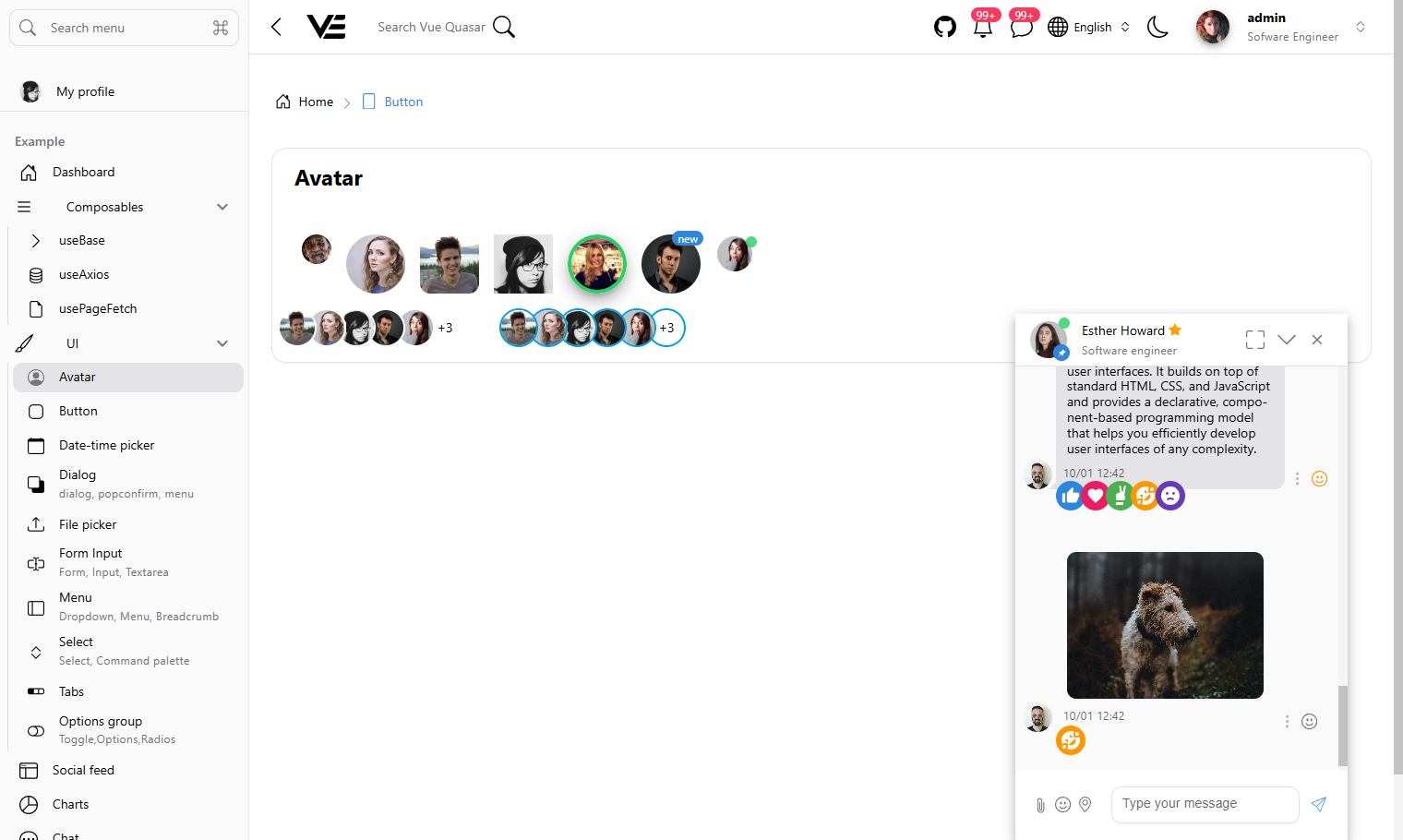
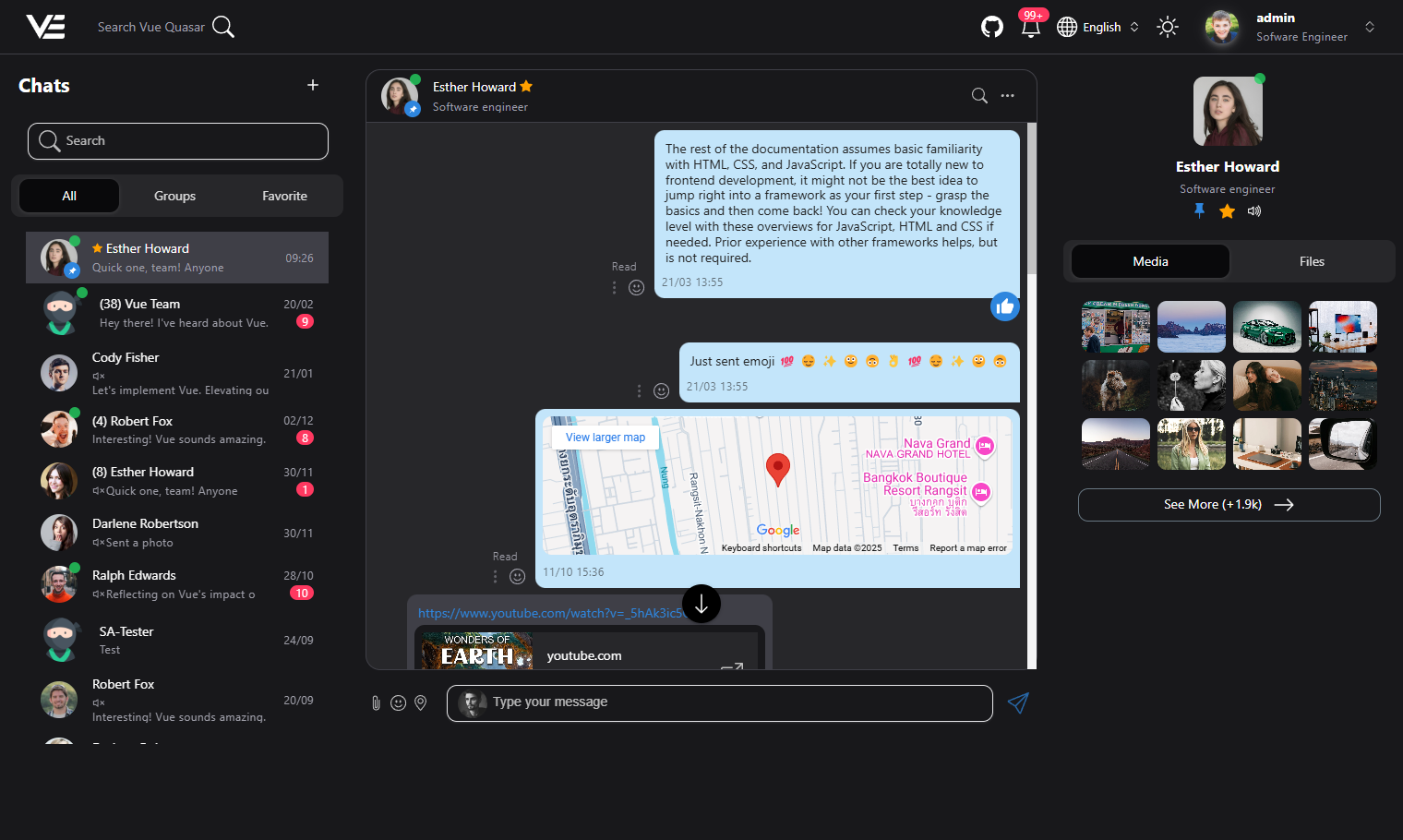
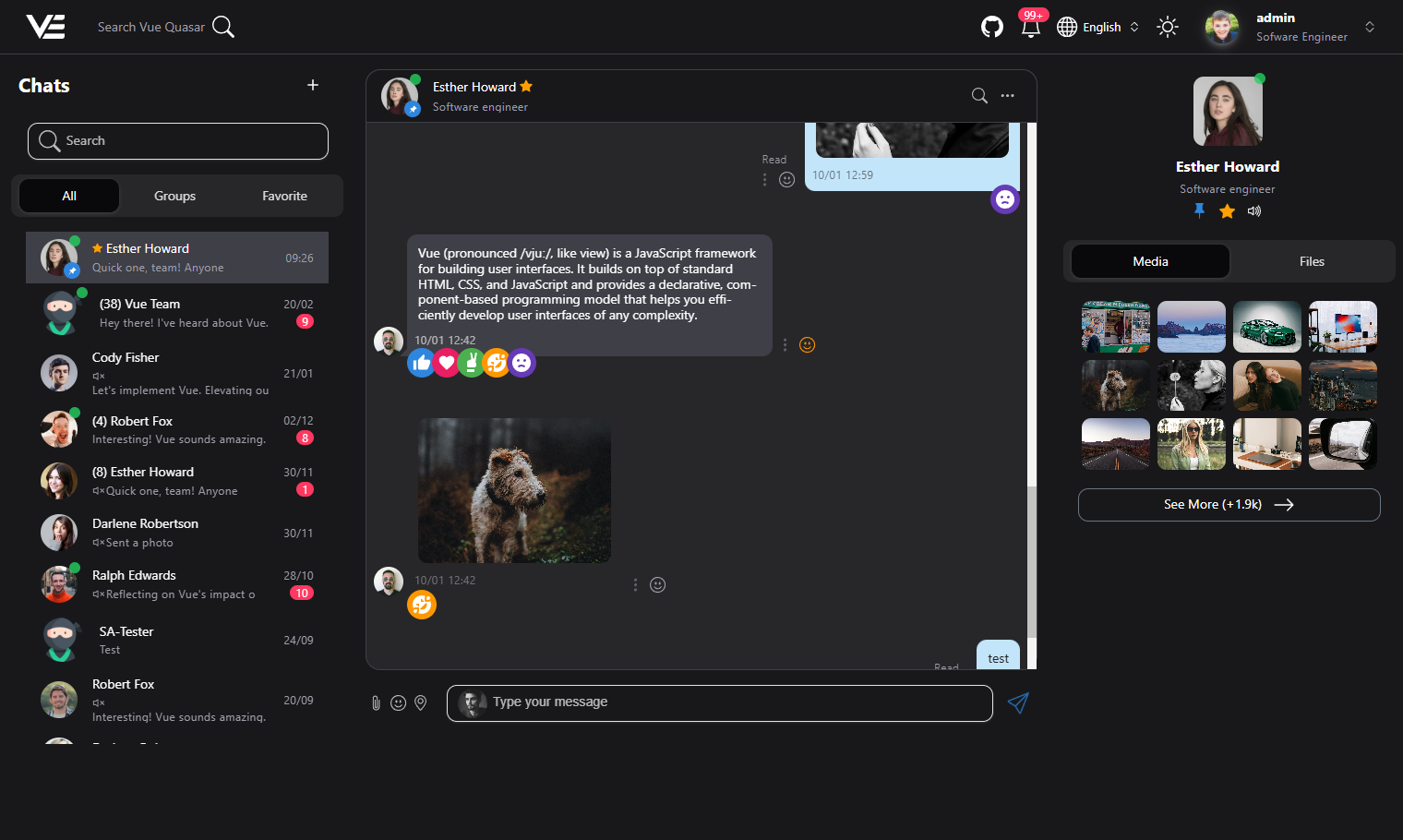
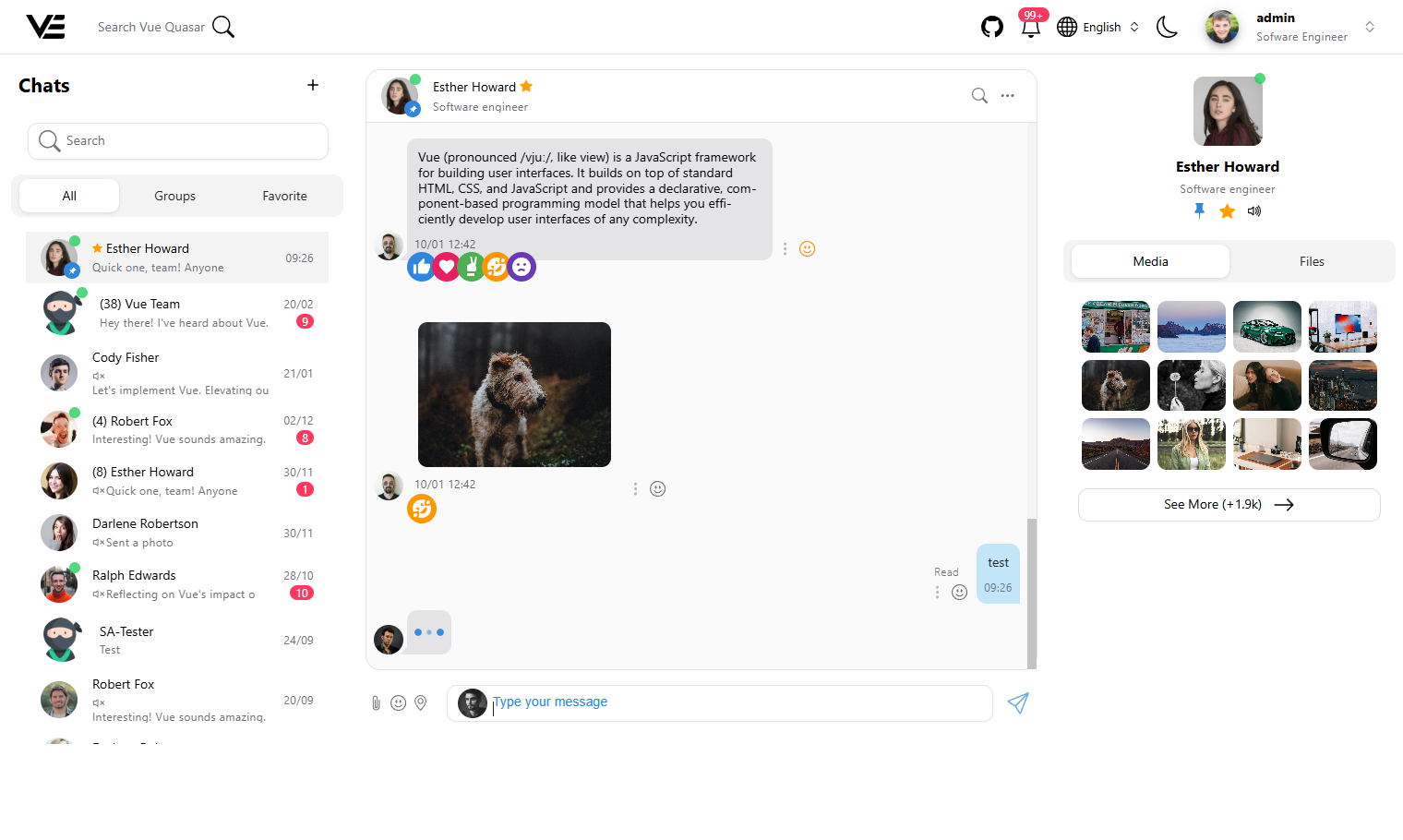
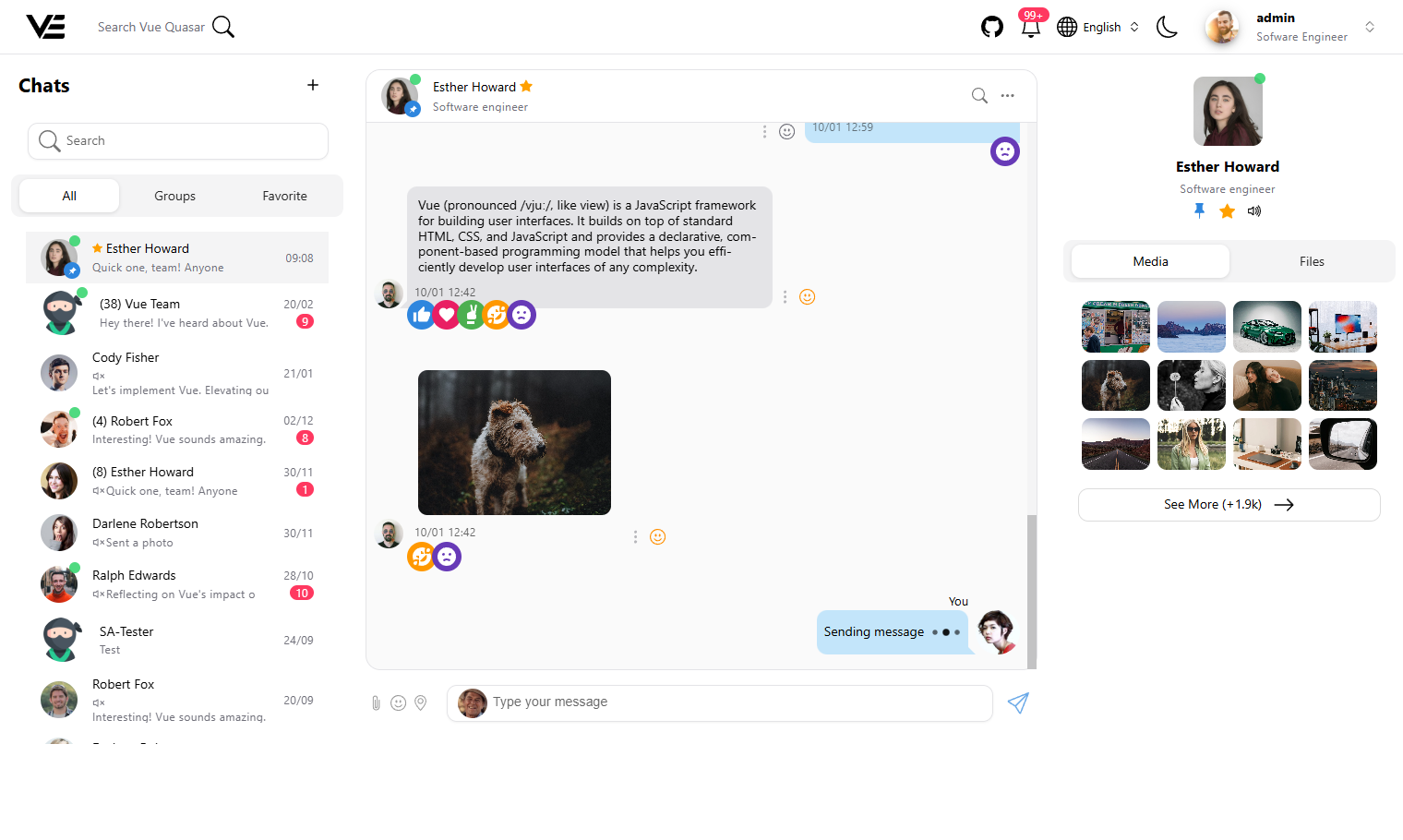
Chat layout
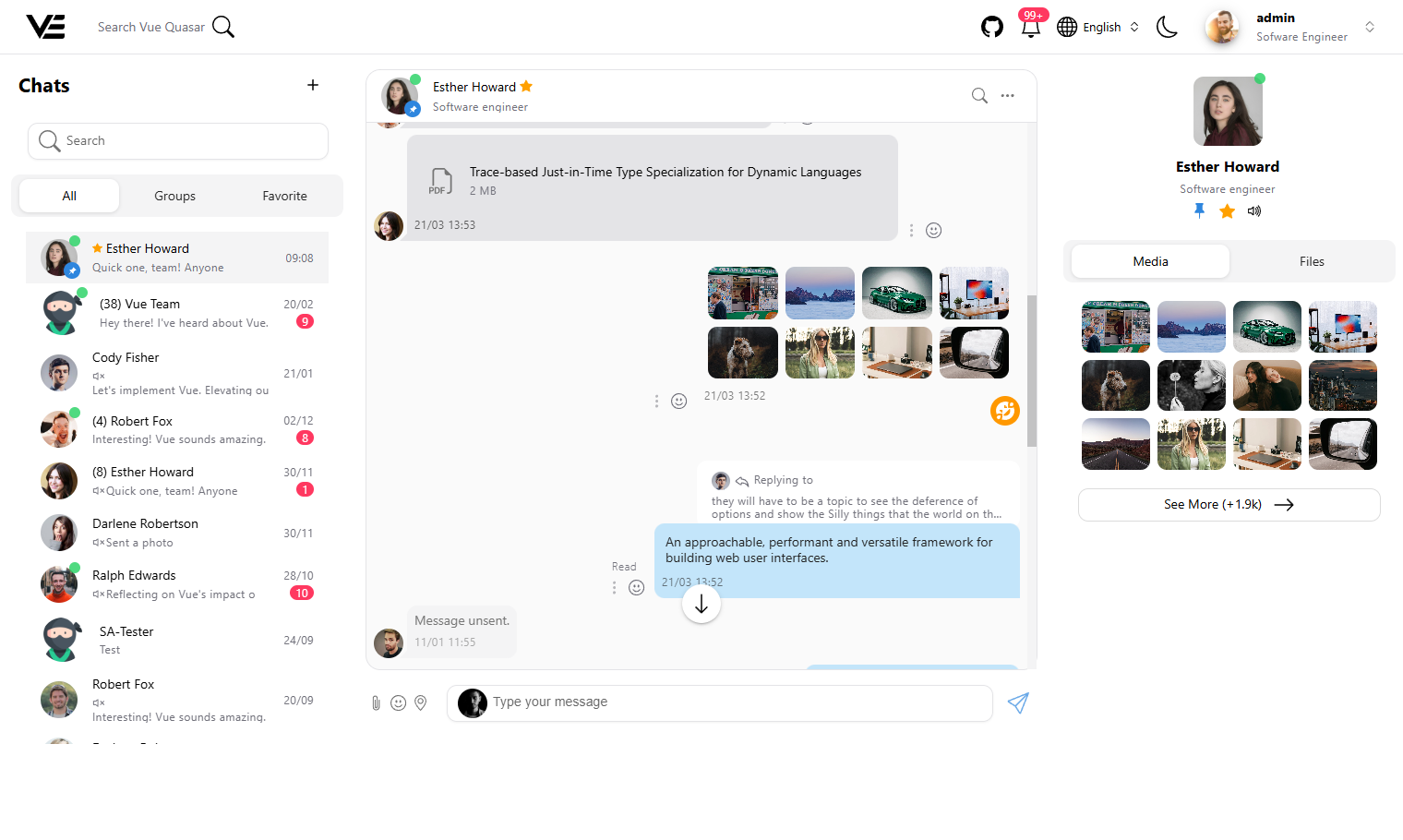
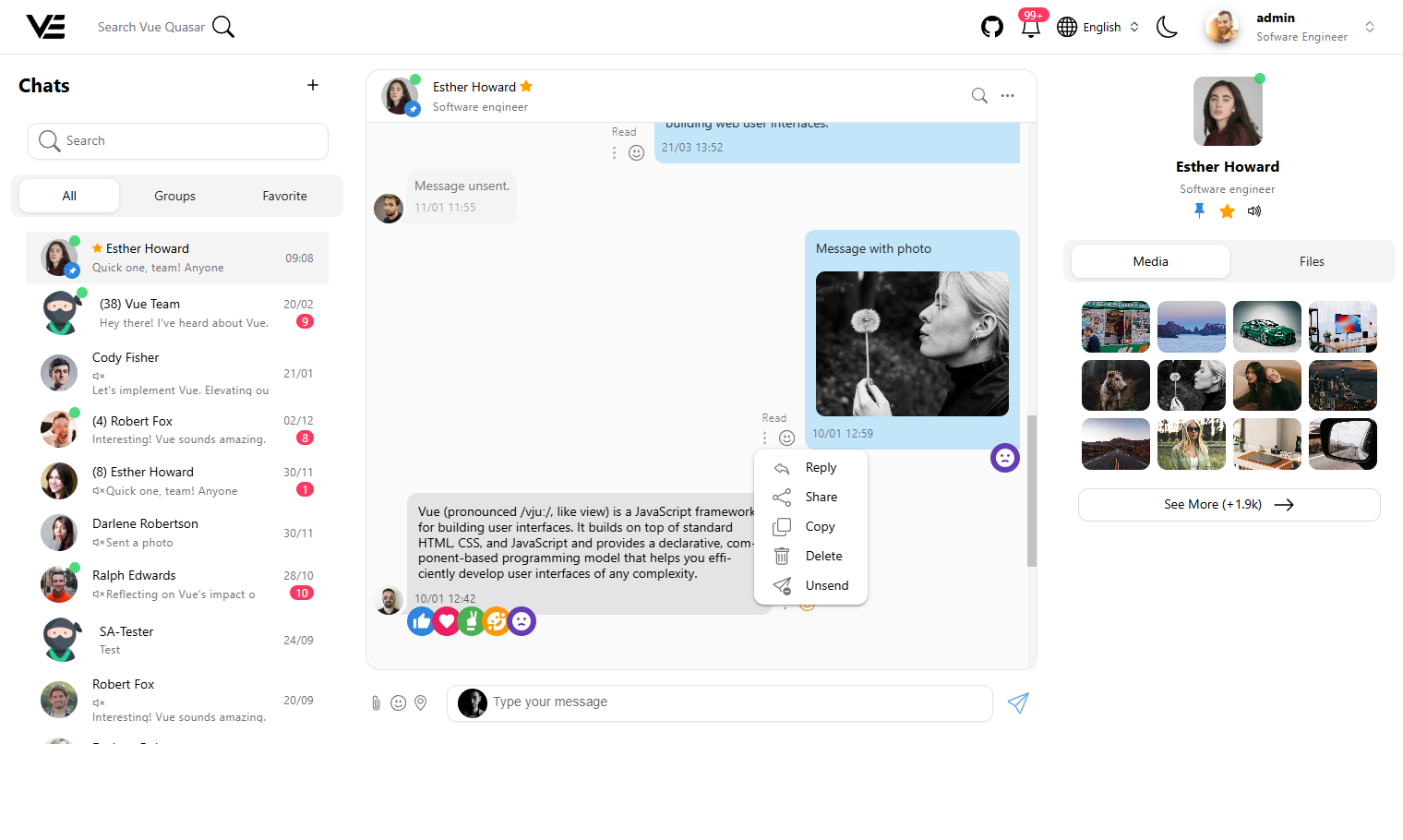
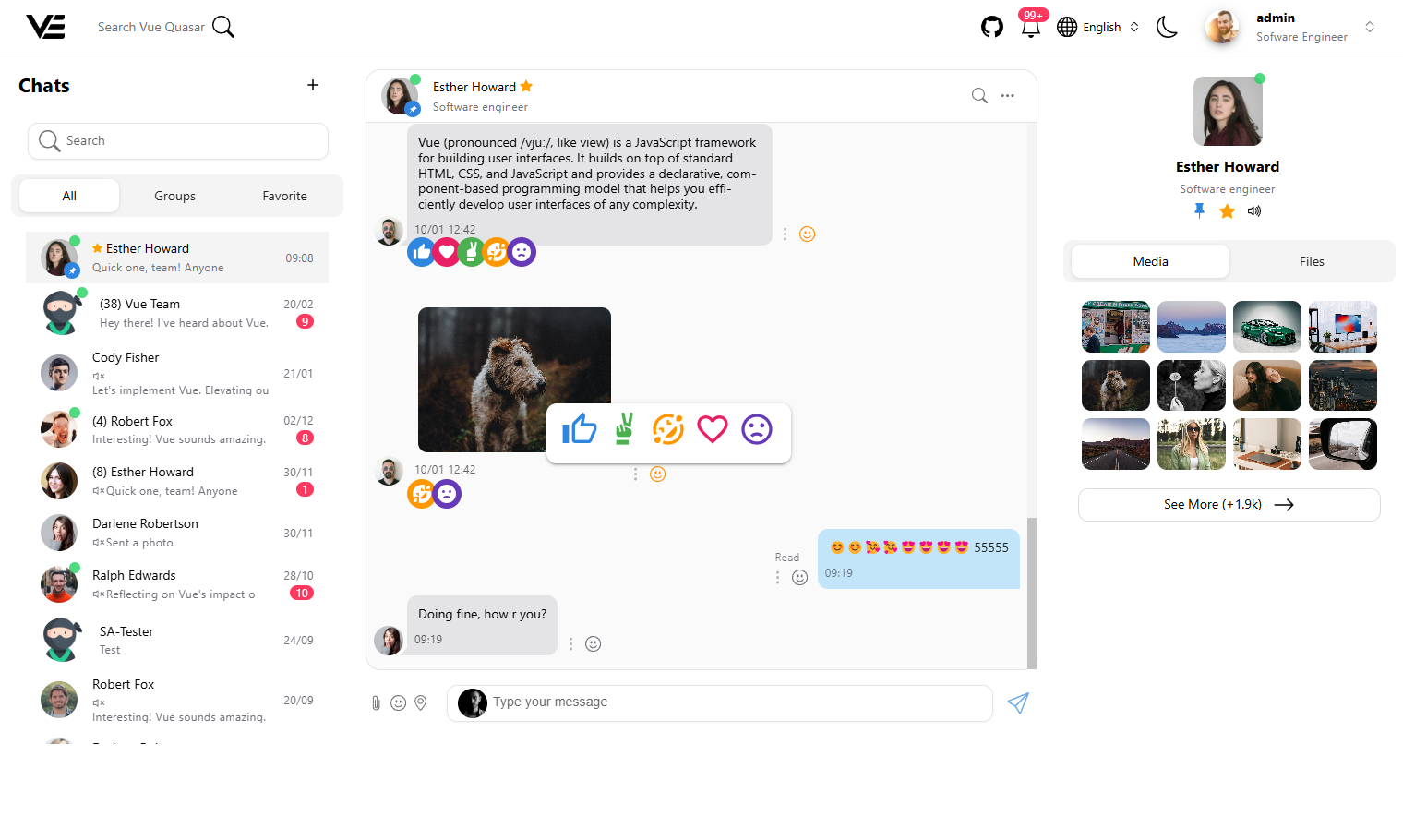
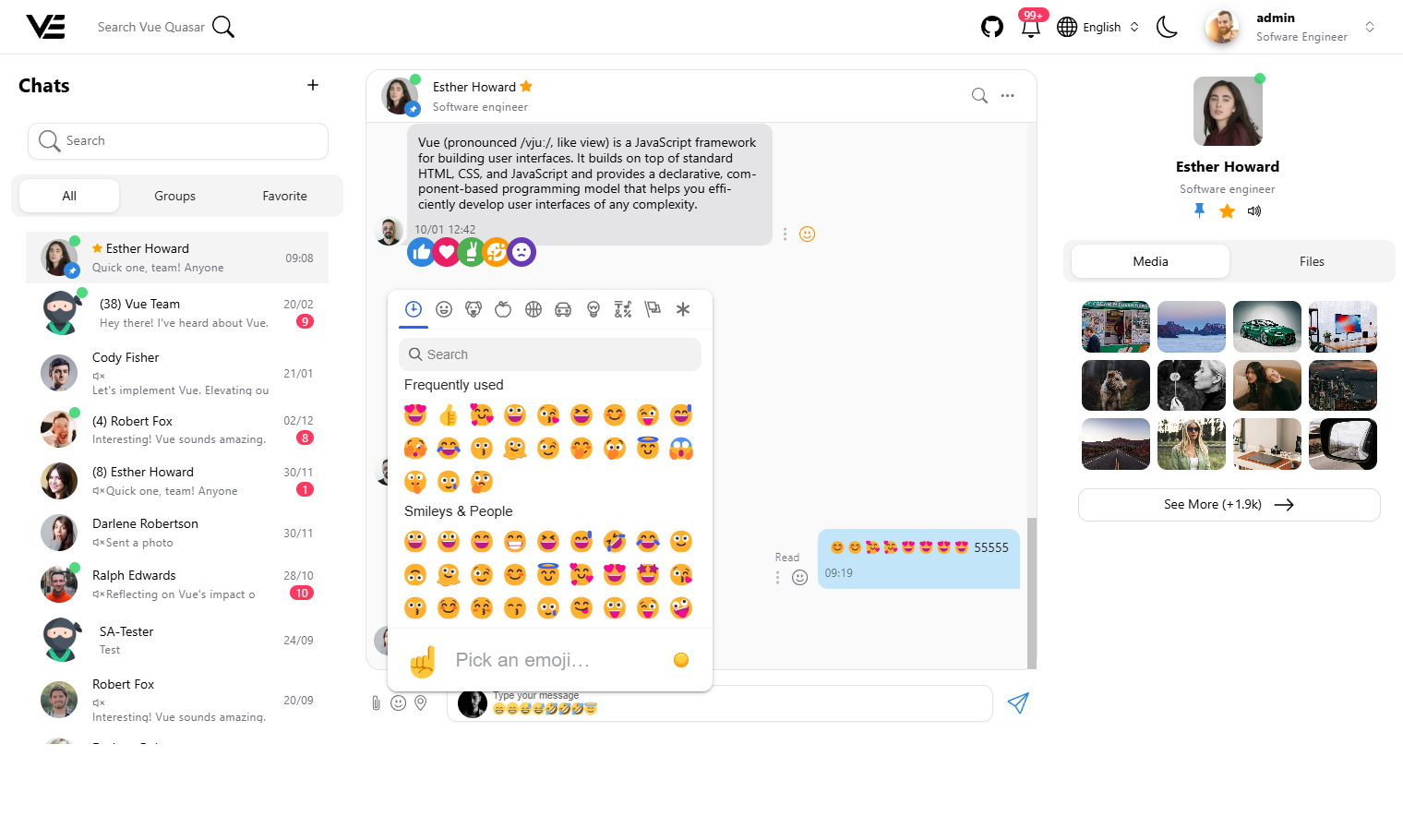
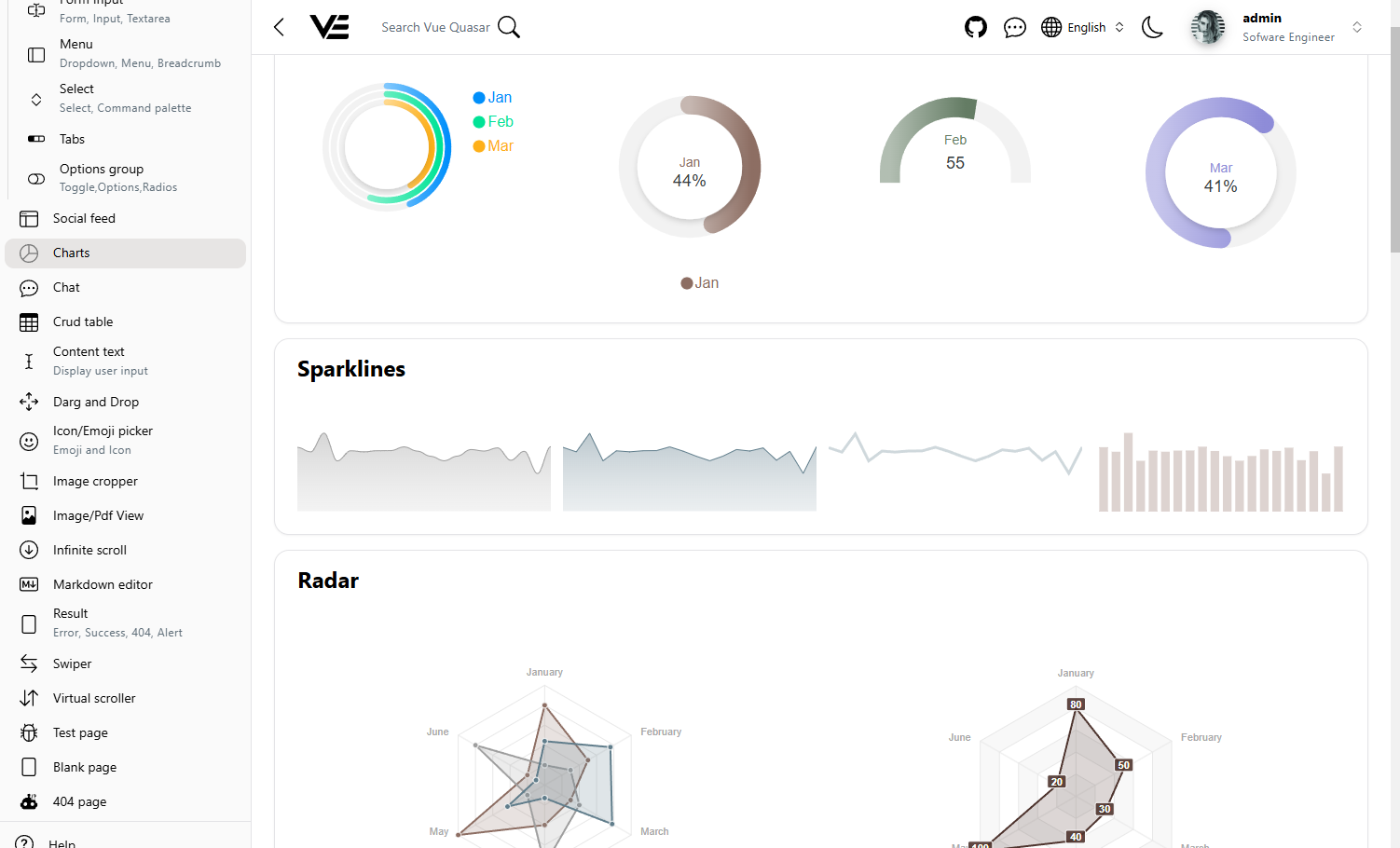
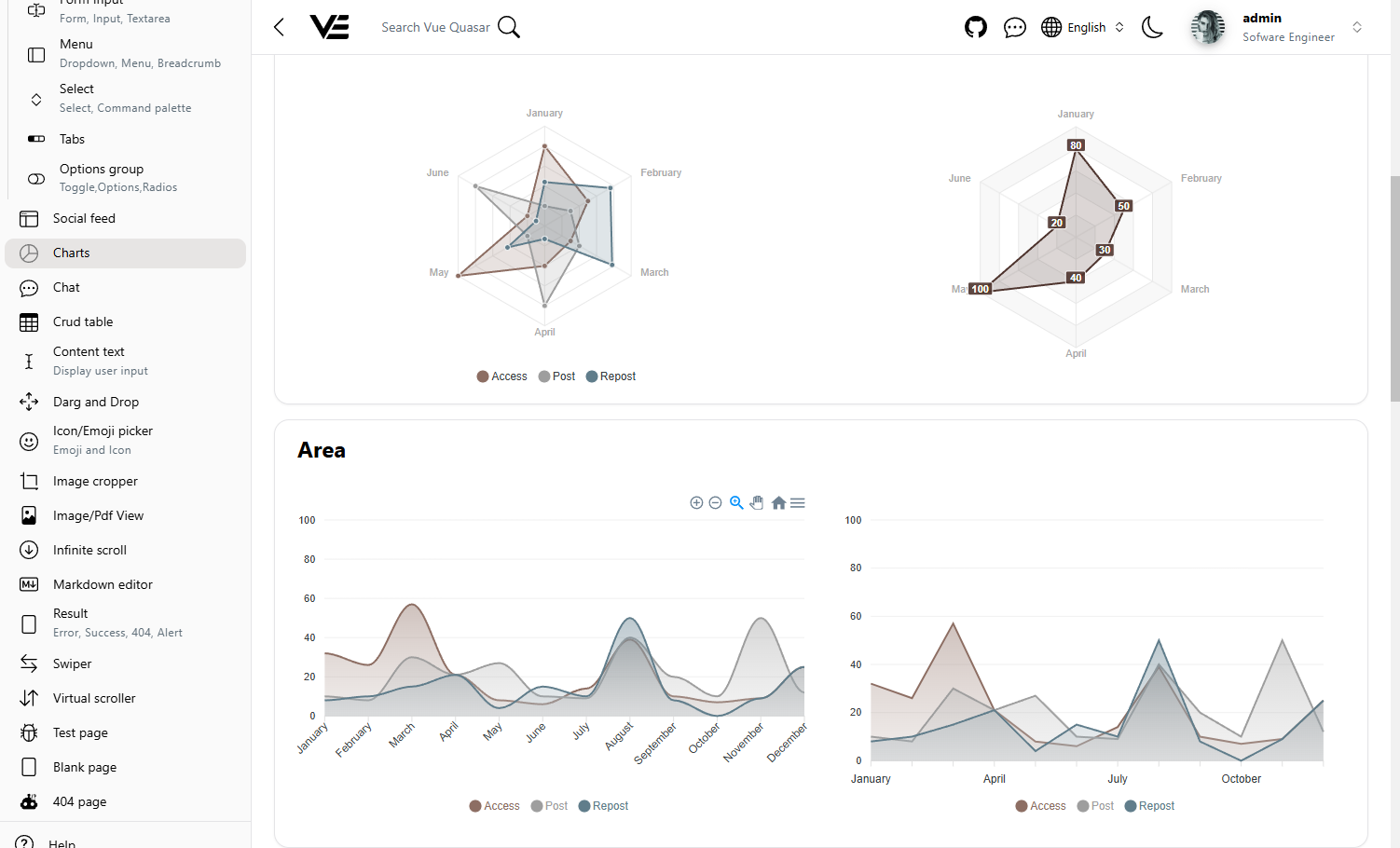
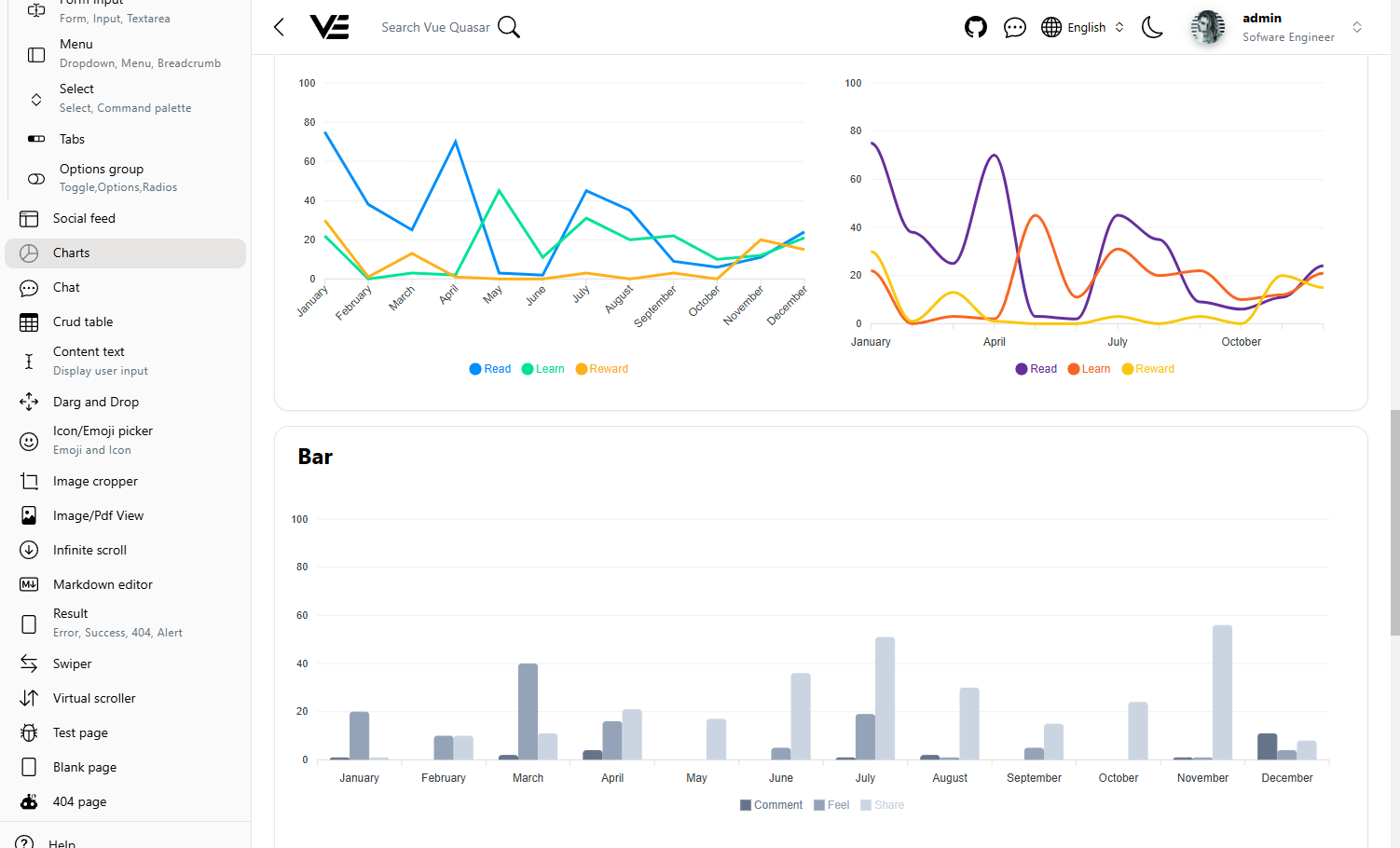
Charts
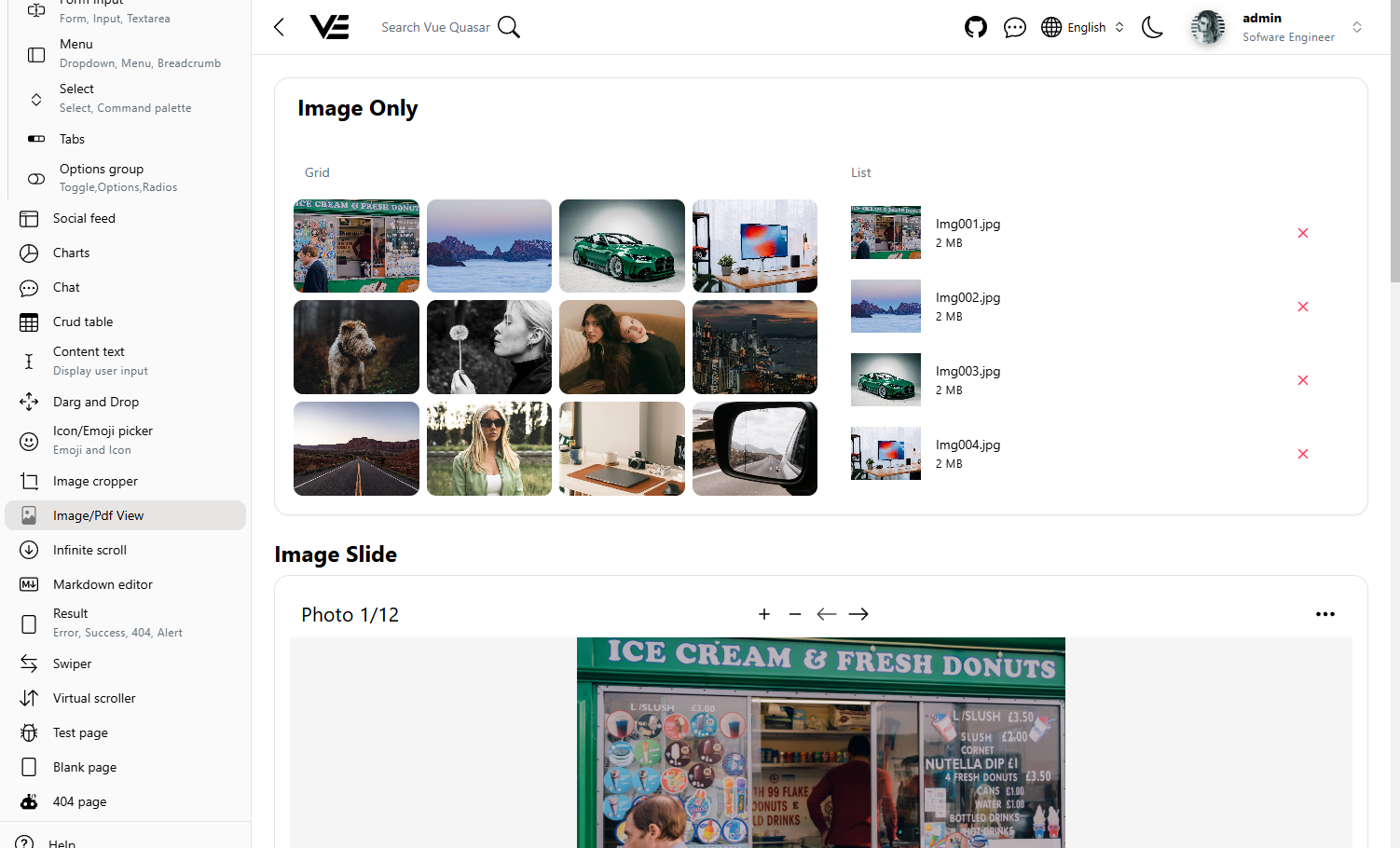
Gallery
Pdf view
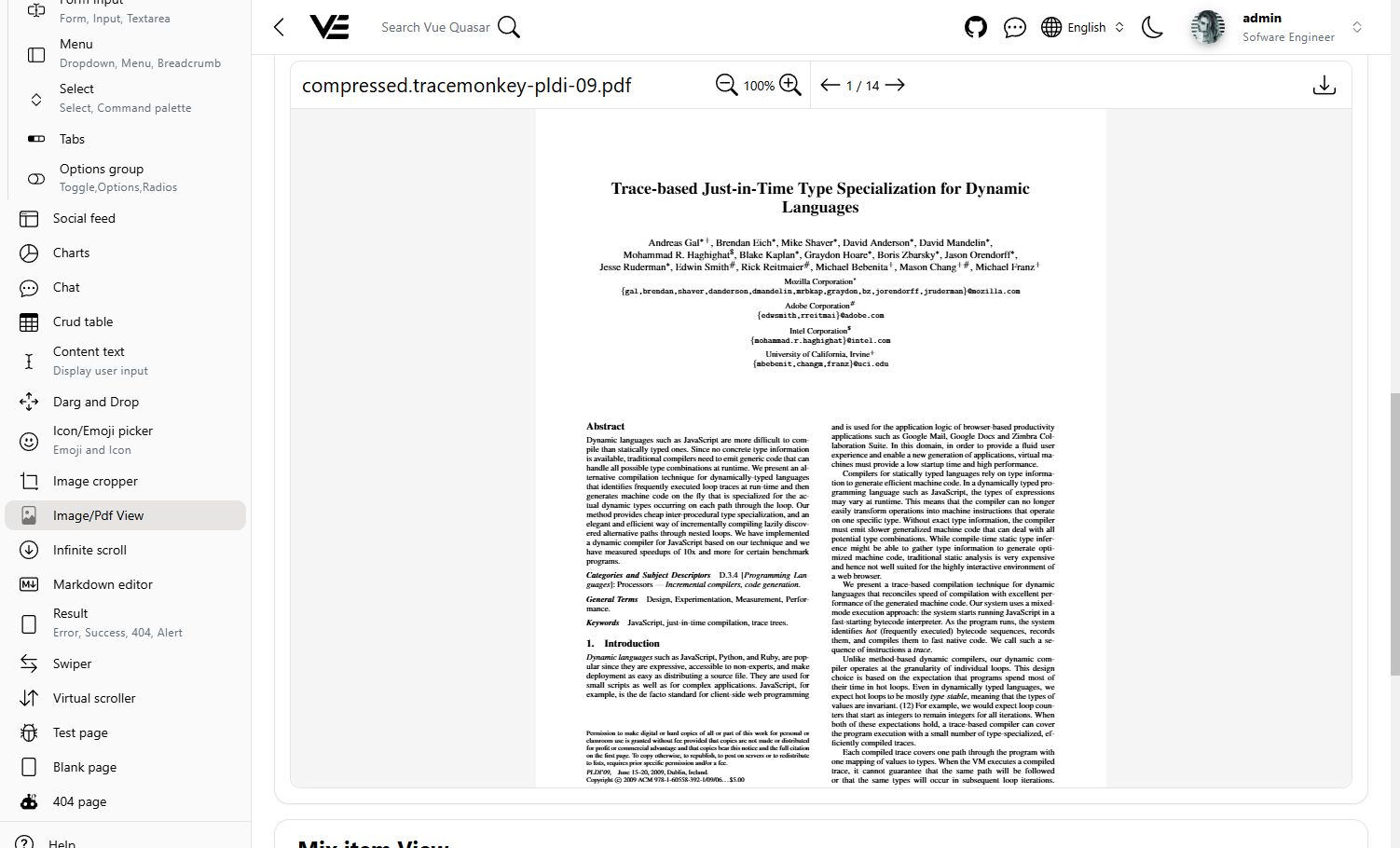
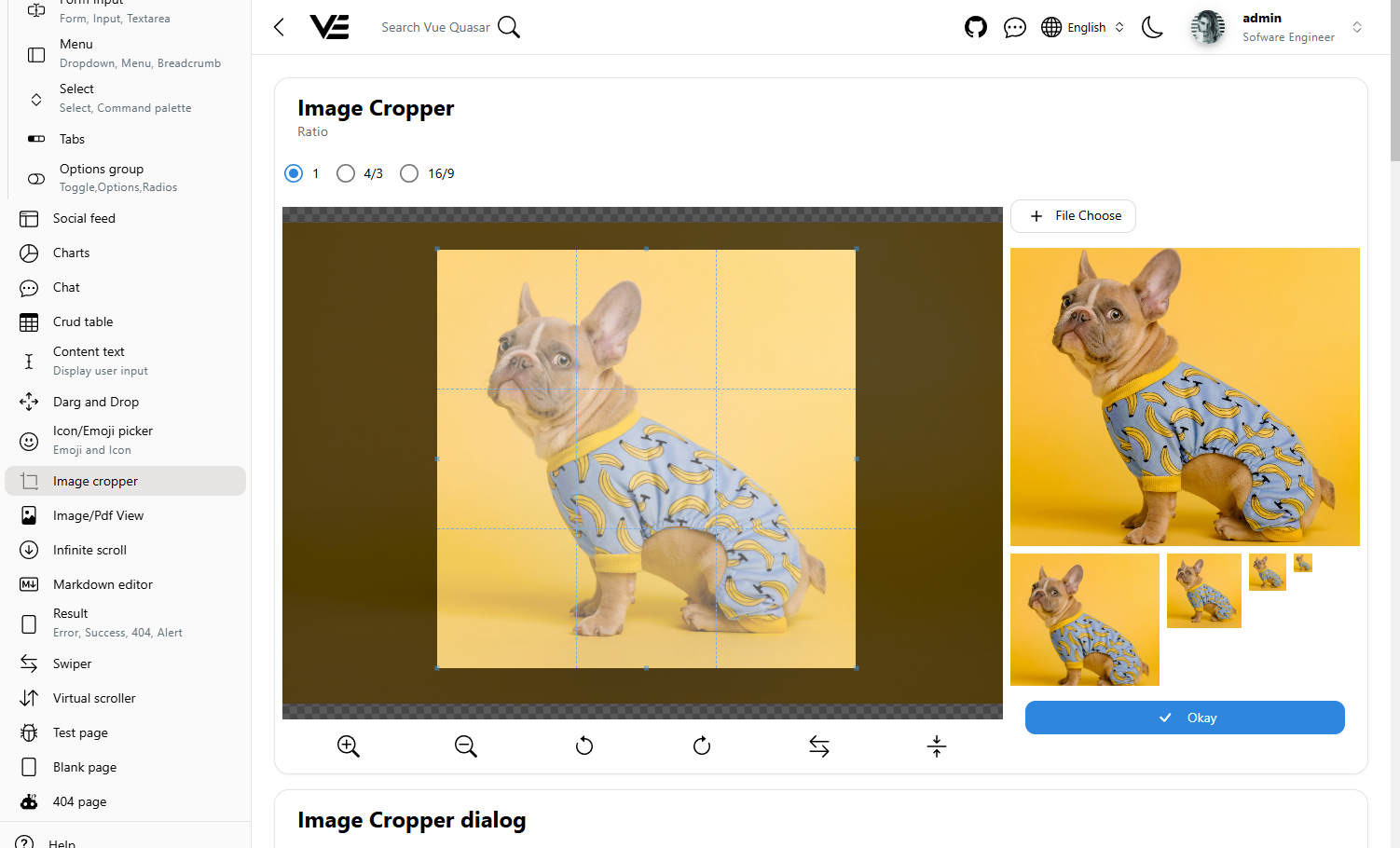
Image corpper
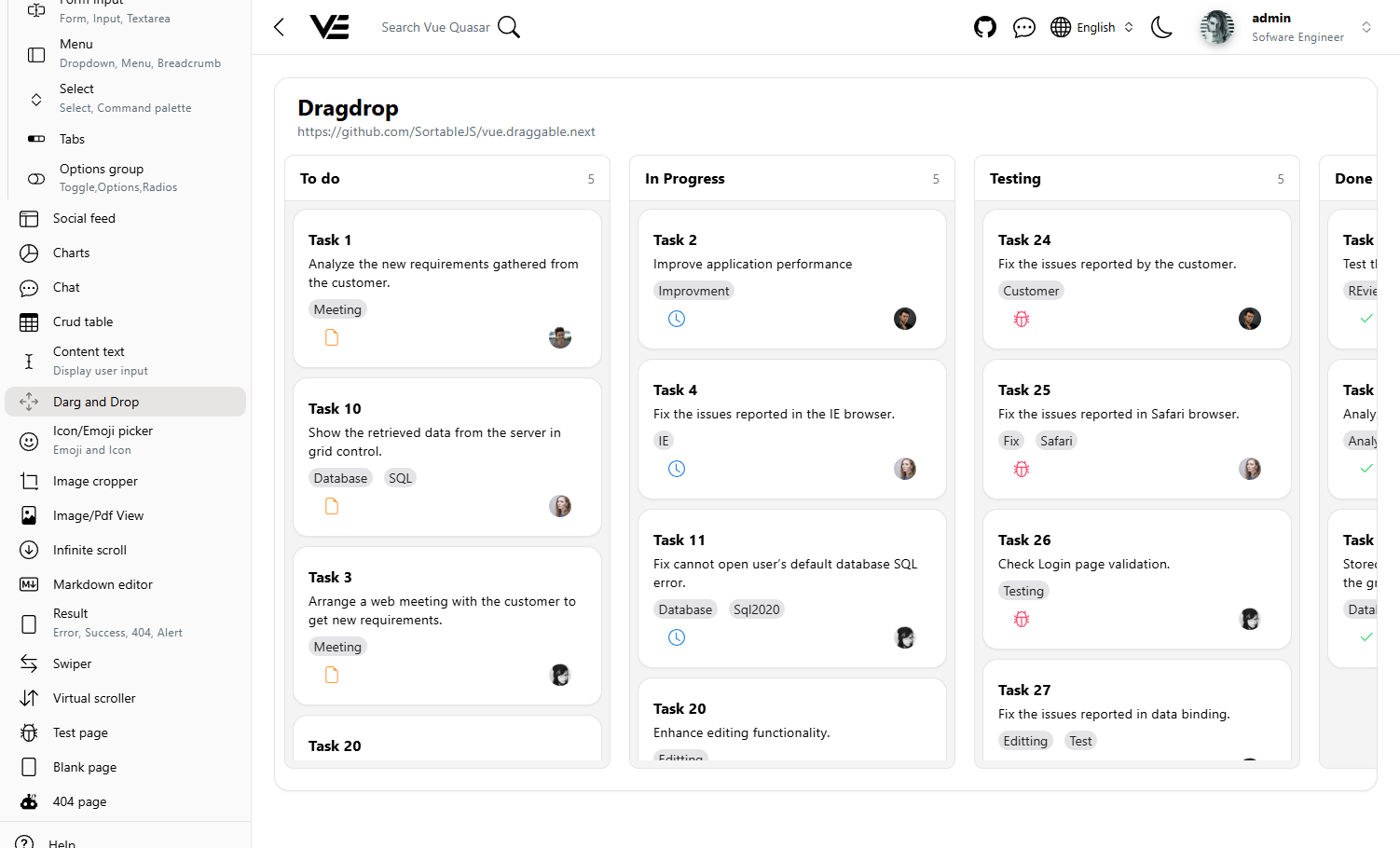
Drag drop
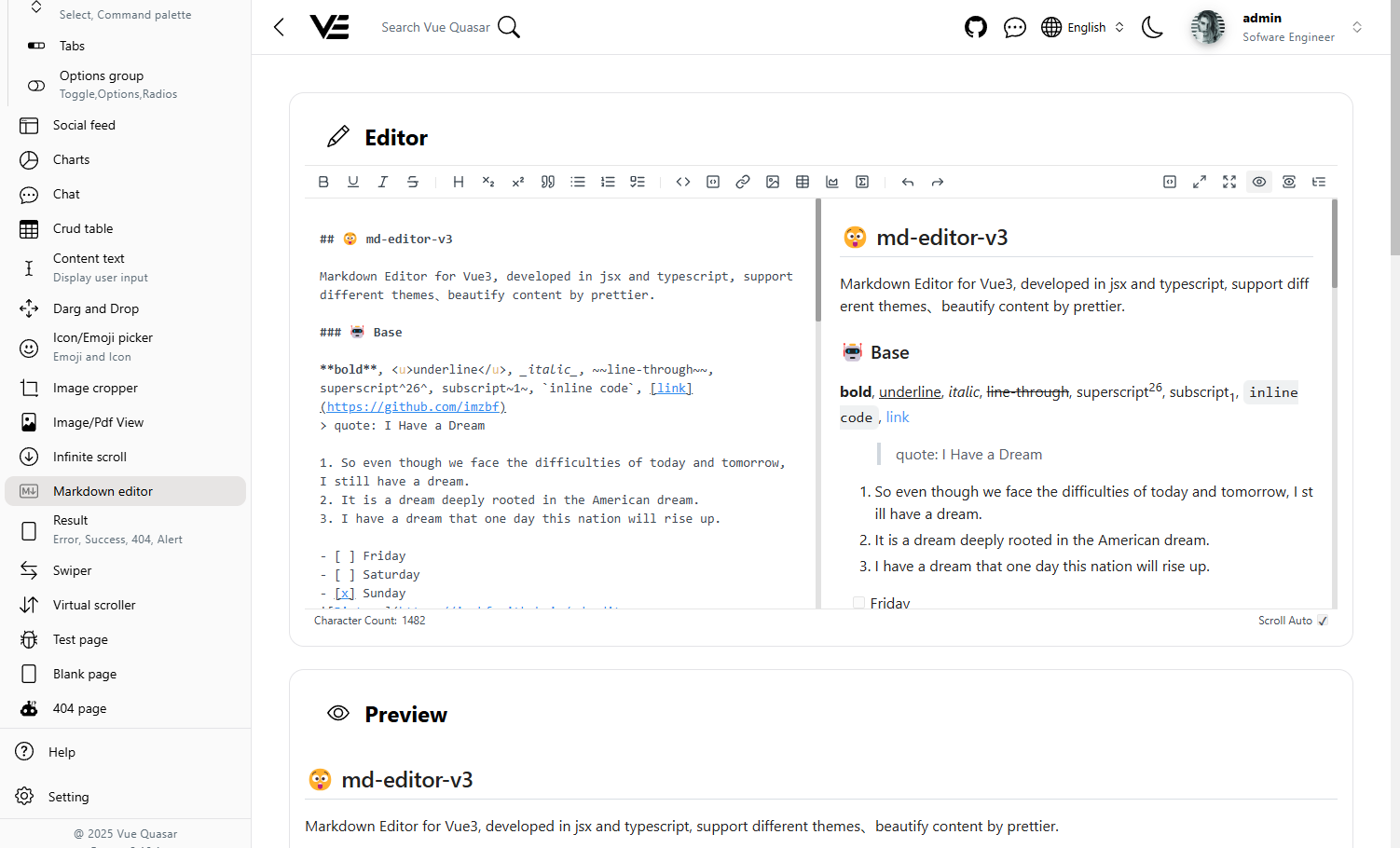
Markdown editor
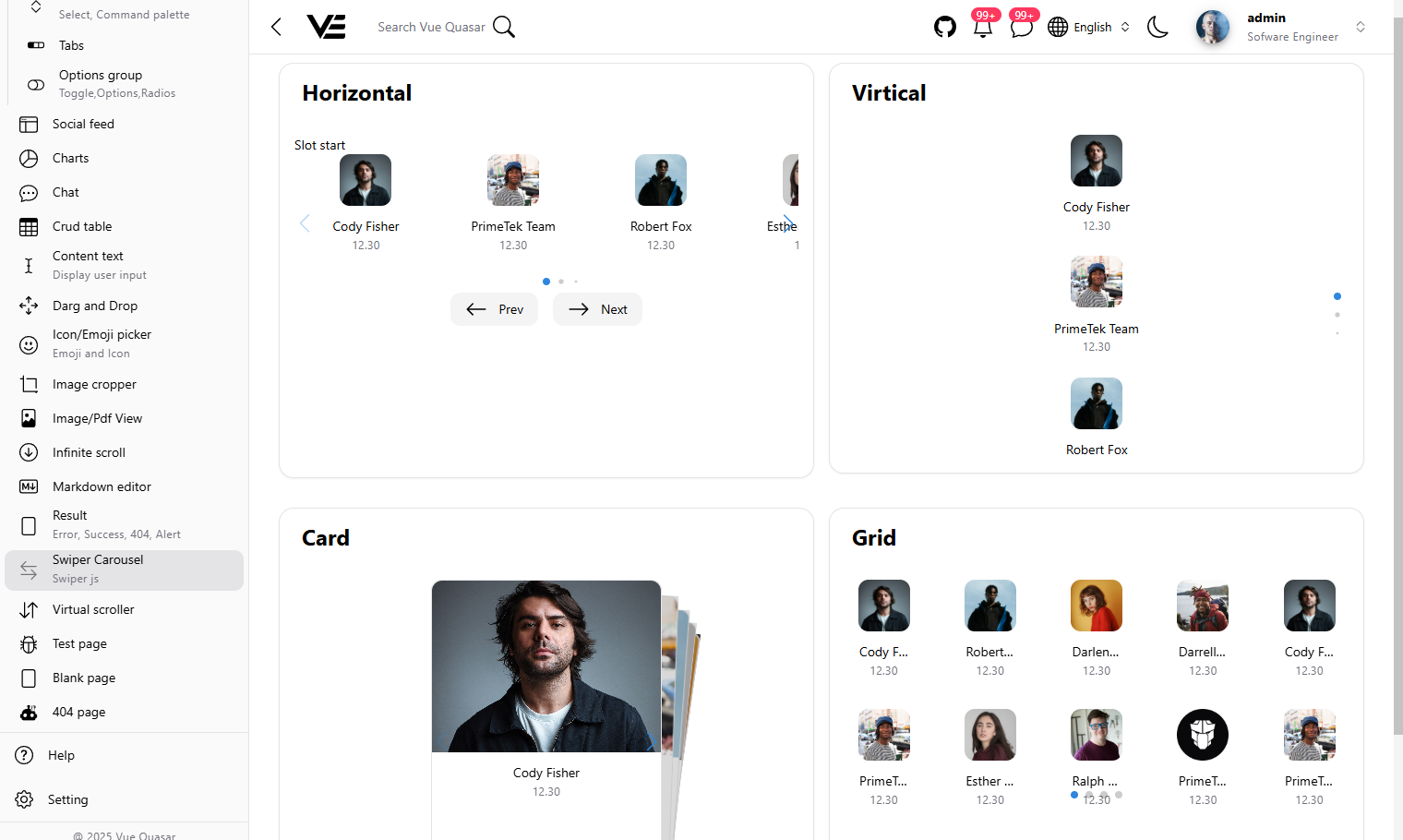
Carousel
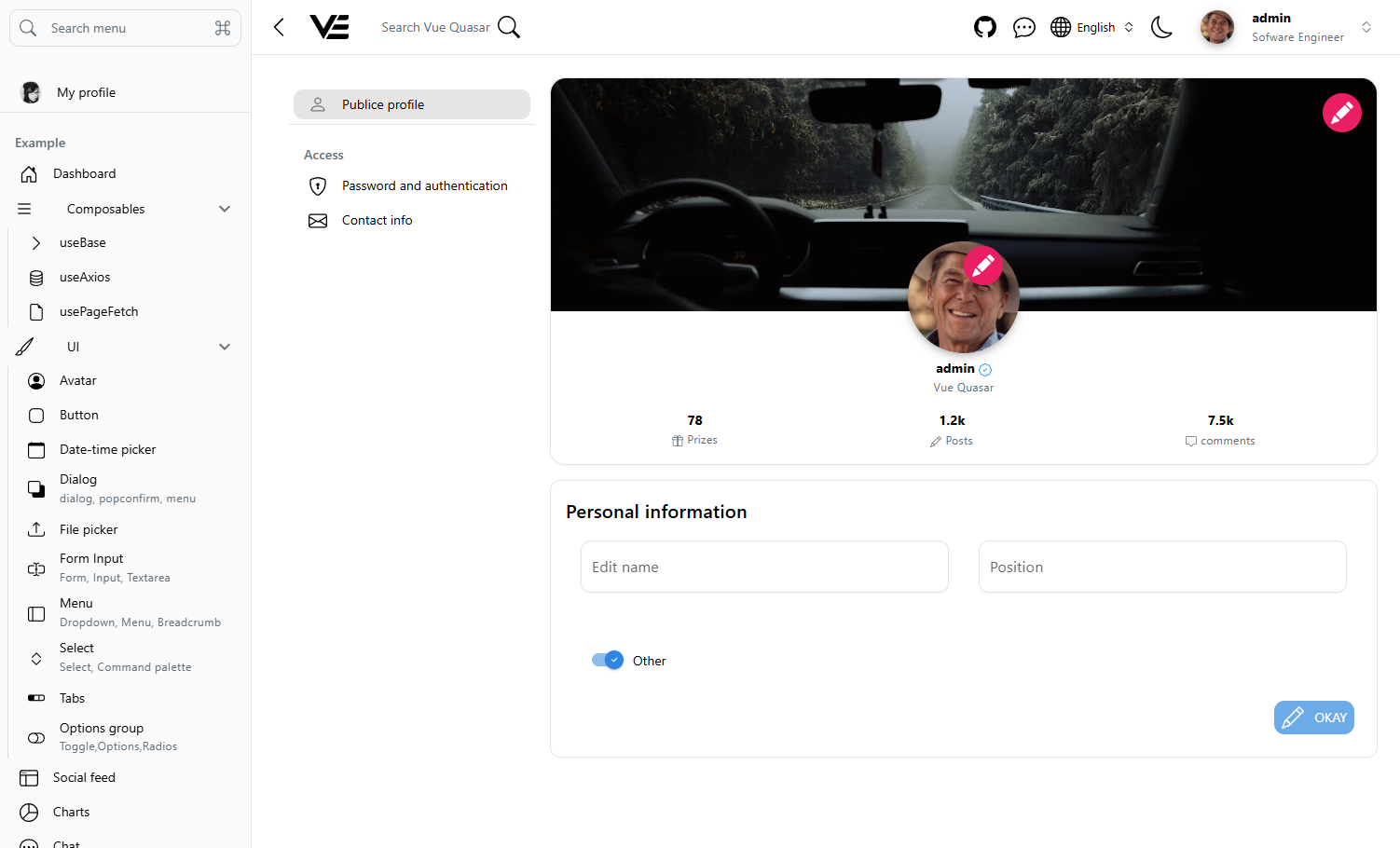
Settings
pnpm install
# or
npm install
Config your Project at my-app/quasar.config.ts
devServer
   devServer: {
      open: false, // opens browser window automatically
      port: 9000,
},pnpm dev or
npm run dev or
quasar devStarting webserver at port 9000
pnpm dev:ssr or
npm run dev:ssr or
quasar dev -m ssr
Starting webserver at port 9100
pnpm lint
# or
npm run lintpnpm format
# or
npm run formatpnpm build or
npm run build or
quasar buildpnpm build:ssr or
npm run build:ssr or
quasar build -m ssrDocker run
docker-compose build
docker-compose up -dThis starter template is pre-configured to deploy seamlessly on Vercel using SSR (Server-Side Rendering) mode with Serverless Functions.
How it works:
- The
vercel.jsonfile handles route rewrites and directs traffic to the serverless function. - The
api/index.jsfile acts as the entry point for Vercel's serverless environment. - The
package.jsonincludes apostinstallscript to ensure server dependencies are installed correctly during the Vercel build phase.
To deploy on Vercel:
- Import your repository into Vercel.
- In the project settings, set the Framework Preset to
Other, Build Command topnpm run build:ssr-vercel, Output Directory todist/ssr/client. - Vercel will automatically detect the configuration and deploy your Quasar SSR app.
If you prefer to deploy this application to a different environment (e.g., standard Node.js server, Docker, AWS, or DigitalOcean), you must remove the Vercel-specific configurations to prevent conflicts.
Follow these steps to revert to the standard Quasar SSR setup:
-
Delete Vercel files: Remove the
vercel.jsonfile and the entireapidirectory from the root of your project. -
Update
quasar.config.js: Locate thessrconfiguration block and remove theprodScriptNamedExportproperty:ssr: { // Remove or comment out the following line: // prodScriptNamedExport: 'default', pwa: false, // ... }
-
Update
src-ssr/server.ts:
export const listen = defineSsrListen(
  async ({ app, devHttpsOptions, port }) => {

    // Remove this block entirely
    // if (import.meta.env.QUASAR_PROD) {
    //   return { default: app };
    // }

    // Keep the rest of the default listening logic...
  }
);- Update
src-ssr/server.ts: Revert theSsrDriverinterface declaration at the top of the file back to its default state:
declare module '#q-app' {
  interface SsrDriver {
    app: Application;
    listenResult: Server; // Remove the " | { default: Application }" part
    request: Request;
    response: Response;
  }
}
Once these changes are made, your project will run as a standard long-running Node.js process when built for production (quasar build -m ssr), ready to be deployed anywhere.