Eight Ball
In this lesson we will be using a canvas component to draw text on an image background to emulate a magic eight ball. We will trigger these changes via sensors built into the phone.
Add these block components to your code to create a list of variables.
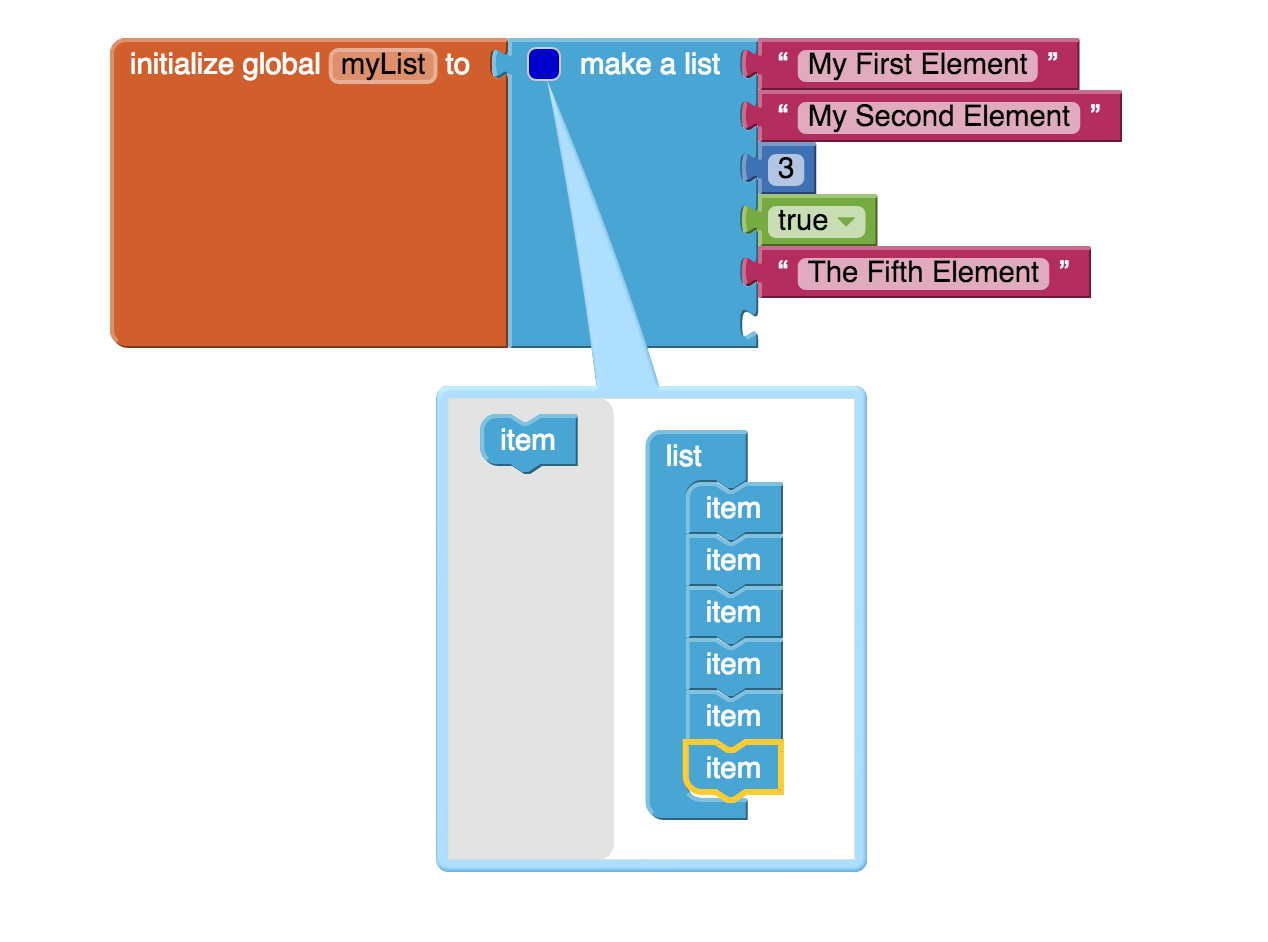
Given a list of elements we can select a random element with a simple call to this list procedure.

Sensors are devices that are built into smartphones that detect certain important information about the phone. These sensors include motion detection sensors like the gyroscope and accelerometer.
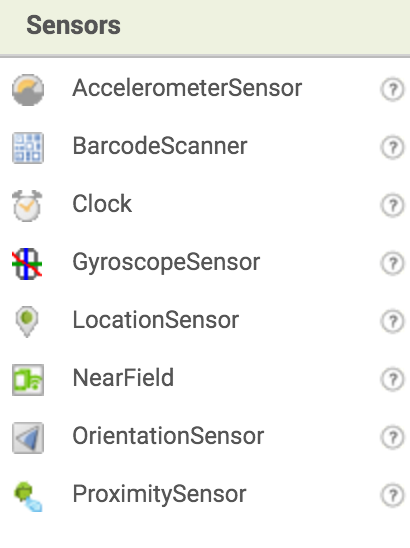
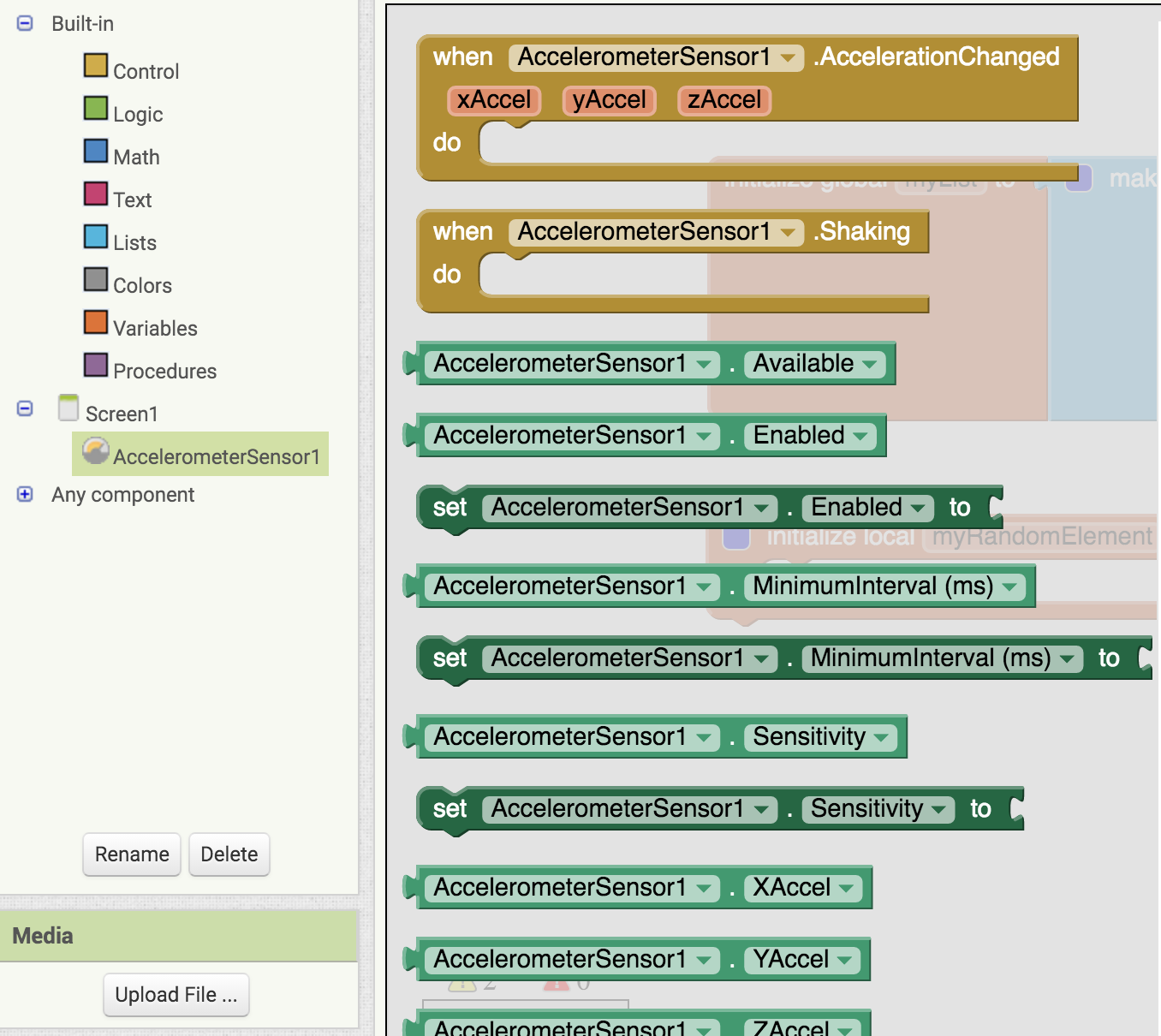
In our case we will be working with the accelerometer which allows us to check when the device is being shook.
 A canvas is basically a big white board. You can draw many things on a canvas
And it will all stay on the screen until we clear the screen. Here are some examples of useful procedures in canvas
A canvas is basically a big white board. You can draw many things on a canvas
And it will all stay on the screen until we clear the screen. Here are some examples of useful procedures in canvas
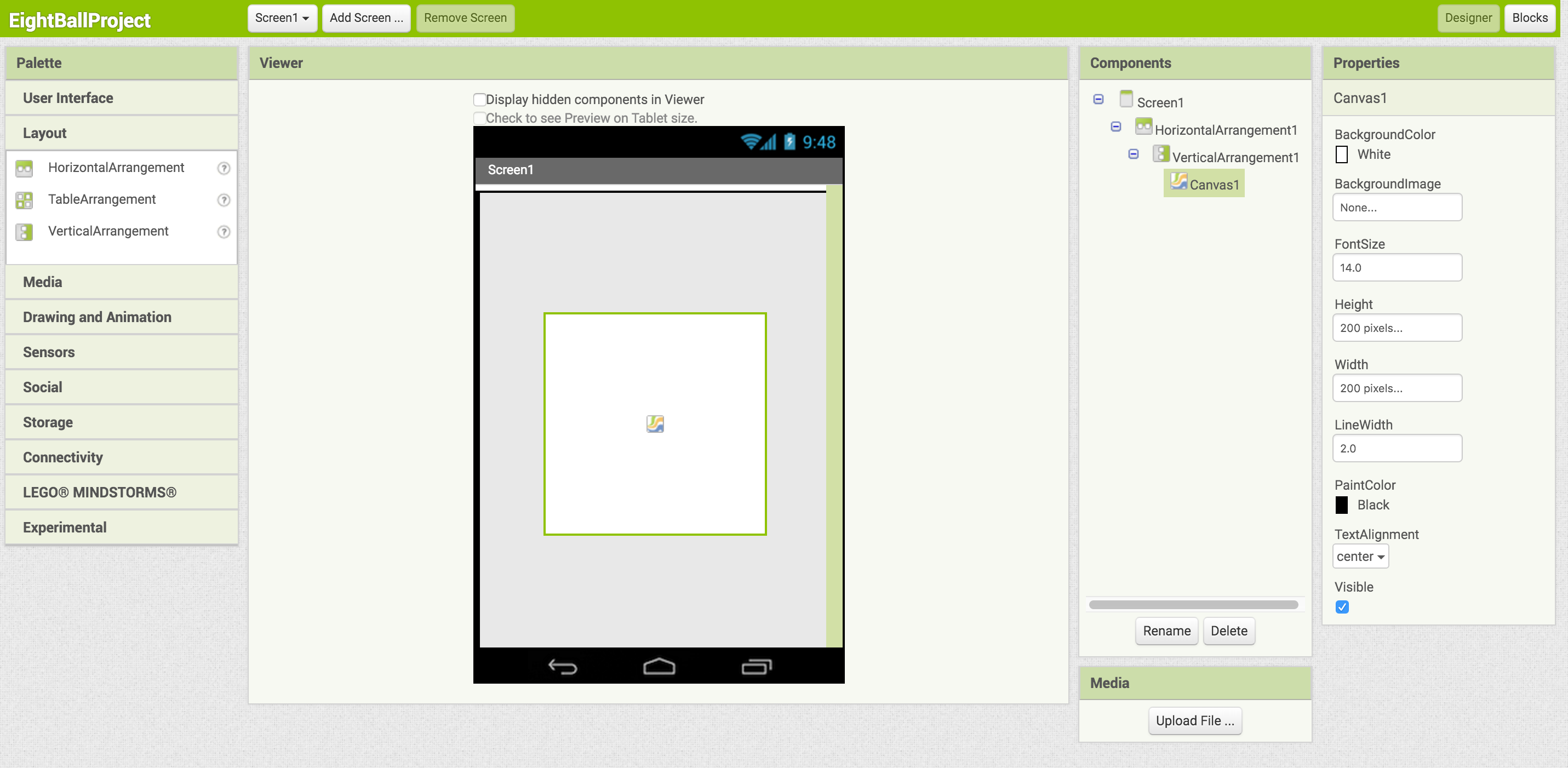
We will need a canvas with a background image (see the media and assets section). We will also add an accelerometer sensor here.
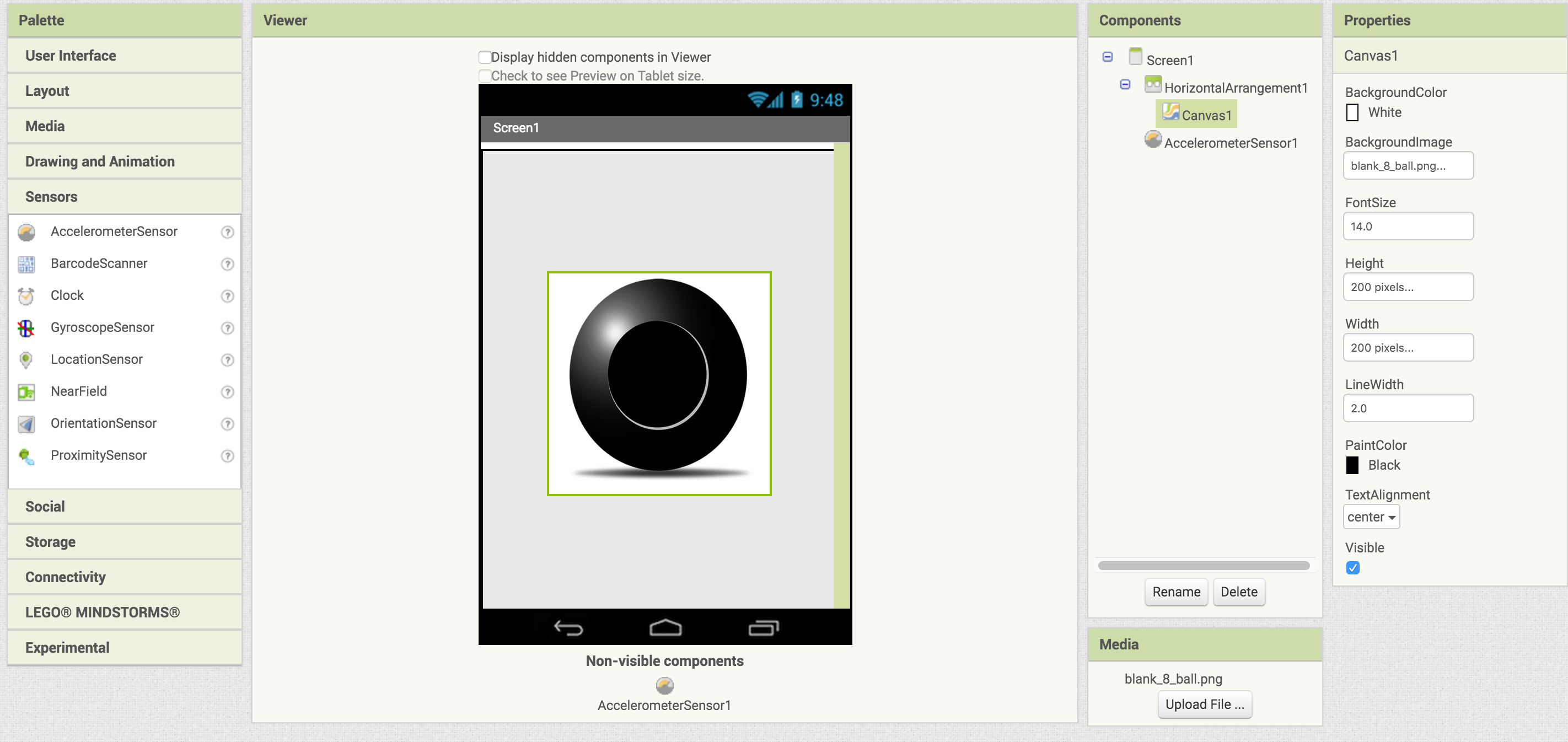
Using the tools provided:
- Create a list and fill it with text copies of each response you’re eight ball will give
- Draw text in the center of the canvas when the screen is loaded using the 'when screen initialize procedure' giving the user instructions to shake the phone.
- Using your sensor, change the text in the center to a random response selected from your list when the device is shook.