RiddleScanner
In this lesson we will be using a barcode scanner to get riddles from QR codes. Then, we will use a substitution cipher to decrypt the text containing the riddles.
Note: You will need to install this android barcode scanner app before starting this project. Most of you should already have it on your phones. (https://play.google.com/store/apps/details?id=com.google.zxing.client.android&hl=en)
Add these block components to your code to use the phone's barcode scanner. Note that you will need a barcode scanner installed for this to work.

We will need the following components
- TableLayout(5 columns, 2 rows),
- 10 TextBox in the TableLayout (width=20% each)
- 2 Buttons
- 4 Labels (For Decrypted_Message, and Encrypted_Message: height=20%)
- BarcodeScanner
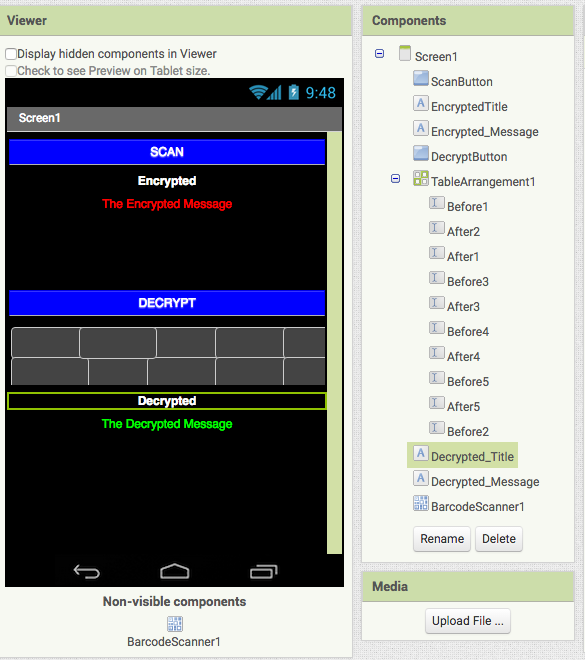
Note: TextBoxes BeforeX-AfterX should be arranged like this in the TableLayout
Before1   Before2   Before3   Before4   Before5
After1    After2    After3    After4    After5
- Initialize a variable called message to " ".
- Call the BarcodeScanner's DoScan
When the BarcodeScanner's AfterScan occurs:
- Set the Encrypted_Message to the result of the scan.
- Set the variable message to the result of the scan.
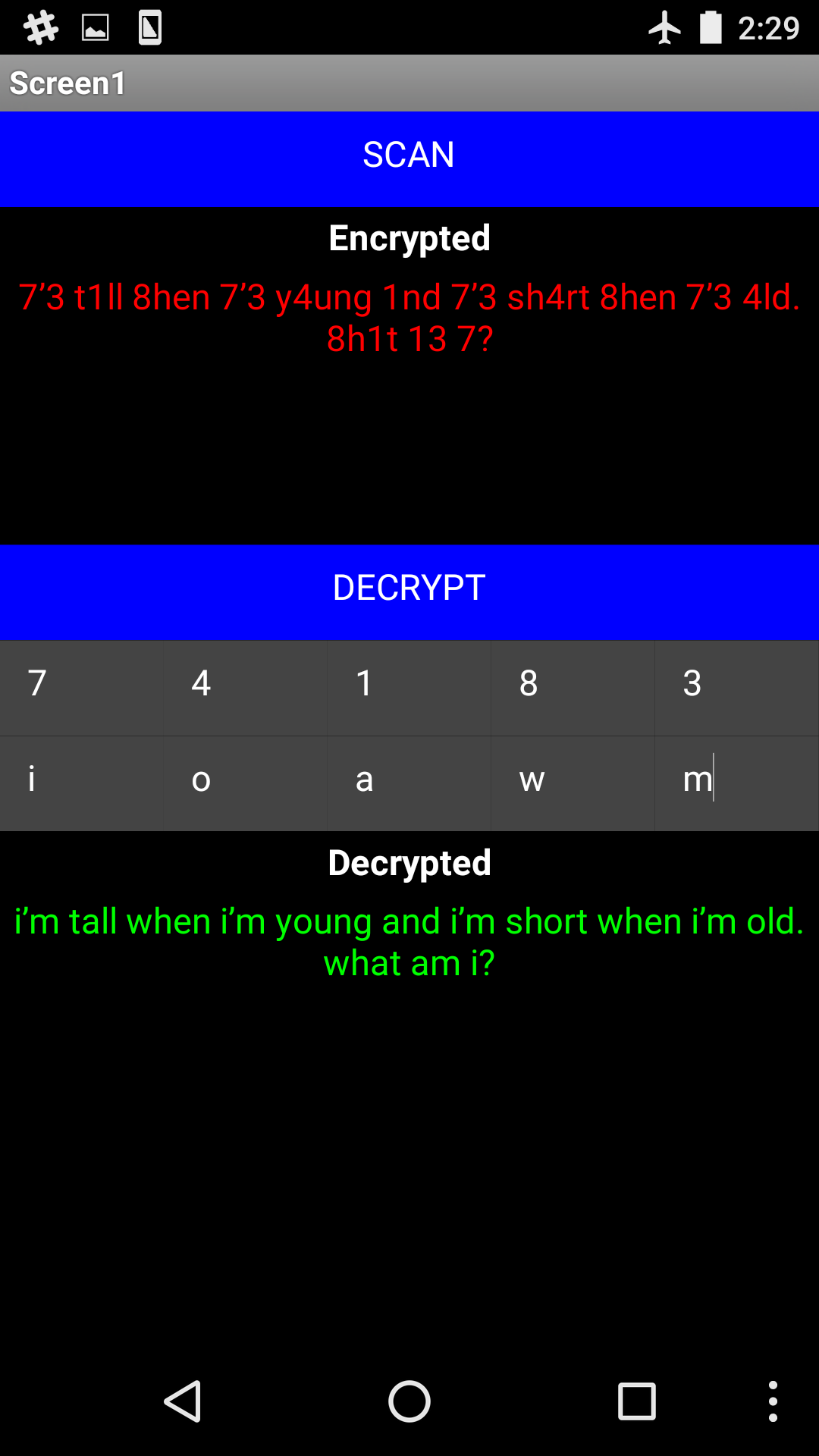
After scanning a qr code, you should see the Encrypted message from the scan appear.
When you click the DecryptButton:
- Set the variable message to the substituted result of the Before and After textboxes, and the message variable.
- Do this 5 times, for every pair of the substitution boxes.
- Set the Decrypted_Message text to the variable message.

Use this key and QR code to test the app.
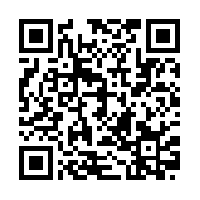
====Substitution Cipher Key====
7 = i
4 = o
1 = a
8 = w
3 = m
====Encrypted====
7’3 t1ll 8hen 7’3 y4ung 1nd 7’3 sh4rt 8hen 7’3 4ld. 8h1t 13 7?
====Decrypted====
I’m tall when I’m young and I’m short when I’m old. What am I?
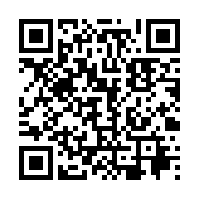 ```
====Substitution Cipher Key====
5 = t
8 = o
4 = n
7 = e
2 = s
```
***
## Problem Two:
```
====Substitution Cipher Key====
5 = t
8 = o
4 = n
7 = e
2 = s
```
***
## Problem Two:
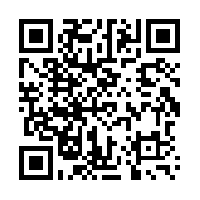 ```
====Substitution Cipher Key====
9 = a
8 = e
2 = o
1 = r
5 = w
```
***
## Problem Three:
```
====Substitution Cipher Key====
9 = a
8 = e
2 = o
1 = r
5 = w
```
***
## Problem Three:
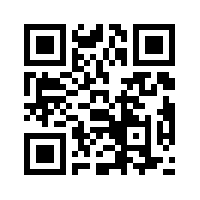 ```
====Substitution Cipher Key====
b = 5
l = 1
z = 2
m = 7
g = 0
Remember the encrypted characters are on the left and the decrypted characters are on the right.
```
***
## Problem Four:
```
====Substitution Cipher Key====
b = 5
l = 1
z = 2
m = 7
g = 0
Remember the encrypted characters are on the left and the decrypted characters are on the right.
```
***
## Problem Four:
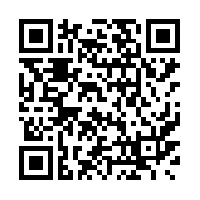 ```
====Substitution Cipher Key====
p = 1
q = 2
r = 3
z = ,
y = .
```
***
## Problem Five:
```
====Substitution Cipher Key====
p = 1
q = 2
r = 3
z = ,
y = .
```
***
## Problem Five:
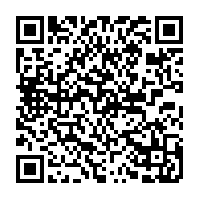 ```
====Substitution Cipher Key====
0 = a
8 = e
2 = t
1 = n
6 = h
```
***
## Problem Six:
```
====Substitution Cipher Key====
0 = a
8 = e
2 = t
1 = n
6 = h
```
***
## Problem Six:
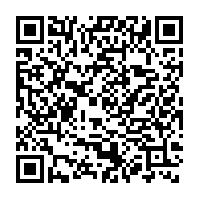 ```
====Substitution Cipher Key====
8 = a
4 = o
7 = t
2 = e
0 = n
```
***
## Problem Seven:
```
====Substitution Cipher Key====
8 = a
4 = o
7 = t
2 = e
0 = n
```
***
## Problem Seven:
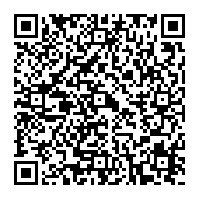 ```
====Substitution Cipher Key====
9 = a
2 = e
4 = i
8 = h
1 = t
```
***
## Problem Eight:
```
====Substitution Cipher Key====
9 = a
2 = e
4 = i
8 = h
1 = t
```
***
## Problem Eight:
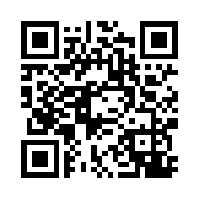 ```
====Substitution Cipher Key====
5 = s
4 = t
2 = i
1 = l
9 = e
```
***
## Problem Nine:
```
====Substitution Cipher Key====
5 = s
4 = t
2 = i
1 = l
9 = e
```
***
## Problem Nine:
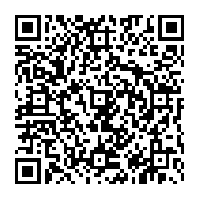 ```
====Substitution Cipher Key====
9 = e
2 = a
0 = t
8 = u
3 = o
```
***
## Problem Ten:
```
====Substitution Cipher Key====
9 = e
2 = a
0 = t
8 = u
3 = o
```
***
## Problem Ten:
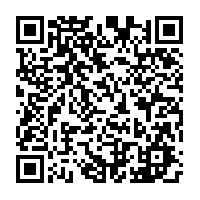 ```
====Substitution Cipher Key====
2 = i
1 = t
9 = e
8 = a
0 = w
```
# External References:
# Stretch Goals
1. When the barcode scan finishes have the app speak the encrypted riddle to you.
2. When a decryption of the riddle is complete, have the app speak the decrypted riddle to you.
```
====Substitution Cipher Key====
2 = i
1 = t
9 = e
8 = a
0 = w
```
# External References:
# Stretch Goals
1. When the barcode scan finishes have the app speak the encrypted riddle to you.
2. When a decryption of the riddle is complete, have the app speak the decrypted riddle to you.