StarCall
In this lesson we will learn to make a game using the canvas, imagesprites, procedures, and timer.
A surface where you can put objects on a given location.
An interactive image that can be put on a canvas. It reacts to collisions and touches.
Keeping track of timing and current time.
We will need:
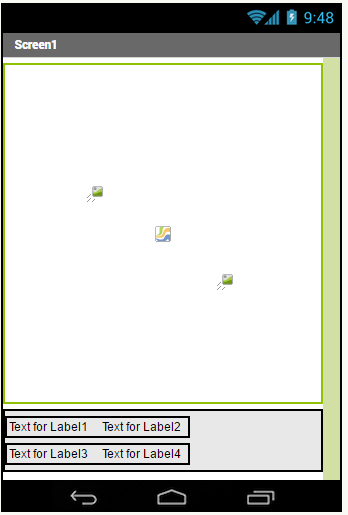
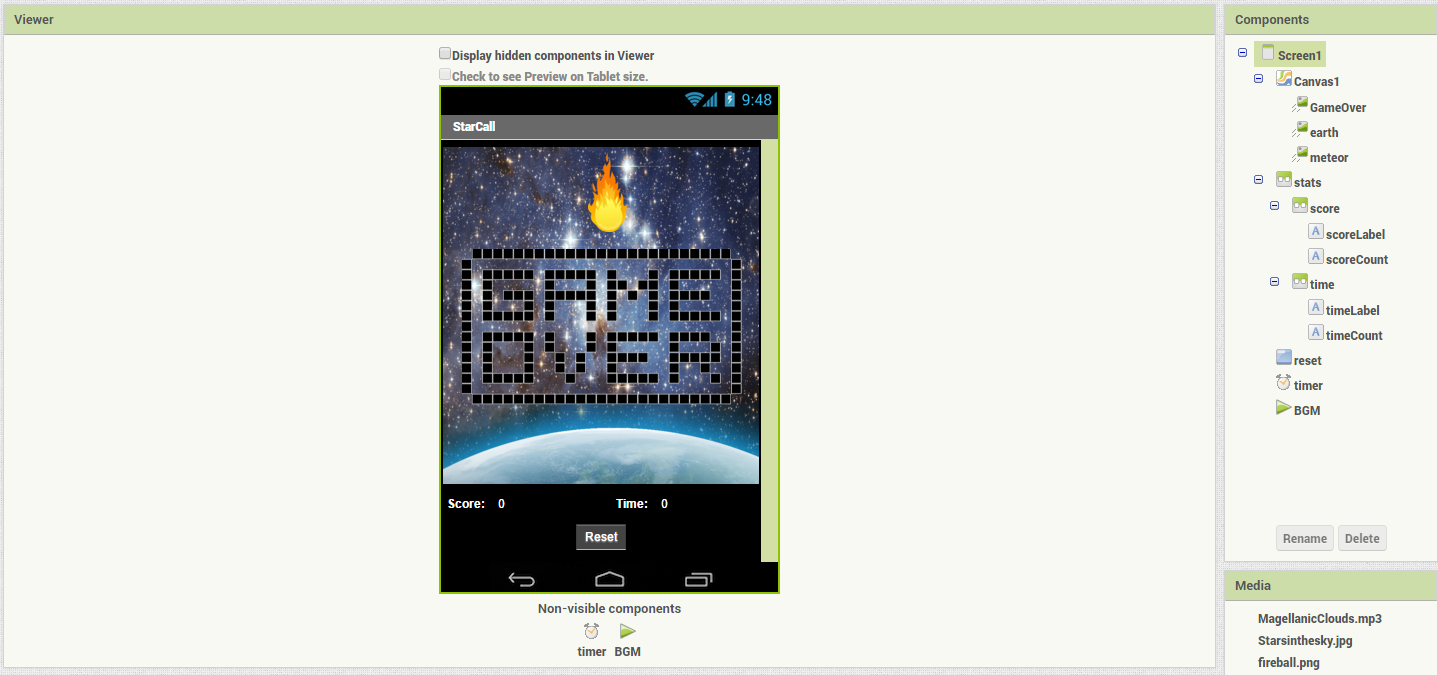
- Canvas (x1)
- Image sprite (x3)
For the score counter:
- Horizontal layouts (x3)
- Labels (x4)
- Button (x1)
- Timer (x1)
For music:
- Player(x1)
##Specific Properties
- set screen orientation at Screen to be
portrait - set layer (z) for meteor sprite above the earth sprite
- set layer (z) for gameover sprite above all
- set timerInterval to a small number (i.e. 100) for responsive time tracking.
- Generate meteor at random location
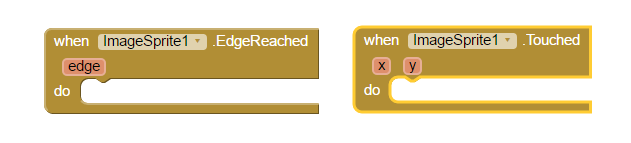
- Handle touch event for the meteor
- Increment score and keep track of time
- Handle Edge collision
- Reset button
- More random behavior!
- Angle of launch
- Changing direction
- Zig-zag
- Slow curve
- Simple change
- Teleporting?
- Slow-down/speed-up
- Difficulty Curve Tweaks
(The Current difficulty is linear, It gets really hard!)
- Easier
- Square-root/logarithmic functions
- Piece-wise linear functions (for example, from speed 1-10 growth is 0.5, 10-50 is 0.3, 50+ is 0.1)
- Harder
- exponential/power functions
- Easier
- New features/mechanics!
- Meteor size variable
- New Type of meteors
- Other interaction methods
- Gyroscope for tilting
- Long touches for special meteors
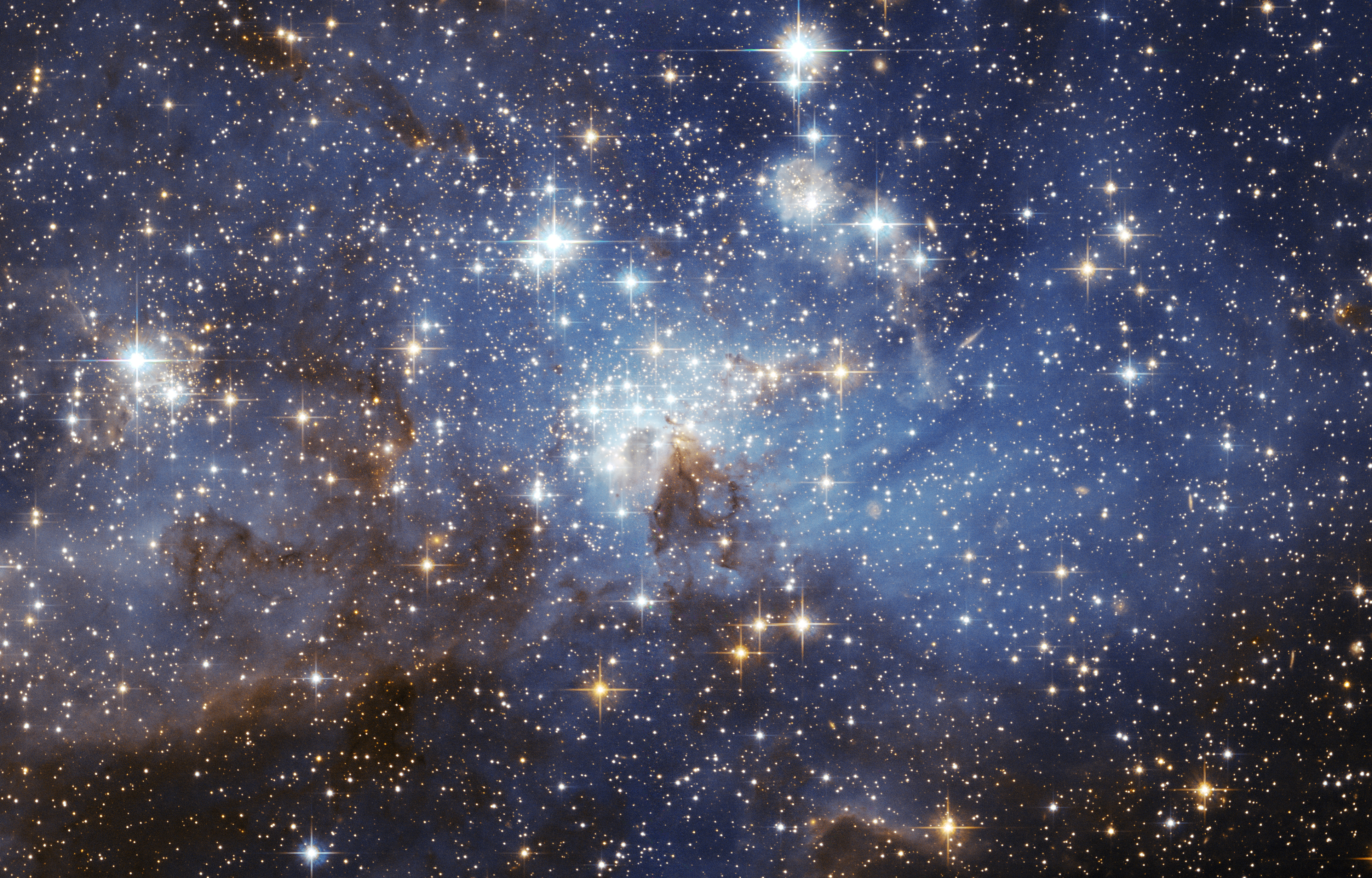
- Starsinthesky.jpg
- fireball.png
- game-over.png
- Magellanic Clouds.mp3
-
[earth.png](https://raw.githubusercontent.com/cppignite/lessons/master/StarCall/Media/earth.png)