StarCall
In this lesson we will use the canvas to handle user touch events. We will also use procedures for repeated and random behavior.
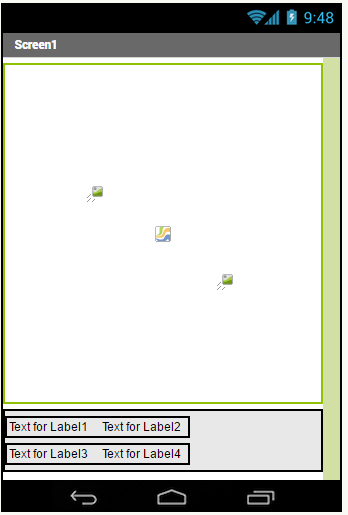
A surface where you can put objects on a given location.
An interactive image that can be put on a canvas. It reacts to collisions and touches.
Selecting a random location out of the possible locations.
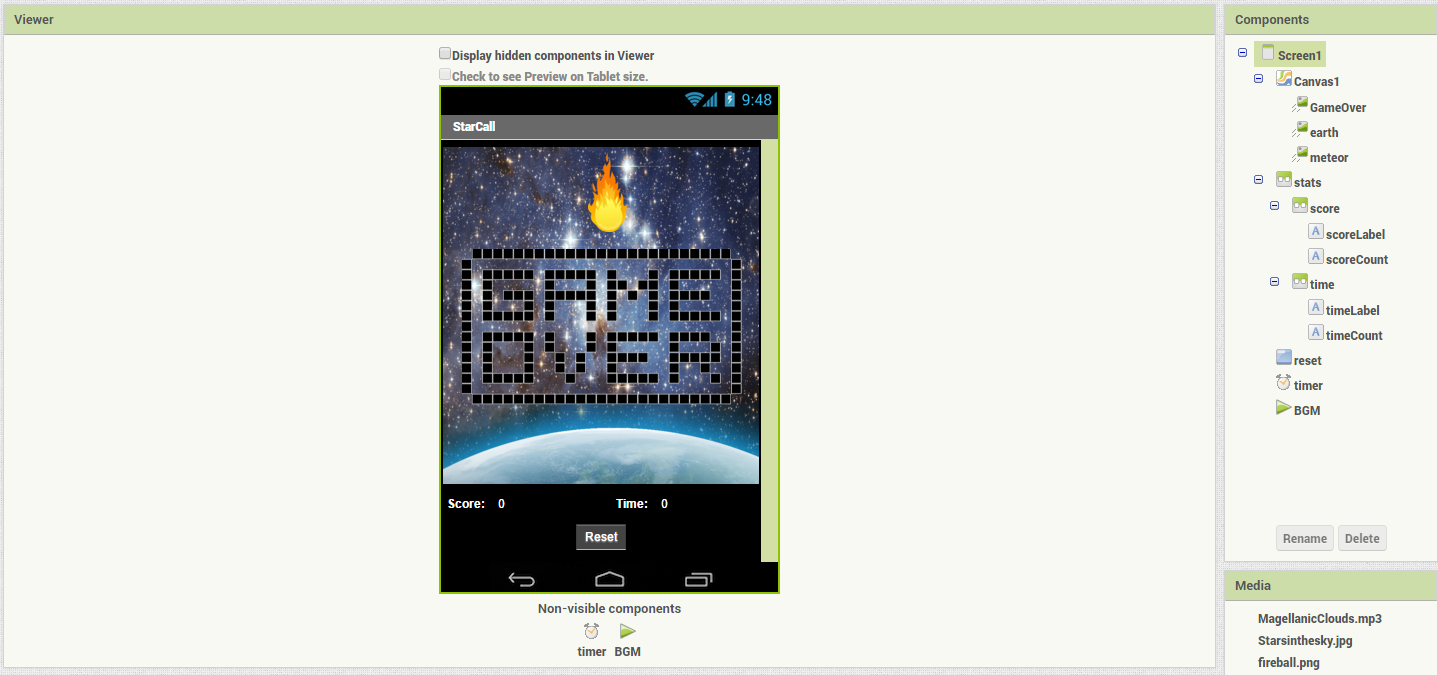
We will need:
- Canvas
- Image sprite
For the score counter:
- Vertical and horizontal layouts
- Labels
- Button
- Generate star at random location
- Handle touch event for the star
- Increment score and keep track of time
- Handle Edge collision
- Reset button