Google Analytics and Google Adwords integrations #93


Description

You should be able to login via the support email.
- Go to the "review applications in minutes" campaign -> "View Campaign"
- Click "fix it"

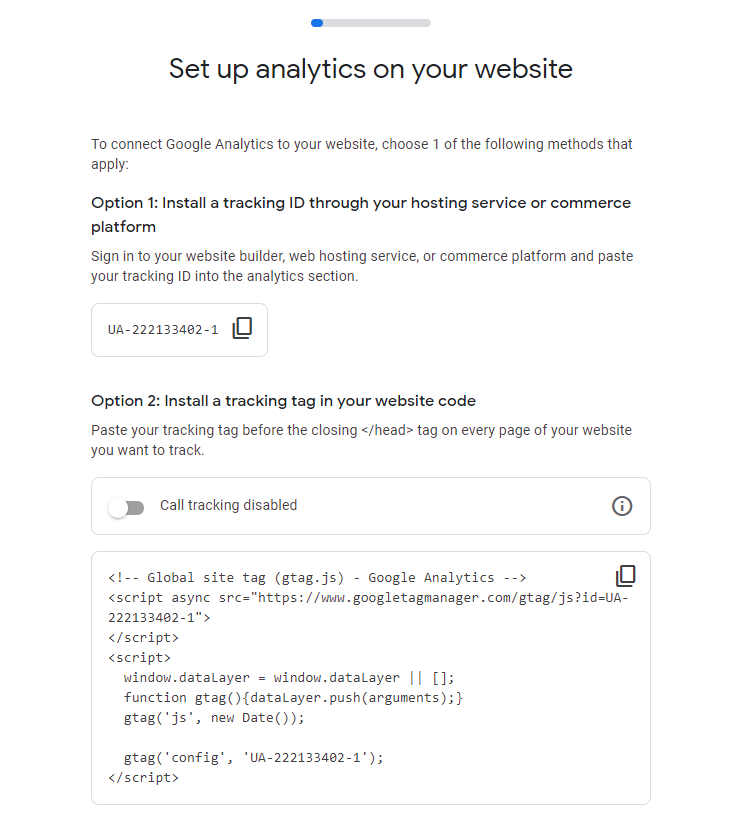
- Follow instructions to add the new script ID.
- Research how to add it to a website so that we can track different page visits. Currently, we only track that they visited the site and don't differentiate between pages. Likely because our site was a 1-page website back when we set this up.
I've already linked our current google analytics to our google Adwords following https://support.google.com/analytics/answer/9379420#zippy=%2Cin-this-article.
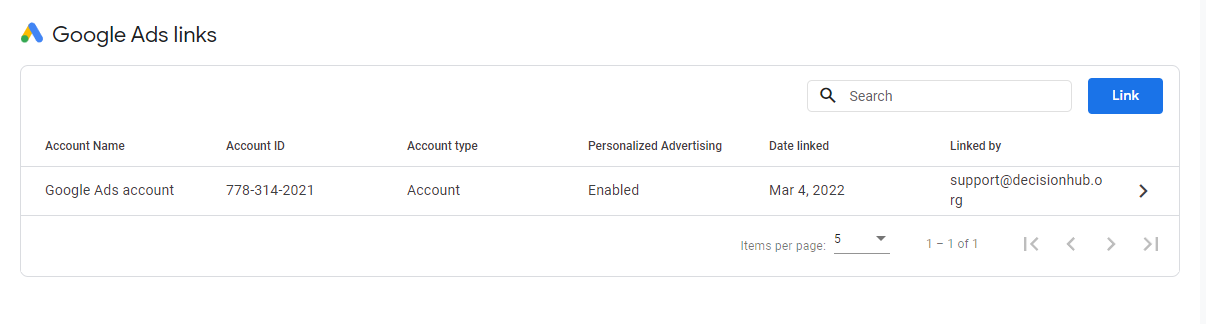
So all our data for google Adwords will automatically go to our main decision hub account once setup
How I link the accounts and some more context on what needs to be done
https://www.loom.com/share/c53534f05173427b92e91c750c1b1ab6
Metadata
Metadata
Assignees
Labels
No labels