Deleting page
If you want to delete selected page, click the button Delete Page on the side menu. You will see form, shown in picture below.
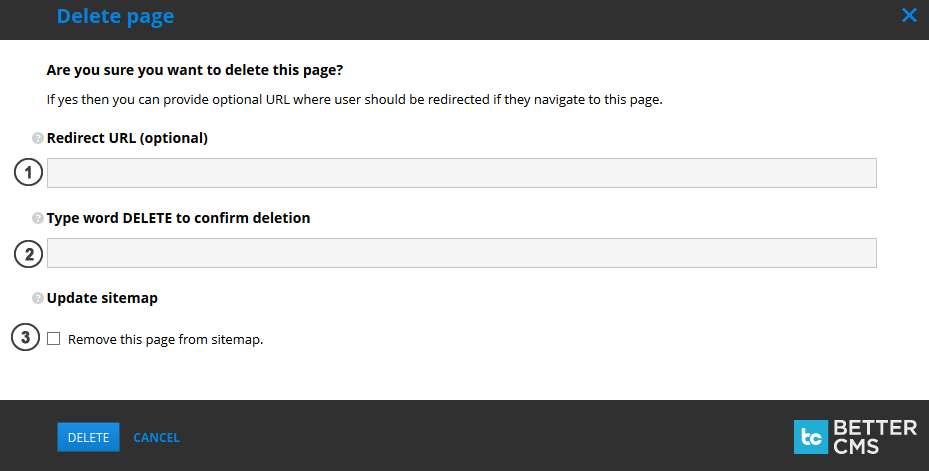
- If you wish, that old URL should be redirected to the specified URL, enter
Redirect URL (optional). Spaces and special symbols (such as ? #) are not allowed. - Enter "DELETE" to confirm deletion. Else page will not be deleted.
- If you wish, that page should be removed from sitemap, check
Remove this page from sitemap.