backend:
- integration of entity framework and replacement of native sql queries
- use of dependency injection to decouple service implementation and instantiation in controllers
- adding development/production settings configuration
- adding contracts (dto) for API communication
frontend:
- improved styling of order data
- generated contracts data (dto, services) from swagger api
- fixed frontend tests
- decoupling of services to interfaces
- add backend tests to cover service calls, calculation logic
- add authentication to backend+frontend
- adding logging & metrics to capture additional information on usage
For larger projects it would certainly make sense to take care of the following:
frontend:
- integrate state handling
- interceptors for error (http, network) handling
- routing (lazy/eager loaded)
- user handling and permissions
- splitting up in core and feature/shared projects
- e2e tests
- translation handling
backend:
- use of repositories
- base classes to support crud operations on entities
- data validation
- user & permission handling
- split up in several projects like core, contracts, domain, service, tests
- transaction handling
This is a very small sample web application written in a very simplistic manner.
Grab the code and refactor it so that it meets your standard for production ready code.
There is no need to add additional functionality and you do not need to keep the existing code or project structure.
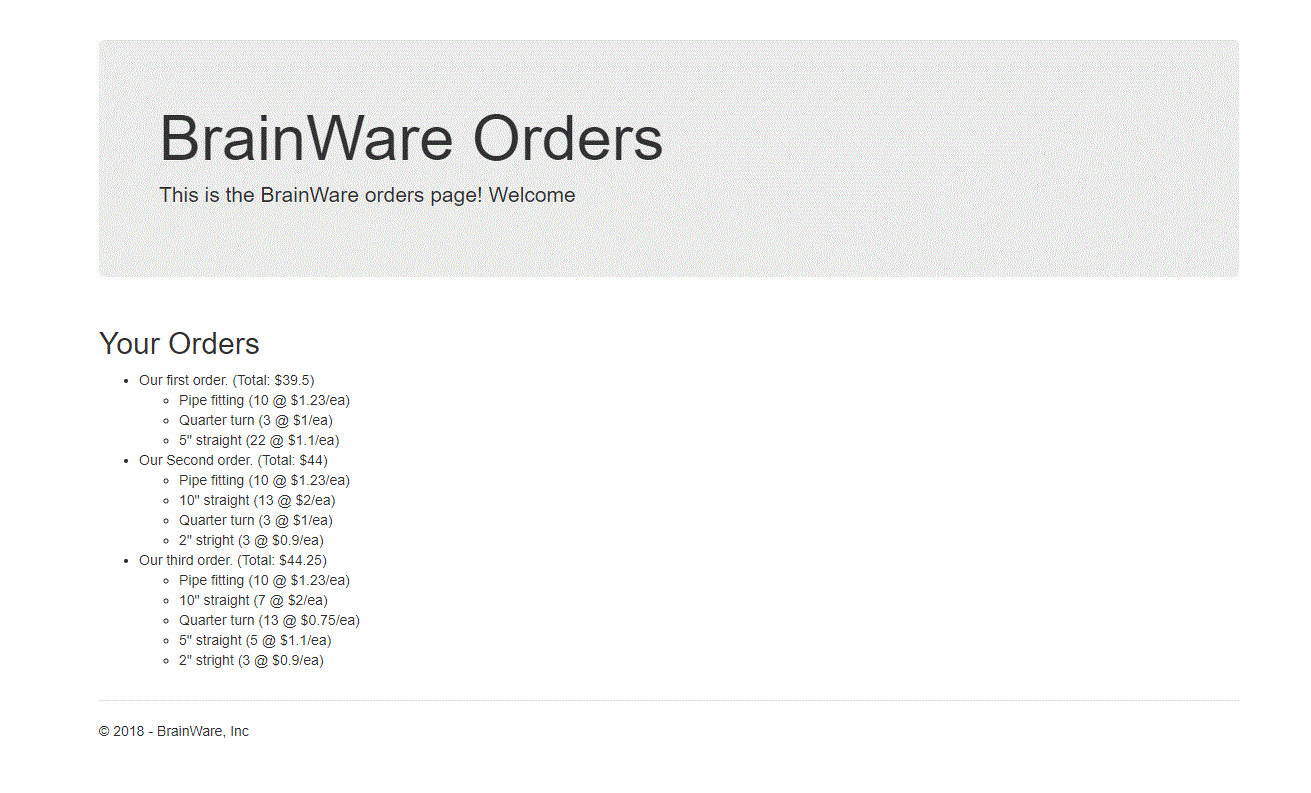
The only requirement is that it returns the list of orders and that it meets your standards!
Fork this project to your personal repo and commit all your changes to that branch.
Update the connection string in the class \Api\Infrastructure\Database.cs.
Change the AttachDbFile name to the full path of the BrainWare.mdf file (located under \Api\Data).
-
Start SQL Server Management Studio as Administrator
-
Once connected to your local SQL Server instance
-
Right click on the Database node and select Attach
-
Select the file BrainWare\Api\Data\BrainWare.mdf
-
You can also deploy the project ProjectDB to your local SQL Server instance
-
Then execute in SQL Server Management Studio the file BrainWare\ProjectDB\PopulateDB.sql
- Open solution BrainWare\BrainWare.sln
- Update the database connection string in file Api\Infrastructure\Database.cs
- Set the project Web, as the start up project
- Press F5
- Open Brainware folder
- dotnet run --project=./Api
- Open Brainware folder
- cd .\web-app\
- npm install
- npm start