Change default new user login screen from "Label" screen, to the "Dashboard" screen #769


Description

Currently, when a new user logs in for the first time, they are brought to the "Label" screen with no labels showing up. This looks like this:
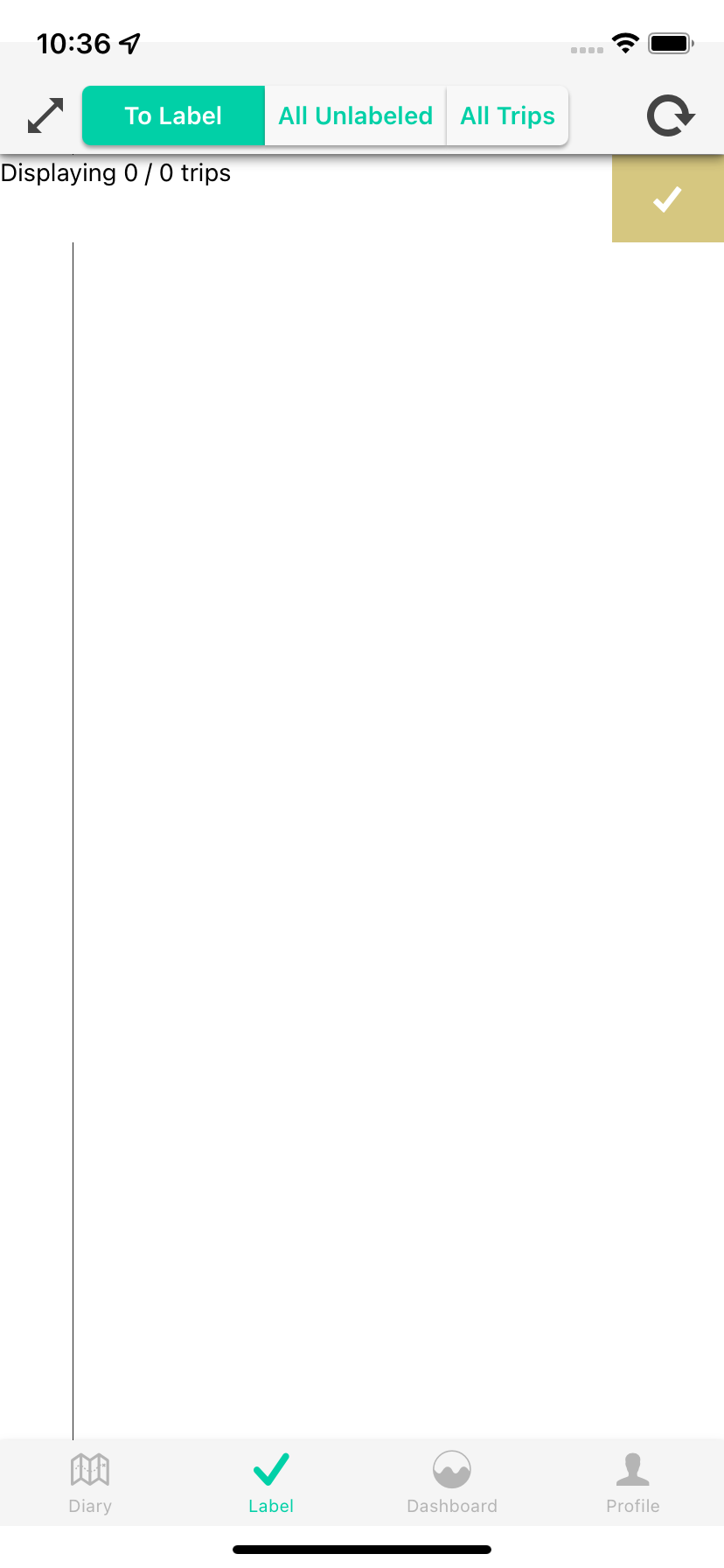
Since there's no real text or images on this screen, users may get confused and think the app is not loading, or it is broken, as they are expecting to be put into some sort of "home" screen and they do not recognize this as being a home screen
Meanwhile the Dashboard looks like this

We want to change this to put the user into the dashboard once they finish the setup, so that they get more grounded more quickly once they open up the app
Metadata
Metadata
Assignees
Type
Projects
Status