


Authentication & authorization plugin for the Trestle admin framework
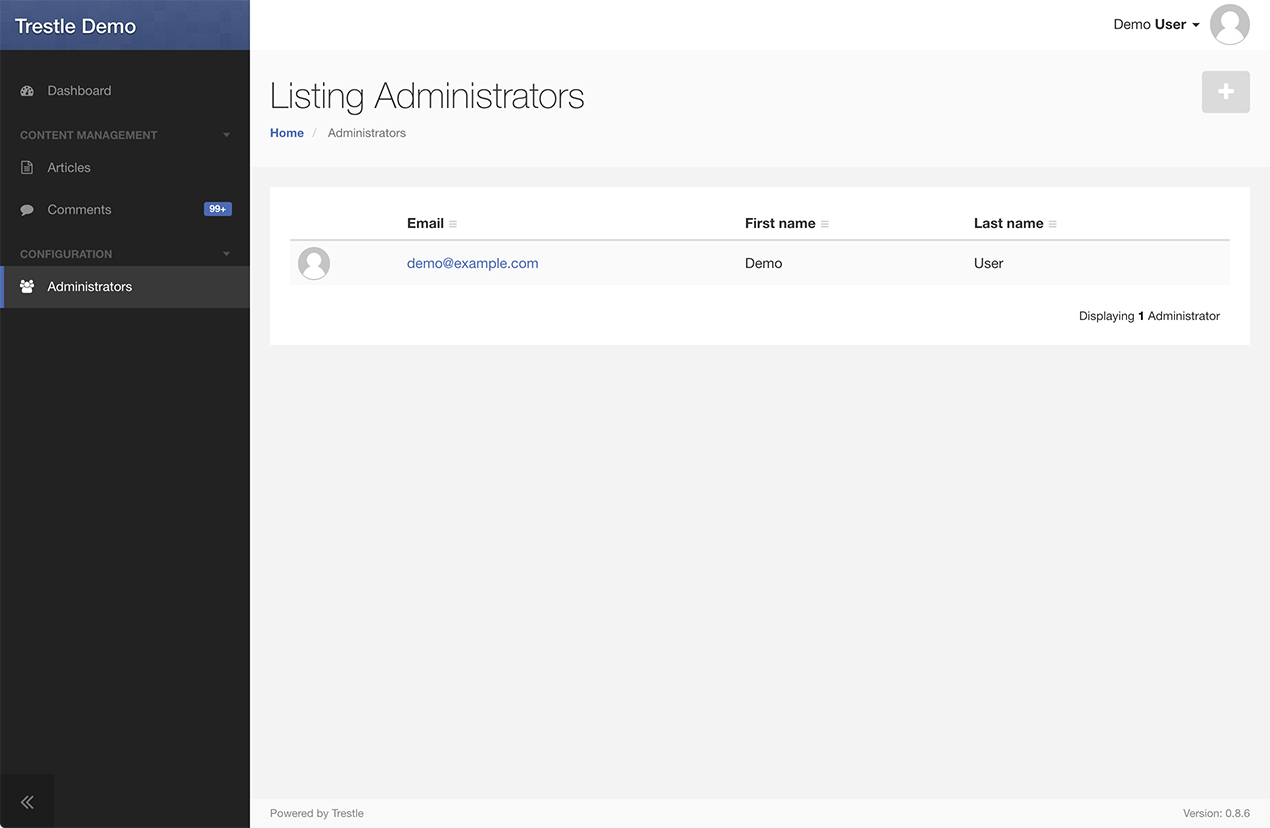
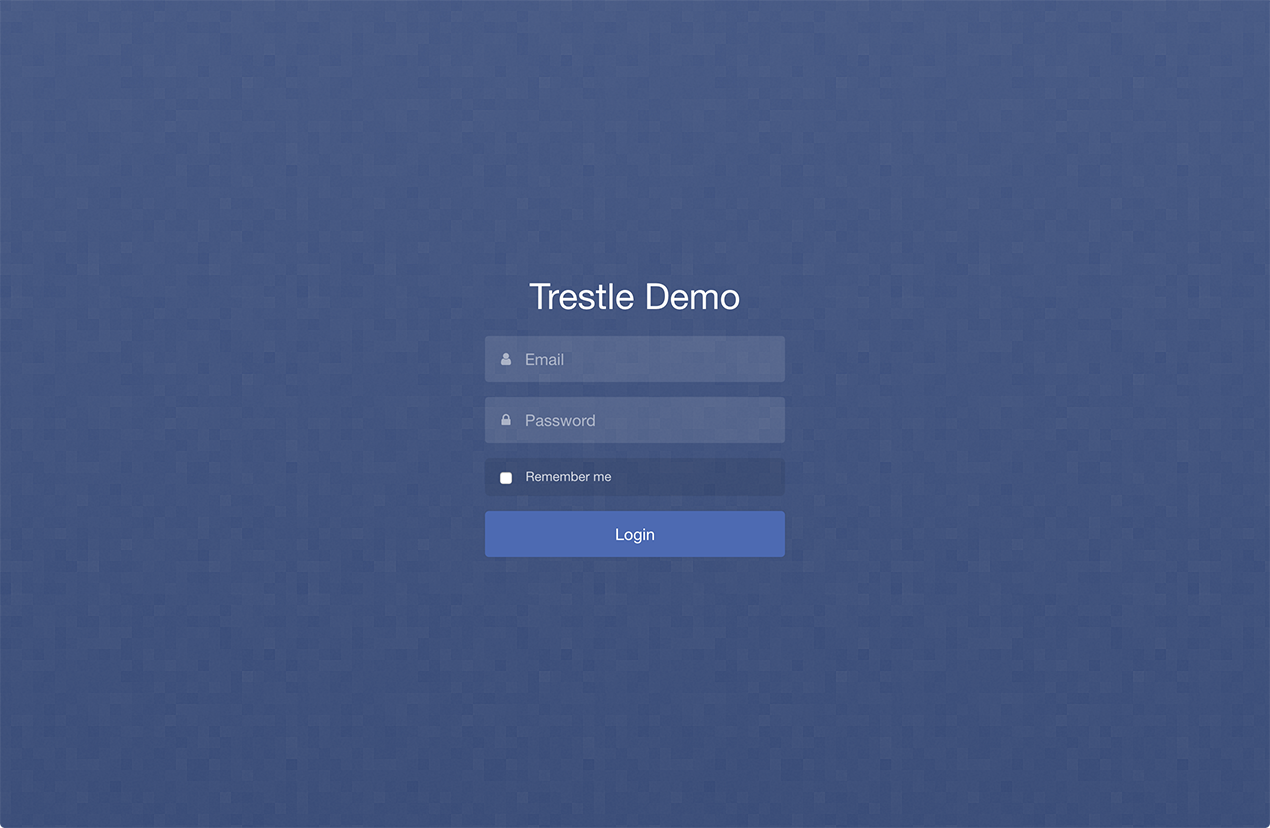
These instructions assume you have a working Trestle application. See the Getting Started section in the Trestle README.
To integrate trestle-auth, first add it to your application's Gemfile, and then run bundle install:
gem 'trestle-auth'As of version 0.4.0, trestle-auth now supports multiple authentication backends including Devise/Warden.
Run the install generator to add the configuration to config/initializers/trestle.rb, and generate a User model and admin resource.
$ rails generate trestle:auth:install User
(if no user model name is specified it will default to Administrator)
Then run your migrations with rake db:migrate and create an initial admin user from within rails console:
User.create(email: "admin@example.com", password: "password", first_name: "Admin", last_name: "User")After restarting your Rails server, any attempt to access a page within your admin will redirect you to the login page.
If you already have an existing user model and Devise integration, you can configure trestle-auth to use that instead.
$ rails generate trestle:auth:install User --devise
Replace User with the name of your Devise user model. If not specified, it will default to Administrator.
As of version 0.5.0, trestle-auth supports authorization via Pundit, CanCan, or the built-in authorization DSL. Other libraries can also be integrated by writing a custom adapter class.
Specify the Pundit policy within your admins using authorize_with and the :pundit option:
Trestle.resource(:articles) do
  authorize_with pundit: ArticlePolicy
end
Trestle will use the Policy class to authorize based on the action name, as well as filter the accessible collection scope using the nested Policy Scope class (if defined).
Pundit can be configured globally using config.authorize_with pundit: :auto within config/initializers/trestle.rb. The Pundit policy will try to be automatically inferred, and a Pundit::NotDefinedError will be raised if it cannot be.
A custom scope can be specified with the scope option:
config.authorize_with pundit: :auto, scope: :adminSpecify your CanCanCan Ability class globally using authorize_with in your config/initializers/trestle.rb file:
config.authorize_with cancan: -> { Ability }Passing the class wrapped in a Proc (or as a String) ensures that any changes will be reloaded and reflected automatically.
As with Pundit, the Ability class can also be customized on a per-admin basis:
authorize_with cancan: SpecialAbilityIf you are not using Pundit or CanCanCan elsewhere in your application, you may find the built-in authorization DSL sufficient for your needs. Specify your admin permissions within an authorize block, by specifying action blocks (the name of the action followed by a ?).
Within an action block, you can access the current user using #current_user. If available, the current resource instance will be yielded to the block.
Trestle.resource(:articles) do
  authorize do
    index? do
      true
    end

    destroy? do
      current_user.admin?
    end

    update? do |article|
      article.creator == current_user || current_user.admin?
    end
  end
end
Multiple actions can be defined with a single block using the actions method:
authorize do
  actions :edit, :update, :destroy do
    current_user.admin?
  end
end
There are a few special blocks (that end in !) that map to multiple actions. The most specific action block will be called if available before trying a more general block. If no block is defined for an action, any authorization will be rejected by default.
authorize do
  # Maps to the index & show actions
  read! do ...

  # Maps to both the edit & update actions
  update! do ...

  # Maps to both the new & create actions
  create! do ...

  # Specify a default authorization block for all actions
  access! do ...
end
Finally, you can filter the collection scope using a custom scope block:
authorize do
  scope do |collection|
    if current_user.admin?
      collection.all
    else
      collection.where(user: current_user)
    end
  end
endAfter running the trestle:auth:install generator, check your config/initializers/trestle.rb for further configuration options.
The gem is available as open source under the terms of the LGPLv3 License.