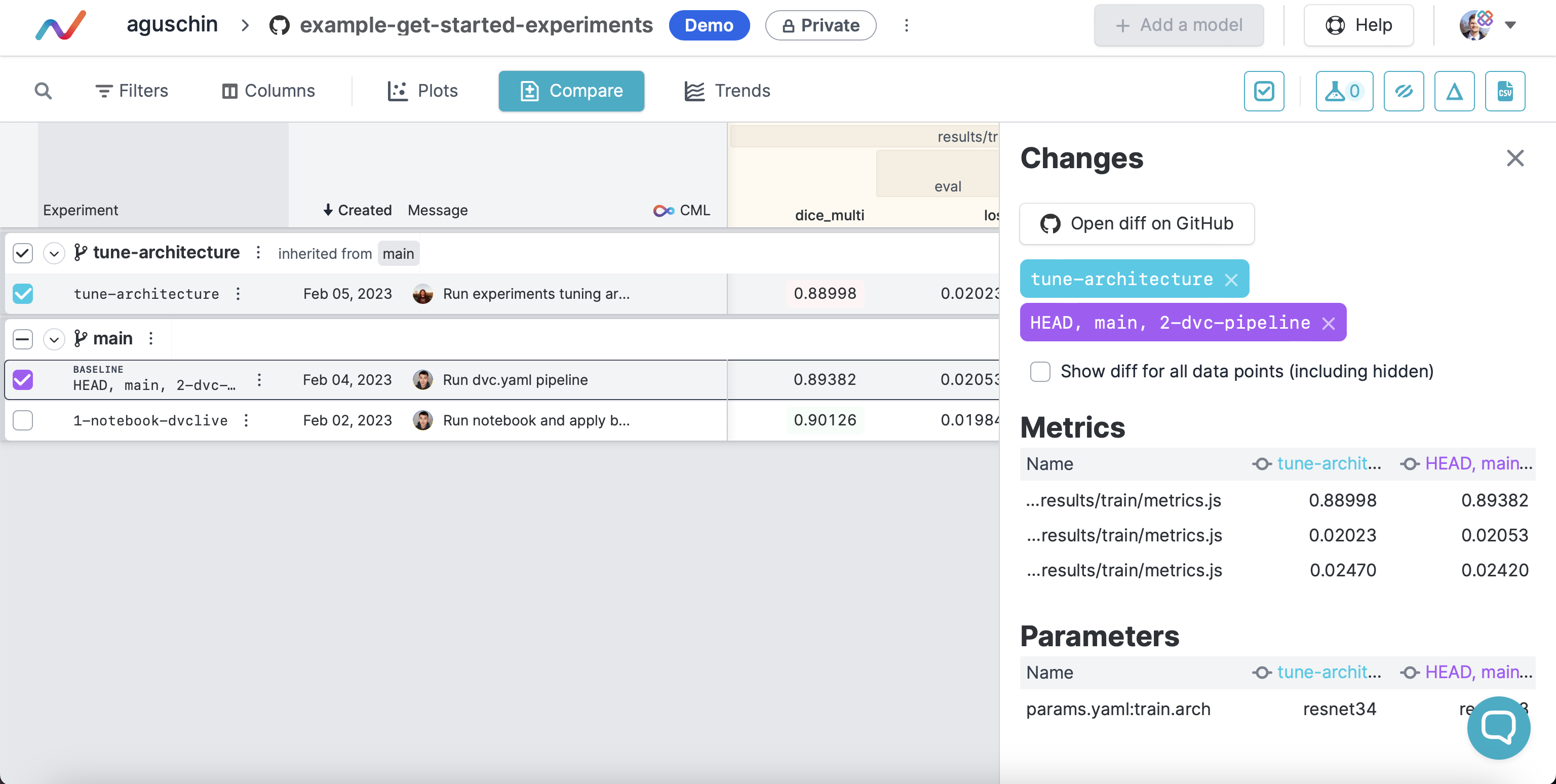
To leverage concepts of Model and Data Registries in a more explicit way, you
can denote the type of each output. This will let you browse models and data
separately, address them by name in dvc get, and eventually, see them in DVC
Studio.
Let's start with marking an artifact as data or model.
If you're using dvc add to track your artifact, you'll need to run:
$ dvc add mymodel.pkl --type model
If you're producing your models in DVC pipeline, you'll need to add
type: model to dvc.yaml instead:
stages:
  train:
    cmd: python train.py
    deps:
      - data.xml
    outs:
      - mymodel.pkl:
          type: model # like this
You can also specify that while using DVCLive:
live.log_artifact(artifact, "path", type="model")This will make them appear in DVC Model Registry:
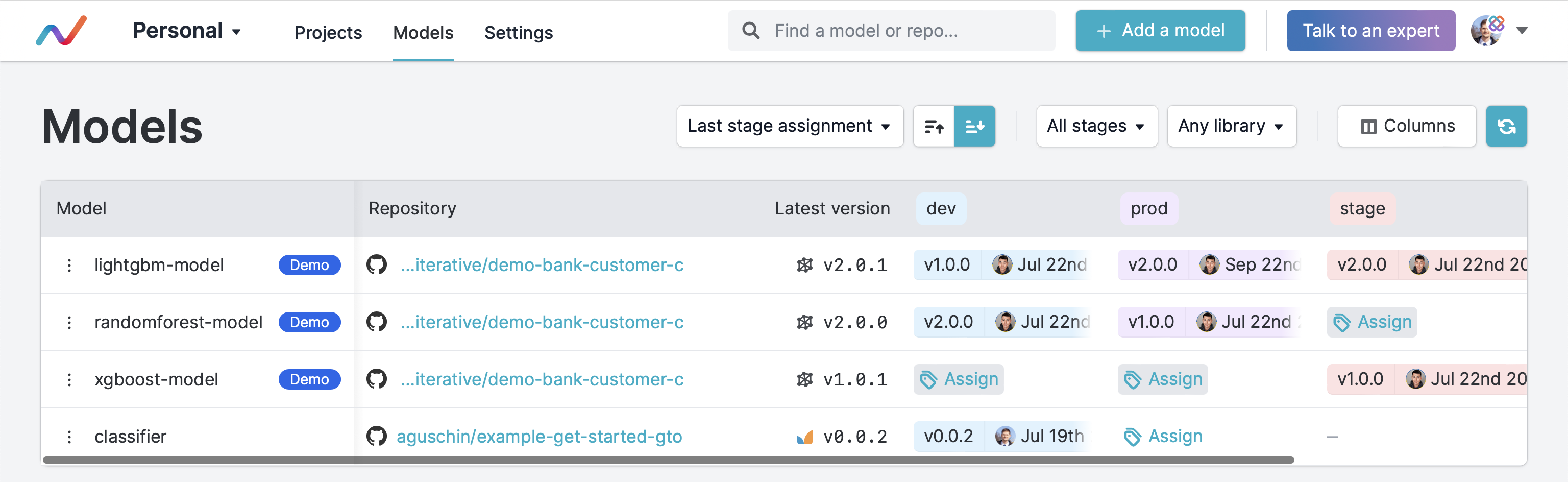
and make them shown as models in dvc ls:
$ dvc ls --registry  # add `--type model` to see models only
 Path           Name                   Type     Labels                       Description
 mymodel.pkl                           model
 data.xml       stackoverflow-dataset  data     data-registry,get-started    imported code
 data/data.xml  another-dataset        data     data-registry,get-started    imported
The same way you specify type, you can specify description, labels and
name. Defining human-readable name (should be unique) is useful when you
have complex folder structures or if you artifact can have different paths
during the project lifecycle.
You can use name to address the object in dvc get:
$ dvc get $REPO stackoverflow-dataset -o data.xml
Now, you usually need a specific model version rather than one from the main
branch. You can keep track of the model's lineage by
registering Semantic versions and promoting your models
(or other artifacts) to stages such as dev or production with GTO. GTO
operates by creating Git tags such as mymodel@v1.2.3 or mymodel#prod.
Knowing the right Git tag, you can get the model locally:
$ dvc get $REPO mymodel.pkl --rev mymodel@v1.2.3
Check out
GTO User Guide
to learn how to get the Git tag of the latest version or version currently
promoted to stages like prod.
Git tags are great to kick off CI/CD
pipeline in which we can consume our model. You can use
GTO GitHub action to interpret the
Git tag that triggered the workflow and act based on that. If you simply need to
download the model to CI, you can also use this Action with download option:
steps:
  - uses: actions/checkout@v3
  - id: gto
    uses: iterative/gto-action@v1
    with:
download: True # you can provide a specific destination path here instead of `True`To specify which types are allowed to be used, you can add the following to
your .dvc/config:
# .dvc/config
types: [model, data]
After you run dvc exp push to push your experiment that updates your model,
you'll see a commit candidate to be registered:
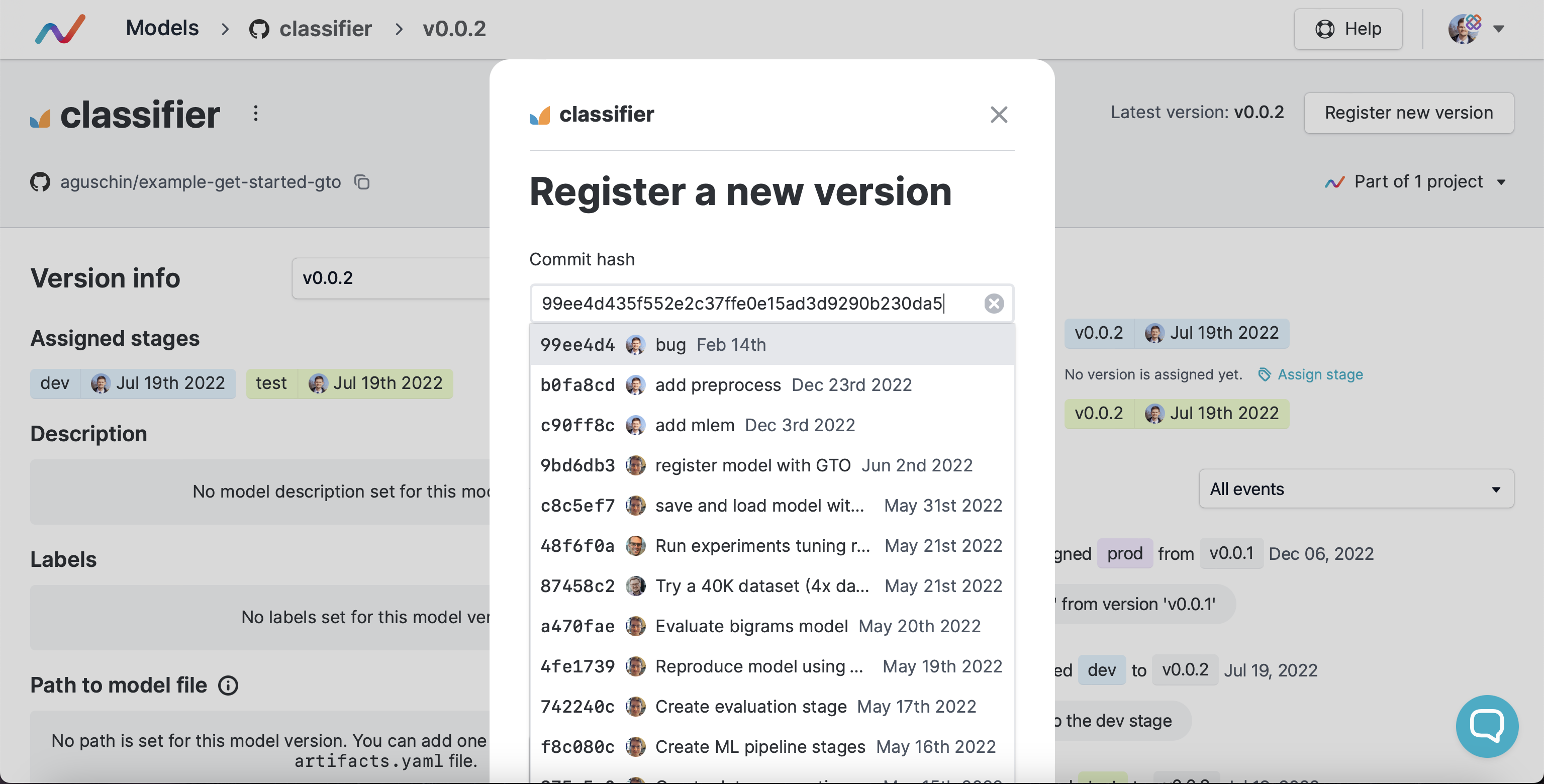
In future you'll also be able to compare that new model version pushed (even non semver-registered) with the latest one on this MDP. Or have a button to go to the main repo view with to compare: