Debug output in UI? #356

Replies: 2 comments 3 replies

-
|
It's intentional (and cleaned up a bit in the build beta.31 from a couple minutes ago). Incoming long answer which I'll move to docs 😅 Why
I've never liked the
The first "how do I" question I always get is "how do I see what my script is doing?". Now I can just answer "use
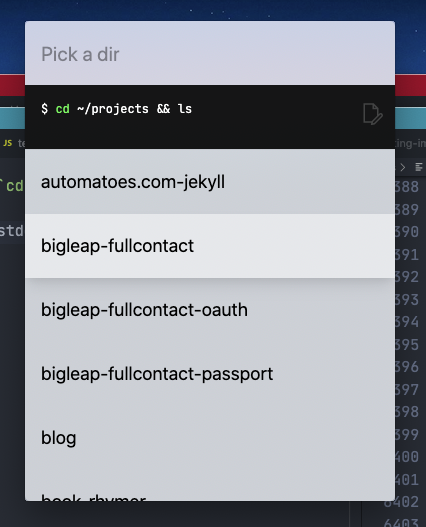
Kit has bundled let { stdout } = await $`cd ~/projects && ls`
await arg("Pick a dir", stdout.split("\n"))
If you want to "hide" the log component: console.log("Hello!")
let x = await arg("Log should show")
console.clear()
let y = await arg("Log is gone")
console.log(`${x} ${y}`)
await arg("Log is back")
let x = await arg("Type something")
console.log(x)
let y = await textarea({
  placeholder: "Type something else",
})
console.log(y)
let num = await arg("Pick something", [
  "one",
  "two",
  "three",
])
console.log(num)
await wait(1000)
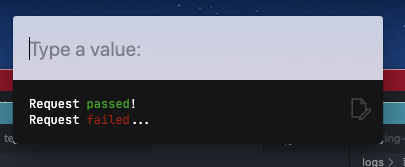
console.log(chalk`Request {green passed}!`)
console.log(chalk`Request {red failed}...`)

await arg()
|
Beta Was this translation helpful? Give feedback.

-
|
Neat! I didn't realize that I had |
Beta Was this translation helpful? Give feedback.

-
|
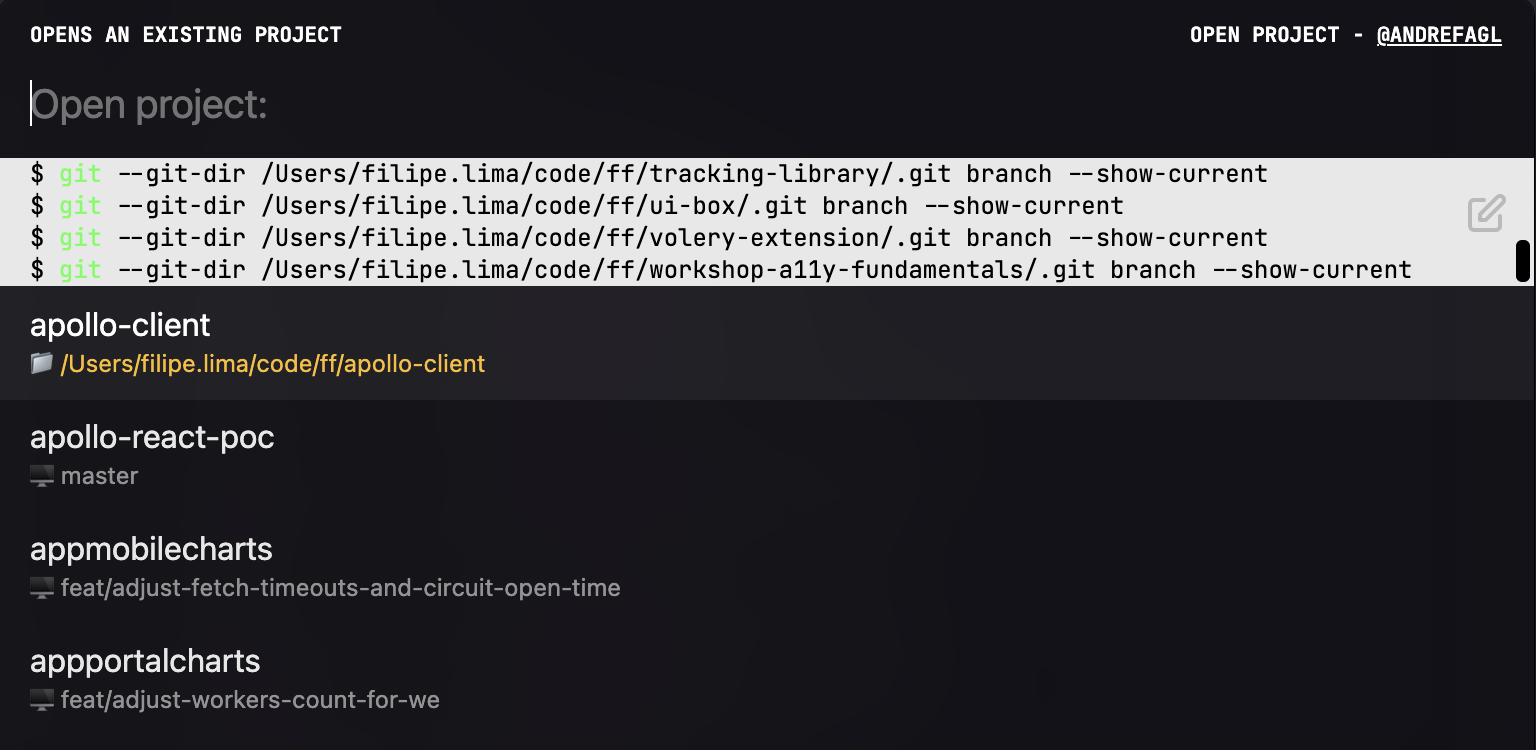
Hello guys, I'm starting to play around with kit and for my first script, I thought it would be cool to modify the To accomplish this, I'm running the following Do you know if there is a way to hide the log component while my script runs? Thank you for your amazing work @johnlindquist ❤️
|
Beta Was this translation helpful? Give feedback.

-
|
@andrefagl Apologies for the delayed response, been moving into a new house and setting up a new office. 😅 You can disable logging in the UI with: // Log: falseOr if you want to log something, then hide it: console.clear() // closes the log UI until the next console.log() |
Beta Was this translation helpful? Give feedback.

-
|
Hi @johnlindquist, thanks for taking the time to help with this!
GL with the moving 💪 |
Beta Was this translation helpful? Give feedback.


Uh oh!
There was an error while loading. Please reload this page.
-
Any idea why I'm seeing this?
Beta Was this translation helpful? Give feedback.
All reactions