How to enable it? Is 4k possible to be forced? #1

Description

(Hey, man! Thank you for searching and creating this extension. :D)
Two queries:
1. Could you guide on how it can be enabled?
I downloaded the zip archive, extracted it, and loaded it to the browser.
It was found to be non-interactive to user's clicks.
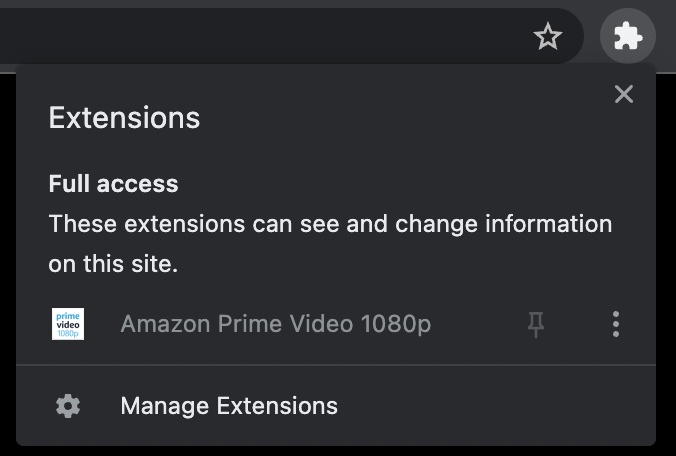
I tried adding the following to matches in manifest.json, but to no good:
"https://www.amazon.co.in/gp/video/detail/*"[1]"https://www.primevideo.com/*""https://www.primevideo.com/""<all_urls>"
(I do have it enabled for incognito as well.)
2. Would you know if it is possible to force 4k?
I read online, and found that Prime doesn't offer 4k for web browsers. (I'm not sure about its macOS app., but for Windows I read someone saying that it goes to 1080p max.)
I tried changing the values for resolution in content_script.js to 3840 and 2160 respectively for width and height. But it didn't seem to have any effect.
Also, in my case, as the player opens up, it plays the video in lower resolution for 2-3 seconds, then starts playing it in 1080p whether or not I have this extension loaded.

[1] I added in in the URL for 'India.' Also, could you please tell what the whole of this URL actually aiming to do? I do not have any clue about the purpose of URLs in matches, nor do I know what this URL in particular is referring to.