The Contact plugin allows to manage several lists of contacts and to display the email form.
Below is the list of the main features:
- Add a portal front-office page with a standard form to send an email to a contact
- Contact management feature : create, list, modify and delete the contacts
- Contact List management feature : create, list, modify and delete the contact lists
- Link several contacts to one list
- Link a contact to several lists
Front office URL web page to display the send email form : /jsp/site/Portal.jsp?page=contact
A "Contact" link is automaticaly added in the Lutece portal footer when the plugin is enabled.
Back office URL web page to access to the admin feature : /jsp/admin/plugins/contact/ManageContactsHome.jsp
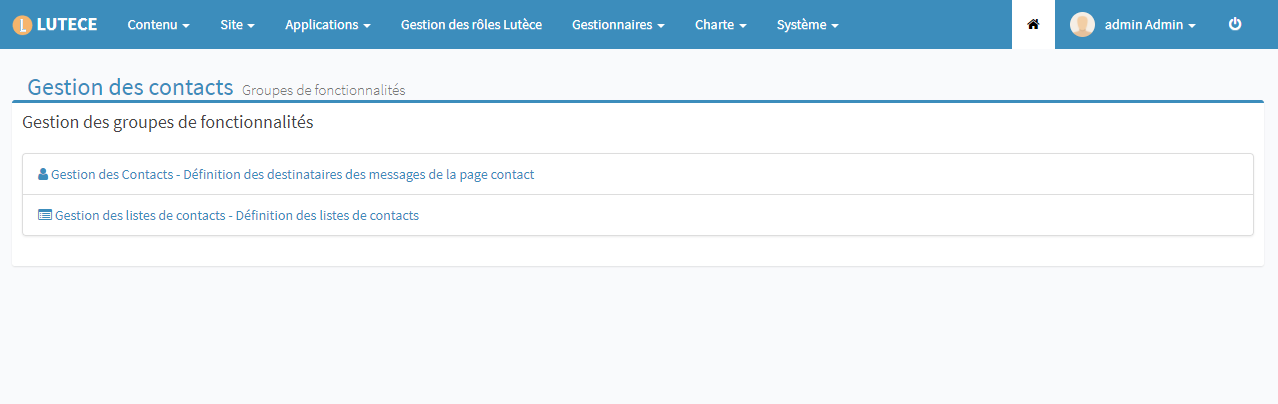
This page gives access to either the contact or contact list management:
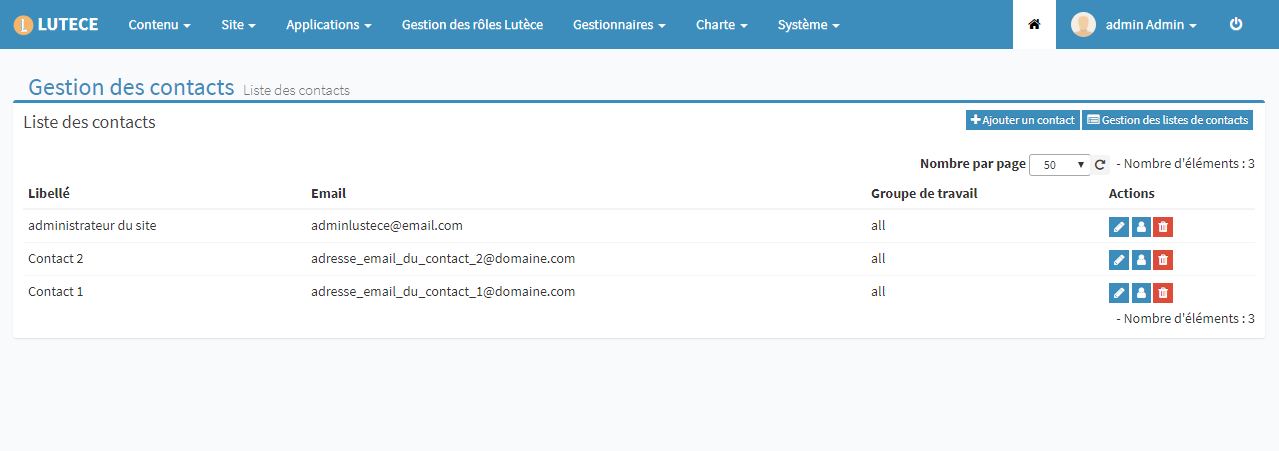
This page displays the stored contacts. Possible actions are: Add, modify, delete and assigment of a contact to a list
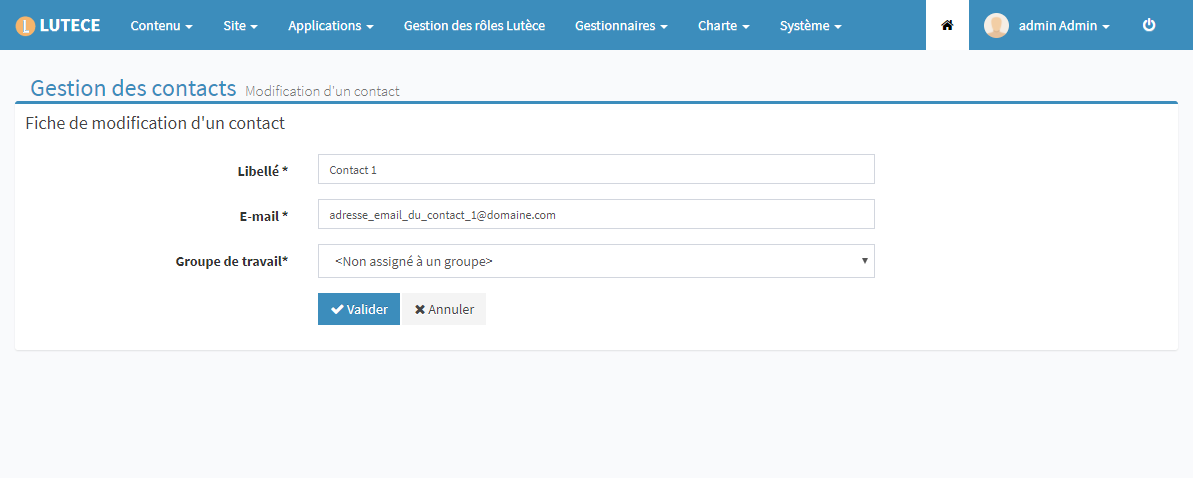
Contact edition page:
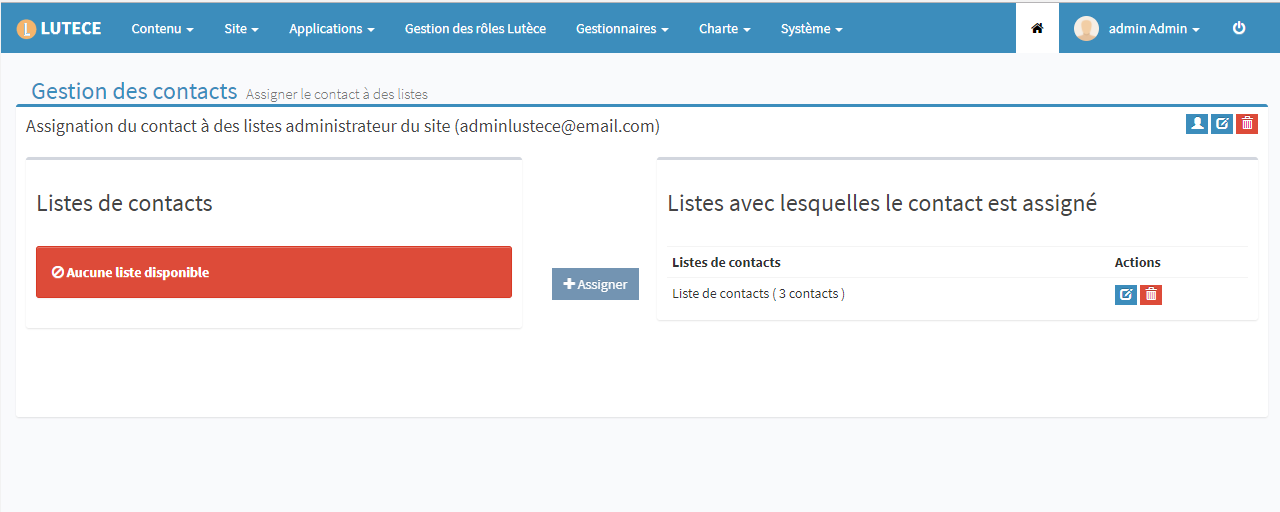
Management page to assign a contact to lists:
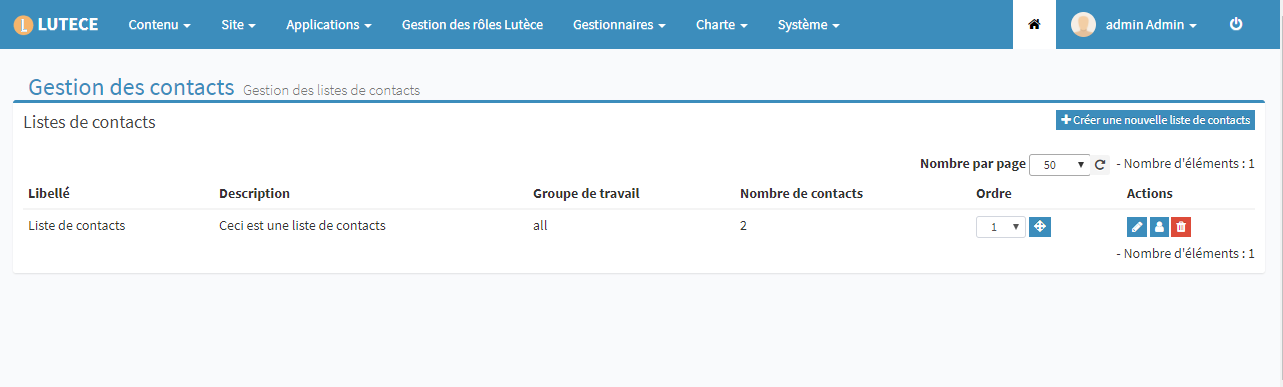
This managament page displays the stored contact lists. Possible actions are : Add, modify, delete a list and manage contact assigment to one list.
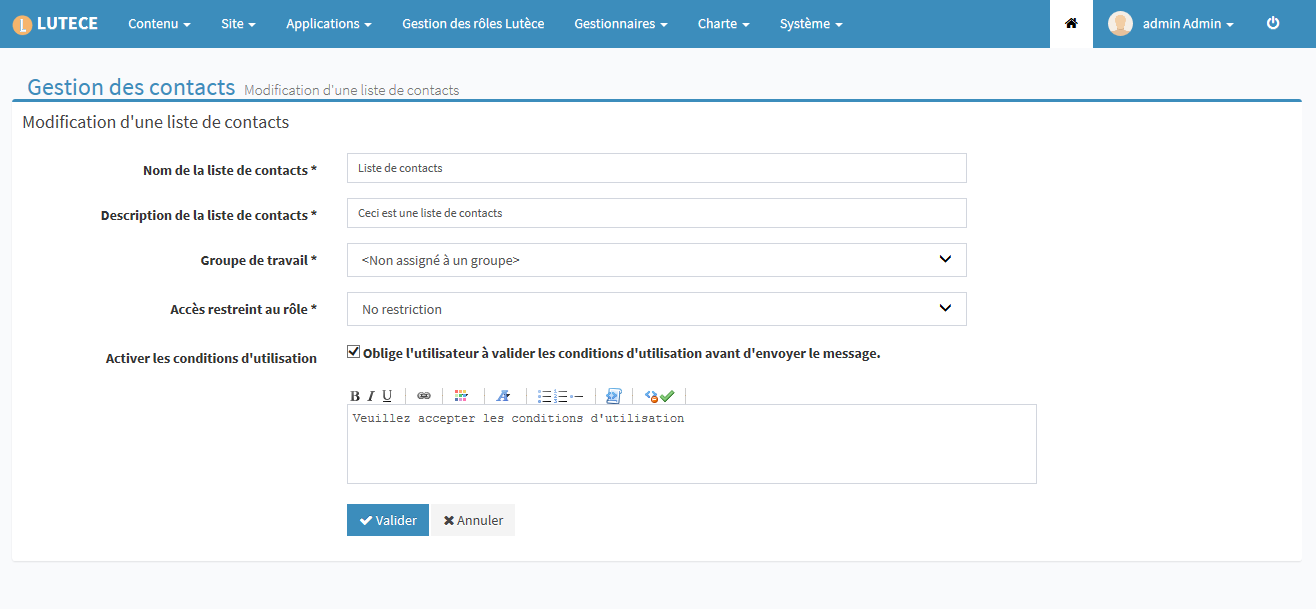
Contact list edition page:
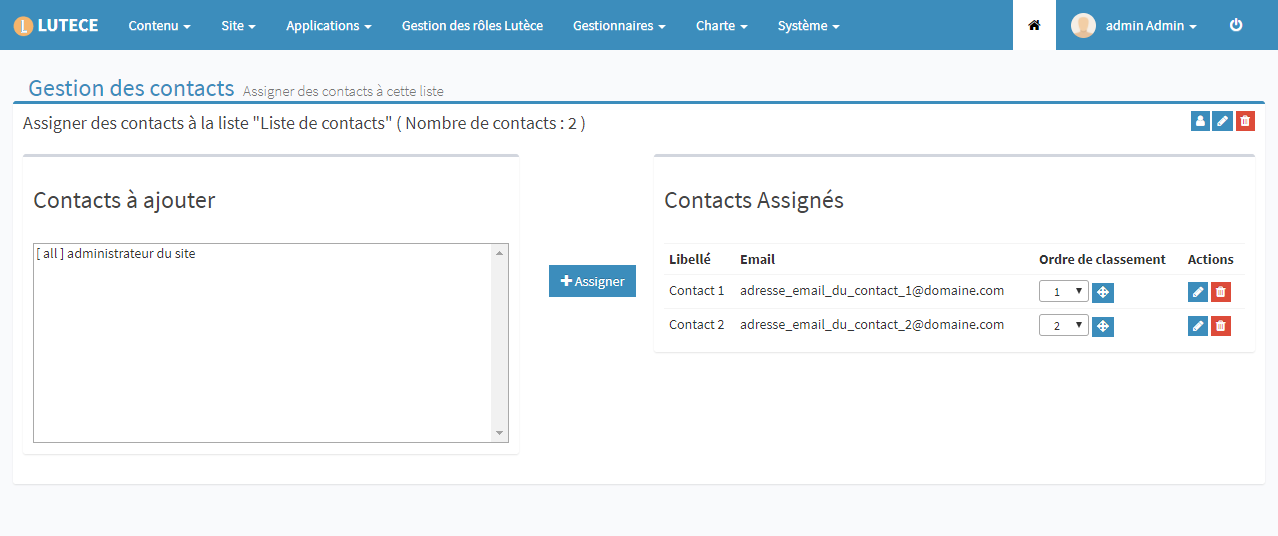
List assignment page:
It is possible to assign a contact or a contact list to a workgroup. They will be visible and editable only by the selected workgroup.
On front-office side, it is possible to limit access to a list only to some roles. This feature can be enabled when creating or editing a list.
Maven documentation and reports
generated by xdoc2md - do not edit directly.