Terminal Enhancement Tool, inspired by Swiss Army Knife,
ruishiis it's chinese name



$ npm install -g ruishiYou need to install: adb and scrcpy in advance.
On macOS, install adb and scrcpy via brew:
$ brew install scrcpy
# https://zhuanlan.zhihu.com/p/662190715
$ brew install android-platform-toolsRecord Android device screen using scrcpy
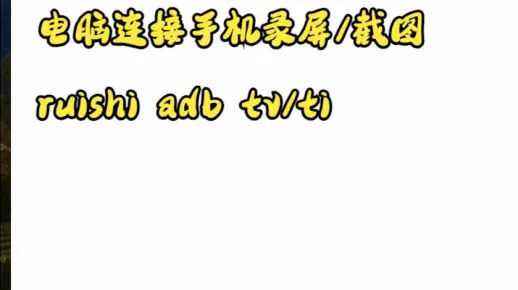
Click to expand for details
USAGE
  $ ruishi adb tv [--audio] [--display]

FLAGS
  --[no-]audio    Whether to include audio during recording
  --[no-]display  Whether to display the screen during recording

DESCRIPTION
  Record Android device screen using scrcpy

EXAMPLES
  $ ruishi adb tv
  Start recording, video will be saved in the current directory

  $ ruishi adb tv --no-display
  Start recording without displaying the screen, video will be saved in the current directory

  $ ruishi adb tv --no-audio
  Start recording without audio, video will be saved in the current directory
See code: src/commands/adb/tv.ts
Set proxy for your Android device via adb. Please make sure:
- adb is installed
- You have installed the certificate via proxyman/charles/fiddler or similar tools
Click to expand for details
Usage
  $ ruishi-proxy on [port] # Enable proxy, default port is 9090
  $ ruishi-proxy off # Disable proxy