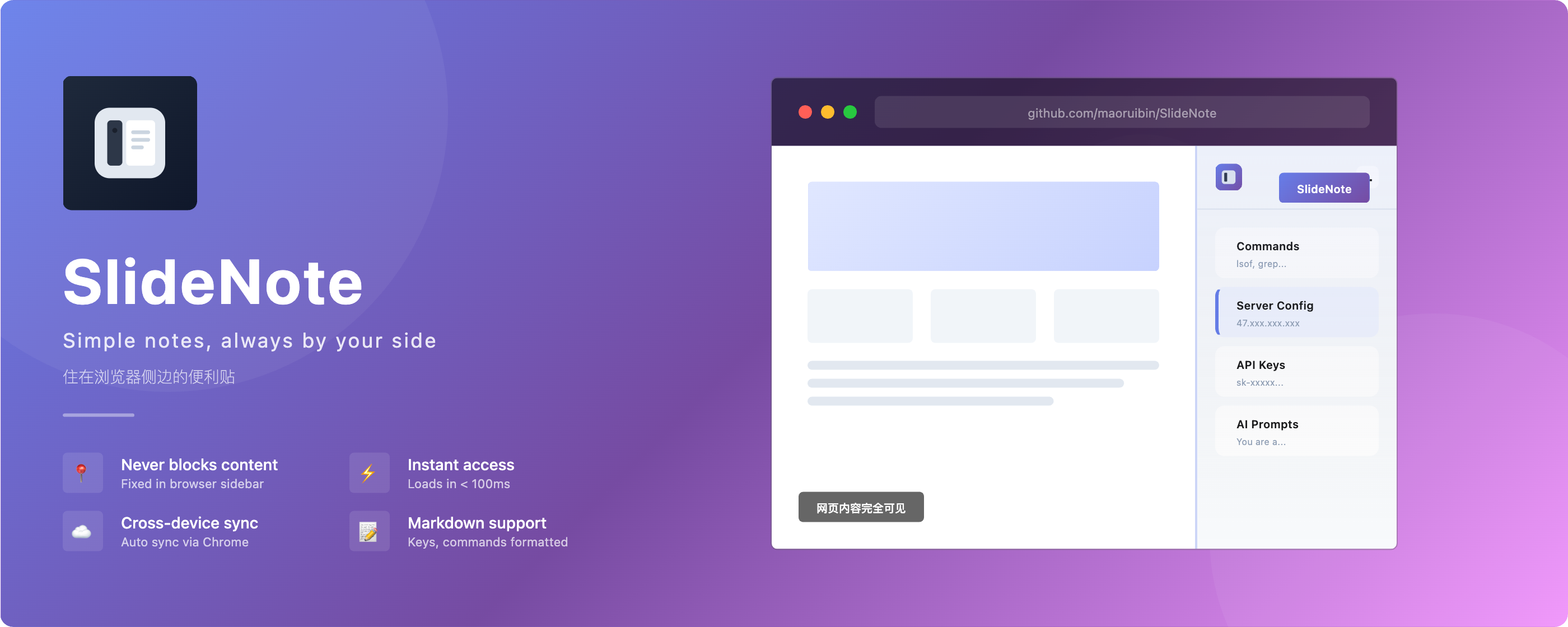
Slide notes, always by your side
侧边笔记,常伴左右
中文
A sticky note in your browser sidebar — quick capture for fragments, never blocks content



- 📌 Sidebar Panel, Never Blocks Content — Lives in your browser sidebar, always accessible without covering your page
- 🔖 Web Clipper — Right-click to save selected text from any webpage, aggregated by date
- ⚡️ Instant Access — Opens in < 100ms, no app switching needed
- 🔄 Auto-Sync Across Devices — Uses Chrome Storage API, your fragments follow you everywhere
- 🔍 Instant Search — Real-time filter across all notes
- 📝 Markdown Support — Basic formatting for keys, commands, and code
- 📌 Pin Notes — Keep important notes at the top
- 💾 Auto-Save — Saves automatically 1 second after you stop typing
- ⚡️ Ultra Lightweight — No framework dependencies, only 57KB
| Use Case | Examples |
|---|---|
| Developers | API keys, server addresses,常用 commands, database credentials |
| Multi-device Workers | Company Mac + Home Mac + Laptop — access the same fragments everywhere |
| Content Creators | Account credentials, content templates, prompts for AI tools |
| Daily Fragments | IP addresses, meeting notes, to-do lists, quick reminders |
It's not a note-taking app. Think of it as a cloud clipboard for the small pieces of information you need to access quickly while browsing.

Click here to install from Chrome Web Store
SlideNote is fully compatible with Microsoft Edge (Edge 114+), but not yet published on Edge Add-ons store.
Edge users please install manually:
- Download the latest release from GitHub Releases and unzip
- Open Edge browser
- Go to
edge://extensions/ - Enable "Developer mode" in the bottom left
- Click "Load unpacked"
- Select the unzipped folder
Download the latest release from GitHub Releases and install manually:
- Download and unzip the package
- Open Chrome browser
- Go to
chrome://extensions/ - Enable "Developer mode" in the top right
- Click "Load unpacked"
- Select the unzipped folder
# Clone the repository
git clone https://github.com/maoruibin/SlideNote.git
cd SlideNote

# Install dependencies
npm install

# Build for production
npm run build:prod- Open Chrome browser
- Go to
chrome://extensions/ - Enable "Developer mode" in the top right
- Click "Load unpacked"
- Select the
distfolder in the project directory
- Click the SlideNote icon in your Chrome toolbar
- The sidebar panel opens, ready to use
- Click "New Note" to create your first note
- Click a note to start editing
- Right-click a note to reorder or delete
- Auto-saves 1 second after you stop typing
SlideNote uses Chrome Storage API to store data:
- ✅ No third-party servers; data syncs directly between your local and Google
- ✅ Open source, code is transparent
- ✅ No personal information collected
Chrome Storage Sync API has these limits:
- Total capacity ~100KB (about 50,000 Chinese characters)
- Suitable for: API Keys, commands, prompts, and similar fragmented information
SlideNote is a "sticky note", not a "notebook". For storing large amounts of content, consider using dedicated note apps like Notion or Obsidian.
Vanilla JS (ES6+)  →  No framework overhead
Vite               →  Fast build
Chrome Storage     →  Free cloud sync
CSS Variables      →  Design system
Why no framework?
| Reason | Description |
|---|---|
| Performance | Load time < 100ms, no 100KB+ framework bloat |
| Simplicity | A fragment keeper doesn't need complex state management |
| Stability | No framework upgrade risks — code that works today still works years from now |
slidenote/
├── src/sidepanel/
│   ├── core/           # Data layer (Store, EventBus, SyncManager)
│   ├── components/     # UI components
│   └── utils/          # Utility functions
├── docs/               # Documentation
└── public/icons/       # Icon resources
Restrained colors   →  Single-tone, non-distracting
Clear hierarchy     →  List vs content, at a glance
Comfortable spacing →  Room to breathe
Consistent rounded  →  Gentle, not sharp
- Sidebar panel, never blocks content
- Instant search & filter
- Auto-save & cross-device sync
- Basic Markdown support (preview mode)
- Copy as rich text or Markdown source
- Data export (JSON/Markdown)
- Keyboard shortcuts
- Dark mode
Scan to follow my WeChat Official Account for development updates

If this project helps you, buy me a coffee ☕️

|

|
Check out my other projects: doc.gudong.site
Gudong | Blog: https://blog.gudong.site/
Slide notes, always by your side 侧边笔记,常伴左右
If you find this project helpful, please give it a ⭐ Star!