AiiDA Lab shortcut missing #225

Description

Hello team,
I'm experimenting with the Quantum Mobile VM to simulate a compound as a first test in AiiDA Lab.
On my Windows 11 PC, I downloaded the VM 23.04.03 and deployed it on Oracle VirtualBox 7.2.4
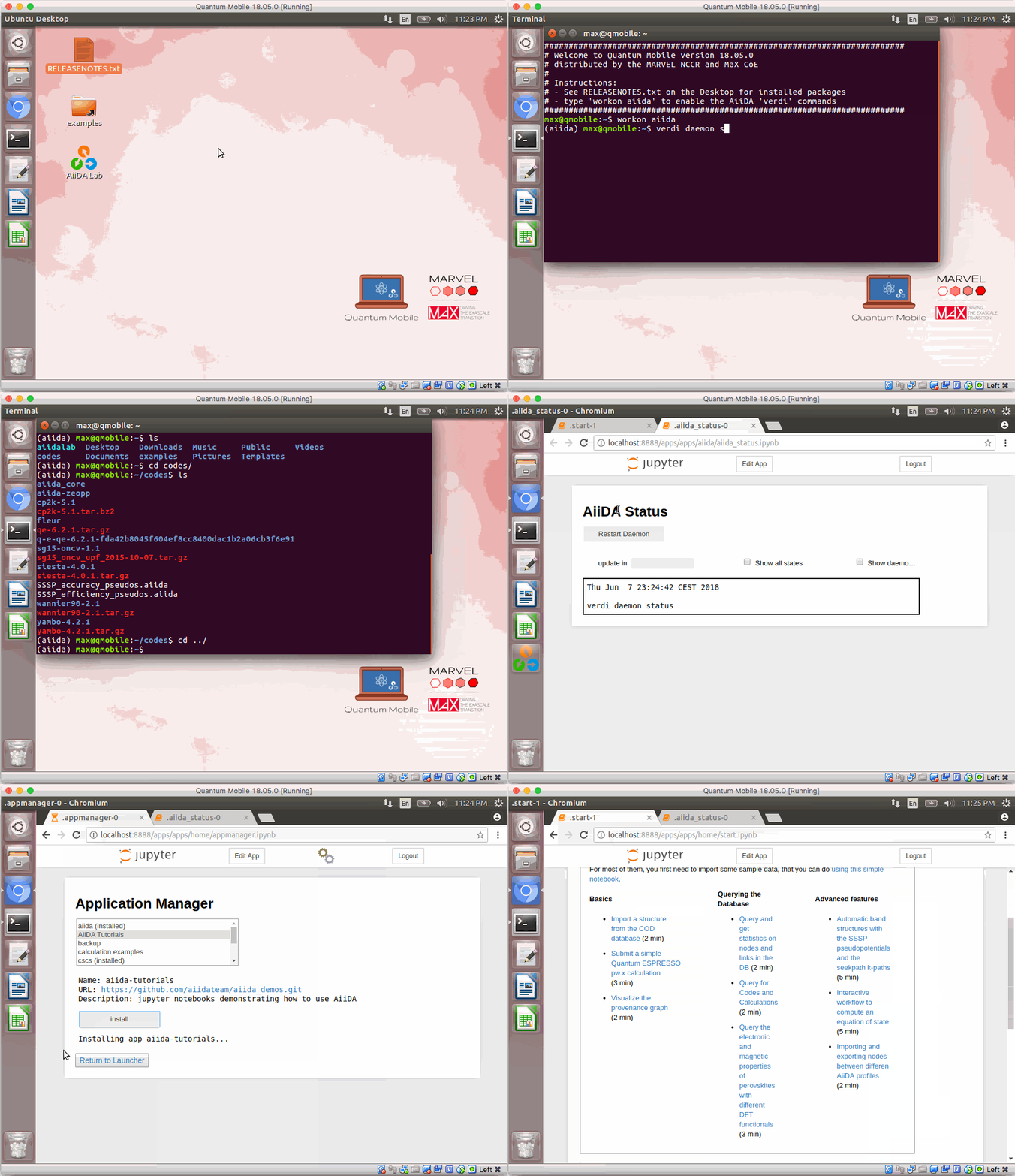
As the deployment is done, I can't find the shortcut AiiDA Lab, but only have a JupyterLab shortcut. As if the desktop of the Ubuntu machine doesn't match what the tutorial is actually showing in the video, as if it is a complete different environment.
I did systemctl --type=service and all seems good.
Also, when I do a "ss -lntp | grep 8888" I get zero results, yet I see in the tutorial video that the demonstrator is browsing a link with http://localhost:8888
Can you please tell me how to launch AiiDA Lab with the Quantum Mobile pre-packaged VM ? Thank you in advance.