

-
|
Hi, One of my database got corrupted and I cannot open it anymore. Is it possible to somehow repair the database? |

Beta Was this translation helpful? Give feedback.
Replies: 3 comments

-
|
@osagi2 could you tell more about your case? for example: do you have one or many databases (you seem to use many), and why and how are you using them? at what point exactly did you get this error? do you access database on a network drive or not? are you trying to write to the same database from more than one measurement (e.g. jupyter notebook)? what was that measurement like when you got this database error, what were the parameter names, etc.? do you use a back-up system that at random moments decides to backup your database file? the more context you give the closer we can get to understand how to help you. since i see such an error report for the first time ever, i did search and found a few articles that might help at least with diagnosing. The most educational is this one https://www.sqlite.org/howtocorrupt.html. And here's something more practical, might help, https://www.arysontechnologies.com/blog/fix-sqlite-error-malformed-database-schema/ (see at the bottom). Another thing i found is executing checks on the database, it can be done via e.g. db browser for sqlite by executing |
Beta Was this translation helpful? Give feedback.
-
|
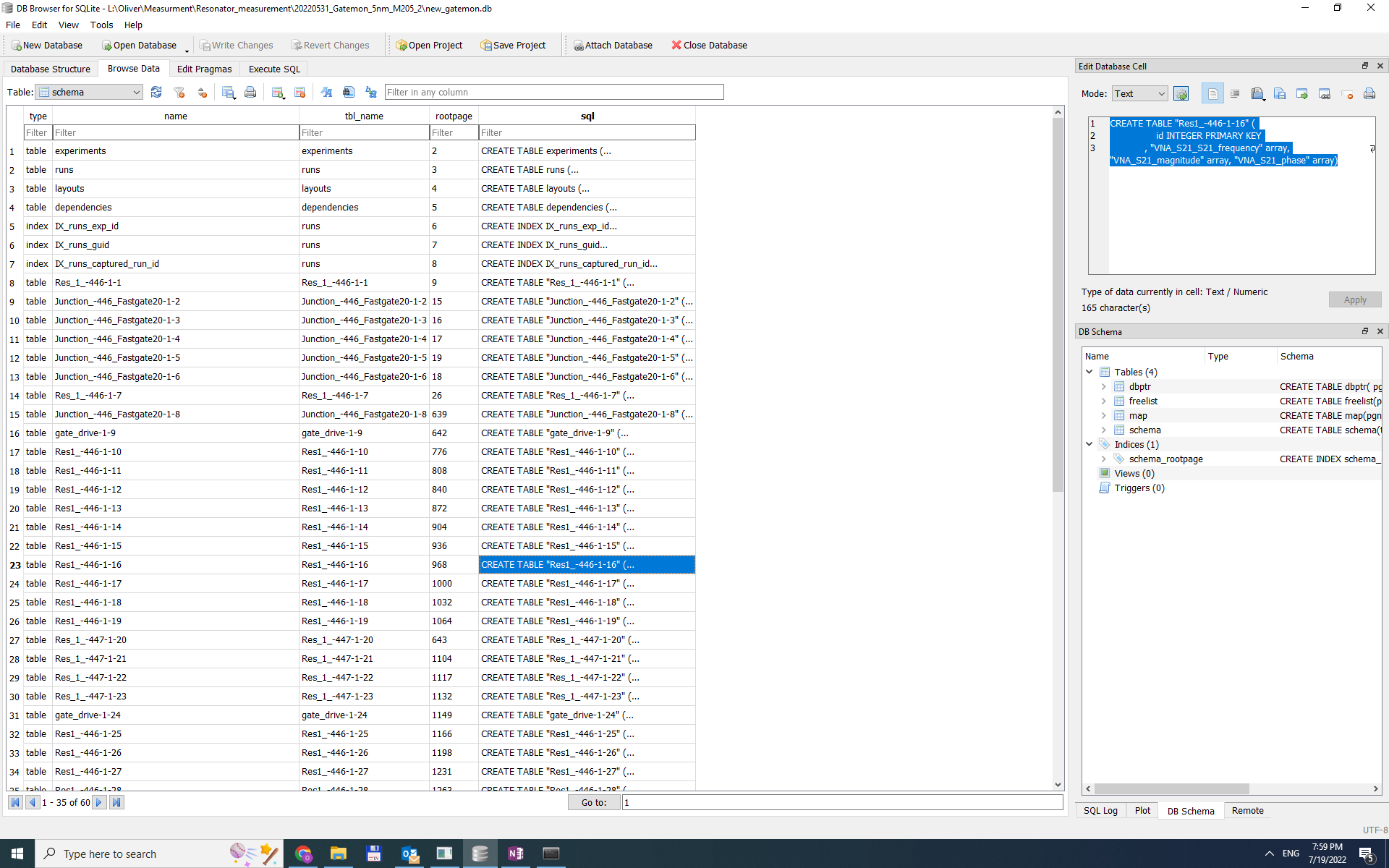
Hey @astafan8 , Thanks for your feedback. It happened when the database got locked for some reasons when I tried to open it with two jupyter notebooks simultaneously. I tried the .recover command of sqlite. It seemed to recover the measurement setting but not the data. When I attempted to run the PRAGMA integrity_check command it threw the same error as the Jupyter notebook. Here is what i managed to recover from the database. |
Beta Was this translation helpful? Give feedback.
-
and this is the main reason for the issue :) sqlite does not support and don't recommend to be used on network drives, see here https://stackoverflow.com/questions/788517/sqlite-over-a-network-share and here https://www.sqlite.org/whentouse.html and here https://www.sqlite.org/draft/useovernet.html . if you'd like your data to be backed up, I'd recommend to enable automatic export to netcdf files, and upload those on a network drive, here's the relevent qcodes documentation on how to export datasets to netcdf files and also how to read them back as qcodes DataSet objects: https://qcodes.github.io/Qcodes/examples/DataSet/Exporting-data-to-other-file-formats.html , https://qcodes.github.io/Qcodes/examples/DataSet/Performing-measurements-using-qcodes-parameters-and-dataset.html#Accessing-and-exporting-the-measured-data |
Beta Was this translation helpful? Give feedback.


@osagi2 could you tell more about your case? for example: do you have one or many databases (you seem to use many), and why and how are you using them? at what point exactly did you get this error? do you access database on a network drive or not? are you trying to write to the same database from more than one measurement (e.g. jupyter notebook)? what was that measurement like when you got this database error, what were the parameter names, etc.? do you use a back-up system that at random moments decides to backup your database file? the more context you give the closer we can get to understand how to help you.
since i see such an error report for the first time ever, i did search and fou…