




UWP.js is a powerful framework that bridges the gap between modern web applications and native Windows functionality. By exposing every function in UWPTask directly to the WebView, it allows your web apps to leverage the entire NuGet library and interact with native C# code with ease.
UWP.js lets you run web apps inside a UWP (Universal Windows Platform) environment, enabling seamless communication between JavaScript and C#. The framework is designed for maximum extensibility and ease-of-use, making it the perfect choice if you need to integrate advanced Windows APIs into your web project.
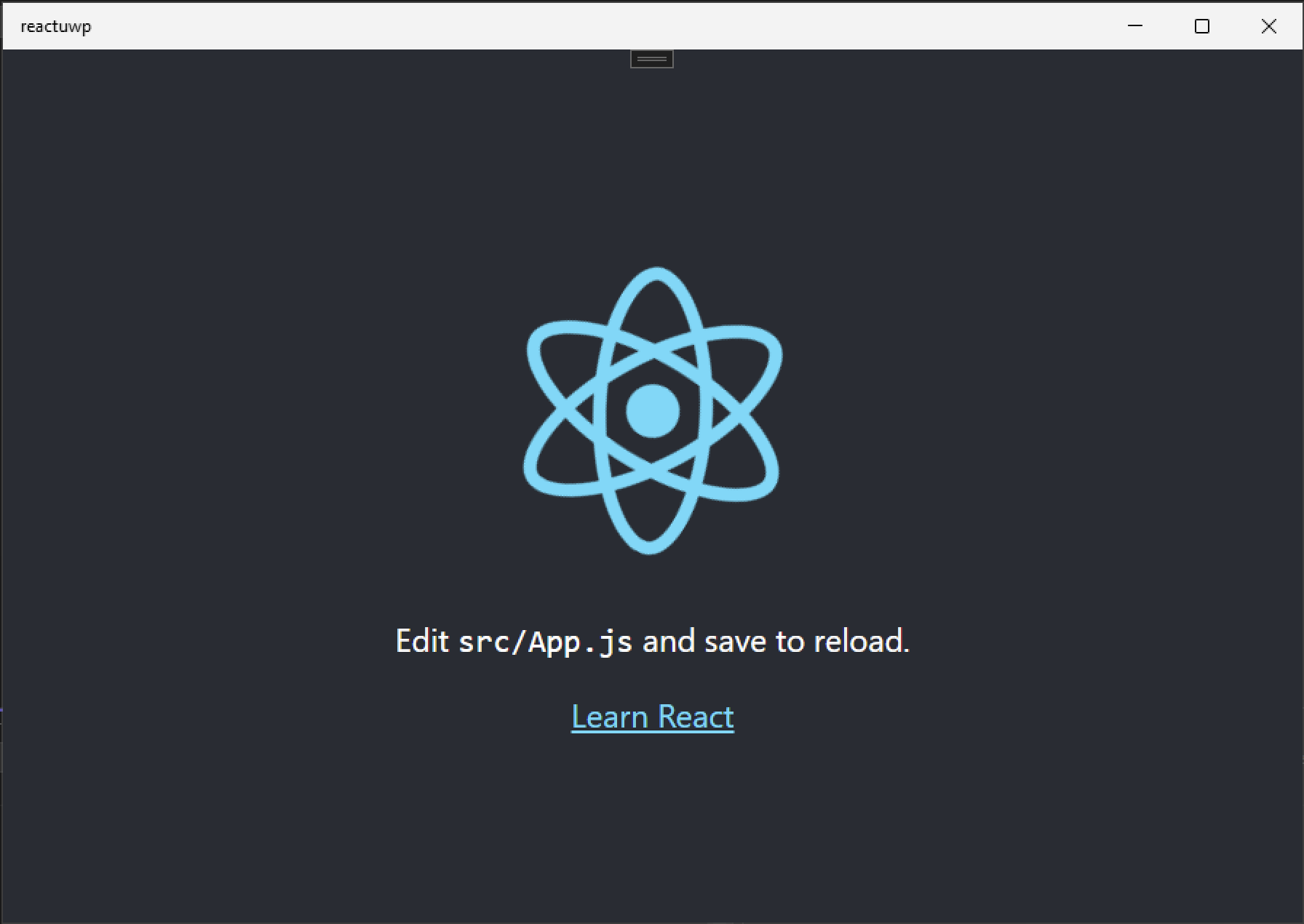
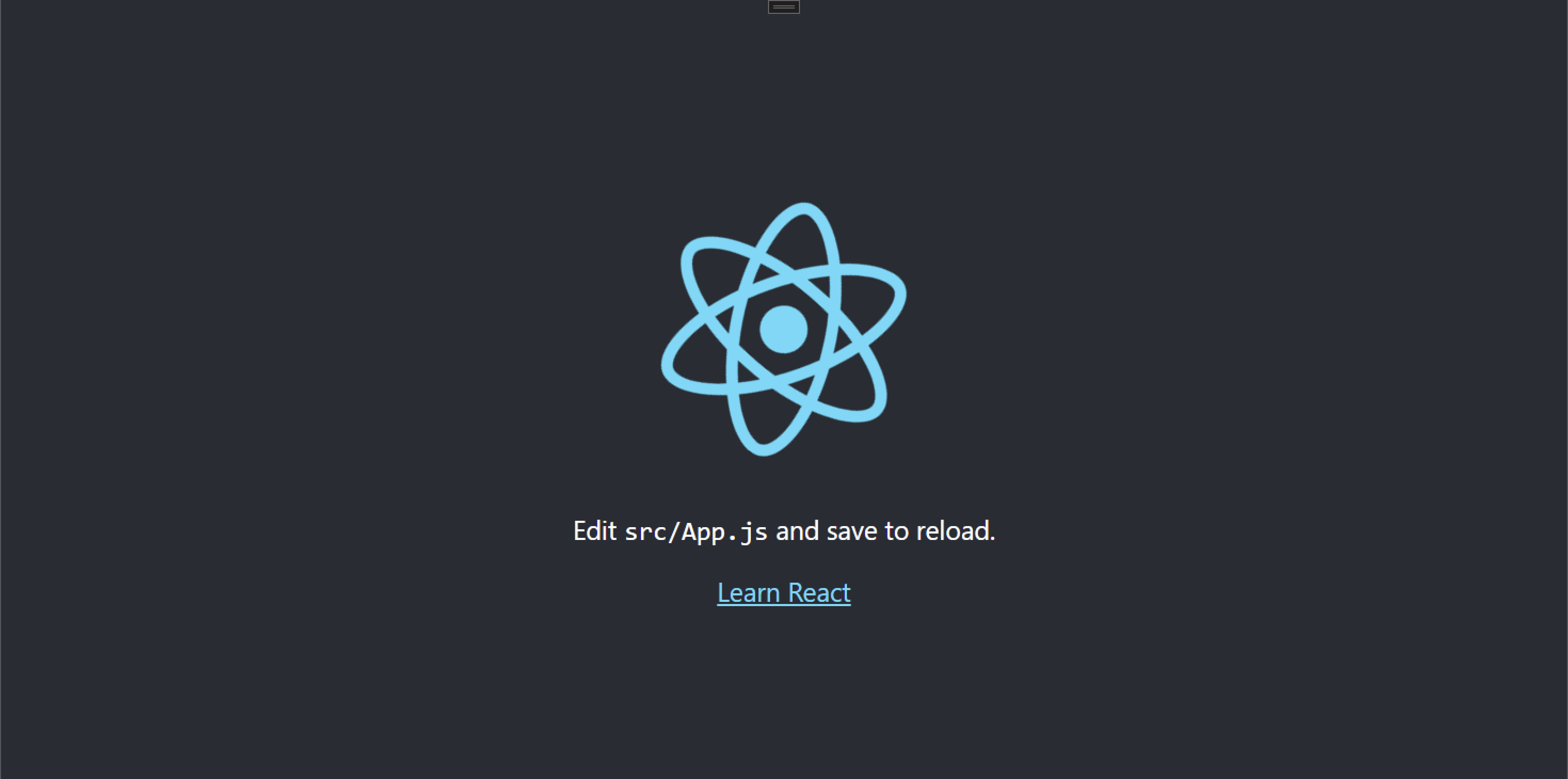
| Windows | Xbox | Mobile |
|---|---|---|
 |
 |
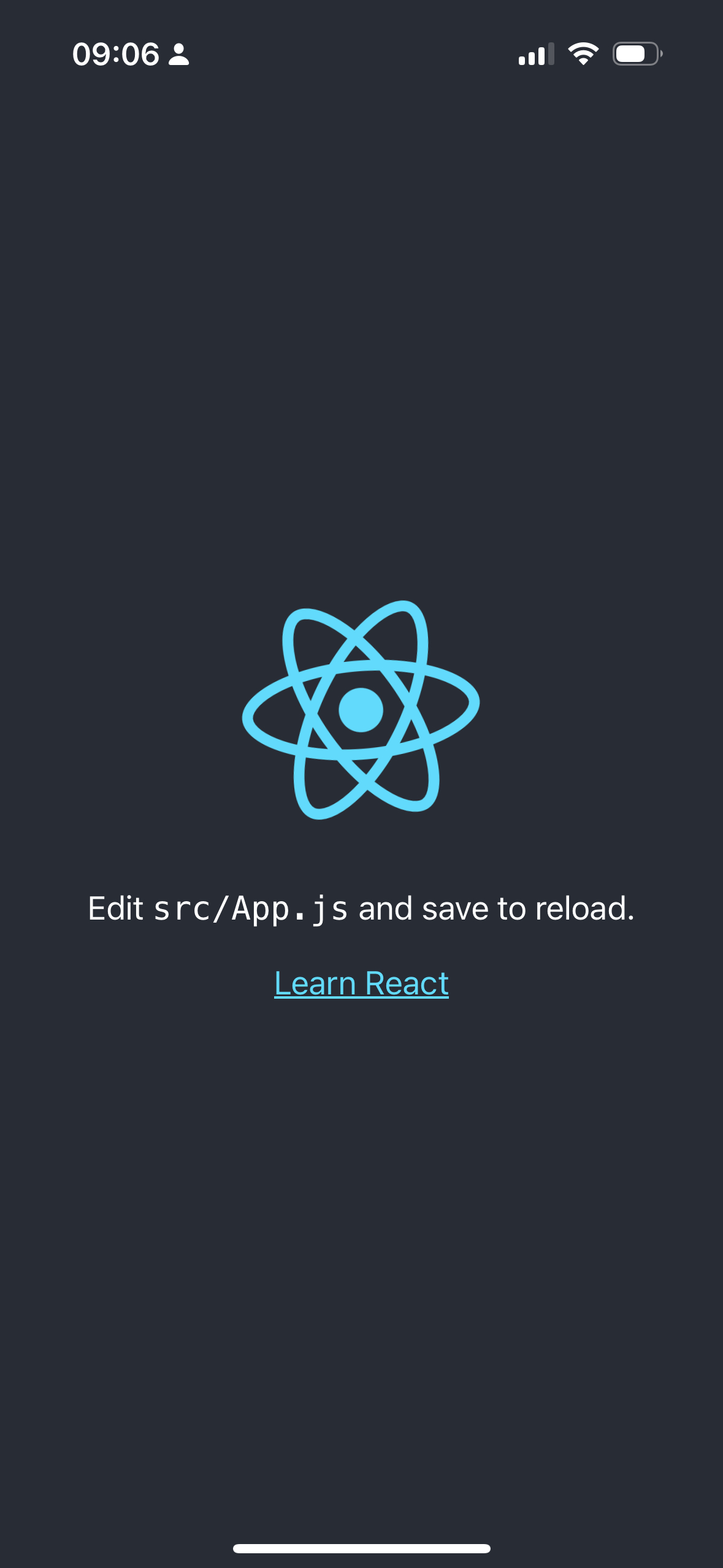 |
| capacitor-xbox | capacitor-xbox | capacitorJS |
If you want to add UWP support to an existing project, go see Capacitor Xbox.
Capacitor Xbox and UWP.js are in no way affiliated with Capacitor, Ionic, or Microsoft. This is a personal project intended solely to assist developers in the creation and porting of web applications and games to Xbox/Windows platforms.
-
Seamless Web-to-Native Integration:
Use a robust bridging mechanism to invoke native C# methods directly from your web app. -
Full NuGet Library Access:
Every function in UWPTask is exposed, granting you access to the vast NuGet ecosystem. -
Easy Extensibility:
Add custom native functionalities effortlessly by extending the C# backend. -
Cross-Platform Support:
Supports Windows Desktop and Xbox. -
Python CLI Included:
Streamline project initialization, asset synchronization, and configuration with an intuitive Python CLI. -
Capacitor Xbox Integration:
Proudly powers Capacitor Xbox to mirror Capacitor APIs on Microsoft platforms with minimal code changes.
- Native API Exposure: Uses Microsoft WebView2 to render web content and expose native functionalities.
- Extensibility: Easily extendable via public methods in
UwpNativeMethods. - Rich Functionality: File operations, notifications, folder selection, and more.
- Intuitive API: Simple methods like
readFile,writeFile,downloadFile, and more. - Event-Driven Communication: Supports real-time messaging between JavaScript and native C#.
- Plugin Support: Register plugins to extend functionality further.
- Project Initialization: Automates setup tasks, including downloading templates and configuring project files.
- Asset Synchronization: Syncs your build outputs and resources seamlessly into the UWP project.
- Seamless Integration: Mirror Capacitor APIs for multi-platform deployment.
- Cross-Platform Support: Runs on Xbox and Windows.
- Minimal Code Changes: Use the same Capacitor methods you're already familiar with.
- Windows 10/11 with UWP support
- .NET SDK and Visual Studio
- Node.js (for web development)
- Python 3.x (for CLI tool)
- Clone the Repository:
git clone https://github.com/momo-AUX1/UWP.js.git
cd UWP.js-
Setup the C# Backend:
• Open the solution file (UWP.js.sln) in Visual Studio.
• Restore NuGet packages and build the solution.
-
Initialize the Project Using Python CLI:
python3 uwpjs.py init- Sync Your Build:
python3 uwpjs.py syncUsage
JavaScript Integration
Include the UWP.js bridge in your web project:
import UwpBridge from './path/to/uwp.js';

const bridge = new UwpBridge();

// Example: Read a file
bridge.readFile('example.txt').then(content => {
  console.log('File Content:', content);
});

// Example: Write to a file
bridge.writeFile('example.txt', 'Hello from UWP.js!');
Invoking Native Methods
Any new functionality added to the C# backend is immediately available to your JavaScript code via:
bridge.callNative('methodName', arg1, arg2, ...).then(response => {
  console.log('Response from native:', response);
});
Capacitor Xbox Integration
For projects using Capacitor, include and register the plugin:
import { UwpBridge, CapacitorUWP } from 'capacitor-xbox';

const bridge = new UwpBridge();
bridge.registerPlugin(CapacitorUWP);

// Use Capacitor APIs as usual
window.Capacitor.Preferences.set({ key: 'example', value: 'value' });
you can go and checkit here: Capacitor Xbox
Contributing
Contributions are welcome! Please fork the repository and submit pull requests for any bug fixes or feature enhancements.
License
UWP.js is released under the MIT License.
© 2025. Created by momo-AUX1 and contributed by the open-source community.