 Music Assistant


-
|
Music Assistant (MA) will play music that is located in your Home Assistant /media directory, including local files that are actually within Home Assistant, or Files in a Network location. It's easy to get MA to play music from a Network Location, perhaps on a NAS or a Network drive, by mounting that network location using SMB. MA will then "see" the music and you'll be able to play it. Doing this is a three step process 1) Create a mount command in configuration.yaml and then 2) mount it via an automation. Modify the following example to suit your environment. 3) Configure MA via the Integration to use this network location Notes:
Check configuration.yaml for the following line - if it doesn't exist then insert it Place this code in configuration.yaml to mount the share: Put this automation code in automations.yaml (create automations.yaml if it doesn't exist) After adding the above code, restart Home Assistant and you should be able to see the
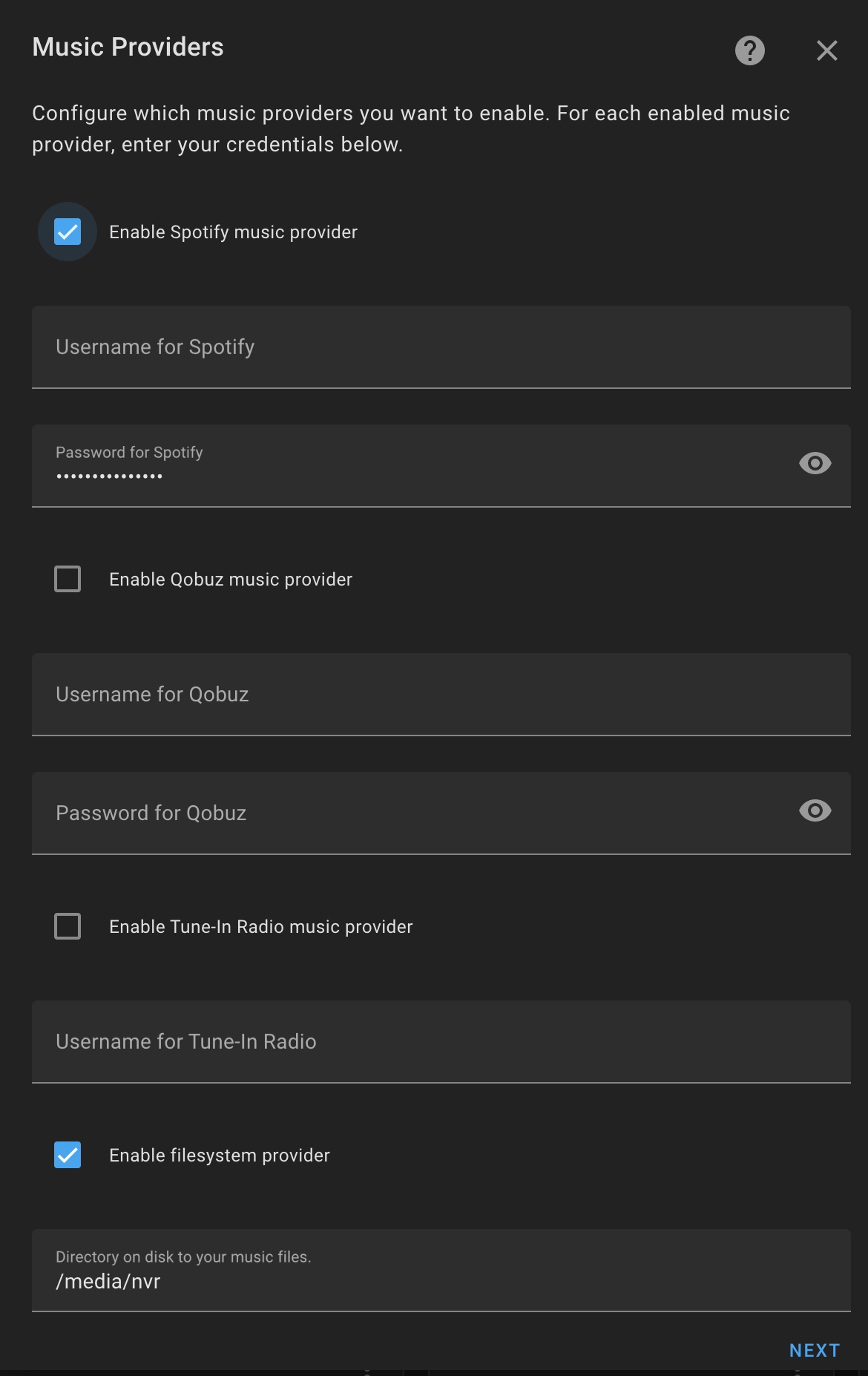
If you're able to see your music as above, you can now configure MA via its Integration configuration dialogue
|



Beta Was this translation helpful? Give feedback.
Replies: 27 comments 68 replies

-
|
yes. works nicely indeed.
3rd, I made the the directory in the /media folder by hand, and a factual folder. Thought it to be more efficient than doing so in the shell_command, that now only has to take care of the mounting.
|
Beta Was this translation helpful? Give feedback.

-
|
Hi all. |
Beta Was this translation helpful? Give feedback.

-
Did you enter that path into the Home Assistant integration configuration?
|
Beta Was this translation helpful? Give feedback.

-
Hey @Mariusthvdb,
I would like the folder structure to be media>Music On NAS>Easy |
Beta Was this translation helpful? Give feedback.
-
|
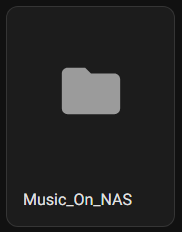
It doesn't like the spaces in the name When not use this instead? |
Beta Was this translation helpful? Give feedback.
-
That's what I ended up doing, but was hoping to have it without the underscores for a cleaner look. |
Beta Was this translation helpful? Give feedback.

-
|
This is great so thanks. I also have Spotify as a source and when I view my local media it is then duplicated by Spotify entries. Is this a feature? If so can it be filtered out? I wondered if the icons in the top right might do that but clicking on them appears to not do anything even thought they are clickable? |
Beta Was this translation helpful? Give feedback.

-
|
Please do not hide support requests within a feature request, that is really hard to follow. |
Beta Was this translation helpful? Give feedback.

-
|
Sorry @marcelveldt I was thinking I was missing something so went for a quick response. I didn't want to increase what I assume is a high workload by creating another post. Will do next time though. Thanks so much for creating this! |
Beta Was this translation helpful? Give feedback.
-
|
If your music is properly tagged, the same artist/album/track on multiple sources will be matched and not duplicated. The icons in the top right of a listing are meant for filtering the listings. In your case you say they're not working so that would be either a bug or an issue with your browser. Please create an issue report for so we can have a look. Thanks! |
Beta Was this translation helpful? Give feedback.
-
I can improve the software by solving bugs and implement features that are appreciated by many users. So no worries about creating those issues and requests. Just save me the time to not have to wade through comments to find out what needs to be solved ;-) Thanks! |
Beta Was this translation helpful? Give feedback.

-
|
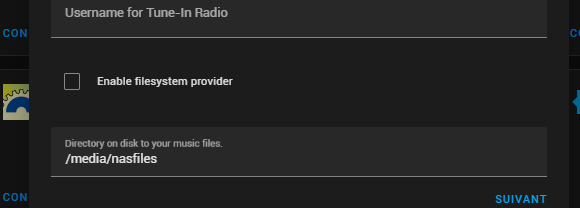
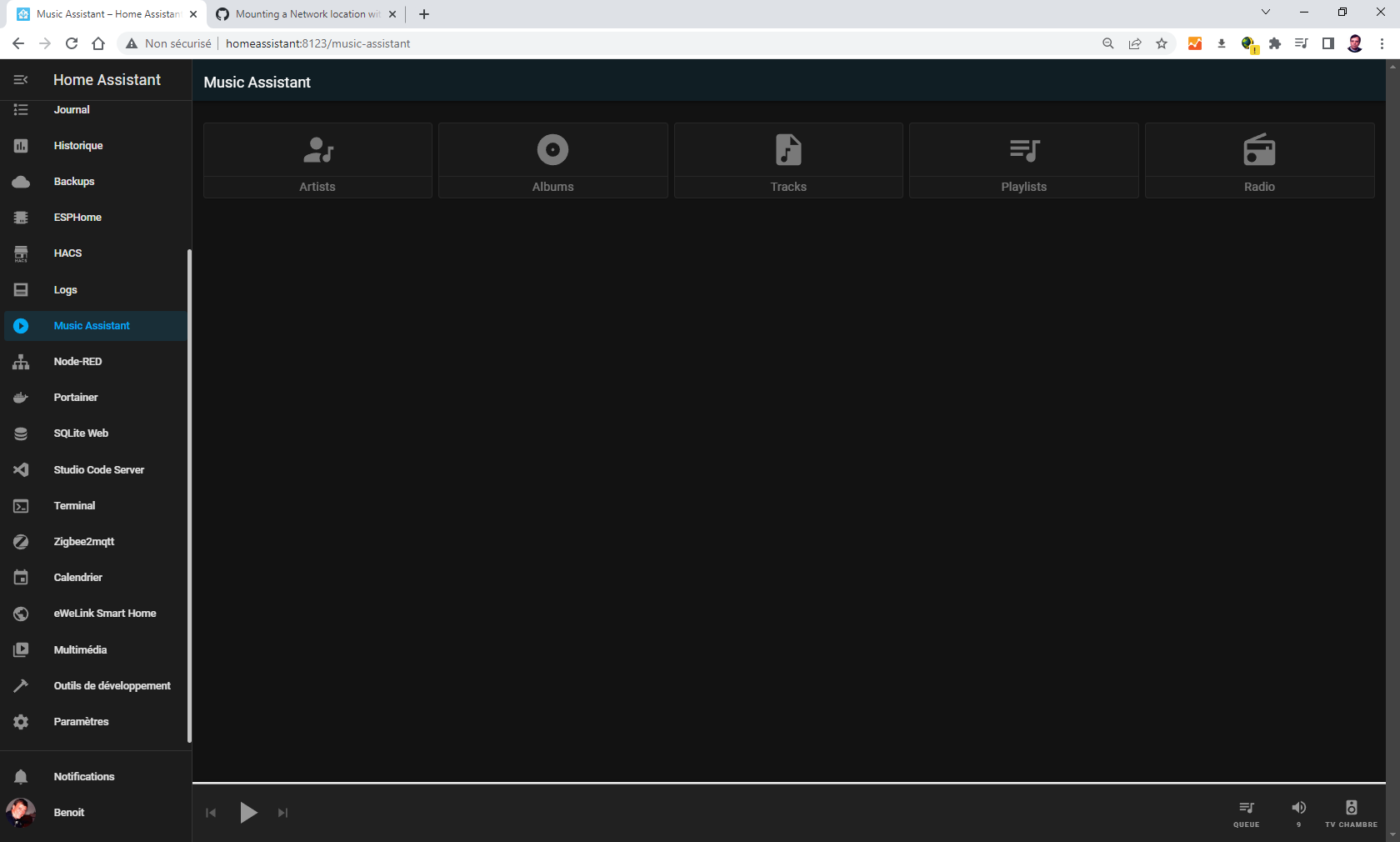
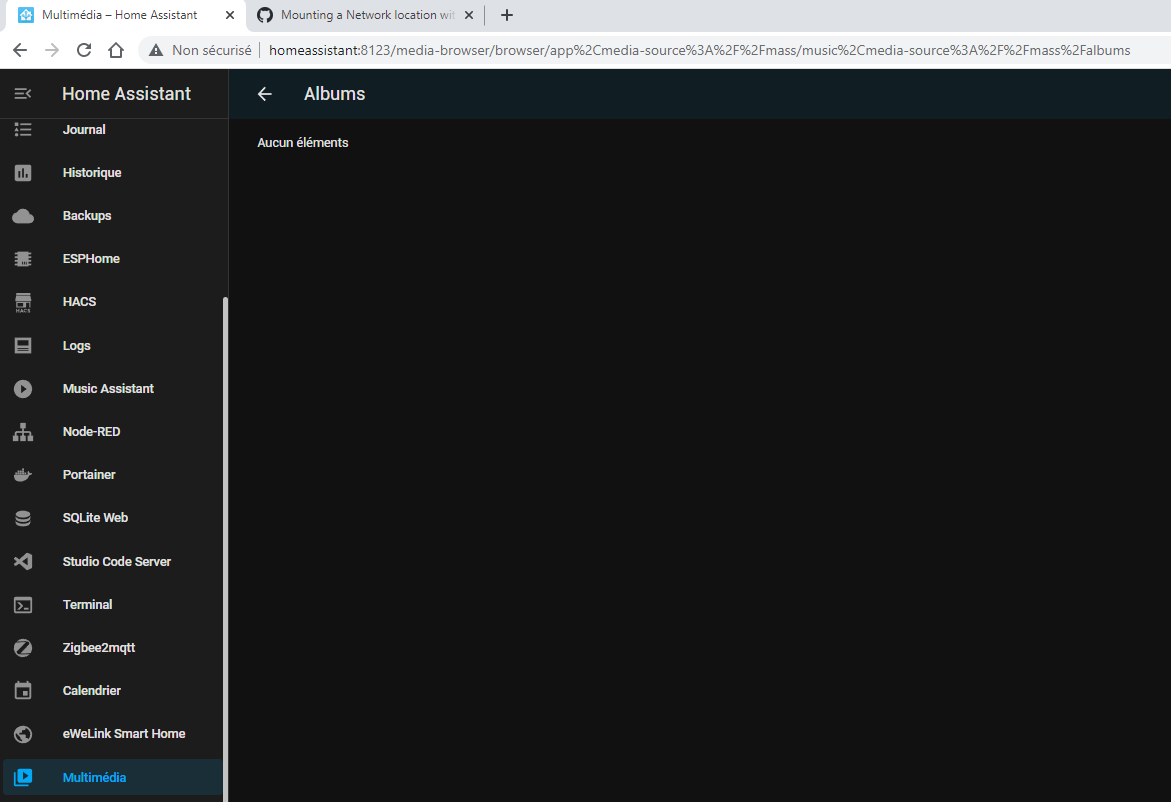
Hello, when I go in music assistant as follow:
left pannel : multimedia / music assistant
I ran out of idea.... Help !!! Here is my configuration: System Health
Home Assistant Community Store
Home Assistant Cloud
Home Assistant Supervisor
Dashboards
Recorder
|

Beta Was this translation helpful? Give feedback.
-
|
Check "Enable filesystem provider" right above the path... |
Beta Was this translation helpful? Give feedback.
-
|
Dank U Marcel. same behaviour with Microsoft Edge Version 103.0.1264.37 (Official version) (64 bits) and Chrome Version 103.0.5060.66 (official Build) (64 bits) in both http and https via nabu casa. |
Beta Was this translation helpful? Give feedback.
-
The path you have written above is not the same as what is in your image. In your image you show |
Beta Was this translation helpful? Give feedback.
-
|
let's retry: here are my parameters: accessing music assistant from multimedia, all is empty: direct from Music Assistant, the image is like this, I cannot go further. |
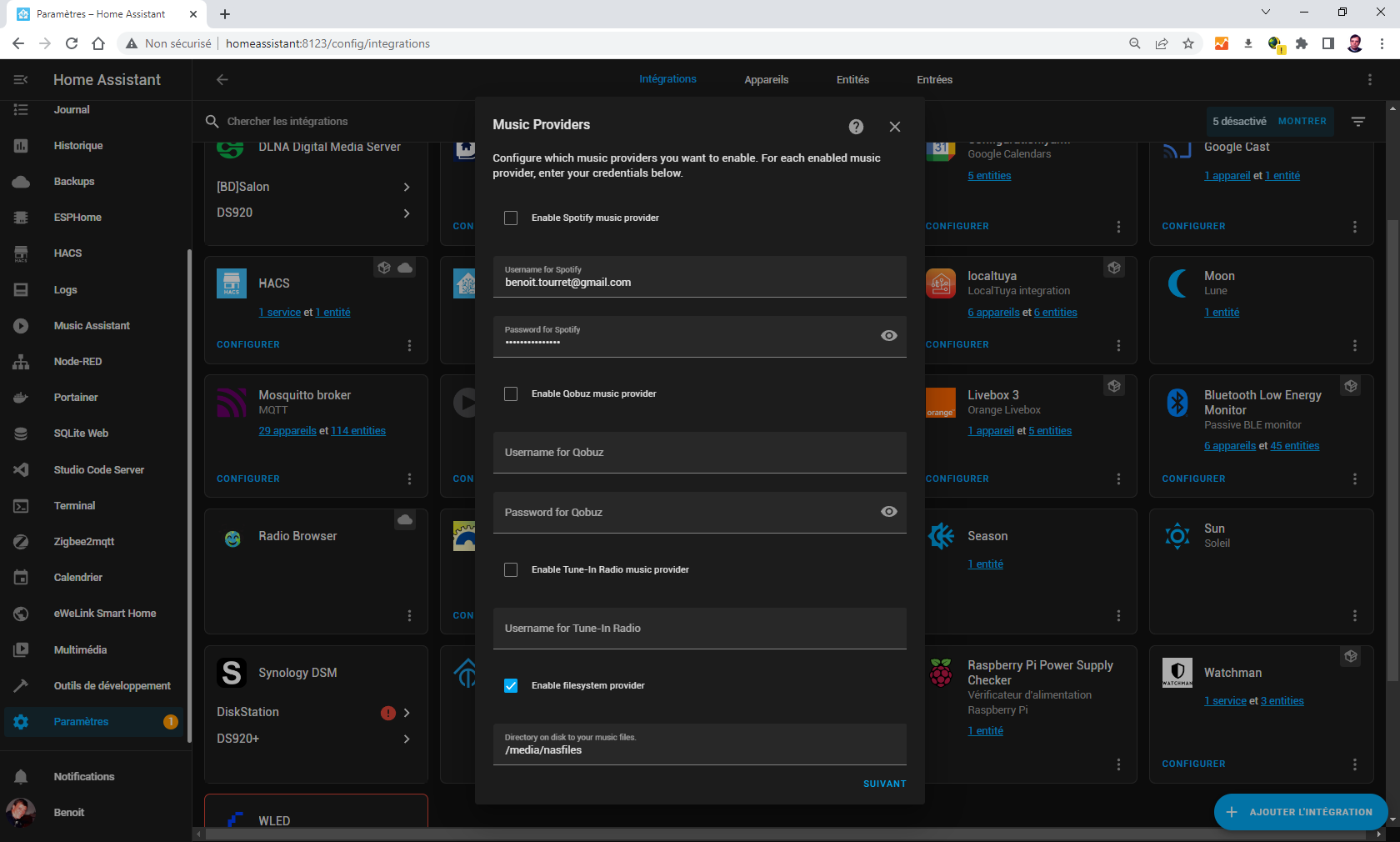

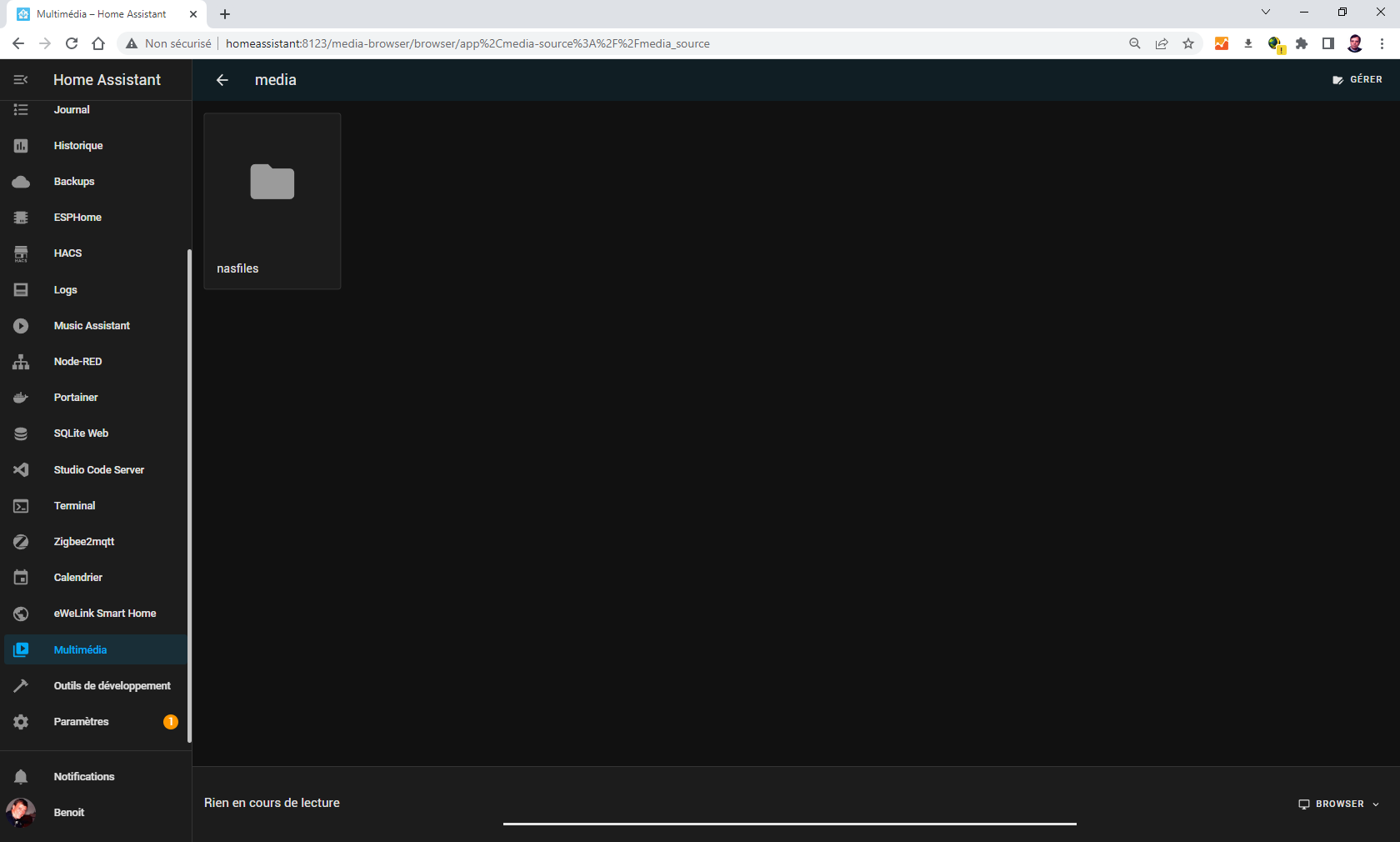
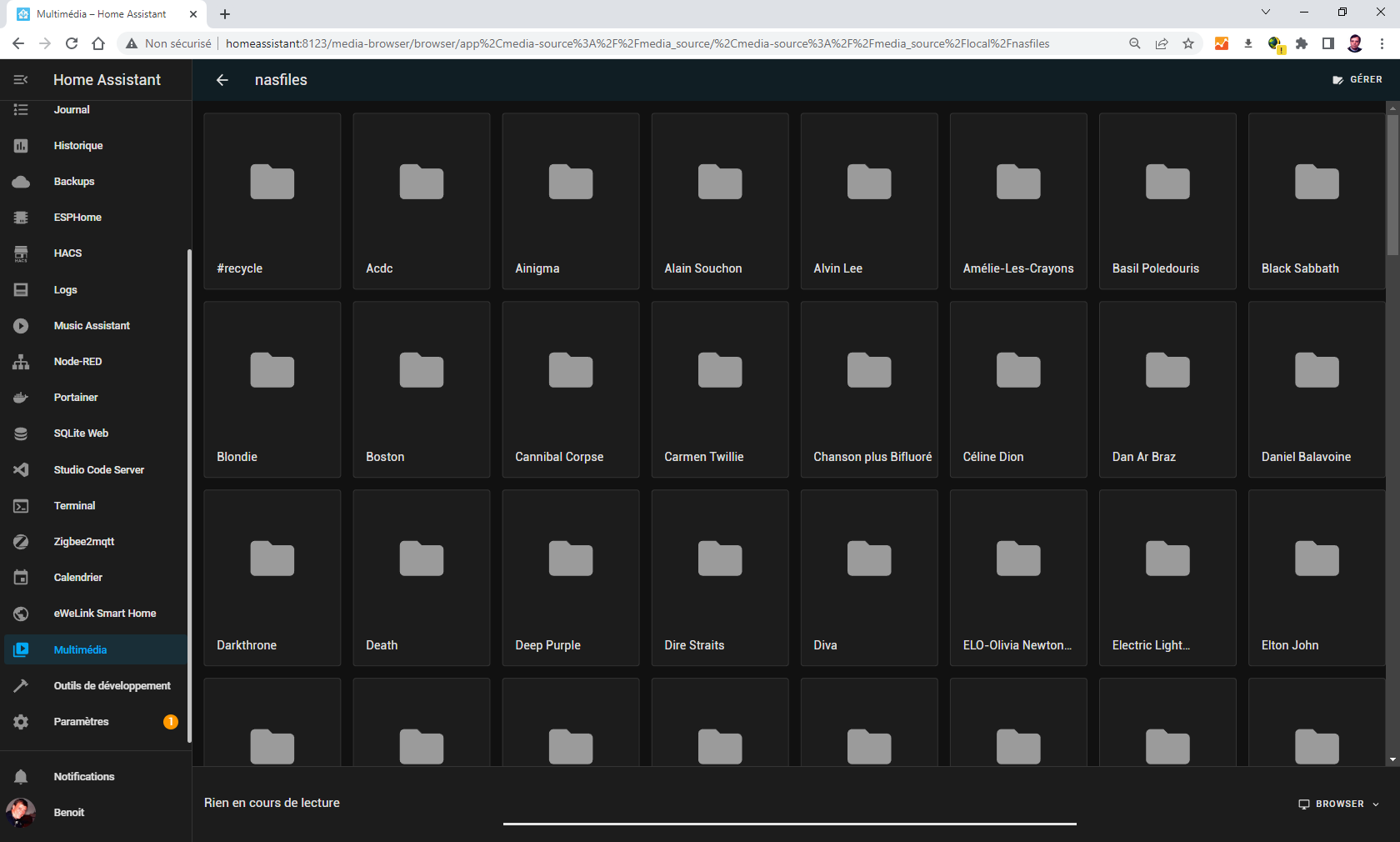

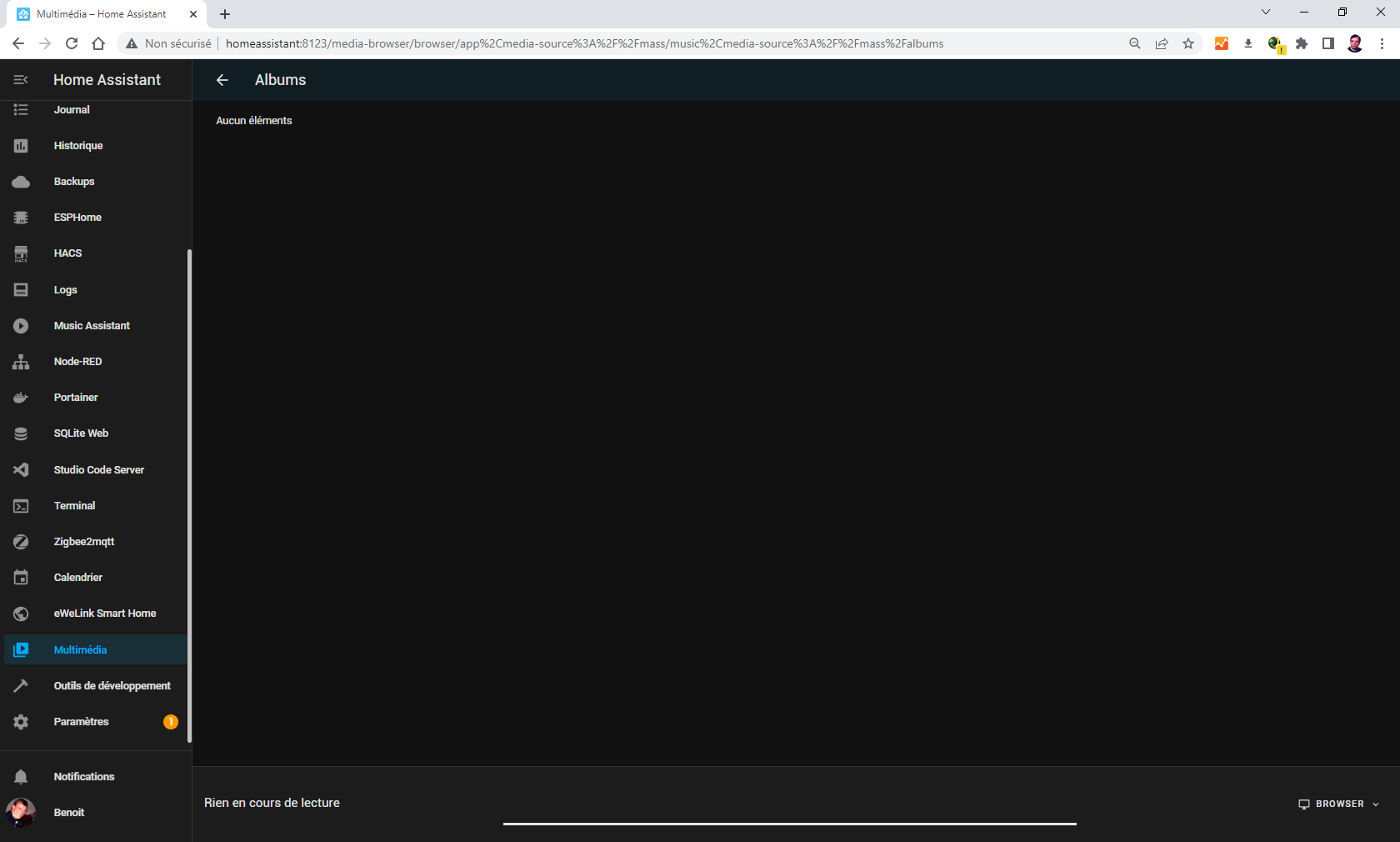
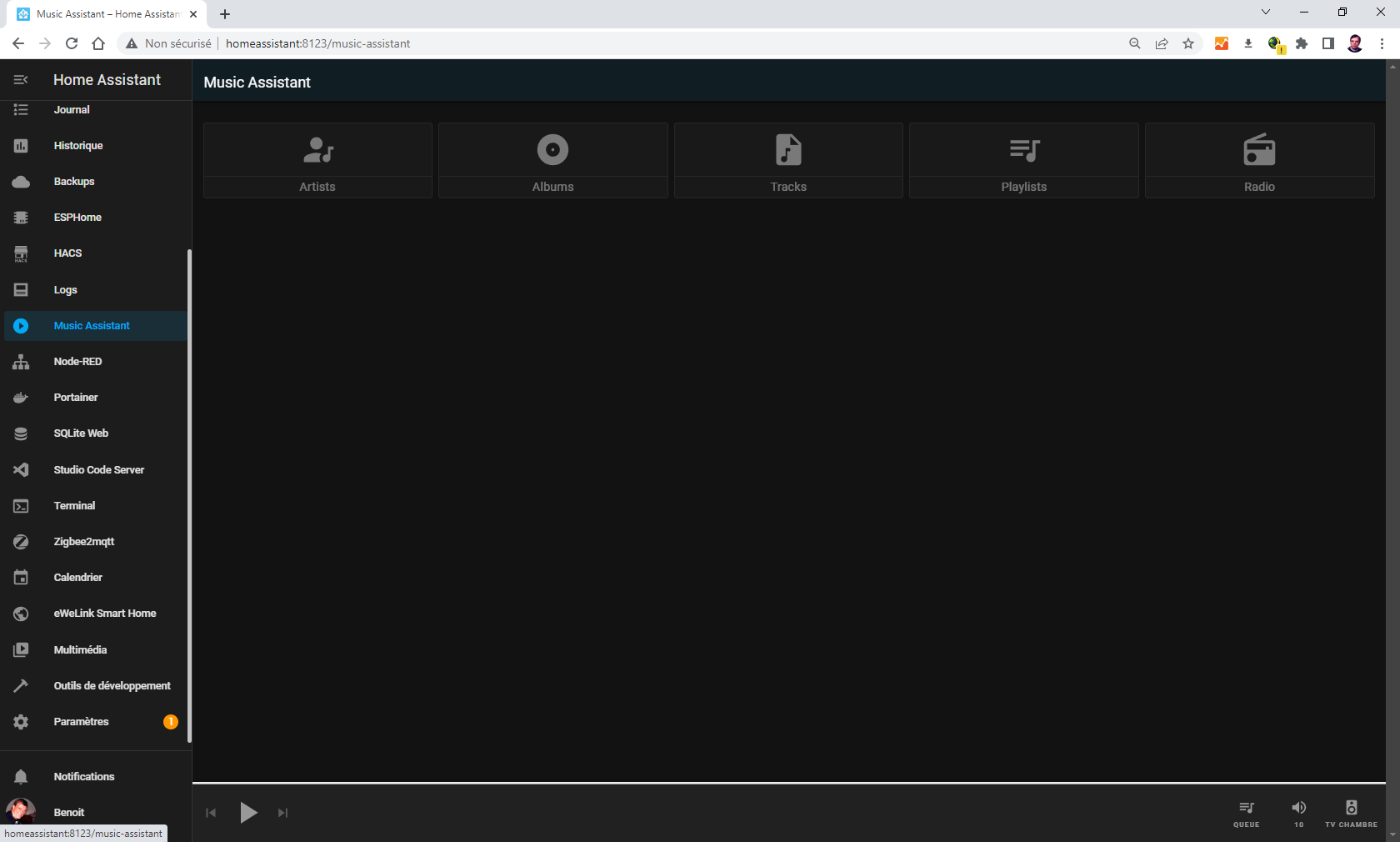
Beta Was this translation helpful? Give feedback.
-
|
Thanks. Have a look at your logs for an error. I see you have #recycle as a directory. When I had that MA failed to load because it couldn't get access to that directory. |
Beta Was this translation helpful? Give feedback.
-
|
You are right, there is an error with the recycle file It is a synology DS920+ |
Beta Was this translation helpful? Give feedback.
-
|
Yep exactly the same as mine (same NAS as well!). I just turned off recycling for that share. @marcelveldt might be able to make a change so permission denied gets ignored? |
Beta Was this translation helpful? Give feedback.
-
|
can you please create an issue for that ? I am without-a-doubt going to forget that otherwise ;-) |
Beta Was this translation helpful? Give feedback.
-
|
https://github.com/music-assistant/hass-music-assistant/issues/563 |
Beta Was this translation helpful? Give feedback.
-
|
I removed the #recycle directory, restart the HA. one thing is "funny": |

Beta Was this translation helpful? Give feedback.
-
|
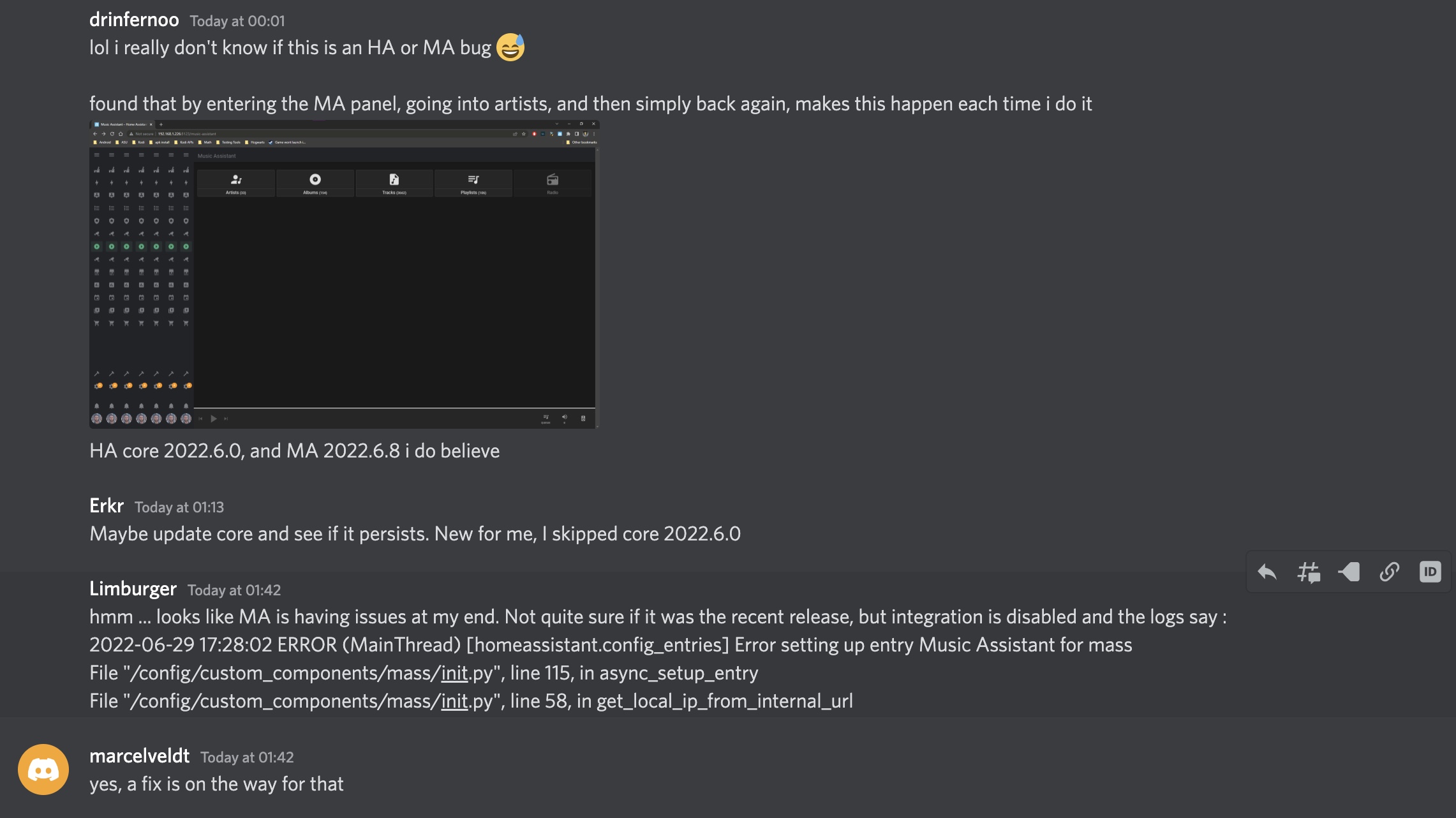
It's on the Music Assistant discord server
|
Beta Was this translation helpful? Give feedback.
-
|
You can't use the browser back button with the MA panel. That's why the MA panel has its own back button. |
Beta Was this translation helpful? Give feedback.

-
|
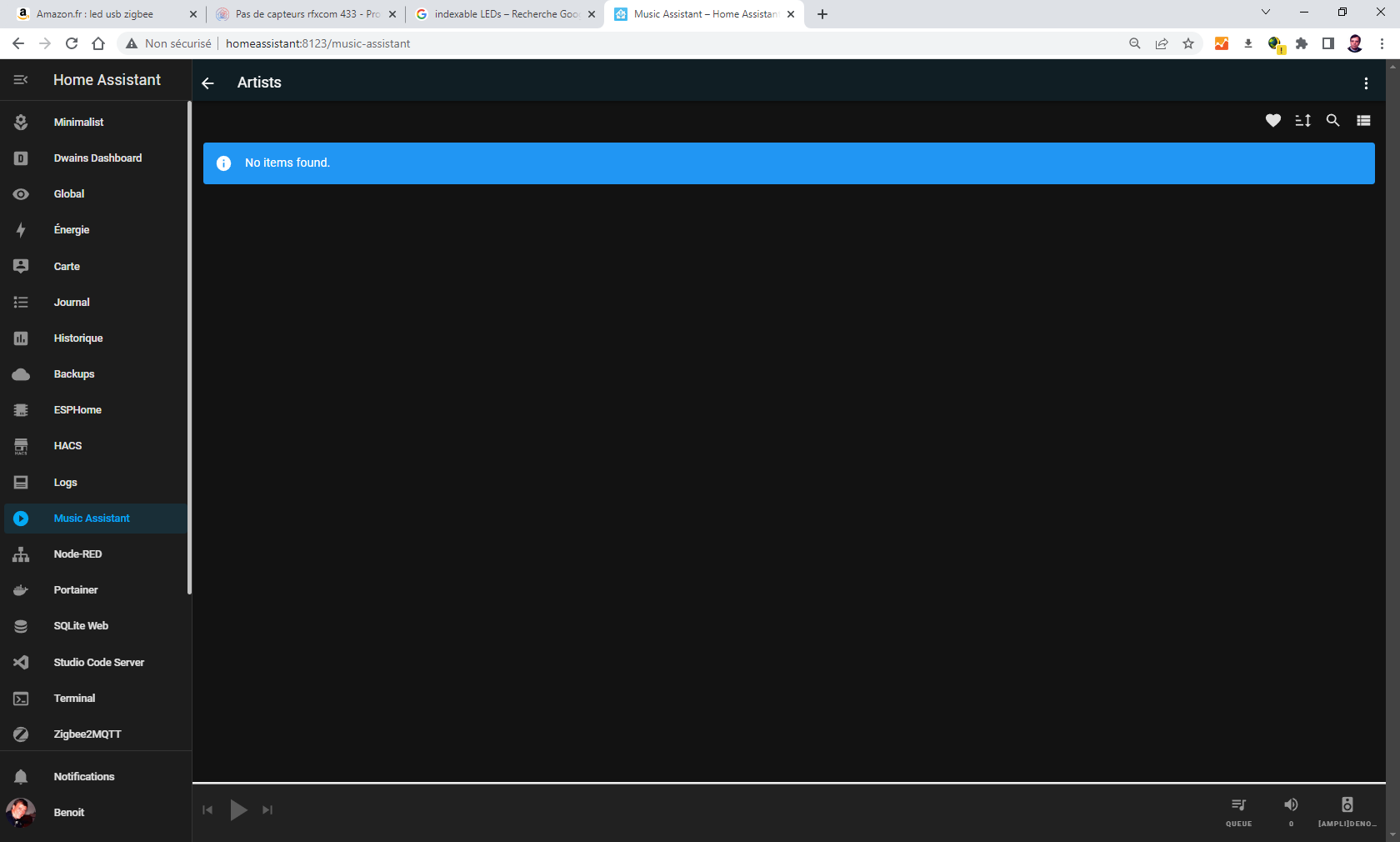
It start again, all the Music assistant part is empty... since 2022.7 update no music assistant log either. |
Beta Was this translation helpful? Give feedback.
-
|
Do you see the small white heart at the top right side? Try clicking that and I'd bet your music will appear .... |
Beta Was this translation helpful? Give feedback.
-
|
you are a wizard Ian!!! a little onMouseOver could help non initiated or ignorant people. |
Beta Was this translation helpful? Give feedback.

-
|
Little problem here. I think Marcel suggested you could use this method to mount the files from multiple network locations. Darned if I can work out how to do so. |
Beta Was this translation helpful? Give feedback.
-
|
I assume you would setup directories below a top level "nasfiles" (or whatever you name it) directory and then setup multiple mount commands and attach each mount point to a different directory. MA should then scan down through all the directories and come up with a consolidated library? |
Beta Was this translation helpful? Give feedback.
-
|
Well thanks OzGav for the suggestion. I thought I'd tried that before but I tried again: For mounting Network mediashell_command: I duplicated the automation code for nas2 and it all works. Just couldn't get the syntax right before. Now I can load my whole music collection, all 2000 albums, into MA. Hopefully the library is stored somewhere so I don't have to reload it every time I start HA. |
Beta Was this translation helpful? Give feedback.
-
|
Great! For others and just in case you didn't do this shortcut. This should work: |
Beta Was this translation helpful? Give feedback.

-
Hi, I tried the mount command but received the following message.... mount: /media/Music/Rox_Music: cannot mount //192.168.1.80/music read-only. I checked permissions both on the NAS and local Hoe Assistant host and should be OK? Has anyone had this issue... any thoughts? |
Beta Was this translation helpful? Give feedback.
-
|
Hi. This doesn’t seem to be MA question so you might get better responses on a Linux forum or maybe HA forums? Sorry I can’t be more help. |
Beta Was this translation helpful? Give feedback.

-
|
All fixed, I was testing at terminal to see if it works. Worked as per yr steps |
Beta Was this translation helpful? Give feedback.
-
|
Did you try pressing the heart top right? |
Beta Was this translation helpful? Give feedback.

-
|
THANKS for this ,it works great ,but when i add media it |
Beta Was this translation helpful? Give feedback.

-
|
Any Help, I'm pulling my hair out. I have an SSD plugged into my router. I have tried everything above with network share addresses and ftp addresses and can't get it to work. |
Beta Was this translation helpful? Give feedback.
-
|
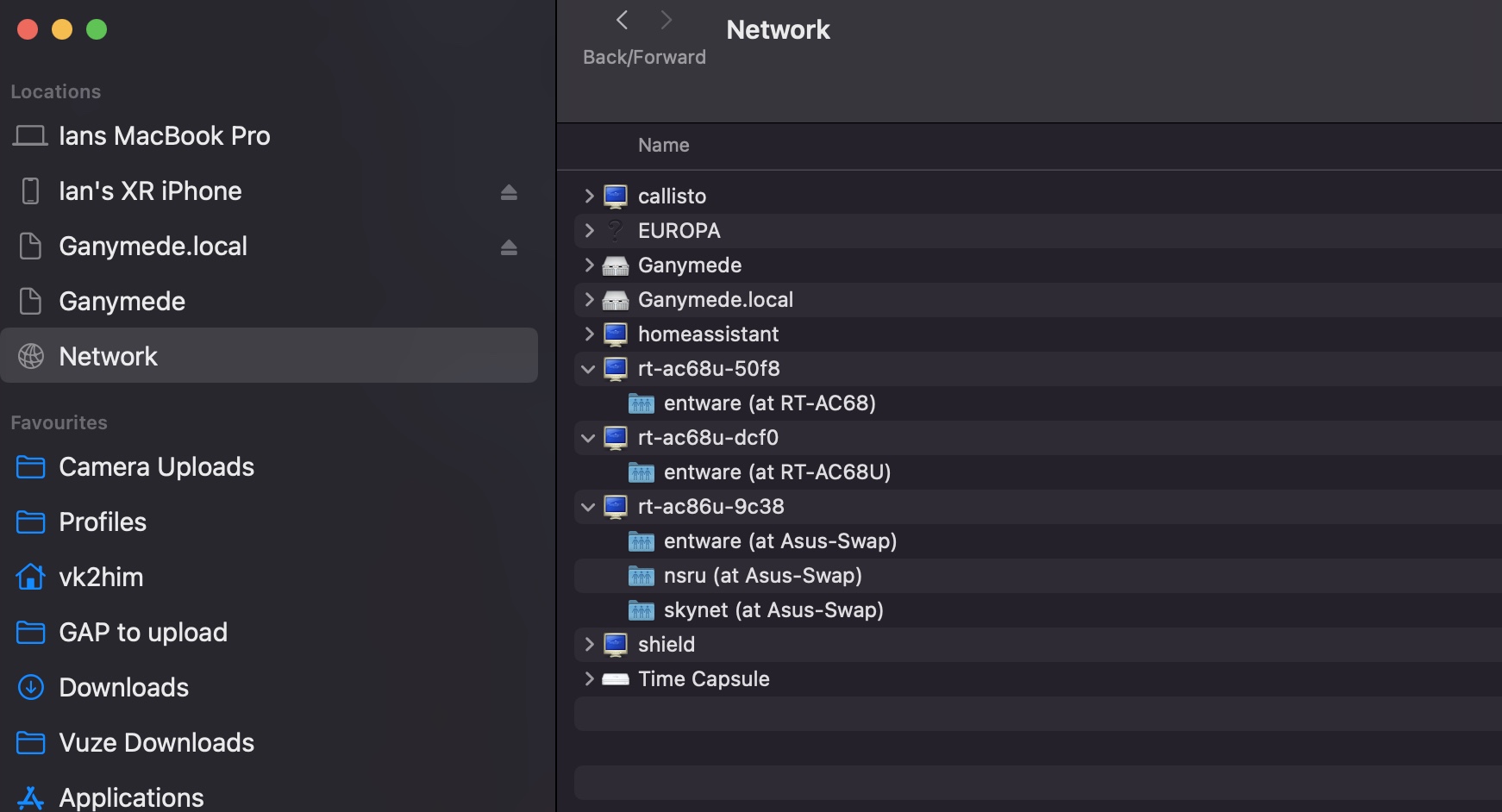
@No-Idea-76 On my network I have three routers and each has an ssd connected - you can see them in this (mac) screenshot - they start with rt-ac68u-xxx or rt-ac-86u-xx with a sharename starting with Entware. You must be able to see your ssd in the same way before you can use it.
|
Beta Was this translation helpful? Give feedback.

-
|
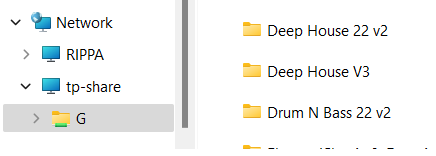
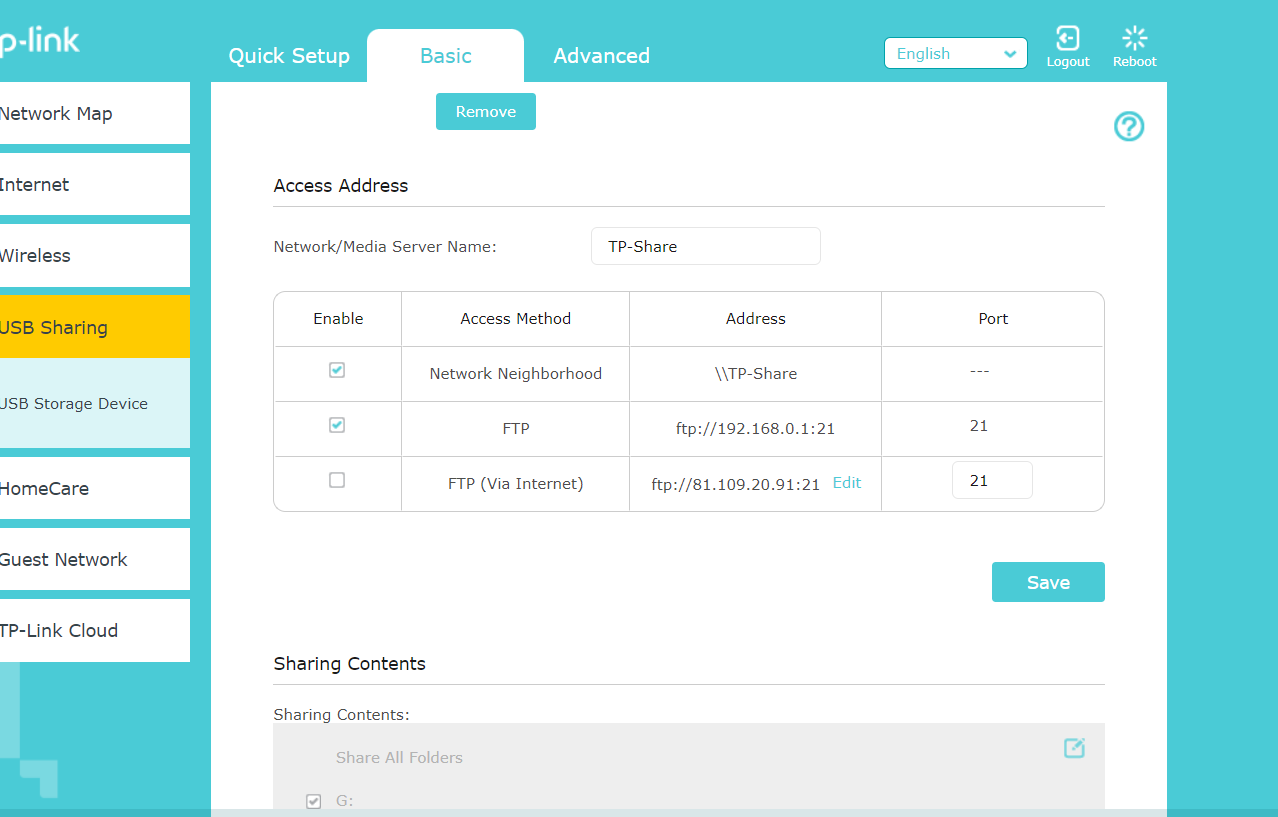
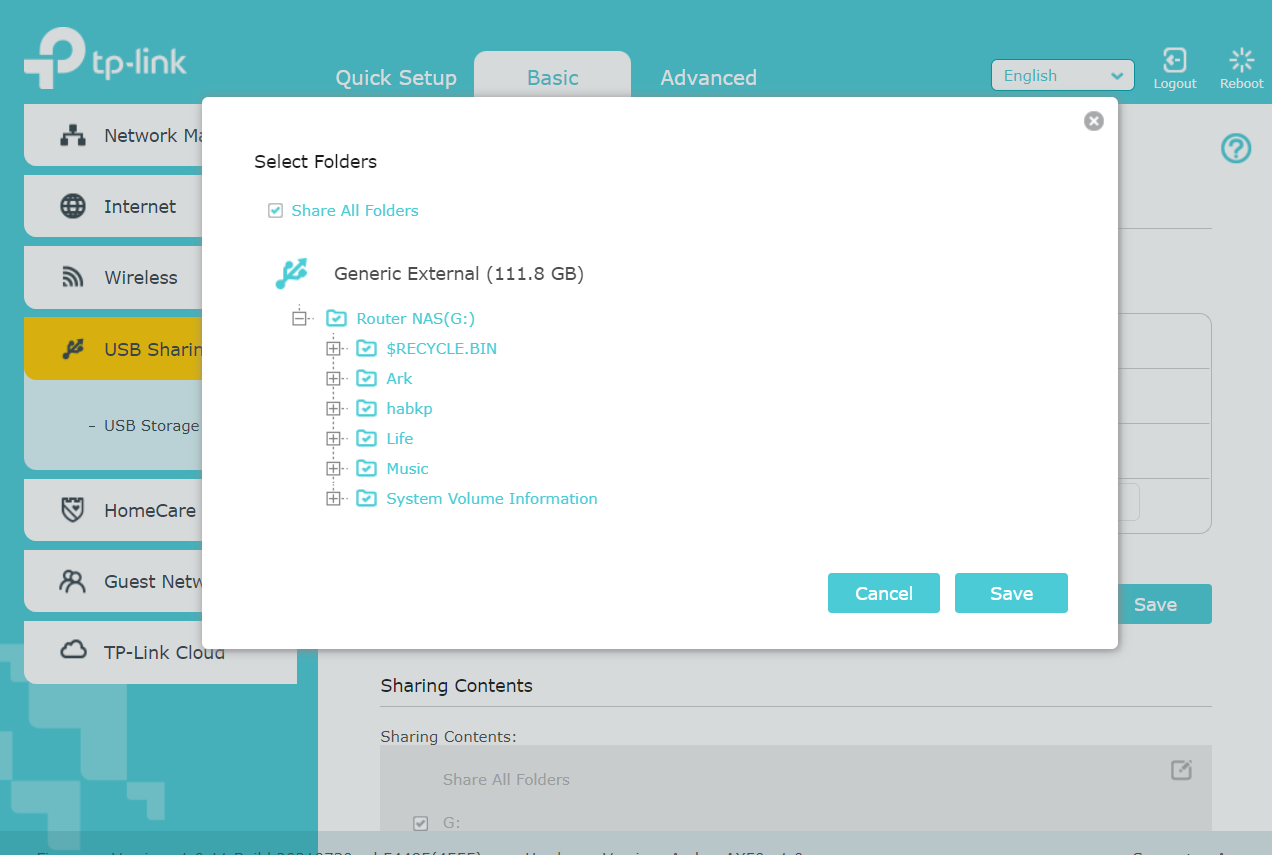
In Windows it's \\tp-share\G\Music |
Beta Was this translation helpful? Give feedback.
-
|
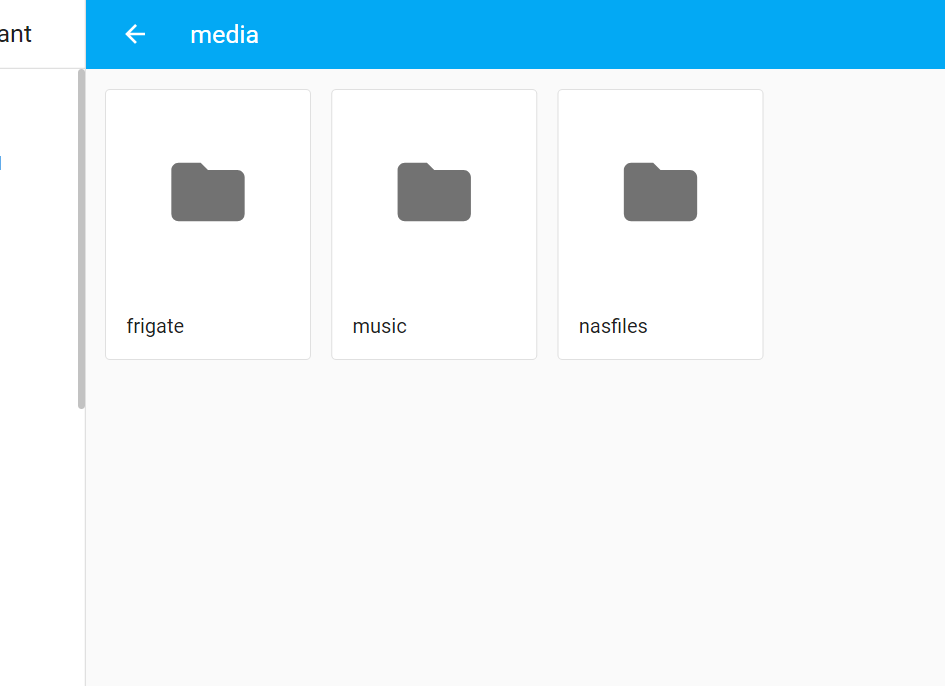
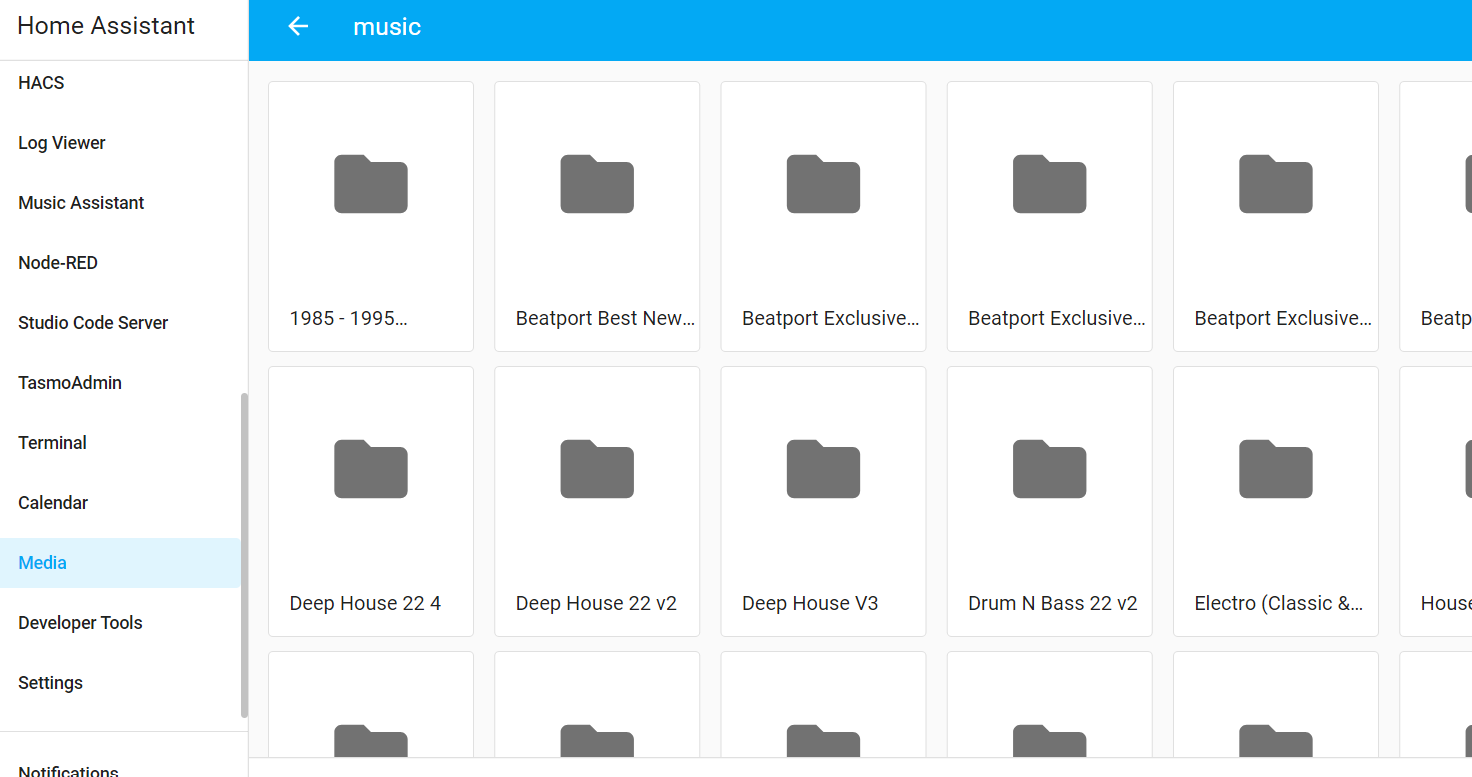
@No-Idea-76 To verify, your next steps in order are: Copy/paste here your mount command that lives in configuration.yaml - note you must use the tp-share's ip address and not the name tp-share in the mount command and you have to use / and not \ . Assuming your tp-share router has an ip address 192.168.1.1 your mount command should look like this (replace your username/password and correct ip address of course): Note!!! There is a space between Next, copy/paste here your automation that lives in automations.yaml. Assuming you used my exact example above, it will look like this: Next, please verify you have this command in configuration.yaml as this tells HA to use the above automation Next, after restarting your HA you should be able to browse the tp-share/g/music directory from within Home Assistant using "Media" from the left column of Home Assistant. Chose Local media first, then you should see your Music share - this is what mine looks like. What do you see?
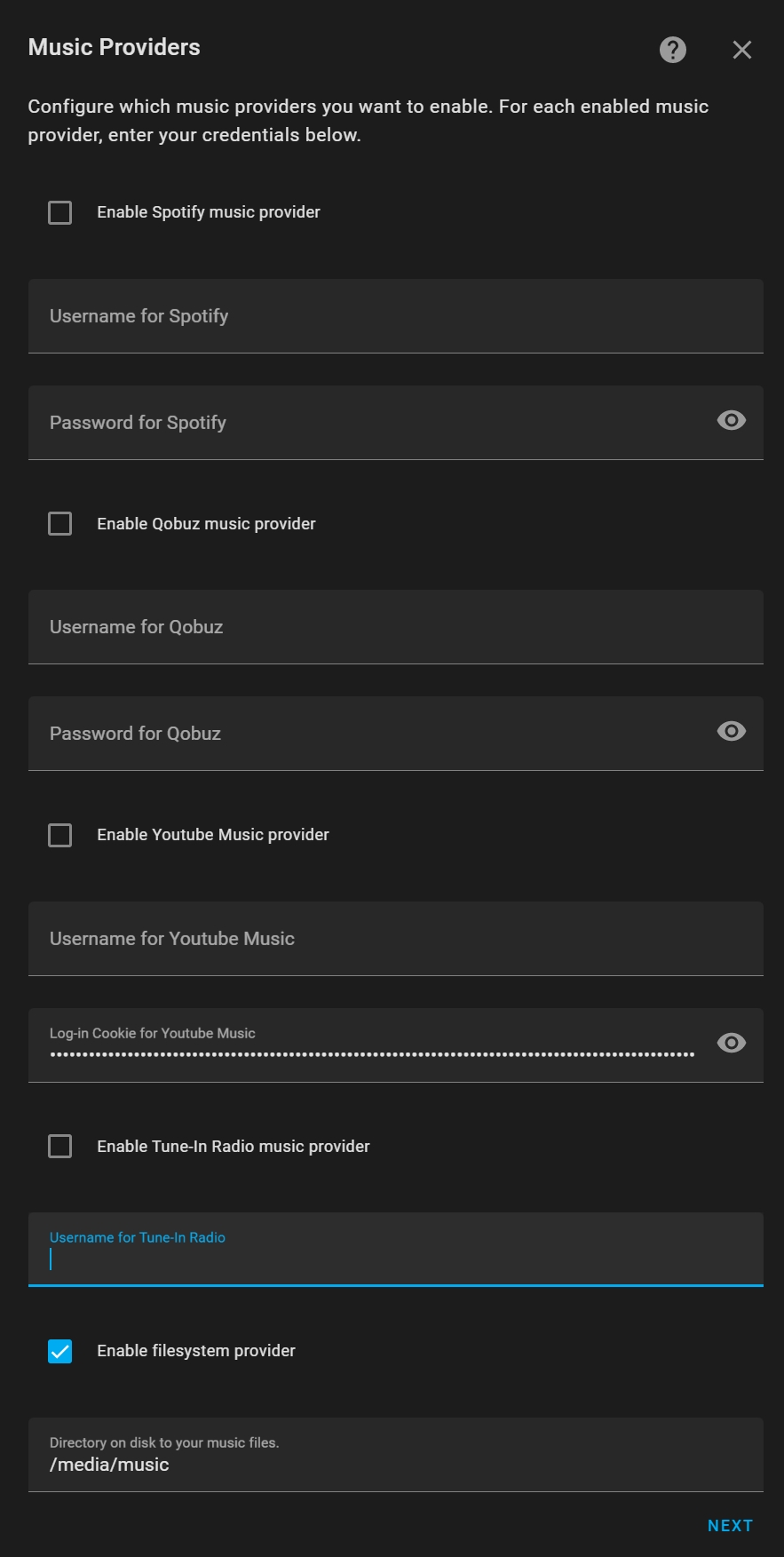
Finally, if you can see your music under Media then it will work in Music Assistant by enabling filesystem provider in the MA integration configuration as follows:
|


Beta Was this translation helpful? Give feedback.
-
|
Thanks for helping, still no luck. A folder has appeared in the local media folder in the media browser called "music" but nothing in it, or the "nasfiles" folder
I copied your code and changed it to suit
This is the setup in my router I have tried changing the case of the drive letter to G and folder to Music and tried that in quotes as someone suggested further back in this post. I wonder if it's TP Link being rubbish. I access this drive using samba backup so it is reachable via HA. |
Beta Was this translation helpful? Give feedback.
-
|
@No-Idea-76 - if HA can access it for Samba backup then it will also work for music - can you go into the configuration for Samba backup and click the three dots to select "Edit in YAML" - what do you have under |
Beta Was this translation helpful? Give feedback.
-
|
I have
|
Beta Was this translation helpful? Give feedback.
-
|
That's basically what you have in the mount command - Are there any errors in the logs - after restarting HA or when you try to click on music in the media browser? |
Beta Was this translation helpful? Give feedback.
-
|
Yeah, `Logger: homeassistant.components.shell_command Error running command: |
Beta Was this translation helpful? Give feedback.
-
|
I can see an issue with what you're doing. Did you notice it's trying to mount Double check the mount command as it needs to be |
Beta Was this translation helpful? Give feedback.
-
|
Absolutely - replace vers=3.0 with 1.0 and it should work |
Beta Was this translation helpful? Give feedback.
-
|
Success Damned TP Link |
Beta Was this translation helpful? Give feedback.
-
|
Thanks for your help, and I hope this can help anyone else with this quirk. FYI I tried this in terminal first and it didn't work in that but obviously did in config .yaml. I guess I will find out how badly these files are tagged now. |
Beta Was this translation helpful? Give feedback.
-
|
Phew - what a marathon - lol |
Beta Was this translation helpful? Give feedback.
-
OK, I have no experience of any of this, just checking as I see things like python, jinja, yaml, json, etc. I like to learn these things so not so simple to me. I know where to look now, I found a cheat sheet so I can look and reverse engineer that line. I really do appreciate this help as I would to go beyond the UI (within reason). 👌 |
Beta Was this translation helpful? Give feedback.

-
|
I am not sure this will actually solve the issue since I assume you would need to implement all the file stuff, but could https://pysmb.readthedocs.io/en/latest/ be helpful? It seems that the HA maintainers refuse to even entertain this feature, so it might be your only hope. Cool addon though! |
Beta Was this translation helpful? Give feedback.
-
|
Yes, we have a feature request for the direct "remote files" access such as SMB. |
Beta Was this translation helpful? Give feedback.

-
|
I've gotten this set up as well, but as I allow nfs access to the QNAP NAS, and limit the access on IP, I don't use username/password, and my shell command looks like this instead: It seems to work fine, it's the same access I've setup for my plex :-) (I would prefer doing it through plex, but this is a great intermediate soludion) |
Beta Was this translation helpful? Give feedback.

-
|
After recent updates I can't get the mount to work, via CIFS or NFS. |
Beta Was this translation helpful? Give feedback.
-
|
What recent updates? MA hasn’t been updated for a while now. Also FYI the next version of MA is planned to support local files natively. |
Beta Was this translation helpful? Give feedback.
-
|
Home Assistant updates and NAS updates |
Beta Was this translation helpful? Give feedback.
-
|
Still working fine for most people so likely a NAS update. You will have to read through this thread as there a bunch of options in the mount command for you to try adjusting. |
Beta Was this translation helpful? Give feedback.
-
|
I'm seeing something really weird now, if I try to mount the NAS with NFS through the 'Terminal & SSH' addon, it fails with a permission denied. If I try to mount it through the community addon 'SSH & Web terminal' it works. This is really weird, no updates on the NAS, but of course updates in HA... |
Beta Was this translation helpful? Give feedback.
-
|
OK sounds good in that it is working for you but you will be best to ask about this in their support areas if you wanted further clarification as to what is happening..., |
Beta Was this translation helpful? Give feedback.

-
|
This is why running in a container is better as you can network mount the shared drive and then simply use -v to map the outside:/inside within the build config |
Beta Was this translation helpful? Give feedback.

-
|
@vk2him |
Beta Was this translation helpful? Give feedback.

-
|
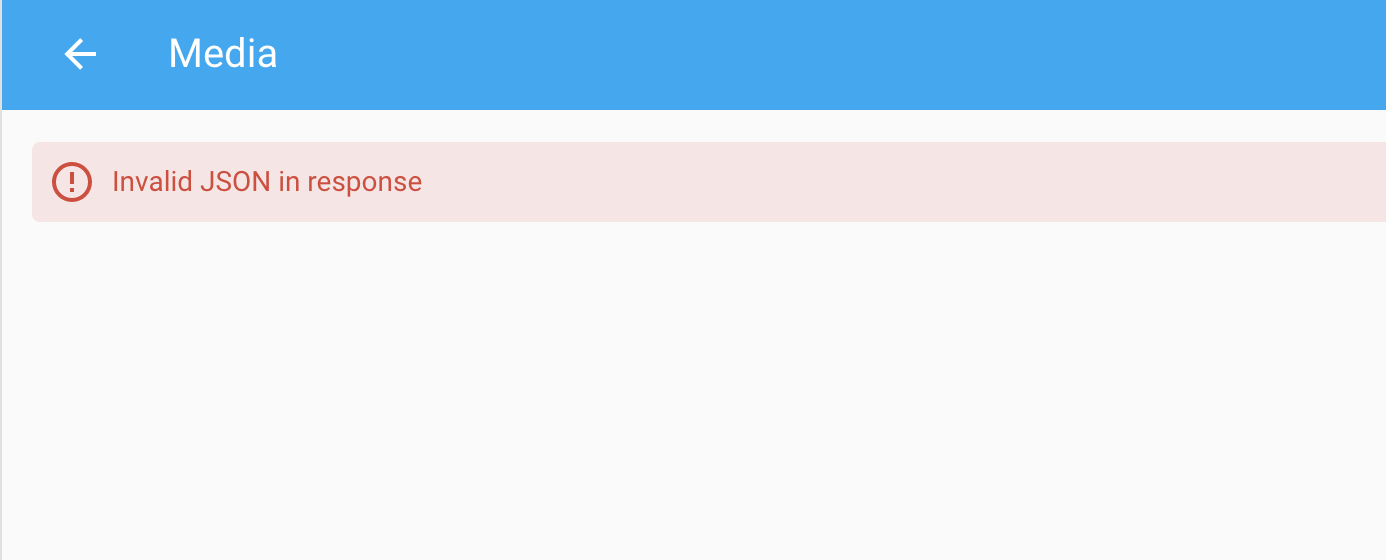
Hi, I have spent a lot of time trying to get this to work with my Synology NAS, home assistant media give me an error of "Invalid JSON in response" in the media sidebar any clues anyone?
|
Beta Was this translation helpful? Give feedback.
-
|
You'll need to give us more info please - show your configuration.yaml code for the mount and automation to load it - does the mount work and are there any relevant logs |
Beta Was this translation helpful? Give feedback.

-
|
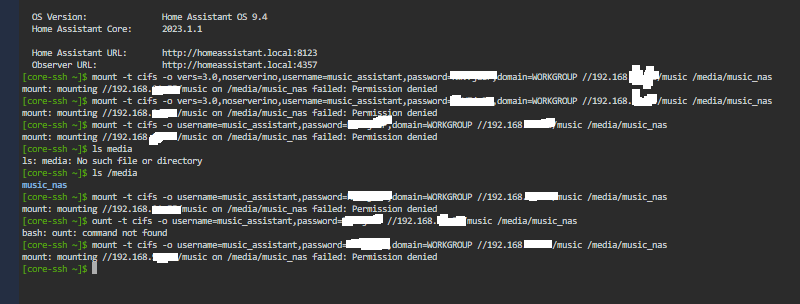
Guys I have hours in trying to get this mount to work. I have tried everything I can think of any ideas? |
Beta Was this translation helpful? Give feedback.
-
|
I will have a look at this later unless someone else helps out but the notification email of this post had the non redacted version of your image with your passwords exposed so you might want to change that…. |
Beta Was this translation helpful? Give feedback.
-
|
However the error is permission denied so I would be checking the login credentials closely. Maybe make up a temporary login with simple five letter login and password and see if that will work. |
Beta Was this translation helpful? Give feedback.

-
|
Thank you for reply. I reloaded MA and started over. I got it to work. |
Beta Was this translation helpful? Give feedback.
-
|
Sorry, here is more info; automation below
Config below For mounting SMB Network mediashell_command: |
Beta Was this translation helpful? Give feedback.

-
|
yep tried that, deleted the $, no change |
Beta Was this translation helpful? Give feedback.
-
|
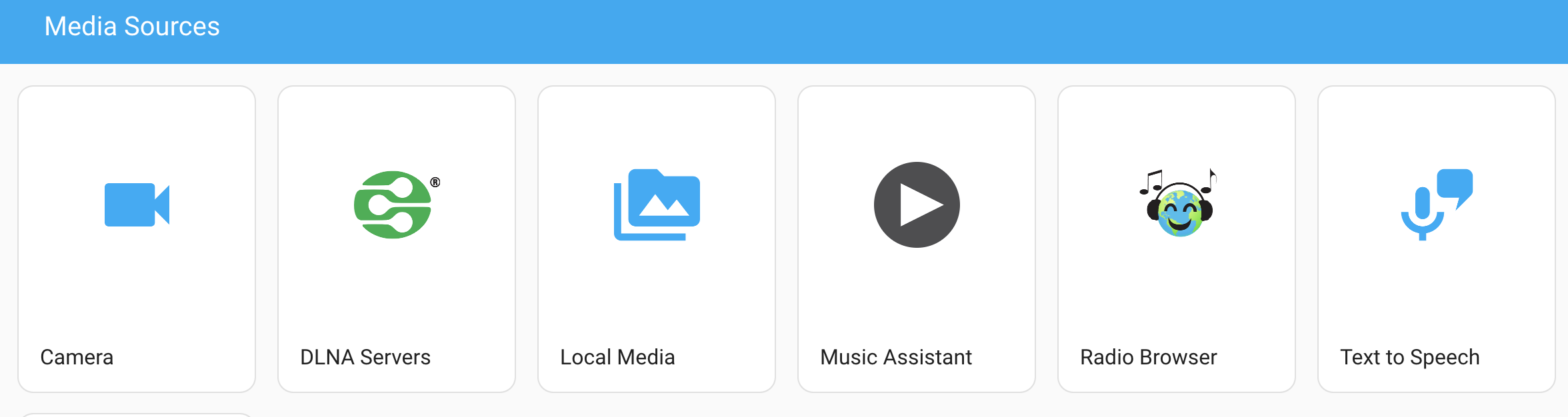
the. DNLA service works, just the Local Media tab |
Beta Was this translation helpful? Give feedback.
-
|
Have you tried running the command from the command line to see what error you get? |
Beta Was this translation helpful? Give feedback.
-
|
Come up as resource busy, see below;
|

Beta Was this translation helpful? Give feedback.
-
|
This isn’t a an issue with MA so you will probably have more luck finding a solution in a Linux forum. Here is one similar post https://unix.stackexchange.com/questions/433370/device-or-resource-busy |
Beta Was this translation helpful? Give feedback.

-
|
Is it not possible to replace the username and password with !secret reference? |
Beta Was this translation helpful? Give feedback.
-
|
Are you talking about MA version 2 where those details are contained within the internal settings? If so then not sure why you would want to and the answer is no. |
Beta Was this translation helpful? Give feedback.
-
|
It is more about the shell command, where you add your external drives.
…On Tue, 26 Sept 2023, 22:56 OzGav, ***@***.***> wrote:
Are you talking about MA version 2 where those details are contained
within the internal settings? If so then not sure why you would want to and
the answer is no.
If you are referring to the old MA version 1 then that is no longer
supported.
—
Reply to this email directly, view it on GitHub
<#452 (reply in thread)>,
or unsubscribe
<https://github.com/notifications/unsubscribe-auth/AOTSVZQNEYSKECDMSAZ45RTX4M6P3ANCNFSM5ZGKCQIA>
.
You are receiving this because you commented.Message ID:
<music-assistant/hass-music-assistant/repo-discussions/452/comments/7116942
@github.com>
|
Beta Was this translation helpful? Give feedback.
-
|
Not required with MA2 as the mount is done by the server for you. Just add the details in the settings |
Beta Was this translation helpful? Give feedback.

-
|
Can this get marked as the answer for posterity? |
Beta Was this translation helpful? Give feedback.

-
|
Sorry, but can you be more specific? |
Beta Was this translation helpful? Give feedback.


Not required with MA2 as the mount is done by the server for you. Just add the details in the settings