Writing texts with layouts
The TextWriter class was previously called Writer.
Find usage examples in the guide.
The code in orx-text-writer was previously found under openrndr-draw in the openrndr repository.
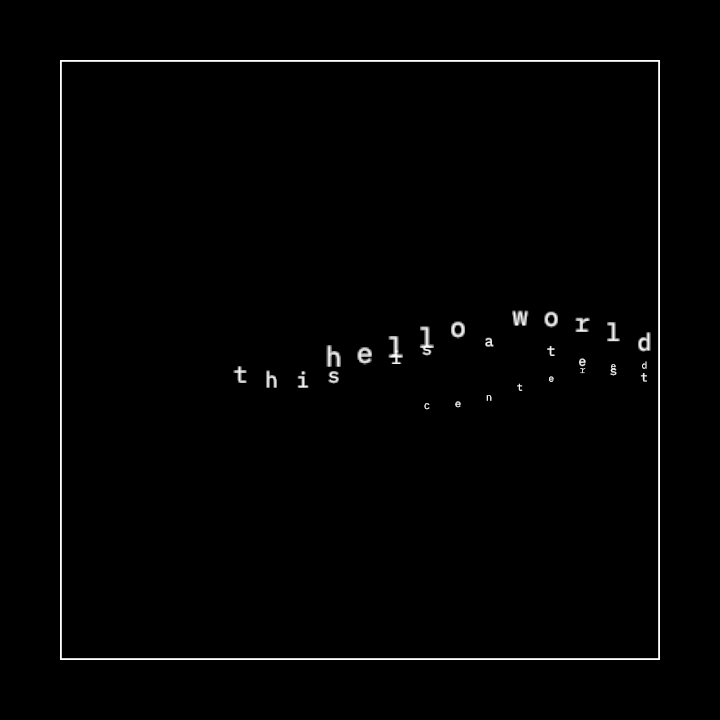
This demo implements a drawing program utilizing custom text rendering with a wave-like animation effect. It allows for manipulating text position and scaling over time.
Key elements of the program:
- A centered rectangle on the drawing canvas.
- Text rendering with properties such as horizontal alignment, vertical alignment, and tracking, dynamically changing over time.
- Custom text animation implementing wave-like movement and scaling.
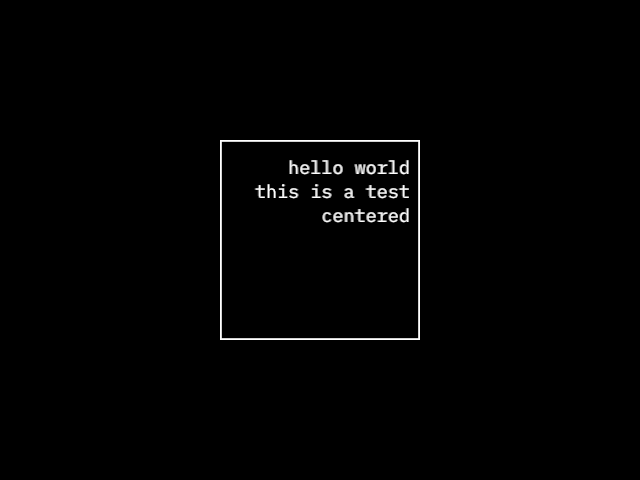
This demo features the drawing of a centered rectangle and the addition of styled text inside the rectangle. The application manages the drawing of shapes and implementation of text rendering with specific font and settings.
The following operations are performed:
- A rectangle is created from the center of the drawing bounds.
- The rectangle is drawn without a fill and with a white stroke.
- A custom font is loaded and applied to the drawer.
- A
TextWriteris utilized to display the text "hello world" inside the rectangle, adhering to specific styling and formatting rules.
Key Components:
applicationestablishes the visual environment.Rectangleprovides a way to define the rectangular area.drawerenables isolated operations for drawing elements.writerfacilitates text rendering with alignment and spacing adjustments.
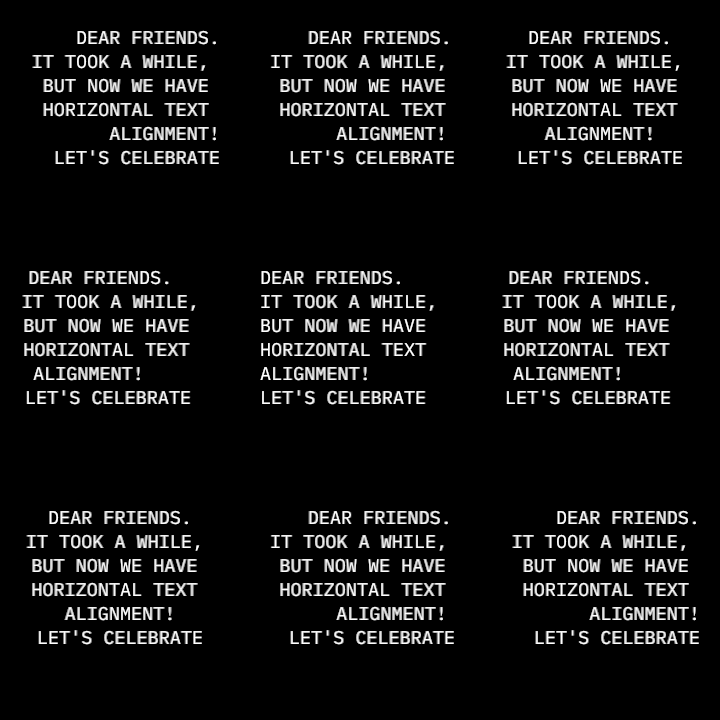
Demonstrates the writers style.horizontalAlign property,
which enables left (0.0), center (0.5), right (1.0) text alignment
and any values in between.
The program creates a 3x3 grid of texts and interpolates their alignments between left and right using the cosine of the current time in seconds.
A time offset is included in each cell to distribute them over the cosine wave, so the text lines move at different speeds and directions.
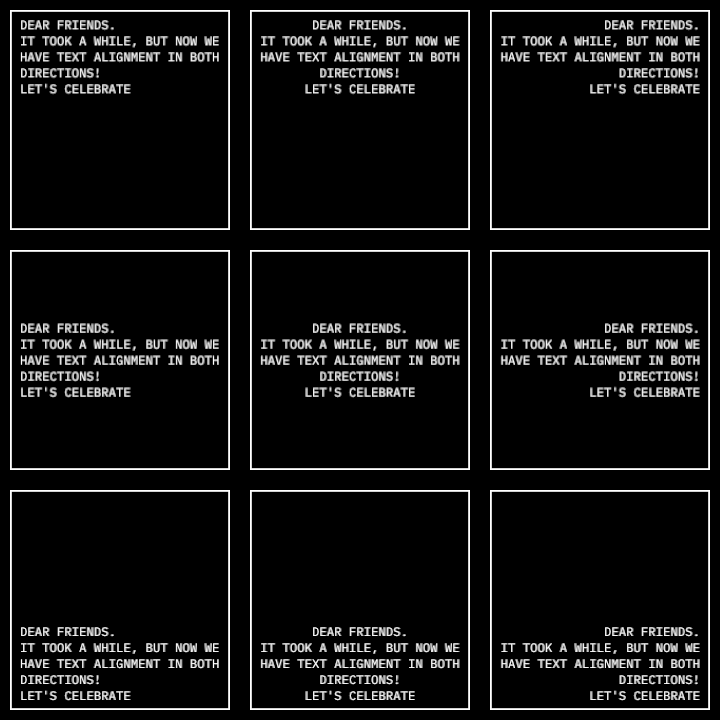
This demo shows how to align texts to the left, center, right, top, center and bottom of a container box.
It creates a grid of 3x3 cells to demonstrate all alignment combinations by setting the
style.verticalAlign and the style.horizontalAlign to 0.0, 0.5 and 1.0.