 Marp
Marp


-
|
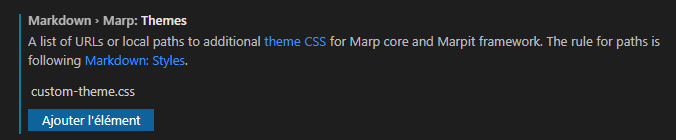
Hello,
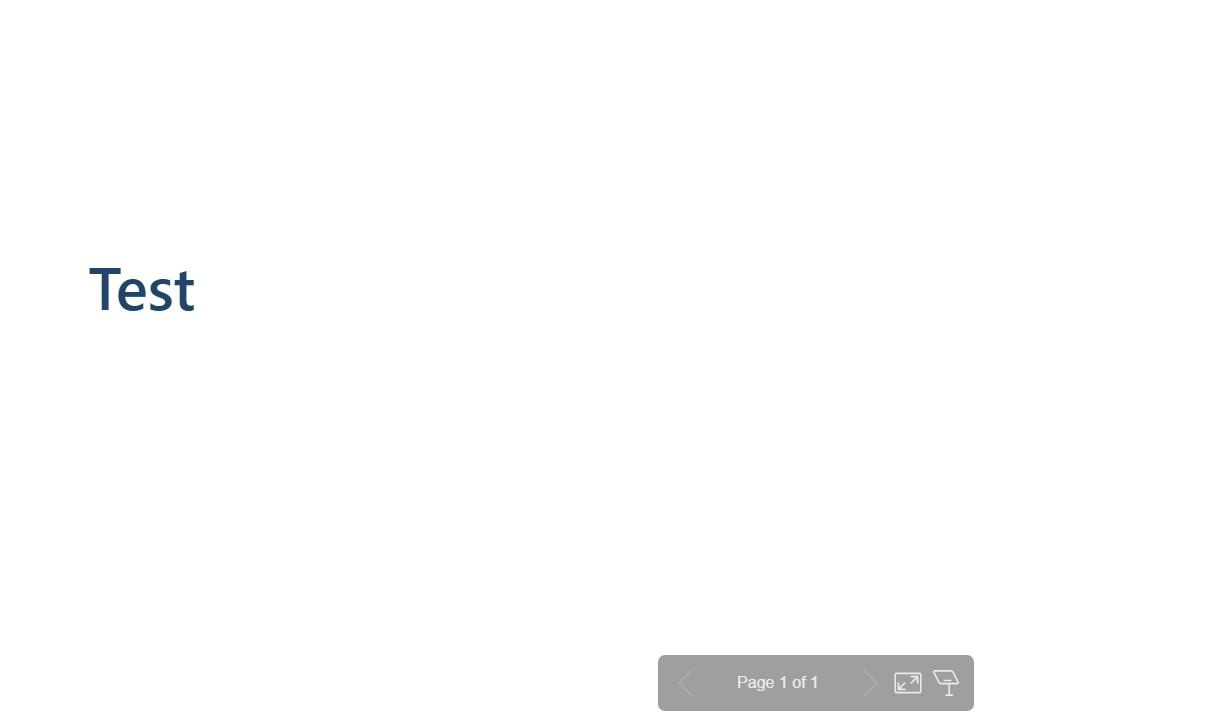
But, only the default theme is loaded, right ? Thanks in advance |

Beta Was this translation helpful? Give feedback.
Replies: 4 comments 10 replies

-
|
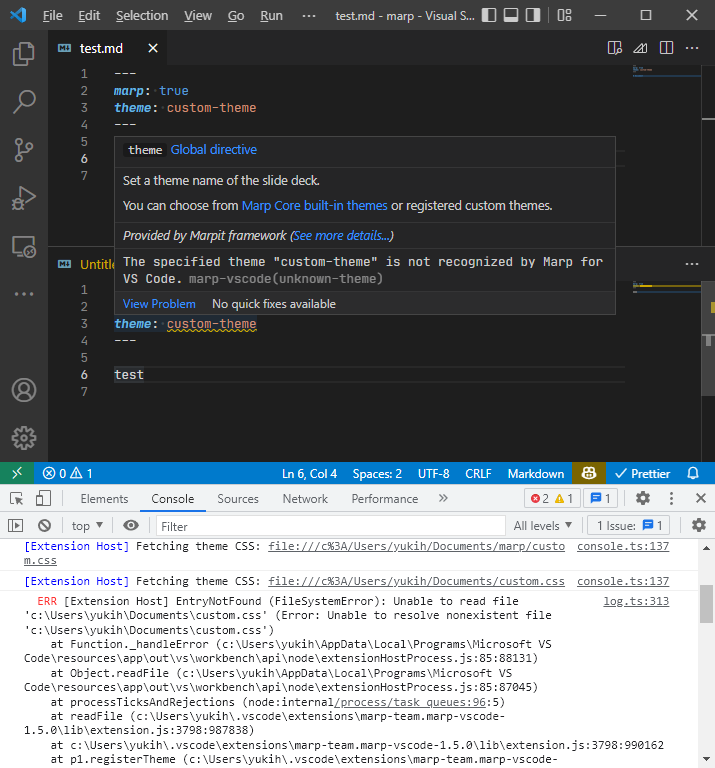
Have located your Markdown file in the same workspace as the custom theme? The actual workspace that the Markdown document belongs to is often different from the current workspace that is opened by VS Code. (e.g. Opening the Markdown file located out of the current workspace) To detect whether the custom theme was recognized by the Markdown document, check that there is no error in the definition of the
In this case, I'm in the |
Beta Was this translation helpful? Give feedback.

-
|
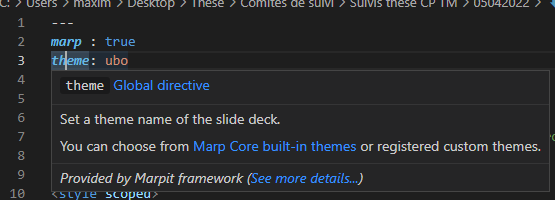
Yes, the Md file is located in the same workspace as the custom css. Then, there is no error in the definition of the theme directive :
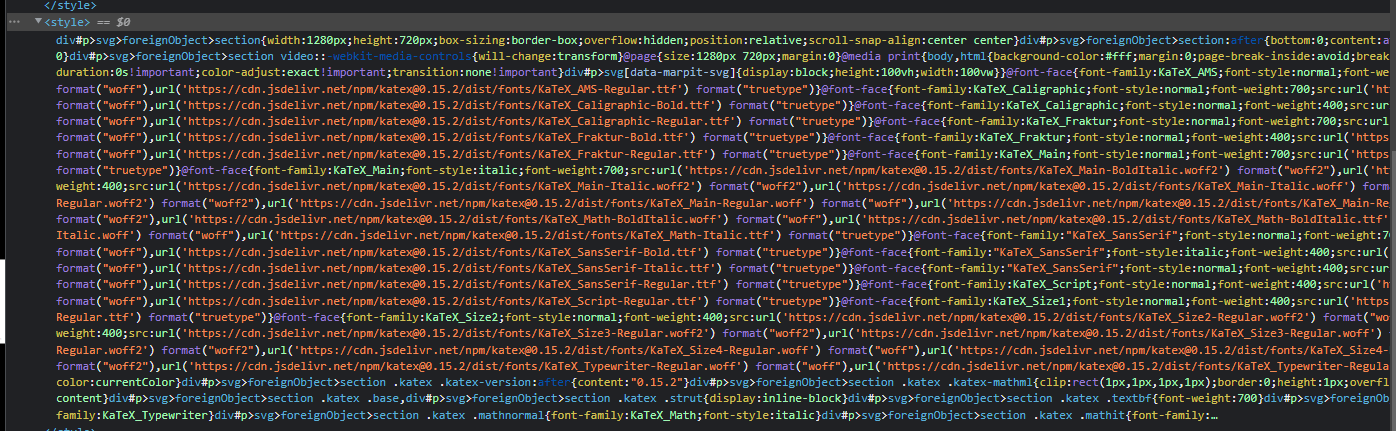
But, in the HTML file there is no link to the custom css. All the layout is in head section : Thanks ! |
Beta Was this translation helpful? Give feedback.

-
|
It's a correct behavior that there is no external links ( If looked like recognized the custom theme CSS by Marp correctly, try to check whether your CSS is valid by using W3C CSS validator. Invalid styles included in both of custom theme and Markdown inline styles may effect to the Marp output.
|
Beta Was this translation helpful? Give feedback.
-
|
According to the CSS Validation Service, my file is valid. On Windows, it works with this command : The HTML file contains HTML tags now (that i need it). According to Marp Core constructor options, it seems normal, right ? May i bypass this ? It's almost resolved ! Thanks |
Beta Was this translation helpful? Give feedback.
-
|
In Marp CLI, adding BTW we still cannot reproduce your reported problem. If you want to resolve problem of export in VS Code for your better workflow, please try to re-install Marp extension and share logs outputted to the developer console while exporting. ([Help] -> [Toggle Developer Tools] -> [Console] tab) |
Beta Was this translation helpful? Give feedback.
-
|
I'd like to thank you for your help. This command works for me : |
Beta Was this translation helpful? Give feedback.
-
|
OK, marked as answer provisionally. Using Marp CLI is just a workaround, and we are still welcome follow up for the original problem about not loaded custom theme in the export output of VS Code extension. |
Beta Was this translation helpful? Give feedback.
-
|
Hello, But it doesn't work. As one of my last post, the PDF file contains HTML tags too. I tried other options, but i obtain the same result. Thanks in advance, |
Beta Was this translation helpful? Give feedback.
-
|
The provided command seems to be missing
|
Beta Was this translation helpful? Give feedback.
-
|
OK, thanks. It works ! I hadn't thought about it... |
Beta Was this translation helpful? Give feedback.

-
|
I am having the exact same issue. When executing I am using marp cli 4.2.3 I will try to upload my presentation to a public repo if that helps. |
Beta Was this translation helpful? Give feedback.
-
|
If tried to convert a single Markdown file, the custom theme file will not load because you do not specify loading theme CSS files. To load the custom CSS in the current directory, you have to specify marp --theme-set . -- mypresentation.md -o output.html |
Beta Was this translation helpful? Give feedback.

-
|
Thanks! That makes sense @yhatt. I still tried with but it did not work. I had to run to get the CSS loaded. So I believe there is still some inconsistency or at least a confusing UX here. The same directory behaves differently depending on whether you use |
Beta Was this translation helpful? Give feedback.
-
|
The regular conversion mode In the regular conversion mode, On the other hand, the server mode |
Beta Was this translation helpful? Give feedback.


I'd like to thank you for your help. This command works for me :
marp ./marp.config.json --theme ./custom-theme.css ./myfile.md --html