The Lounge
thelounge
CLICKING the STAR in the UPPER RIGHT promotes our PROJECT on GITHUB!


-
Modern features brought to IRC.
-
Push notifications, link previews, new message markers, and more bring IRC to the 21st century.
-
Always connected. Remains connected to IRC servers while you are offline.
-
Cross platform. It doesn't matter what OS you use, it just works wherever Node.js runs.
-
Responsive interface. The client works smoothly on every desktop, smartphone and tablet.
-
Synchronized experience. Always resume where you left off no matter what device.
-
Website: https://thelounge.chat/
-
Project GITHUB: https://github.com/thelounge/thelounge
-
Contributors: https://github.com/thelounge/thelounge/graphs/contributors
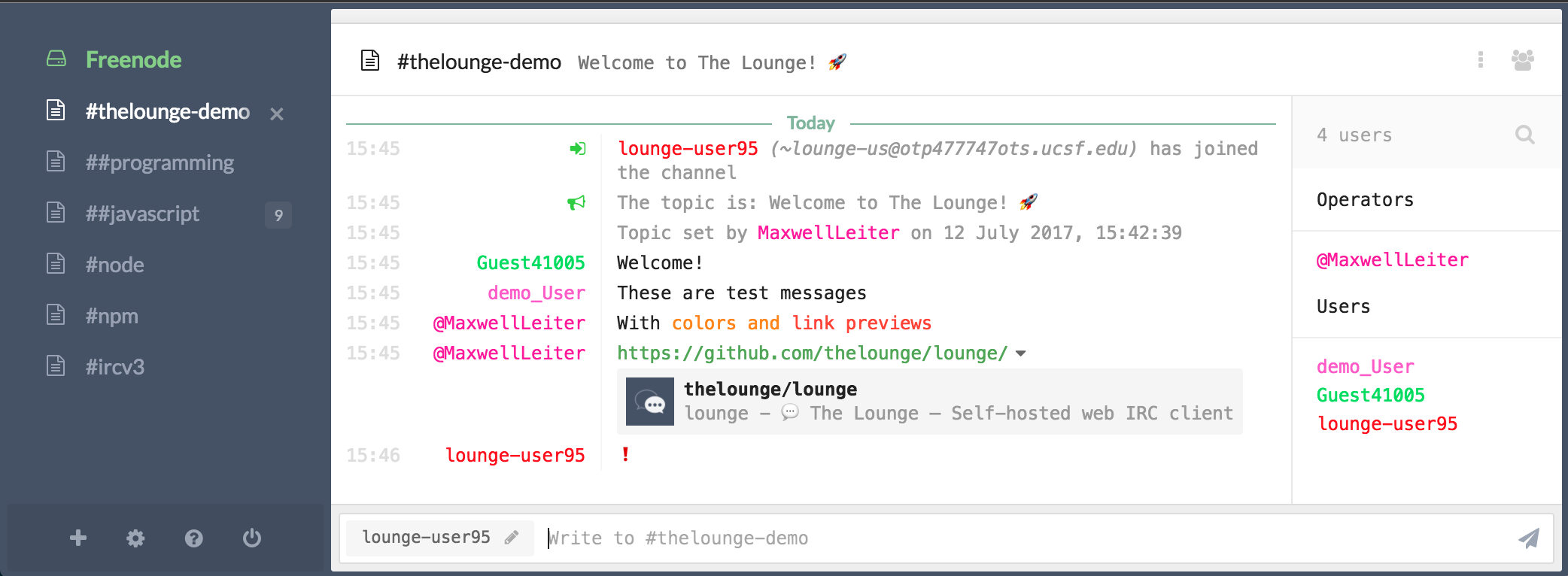
Once deployed via Docker, you can access The Lounge through:
Select the following options once PG is loaded: PG Application Suite > Supporting > The Lounge

Visit HThe Lounge via the following address provided to you!

NEED HELP for writeup
https://plexguide.com/forums/pg-3rd-party-programs.148/
