Croped and replaced Image Retuns Black #1212


Description

Please provide all mandatory information!
Describe the bug (mandatory)
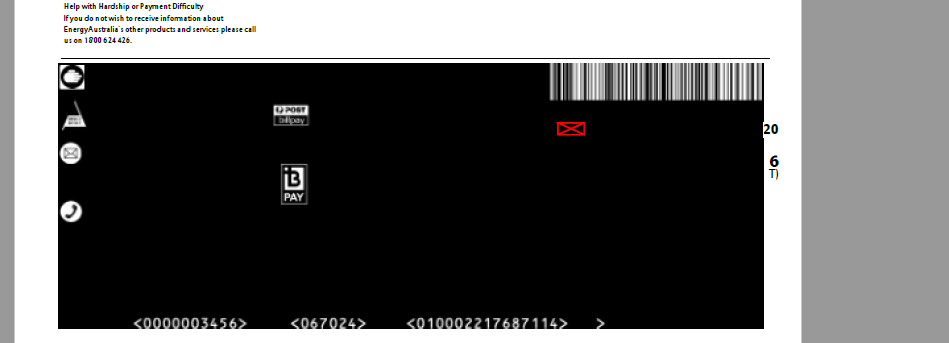
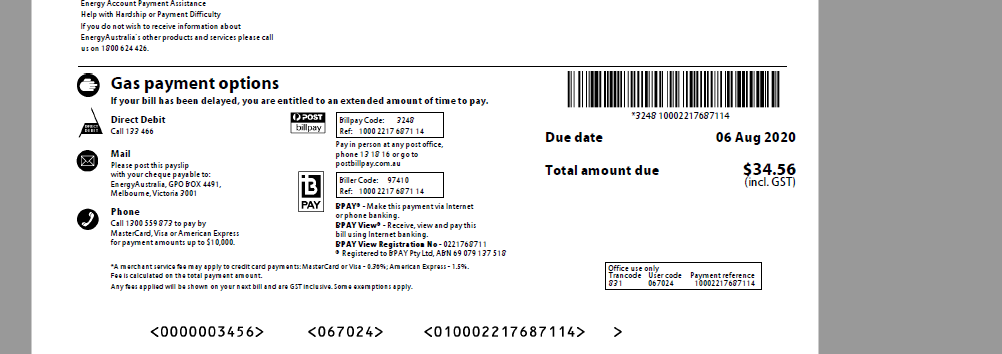
I am applying redaction on the following pdf .In that pdf the image area is blacked out during the redaction process, as an alternate I am trying with the pixmap the get the original image without blacked out and replaced it after the redaction process on that particular image. Could be helpful is there is any alternate solution for removing the blacked
combined-pdf-92.pdf
out image.
To Reproduce (mandatory)
I given the following apply_redactions() , apply_redactions(images=1) , apply_redactions(images=2)
Following is the code I used:
basepix = page.getPixmap(clip=fitz.Rect(image['bbox']),alpha=False)
page.addRedactAnnot(image['bbox'], fill=colors.to_rgb("white"), text=" ")
page.apply_redactions()
page.insert_image(image['bbox'],pixmap=basepix,overlay=True,keep_proportion=True)
Expected behavior (optional)
I expect the same image original image.
Screenshots (optional)
If applicable, add screenshots to help explain your problem.
Output Image
Input Image
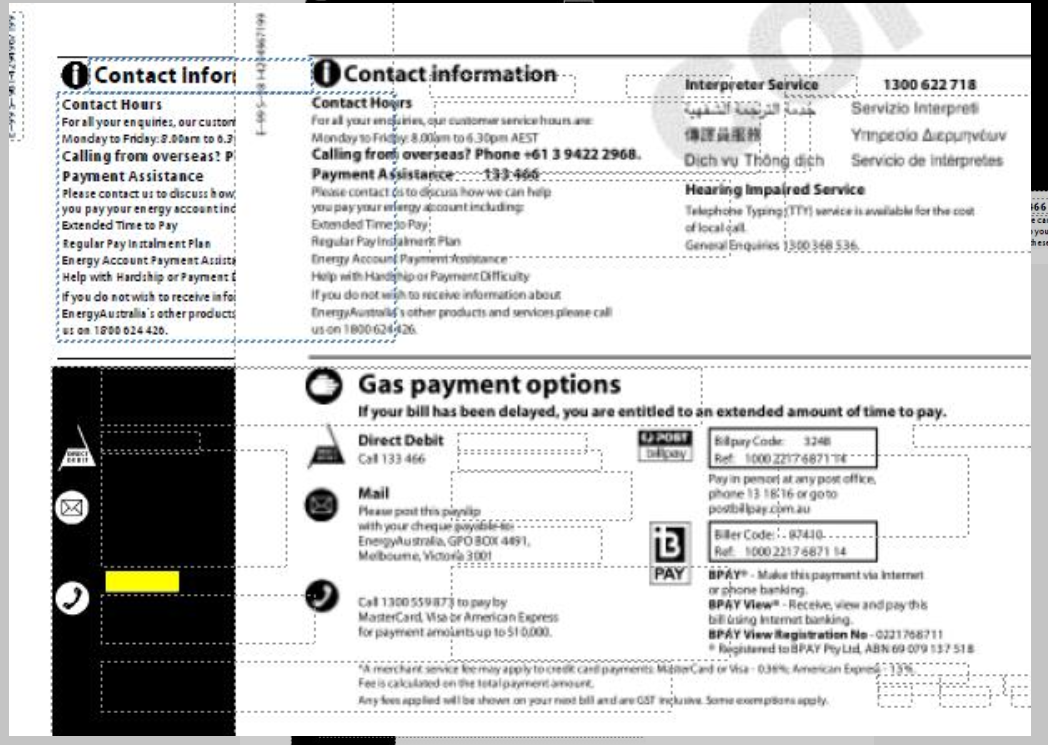
Two images overwritten example
Your configuration (mandatory)
- Operating system, potentially version and bitness
- Python version, bitness
- PyMuPDF version, installation method (wheel or generated from source).
For example, the output of print(sys.version, "\n", sys.platform, "\n", fitz.__doc__) would be sufficient (for the first two bullets).
Additional context (optional)
Add any other context about the problem here.