I recently made a web app in React w/ Styled Components that displays an interactive table of values. It has a form that takes in numeric input and a scrollable list of values. The numeric input highlights matching row if exists and scrolls the table so that the row is on the top.
To get this done, I reused components found around other places in the app as much as possible. A lot of nesting happened but the DOM tree does not look bad.
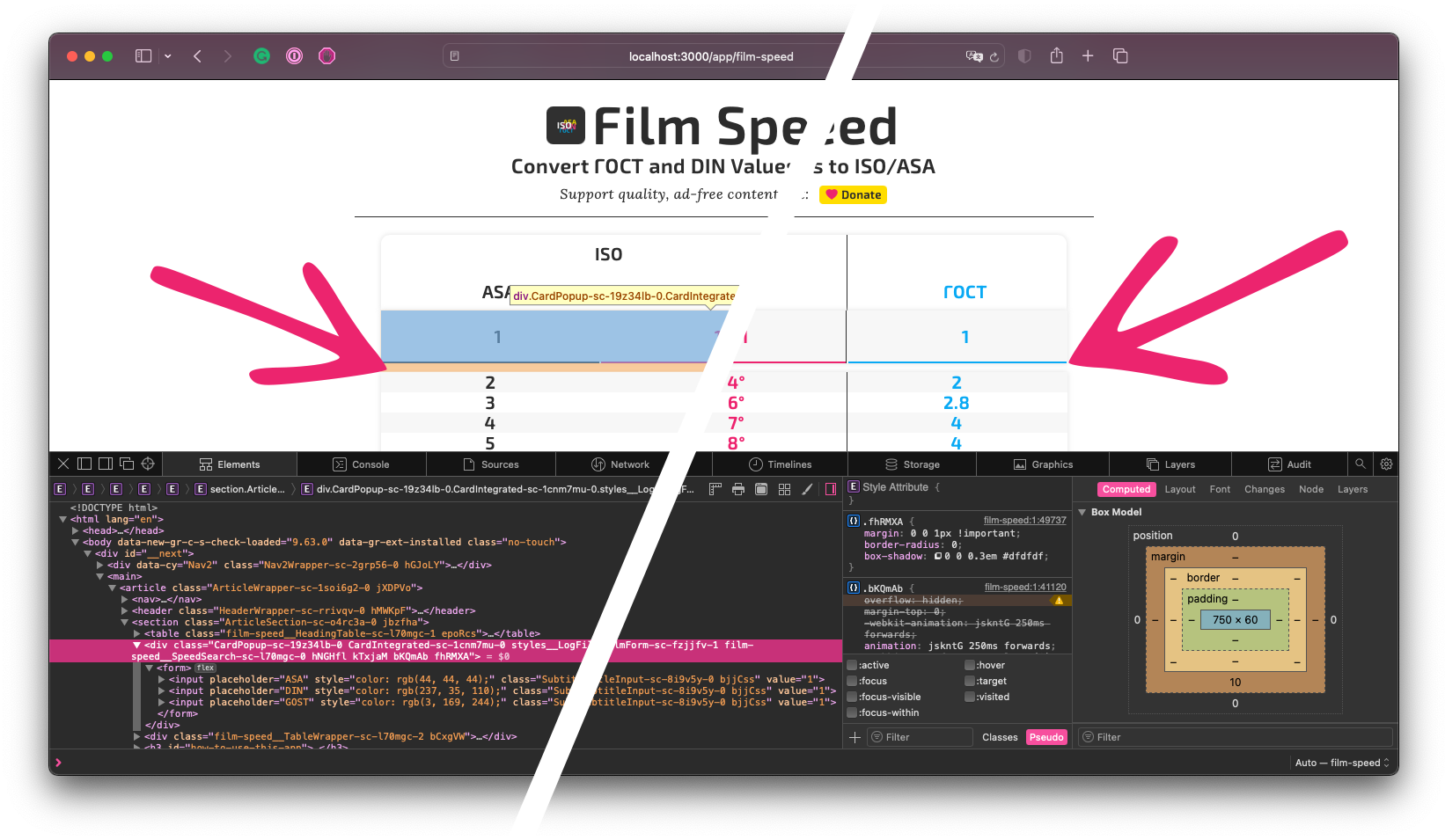
Below: Bug; a weird gap between rows on Safari browsers. On the left, I've highligted the element where in orange the browser shows the bottom margin; the CSS reads margin: 0 0 1px !important but the rendered margin is much larger than 1px. On the right is the same screenshot but I removed the highlighter so that you can examine the problem unobstructed.
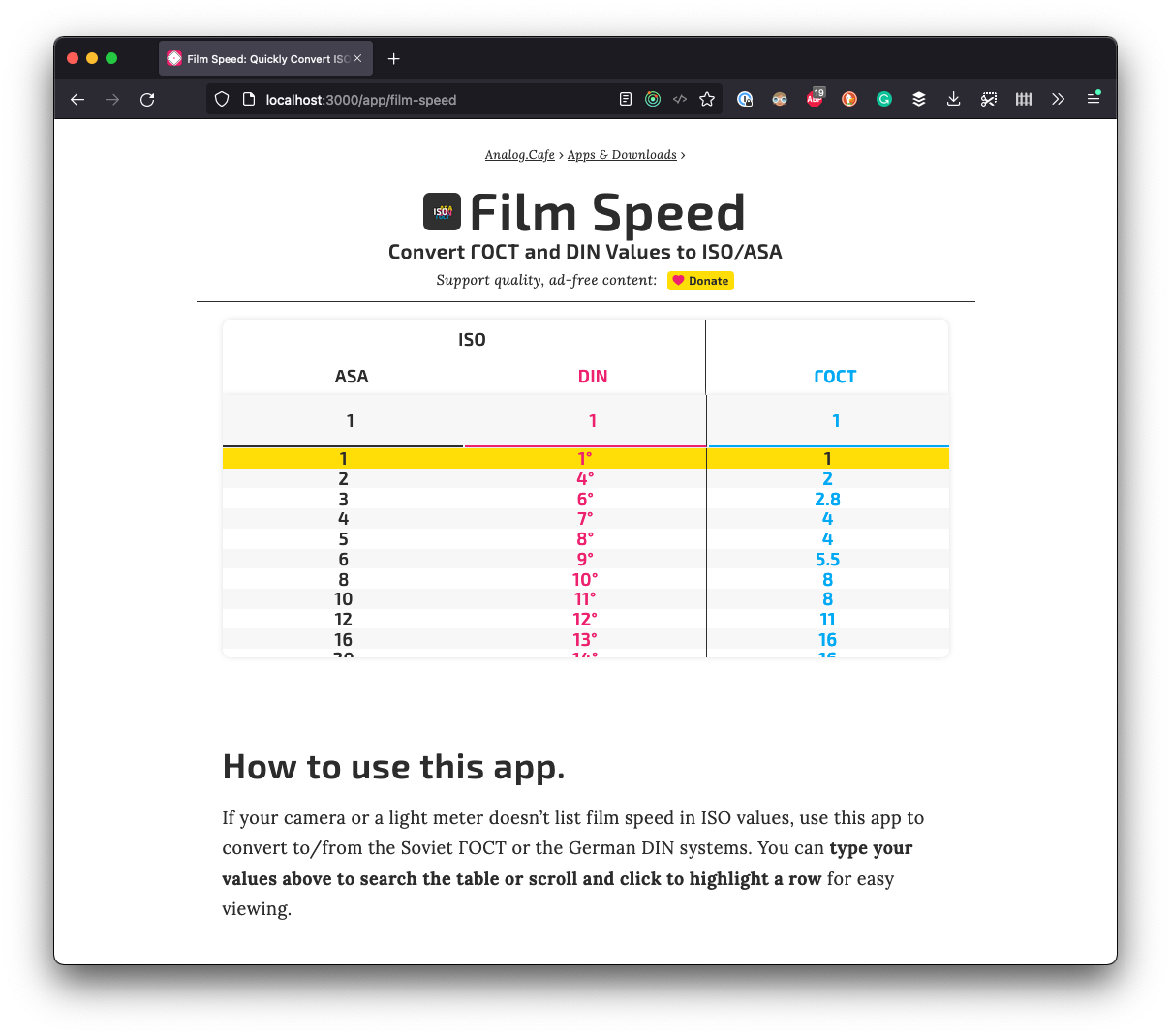
Below: Expected result; a pretty table with no weird gaps between rows in Firefox.
A bug caught my attention post-release. Safari browsers showed a gap, a 10px margin. It looked ugly on the most popular device from my most popular platform according to my Fathom analytics stats.
I examined every single relevant element in Safari DEV tools and found no evidence of such a margin.
After some time poking around, I found the culprit: an animation property:
const show = keyframes`
  0% { margin-bottom: 0; }
  100% { margin-bottom: .5em; }
`;
export const Table
And so the fix was to add:
  margin: 0; /* This worked in Chrome and Firefox but not Safari */
  animation: none; /* This fixed the issue of a phantom margin showing up in Safari */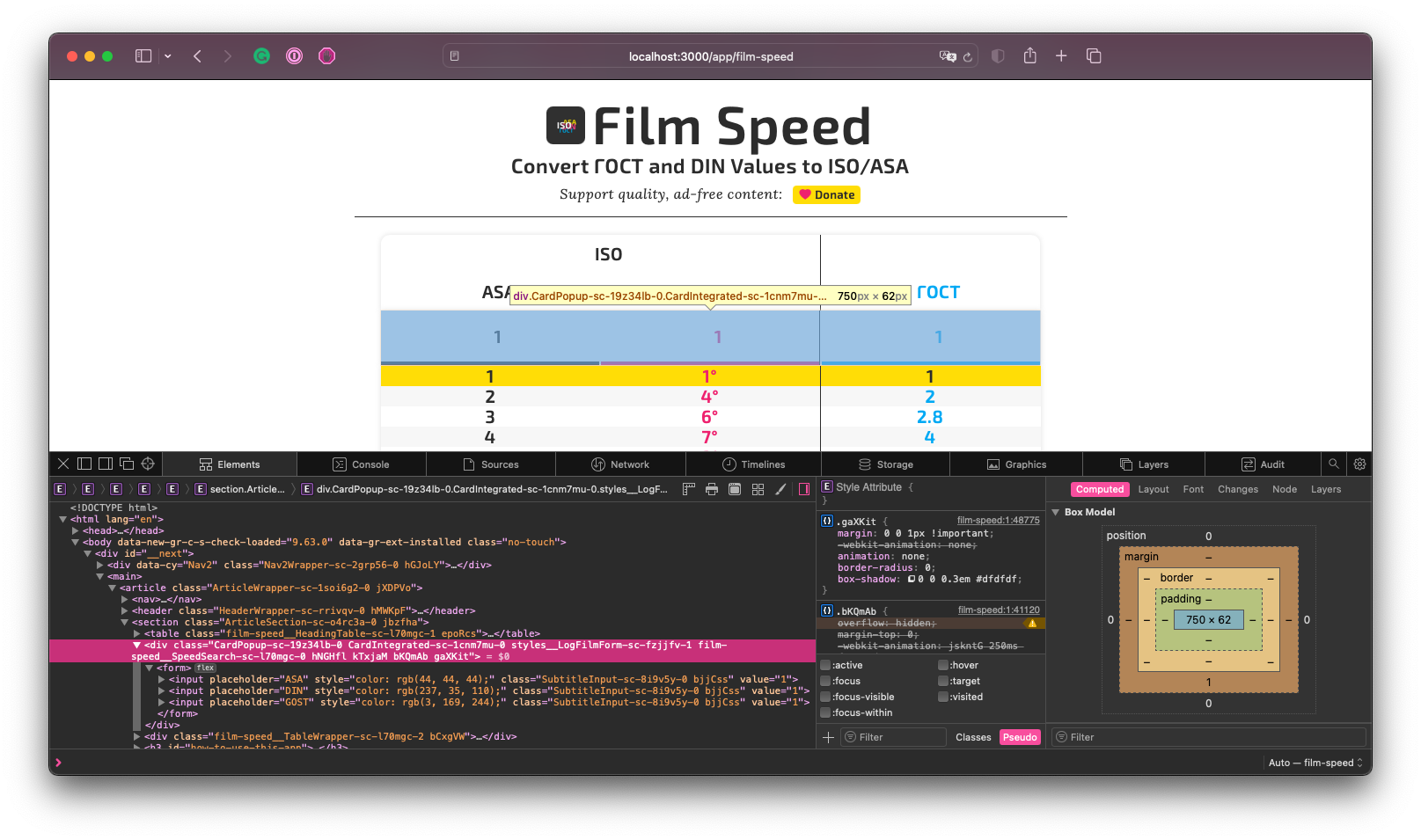
Looks like Firefox and Chrome allow animation keyframes to be overwritten by margin property in this context whereas Safari does not.