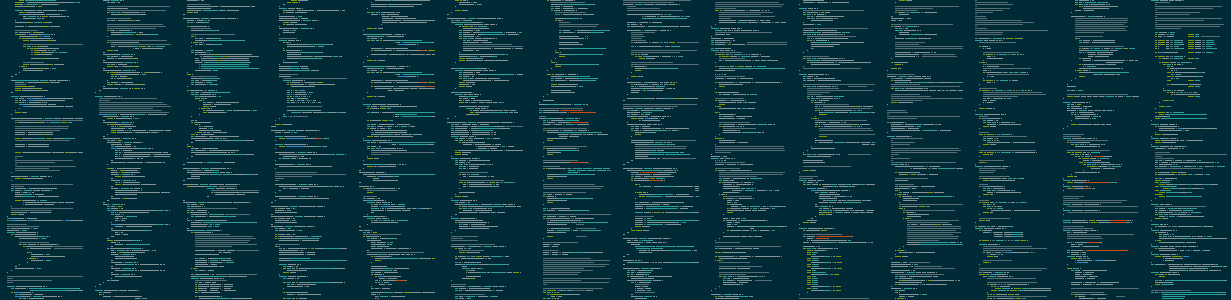
Megamap is a mega awesome version of the minimap feature of text editors like Sublime. Give megamap a directory full of source code, and it will produce a PNG image which is a beautiful birdseye view of all the source code.
pip install megamapmegamap [input_directory] [output_filename]By default, input_directory = . and output_filename = megamap.png.
Optional arguments:
-h, --help            show this help message and exit
-a, --aspect-ratio ASPECT_RATIO
                      Target aspect ratio (width/height) for the output image (default: 1.5)
-b, --banner          Enable banner mode (sets target aspect ratio to 5.0)
-c, --cols COLS       Number of characters per line in output image (default: 80)
--include-hidden      Include hidden files and directories
--list-styles         List available syntax highlighting styles and exit
-q, --quiet           Suppress all output except errors
-s, --style STYLE     Syntax highlighting style (use "random" for random style)
-v, --verbose         Enable verbose output
--version             Print program version number and exit
-x, --scale SCALE     Pixel scale factor (must be integer, default: 1)
-z, --zebra           Enable zebra striping of background colors between files
The program will automatically:
- Skip common non-code files (LICENSE, README, etc.)
- Skip files with non-code extensions (.txt, .md, .json, etc.)
- Skip binary and non-text files
- Skip files without a valid syntax highlighter
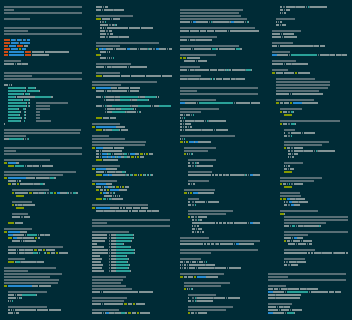
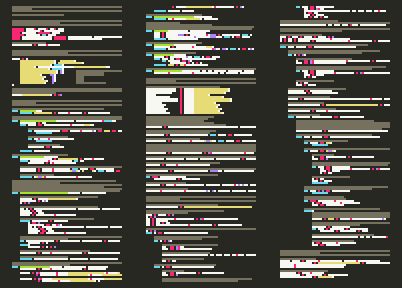
These two images were created using the same input (this program's own source code) with different parameters:
Source code of entire projects can be elegantly illustrated:
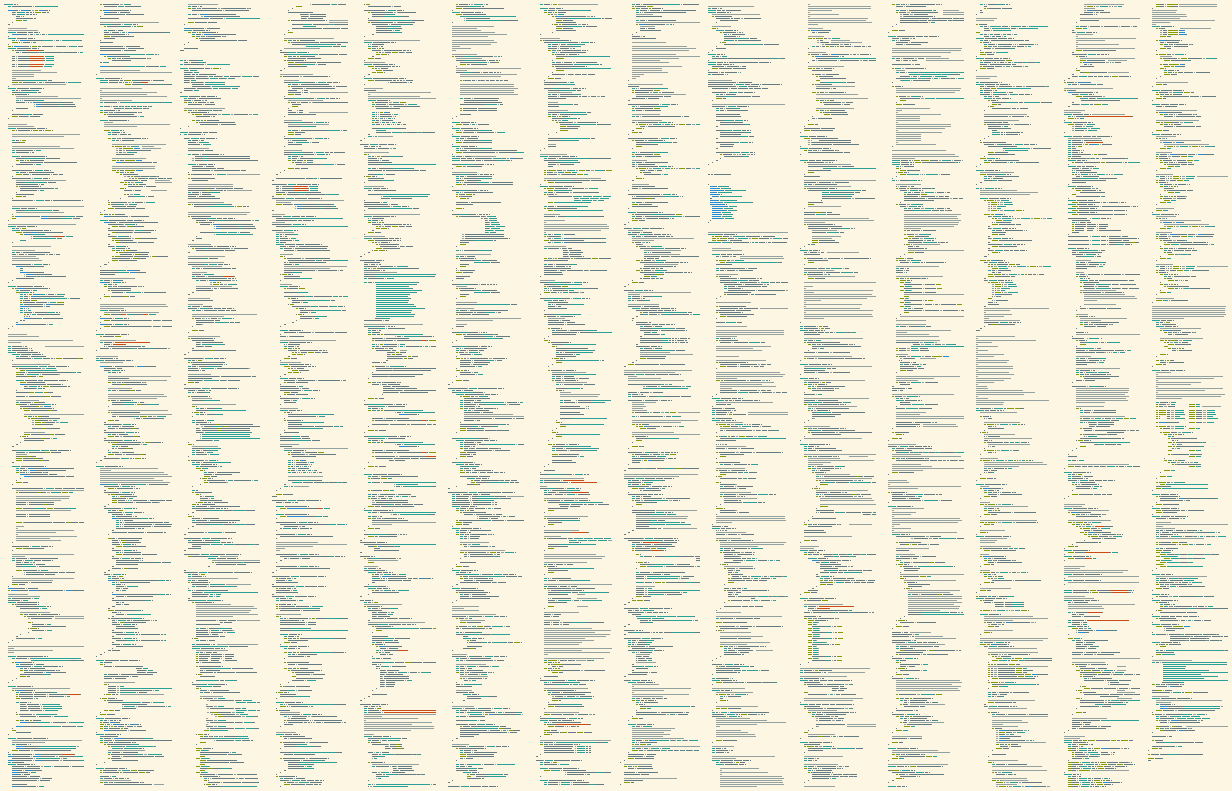
The files are sorted alphabetically by directory and then by file name, with files in the base directory first.
You can either:
- Run
megamap --list-stylesto see all available styles - Use
randomas the style to let megamap choose one randomly
Not currently supported.