-
Download URL : https://kafka.apache.org/downloads
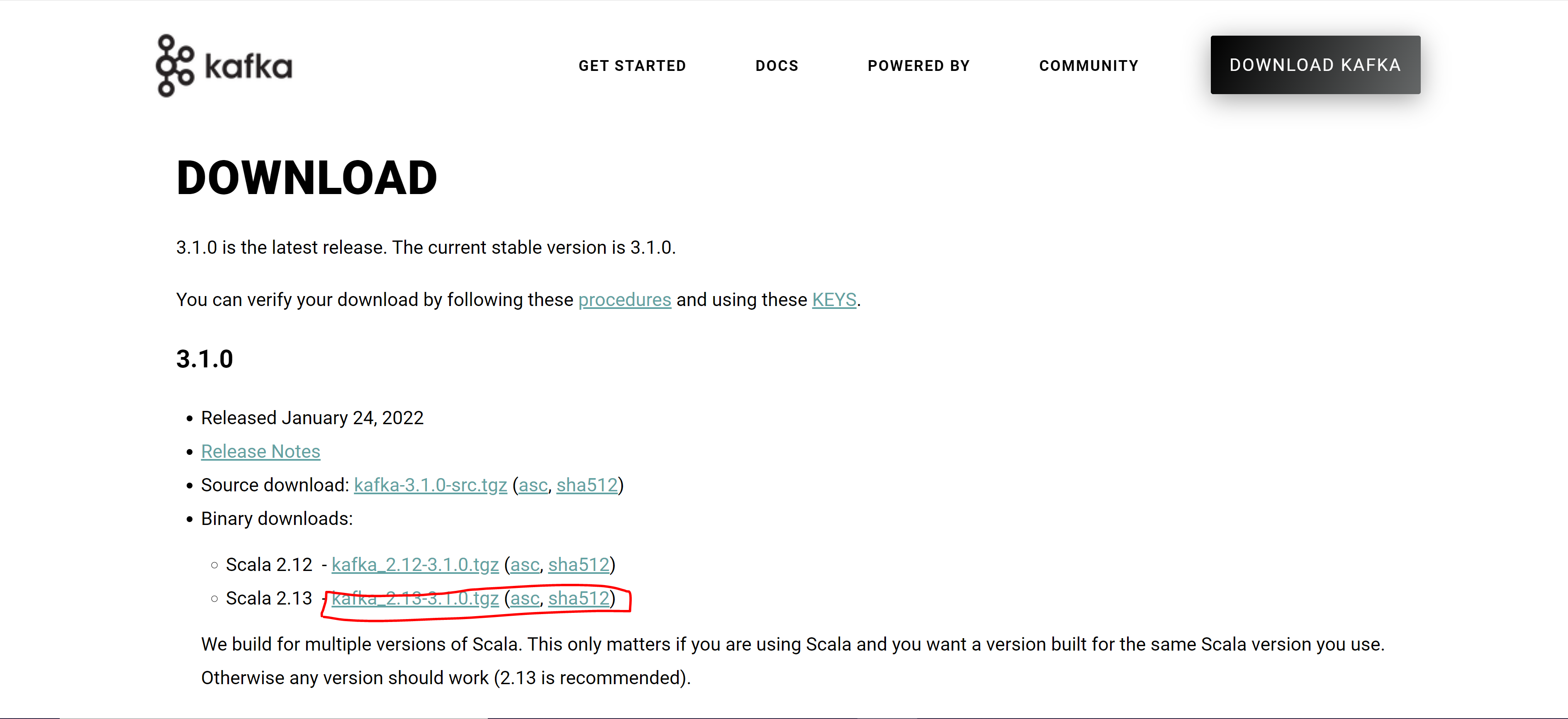
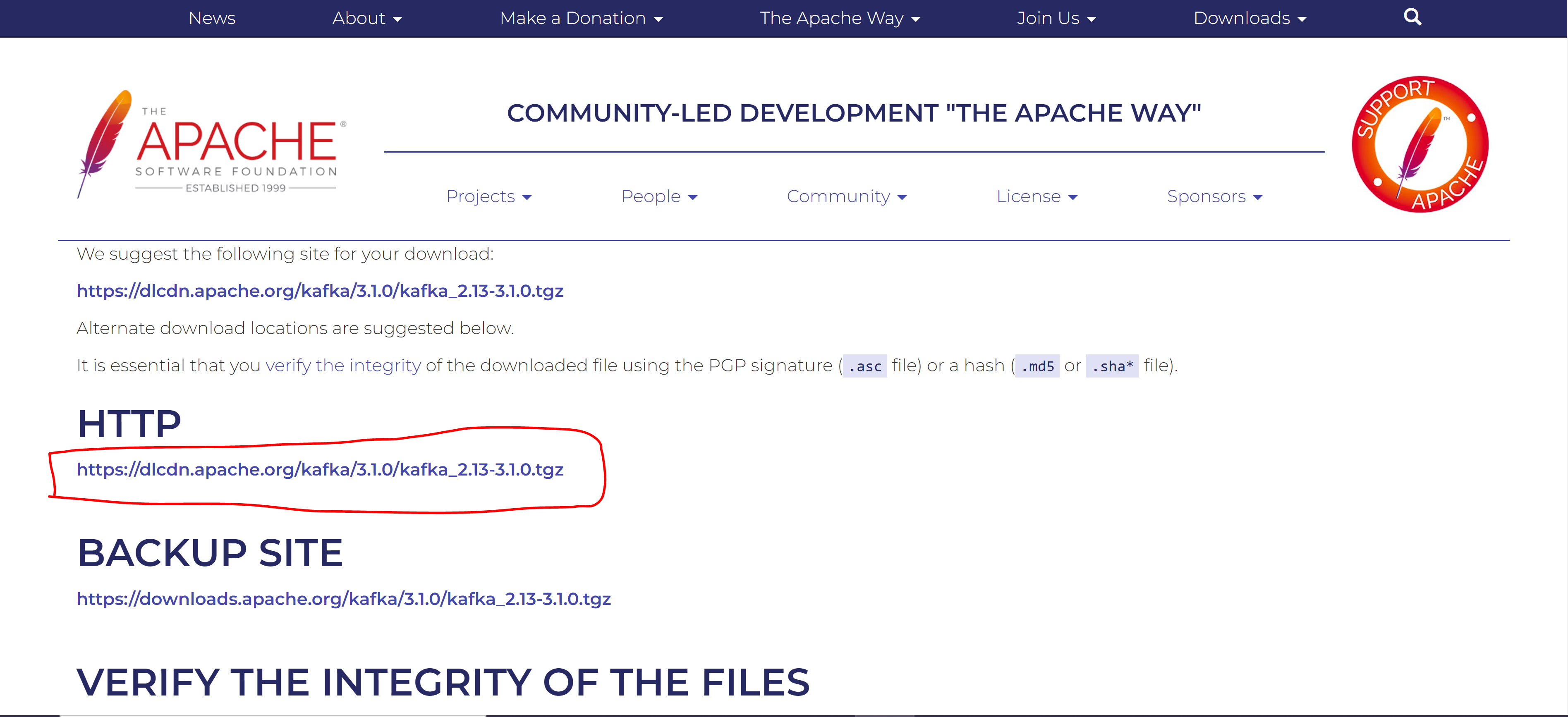
- kafka에서 Broker는 kafka의 서버를 뜻하며 동일 노드 내에서 여러개의 Broker를 띄울 수 있음
- 이렇게 분산되어서 여러개의 Broker가 띄워져 있으면 이 분산 Message Queue를 관리해주는 역할을 하는것이 Zookeeper
- kafka 서버를 띄우기 앞서 Zookeeper를 반드시 띄워야 함
-
.\kafka\bin\windows\zookeeper-server-start.bat kafka\config\zookeeper.properties -
USAGE :
.\zookeeper-server-start.bat zookeeper.properties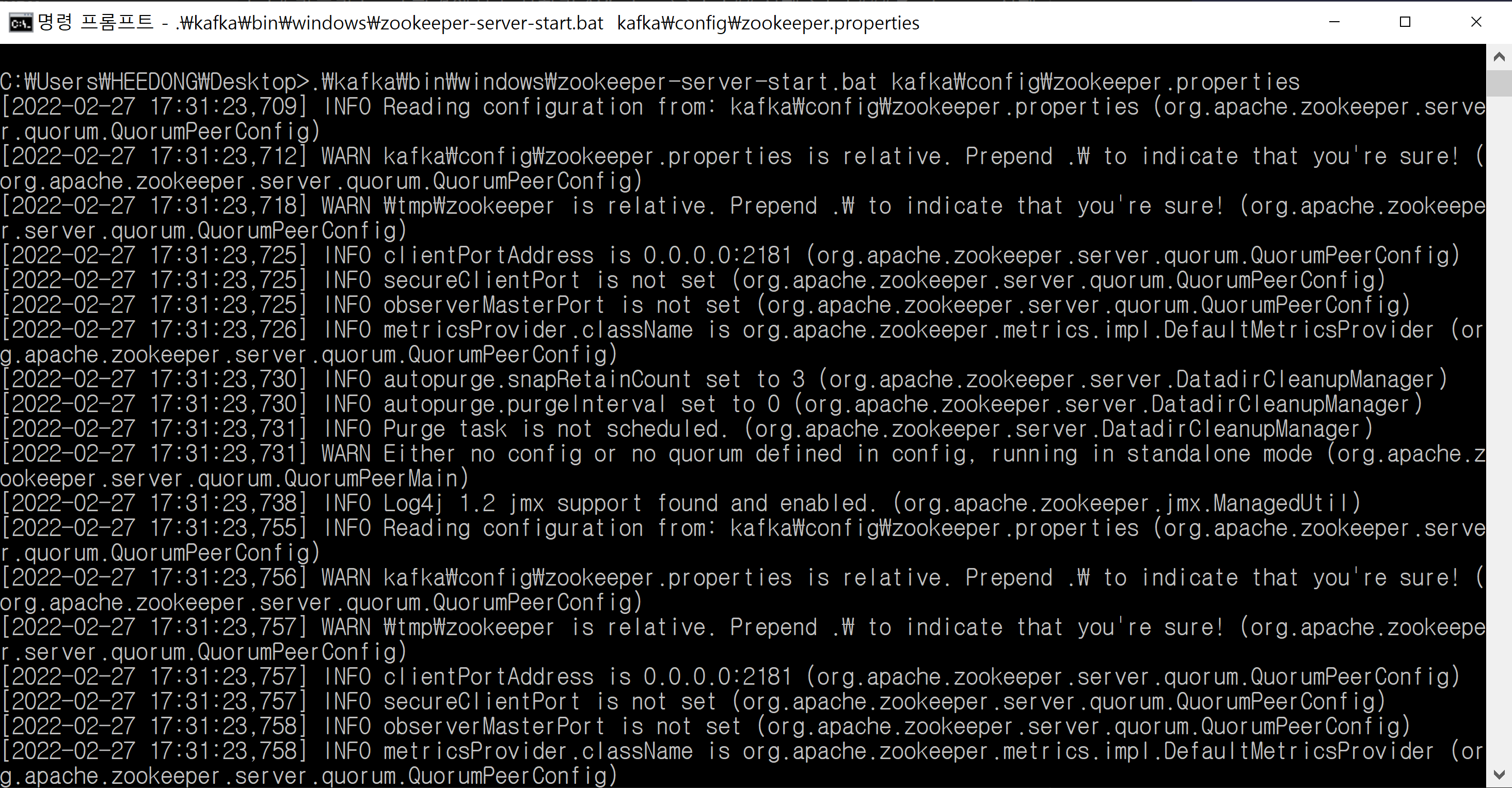
-
.\kafka\bin\windows\kafka-server-start.bat kafka\config\server.properties -
USAGE :
.\kafka-server-start.bat server.properties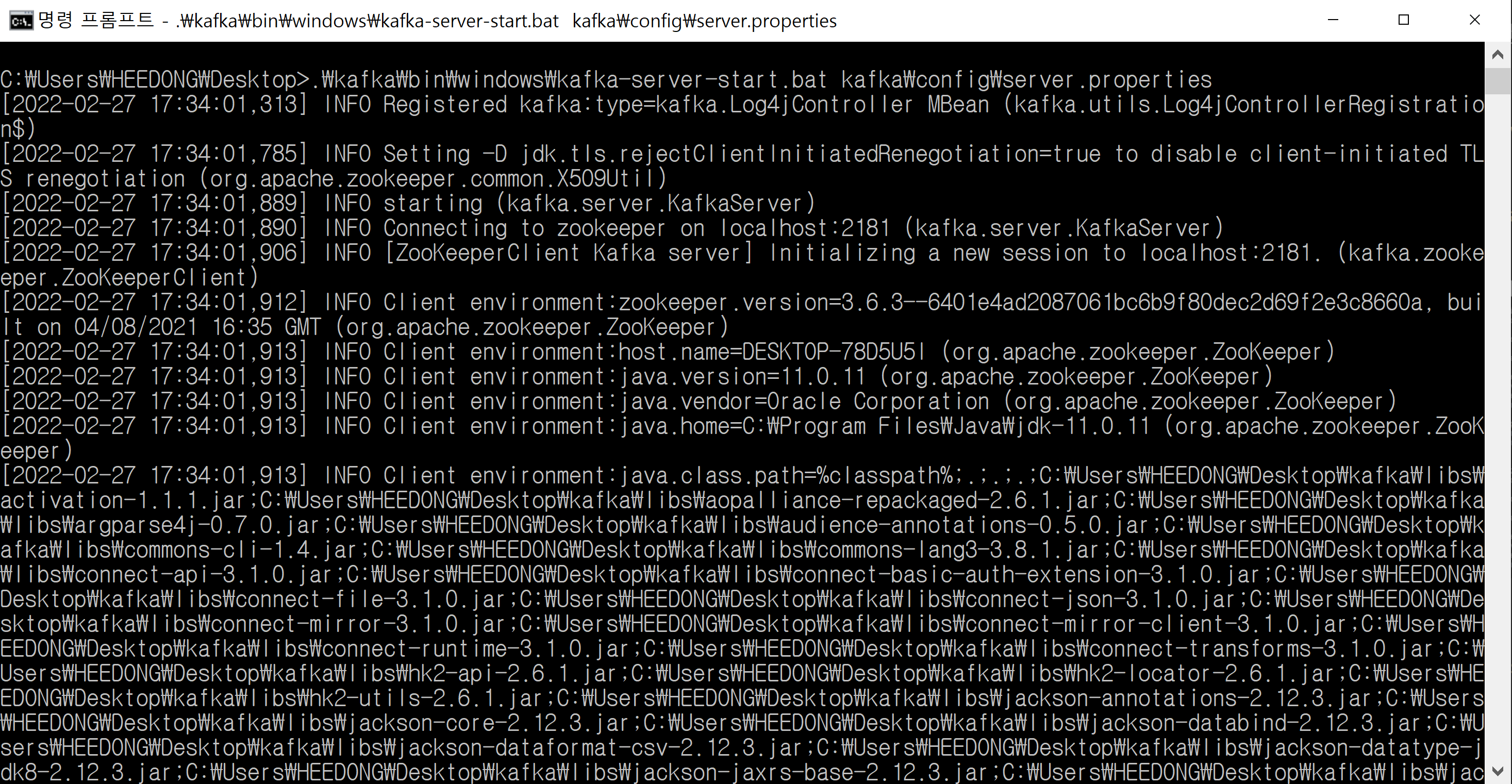
-
kafka 기본 port : 9092
-
zookeeper 기본 port : 2181
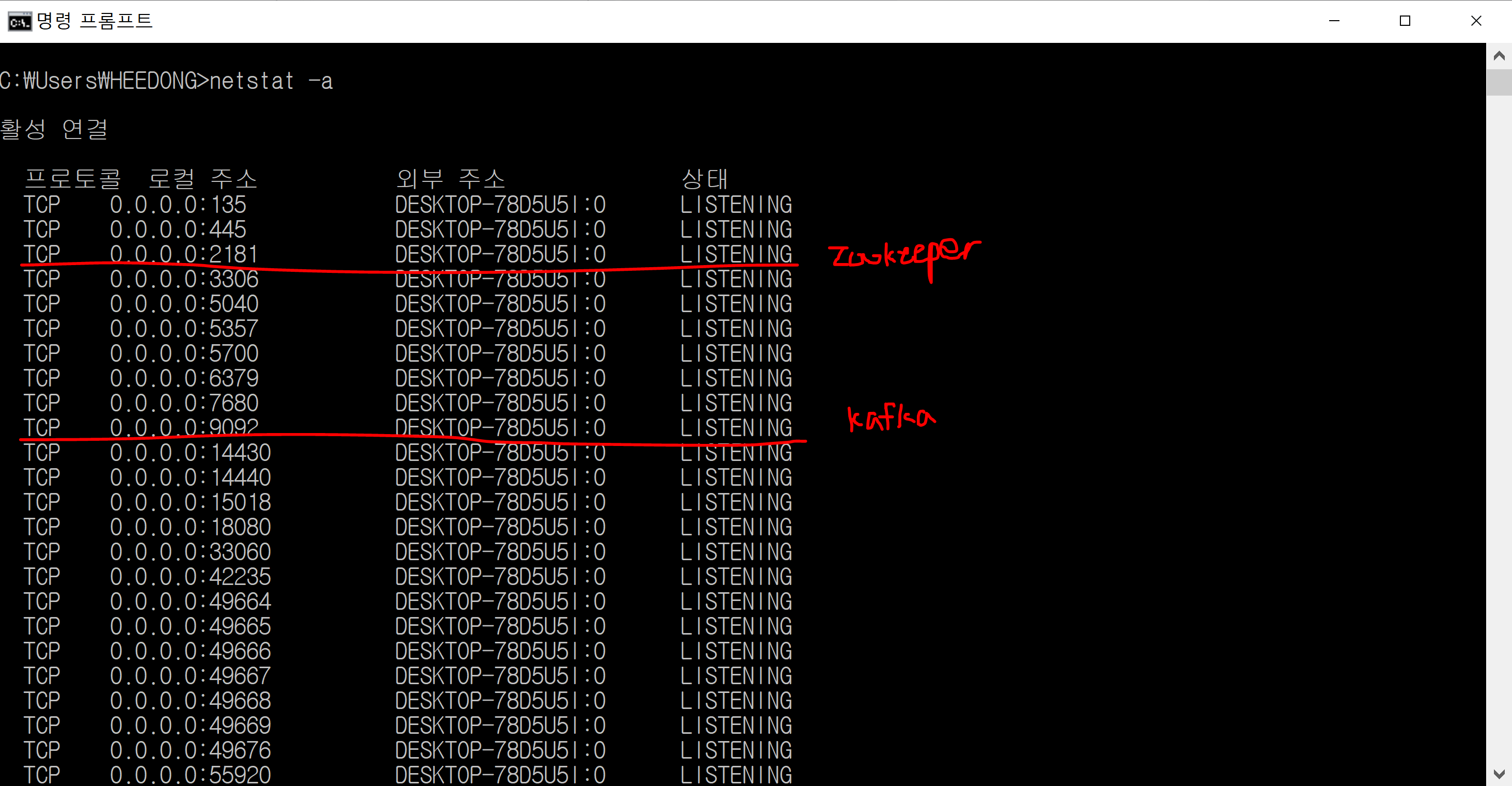
-
.\kafka\bin\windows\kafka-topics.bat --create --bootstrap-server localhost:9092 --replication-factor 1 -partitions 1 --topic heedong
-
replication: 1 -
partition: 1 -
topic: heedong -
토픽 생성 관련된 예전 자료를 보면
--bootstrap-server localhost:9092대신--zookeeper localhost:2181옵션을 주는 경우가 있는데 해당 옵션은 deprecated됨
-
.\kafka\bin\windows\kafka-console-producer.bat --broker-list localhost:9092 --topic heedong
-
.\kafka\bin\windows\kafka-console-consumer.bat --bootstrap-server localhost:9092 --topic heedong --from-beginning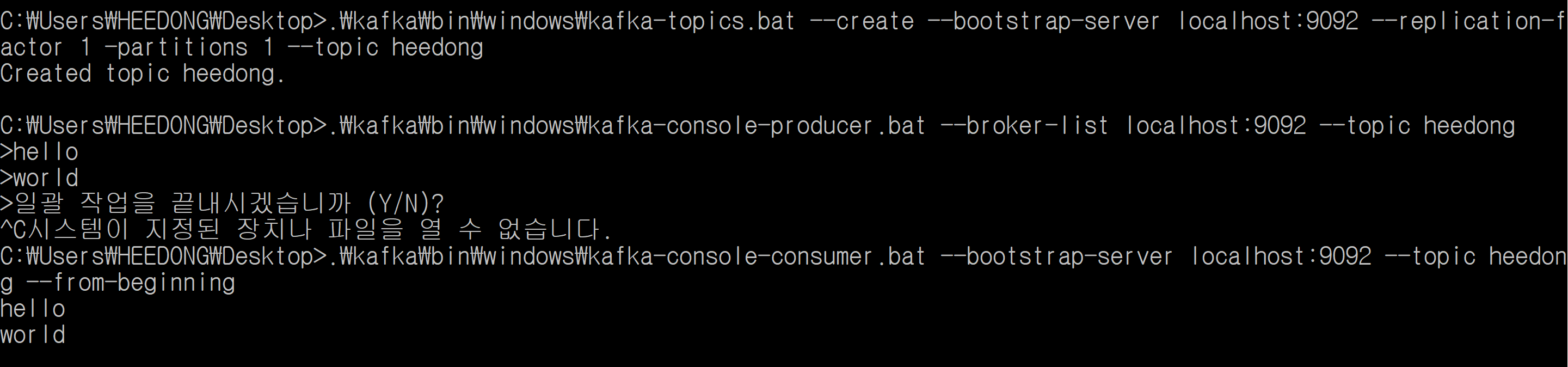
.\kafka\bin\windows\kafka-topics.bat --bootstrap-server localhost:9092 --delete --topic heedong