Make sure you've installed docker. I suggest you install Docker Desktop.
We defined the server's endpoint /api/payment_methods/ in ./oas.yml. It is written in open api specification
- Run Docker Desktop or docker engine
- Make sure you have docker compose installed
- From within this directory (
cd ./server), run the following command to spin up the server:docker compose up - This commmand will spin up one container:
dev_server_apiis the development server. It will validate your requests, yield errors, and yield random successful request bodies. You can access it throughhttp://0.0.0.0:8080/
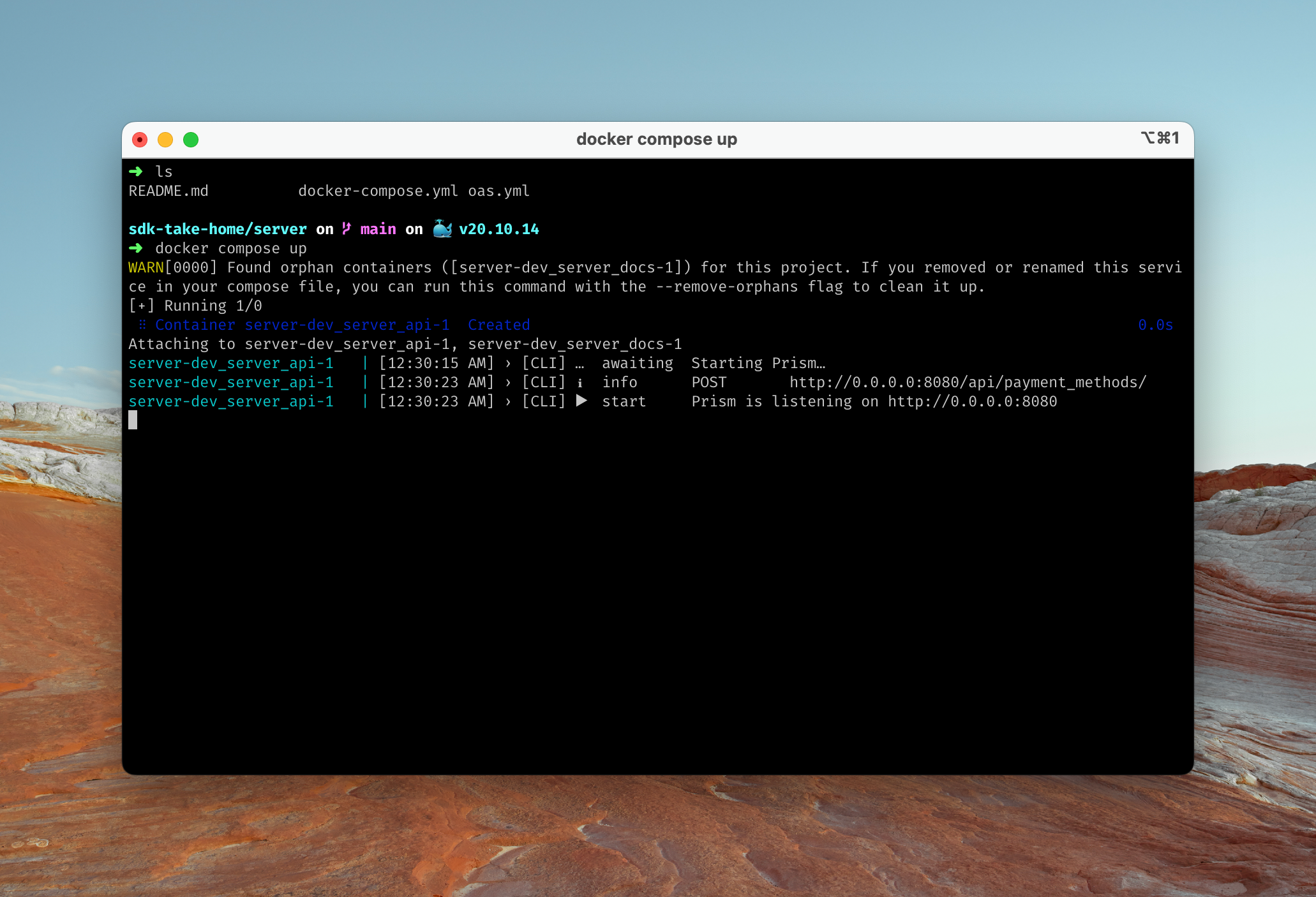
Here's an example of what you should see:
- Run Docker Desktop or docker engine
- Make sure you have docker installed
- Run the docker container:
docker run -v $PWD/oas.yml:/app/oas.yml -p 8080:808 stoplight/prism mock -h 0.0.0.0 -p 8080 -d /app/oas.yml - The server will run on
http://0.0.0.0:8080/
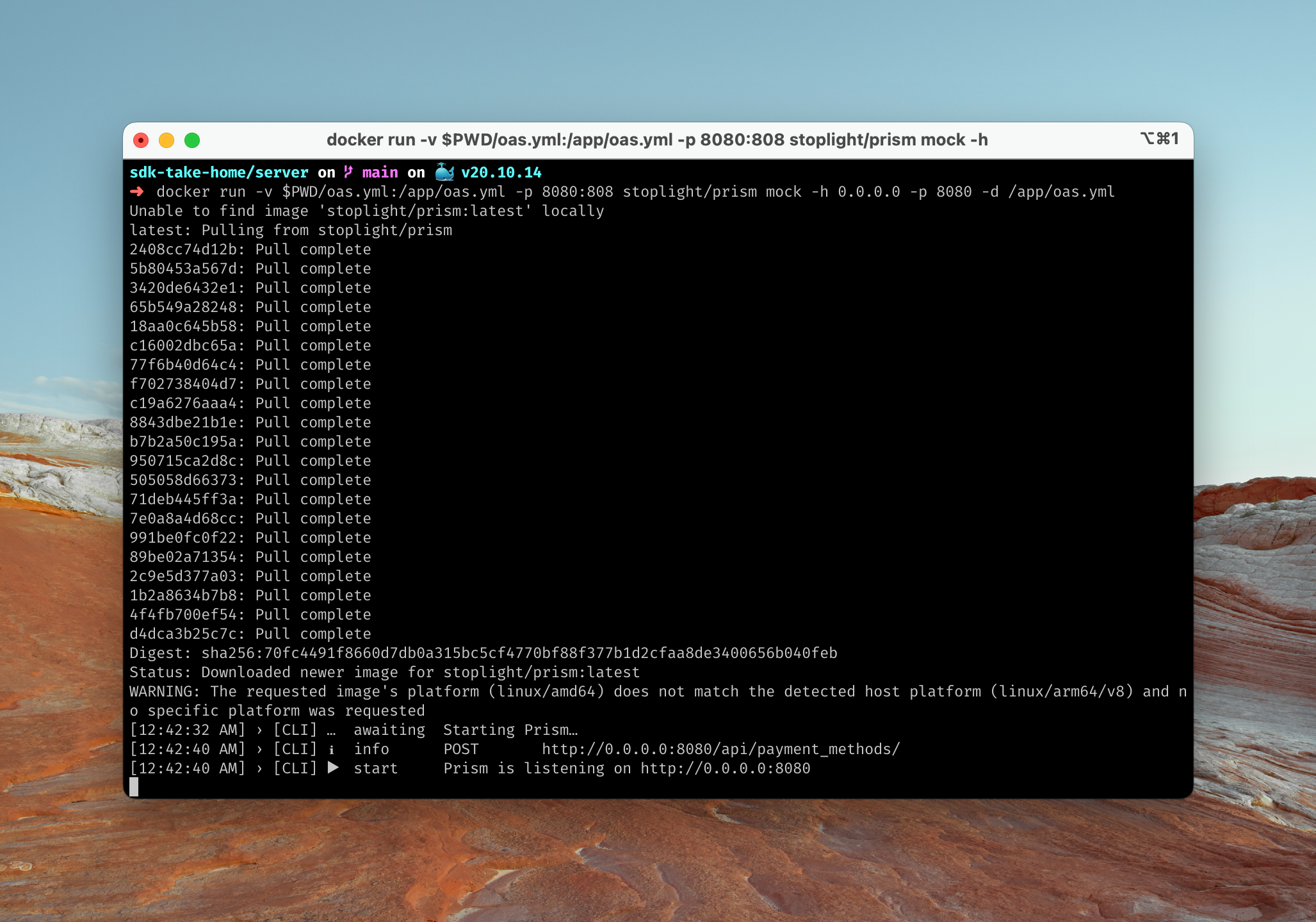
Here's an example of what you should see: