

The video recordings of all WWDC sessions are now available to watch online.
| Image | Title | Link |
|---|---|---|
 |
Accessibility Inspector | 🔗 Link |
 |
Accessibility Lessons | 🔗 Link |
 |
Accessibility in SwiftUI | 🔗 Link |
 |
All About Notarization | 🔗 Link |
 |
App Distribution – From Ad-hoc to Enterprise | 🔗 Link |
 |
Creating an Accessible Reading Experience | 🔗 Link |
 |
In-App Purchases and Using Server-to-Server Notifications | 🔗 Link |
 |
Large Content Viewer- Ensuring Readability for Everyone | 🔗 Link |
|
Making Apps More Accessible With Custom Actions | 🔗 Link |
 |
Subscription Offers Best Practices | 🔗 Link |
|
Visual Design and Accessibility | 🔗 Link |
 |
What"s New in App Store Connect | 🔗 Link |
|
Writing Great Accessibility Labels | 🔗 Link |
| Image | Title | Link |
|---|---|---|
 |
Adopting Swift Packages in Xcode | 🔗 Link |
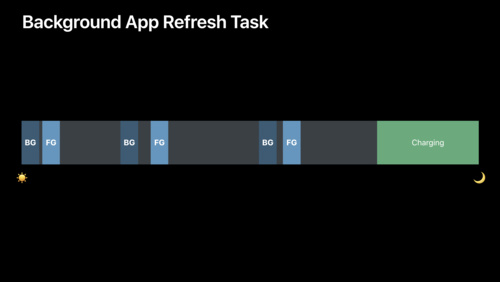 |
Advances in App Background Execution | 🔗 Link |
 |
Binary Frameworks in Swift | 🔗 Link |
 |
Core ML 3 Framework | 🔗 Link |
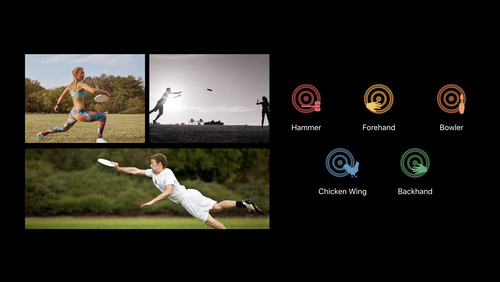 |
Create ML for Activity | 🔗 Link |
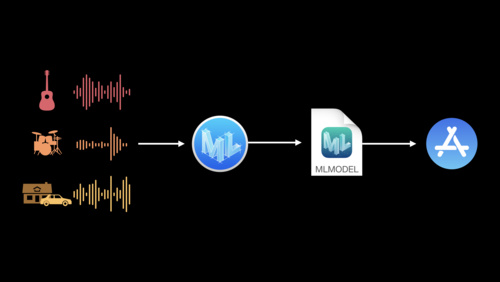 |
Create ML for Object Detection and Sound Classification | 🔗 Link |
 |
Creating Swift Packages | 🔗 Link |
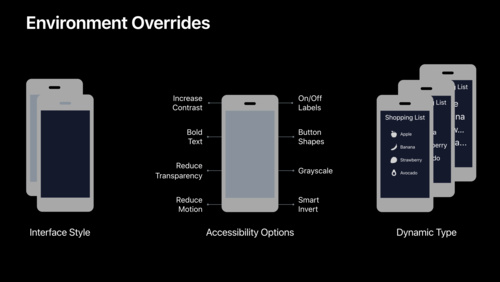 |
Debugging in Xcode 11 | 🔗 Link |
 |
Designing for Adverse Network and Temperature Conditions | 🔗 Link |
 |
Developing a Great Profiling Experience | 🔗 Link |
 |
Getting Started with Instruments | 🔗 Link |
 |
Getting Started with Xcode | 🔗 Link |
 |
Improving Battery Life and Performance | 🔗 Link |
 |
Introducing Accelerate for Swift | 🔗 Link |
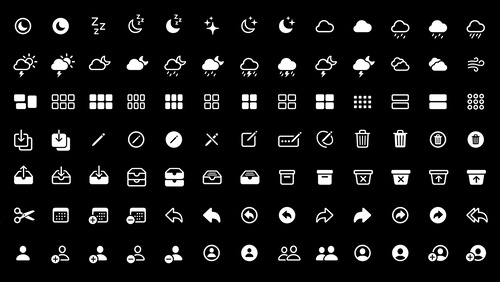 |
Introducing SF Symbols | 🔗 Link |
|
Introducing the Create ML App | 🔗 Link |
 |
LLDB: Beyond | 🔗 Link |
 |
Mastering Xcode Previews | 🔗 Link |
 |
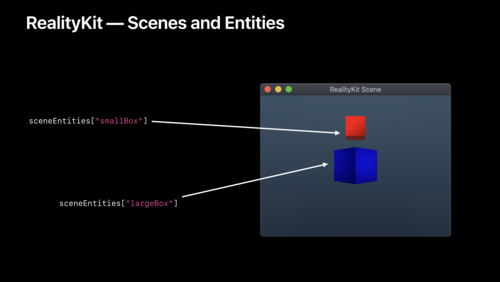
Modeling in Custom Instruments | 🔗 Link |
 |
Modern Swift API Design | 🔗 Link |
 |
Optimizing App Launch | 🔗 Link |
 |
Optimizing Storage in Your App | 🔗 Link |
 |
Swift Playgrounds 3 | 🔗 Link |
 |
Testing in Xcode | 🔗 Link |
 |
What"s New in Clang and LLVM | 🔗 Link |
 |
What"s New in Machine Learning | 🔗 Link |
 |
What"s New in Swift | 🔗 Link |
 |
What"s New in Xcode 11 | 🔗 Link |
| Image | Title | Link |
|---|---|---|
 |
Apple Design Awards | 🔗 Link |
 |
Keynote | 🔗 Link |
 |
Platforms State of the Union | 🔗 Link |
| Image | Title | Link |
|---|---|---|
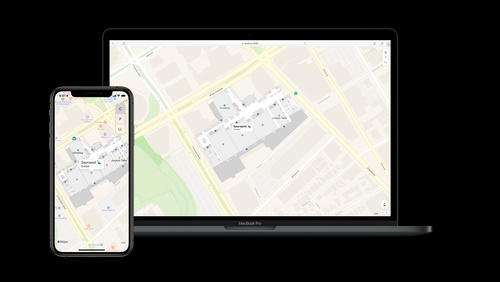 |
Adding Indoor Maps to your App and Website | 🔗 Link |
 |
Advances in CarPlay Systems | 🔗 Link |
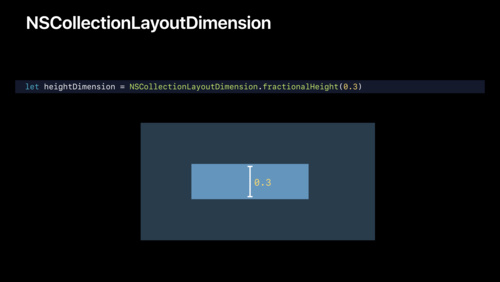 |
Advances in Collection View Layout | 🔗 Link |
|
Advances in Foundation | 🔗 Link |
 |
Advances in Natural Language Framework | 🔗 Link |
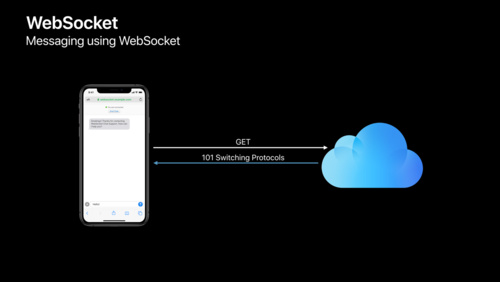 |
Advances in Networking | Part 1 |
 |
Advances in Networking | Part 2 |
 |
Advances in Speech Recognition | 🔗 Link |
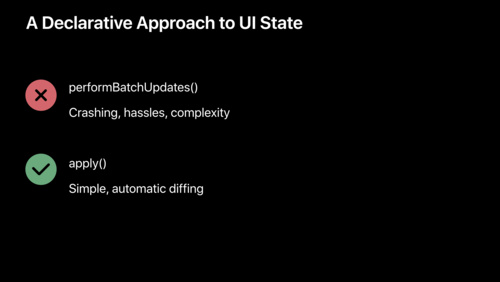 |
Advances in UI Data Sources | 🔗 Link |
 |
Advances in macOS Security | 🔗 Link |
|
Architecting Your App for Multiple Windows | 🔗 Link |
 |
Auditing Web Content with Web Inspector | 🔗 Link |
|
Building Activity Classification Models in Create ML | 🔗 Link |
 |
Building Custom Views with SwiftUI | 🔗 Link |
|
Building Great Shortcuts | 🔗 Link |
 |
Combine in Practice | 🔗 Link |
 |
Core NFC Enhancements | 🔗 Link |
 |
Creating Great Localized Experiences with Xcode 11 | 🔗 Link |
 |
Creating Independent Watch Apps | 🔗 Link |
 |
Cryptography and Your Apps | 🔗 Link |
 |
Data Flow Through SwiftUI | 🔗 Link |
 |
Designing Award Winning Apps and Games | 🔗 Link |
|
Designing Great ML Experiences | 🔗 Link |
|
Designing Great Shortcuts | 🔗 Link |
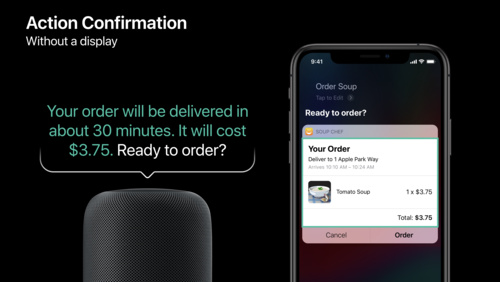 |
Designing and Building Great Shortcuts | 🔗 Link |
 |
Designing for Privacy | 🔗 Link |
 |
Designing iPad Apps for Mac | 🔗 Link |
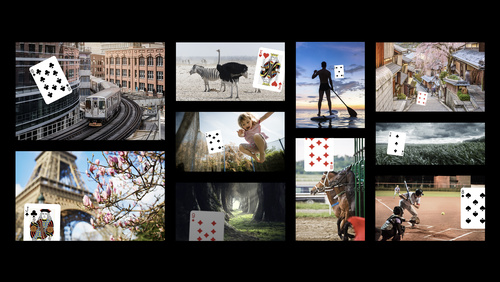 |
Drawing Classification and One-Shot Object Detection in Turi Create | 🔗 Link |
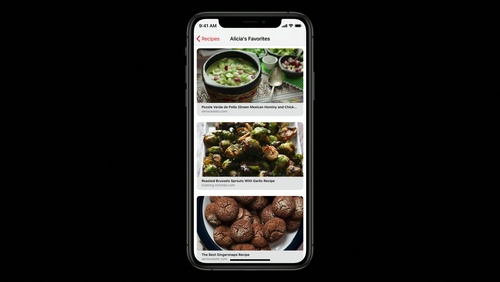 |
Embedding and Sharing Visually Rich Links | 🔗 Link |
 |
Exploring New Data Representations in HealthKit | 🔗 Link |
 |
Exploring Tinted Graphic Complications | 🔗 Link |
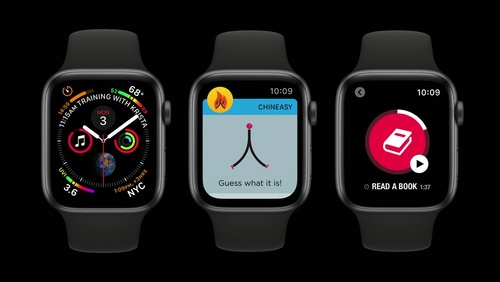 |
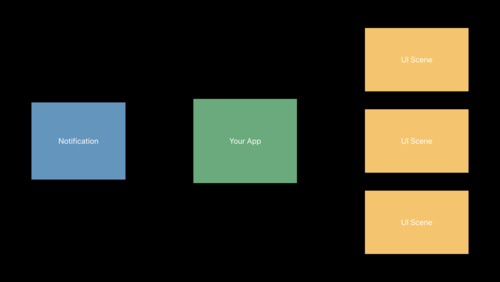
Extended Runtime for watchOS Apps | 🔗 Link |
 |
Font Management and Text Scaling | 🔗 Link |
 |
Getting the Most out of Multitasking | 🔗 Link |
 |
Great Developer Habits | 🔗 Link |
 |
Implementing Dark Mode on iOS | 🔗 Link |
 |
Integrating SwiftUI | 🔗 Link |
|
Integrating with Siri Event Suggestions | 🔗 Link |
|
Introducing Combine | 🔗 Link |
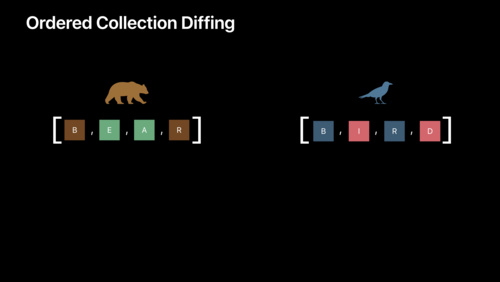 |
Introducing Combine and Advances in Foundation | 🔗 Link |
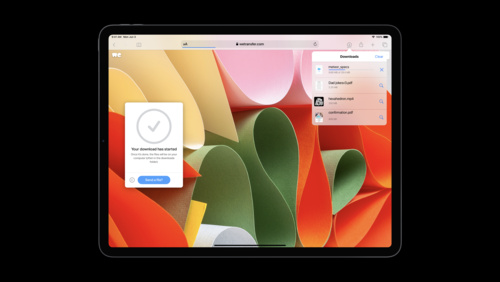 |
Introducing Desktop-class Browsing on iPad | 🔗 Link |
 |
Introducing Multiple Windows on iPad | 🔗 Link |
 |
Introducing Parameters for Shortcuts | 🔗 Link |
 |
Introducing PencilKit | 🔗 Link |
 |
Introducing Sign In with Apple | 🔗 Link |
 |
Introducing SwiftUI: Building Your First App | 🔗 Link |
 |
Introducing iPad Apps for Mac | 🔗 Link |
 |
Introducing the Indoor Maps Program | 🔗 Link |
 |
Making Apps with Core Data | 🔗 Link |
 |
Mastering the Living Room With tvOS | 🔗 Link |
 |
Modernizing Your UI for iOS 13 | 🔗 Link |
 |
Network Extensions for the Modern Mac | 🔗 Link |
 |
ResearchKit and CareKit Reimagined | 🔗 Link |
 |
Supporting Dark Mode in Your Web Content | 🔗 Link |
|
Supporting New Game Controllers | 🔗 Link |
 |
SwiftUI Essentials | 🔗 Link |
 |
SwiftUI On All Devices | 🔗 Link |
 |
SwiftUI on watchOS | 🔗 Link |
 |
System Extensions and DriverKit | 🔗 Link |
 |
Taking iPad Apps for Mac to the Next Level | 🔗 Link |
|
Targeting Content with Multiple Windows | 🔗 Link |
 |
Text Recognition in Vision Framework | 🔗 Link |
|
Training Object Detection Models in Create ML | 🔗 Link |
|
Training Recommendation Models in Create ML | 🔗 Link |
|
Training Sound Classification Models in Create ML | 🔗 Link |
|
Training Text Classifiers in Create ML | 🔗 Link |
 |
Understanding CPU Usage with Web Inspector | 🔗 Link |
 |
Using Core Data With CloudKit | 🔗 Link |
|
What"s New for Web Developers | 🔗 Link |
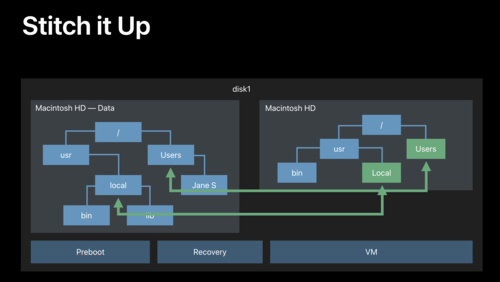 |
What"s New in Apple File Systems | 🔗 Link |
|
What"s New in Authentication | 🔗 Link |
 |
What"s New in Core Bluetooth | 🔗 Link |
 |
What"s New in Core Location | 🔗 Link |
|
What"s New in Safari | 🔗 Link |
|
What"s New in Safari Extensions | 🔗 Link |
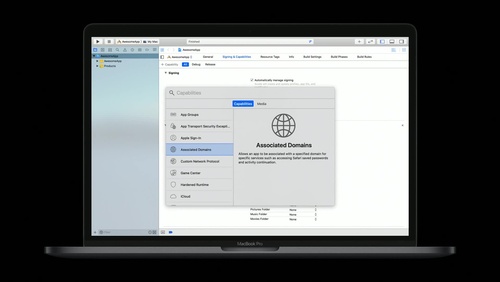 |
What"s New in Universal Links | 🔗 Link |
|
What"s New in iOS Design | 🔗 Link |
 |
What’s New in AppKit for macOS | 🔗 Link |
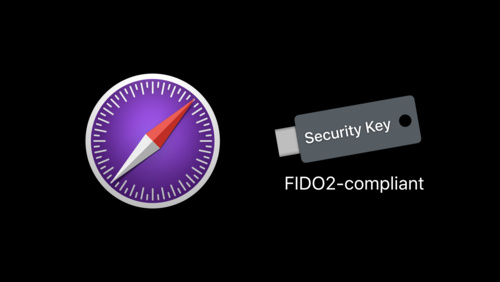 |
What’s New in Authentication | 🔗 Link |
|
What’s New in ClassKit | 🔗 Link |
 |
What’s New in File Management and Quick Look | 🔗 Link |
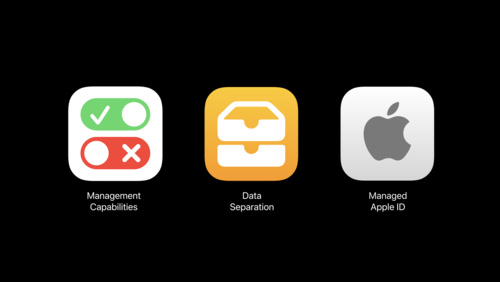 |
What’s New in Managing Apple Devices | 🔗 Link |
 |
What’s New in MapKit and MapKit JS | 🔗 Link |
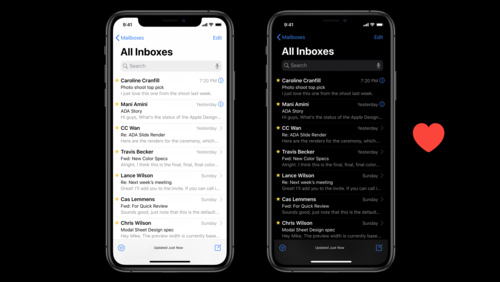 |
What’s New in iOS and macOS Design | 🔗 Link |
|
Window Management in Your Multitasking App | 🔗 Link |
| Image | Title | Link |
|---|---|---|
|
Advances in AR Quick Look | 🔗 Link |
 |
Bringing OpenGL Apps to Metal | 🔗 Link |
 |
Bringing People into AR | 🔗 Link |
 |
Building AR Experiences with Reality Composer | 🔗 Link |
 |
Building Apps with RealityKit | 🔗 Link |
 |
Building Collaborative AR Experiences | 🔗 Link |
 |
Creating Great Apps Using Core ML and ARKit | 🔗 Link |
 |
Delivering Optimized Metal Apps and Games | 🔗 Link |
 |
Game Center Player Identifiers | 🔗 Link |
 |
Getting the Most Out of Simulator | 🔗 Link |
 |
Introducing ARKit 3 | 🔗 Link |
 |
Introducing RealityKit and Reality Composer | 🔗 Link |
|
Metal for Machine Learning | 🔗 Link |
 |
Metal for Pro Apps | 🔗 Link |
 |
Modern Rendering with Metal | 🔗 Link |
 |
Ray Tracing with Metal | 🔗 Link |
 |
Working with USD | 🔗 Link |
| Image | Title | Link |
|---|---|---|
 |
AUv3 Extensions User Presets | 🔗 Link |
 |
Advances in Camera Capture & Photo Segmentation | 🔗 Link |
 |
Delivering Intuitive Media Playback with AVKit | 🔗 Link |
 |
Expanding the Sensory Experience with Core Haptics | 🔗 Link |
 |
HEVC Video with Alpha | 🔗 Link |
 |
HLS Authoring for AirPlay 2 Video | 🔗 Link |
 |
Introducing Low-Latency HLS | 🔗 Link |
|
Introducing Multi-Camera Capture for iOS | 🔗 Link |
|
Introducing Photo Segmentation Mattes | 🔗 Link |
 |
Introducing SiriKit Media Intents | 🔗 Link |
 |
Modernizing Your Audio App | 🔗 Link |
 |
Reaching the Big Screen with AirPlay 2 | 🔗 Link |
 |
Streaming Audio on watchOS 6 | 🔗 Link |
 |
Understanding Images in Vision Framework | 🔗 Link |
 |
What"s New in AVAudioEngine | 🔗 Link |
wwdc2019-video-sessions is released under the MIT license. See LICENSE for details.