RTL Layout Missing When Setting Language From Within the App #15742

Description

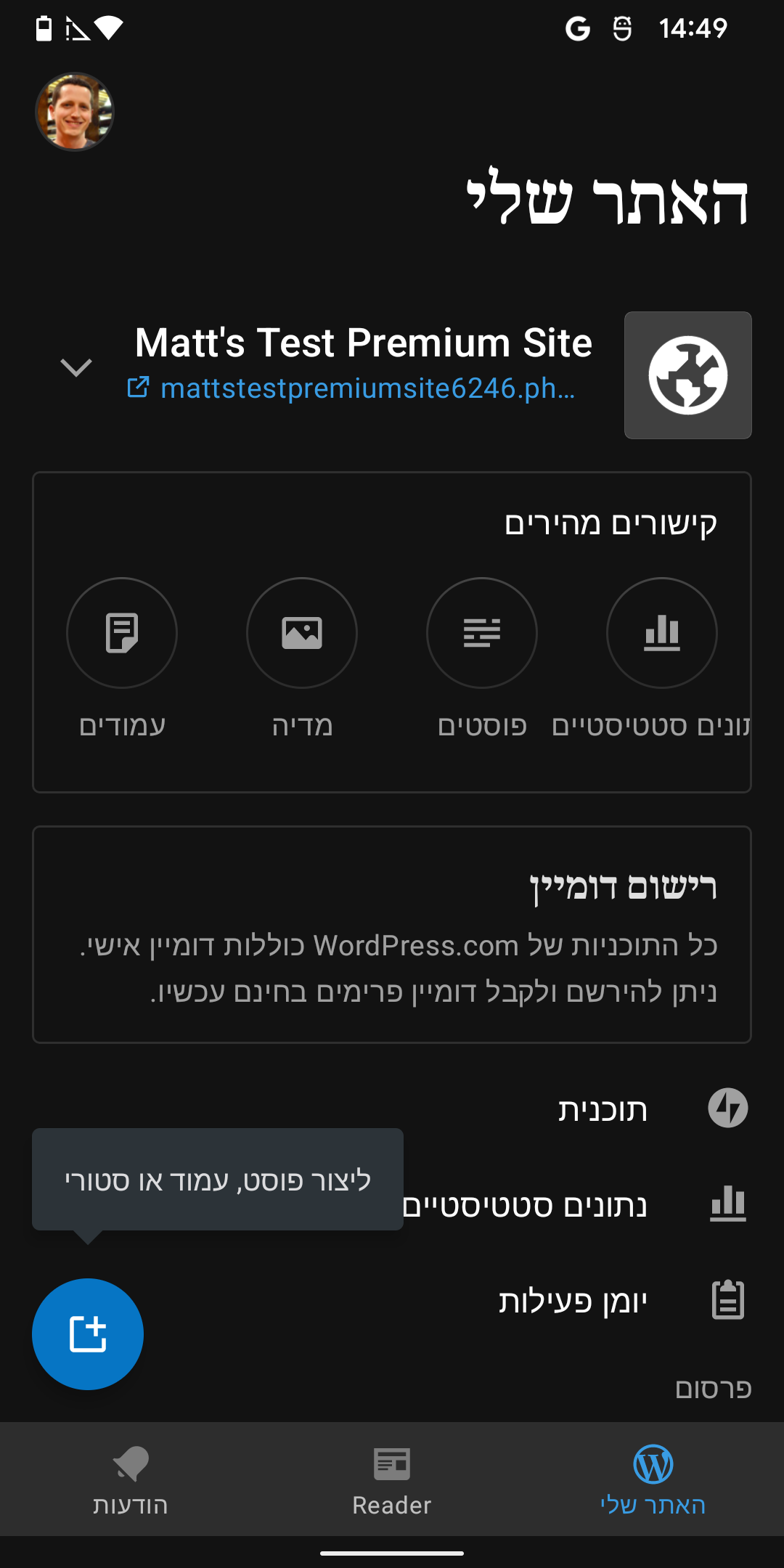
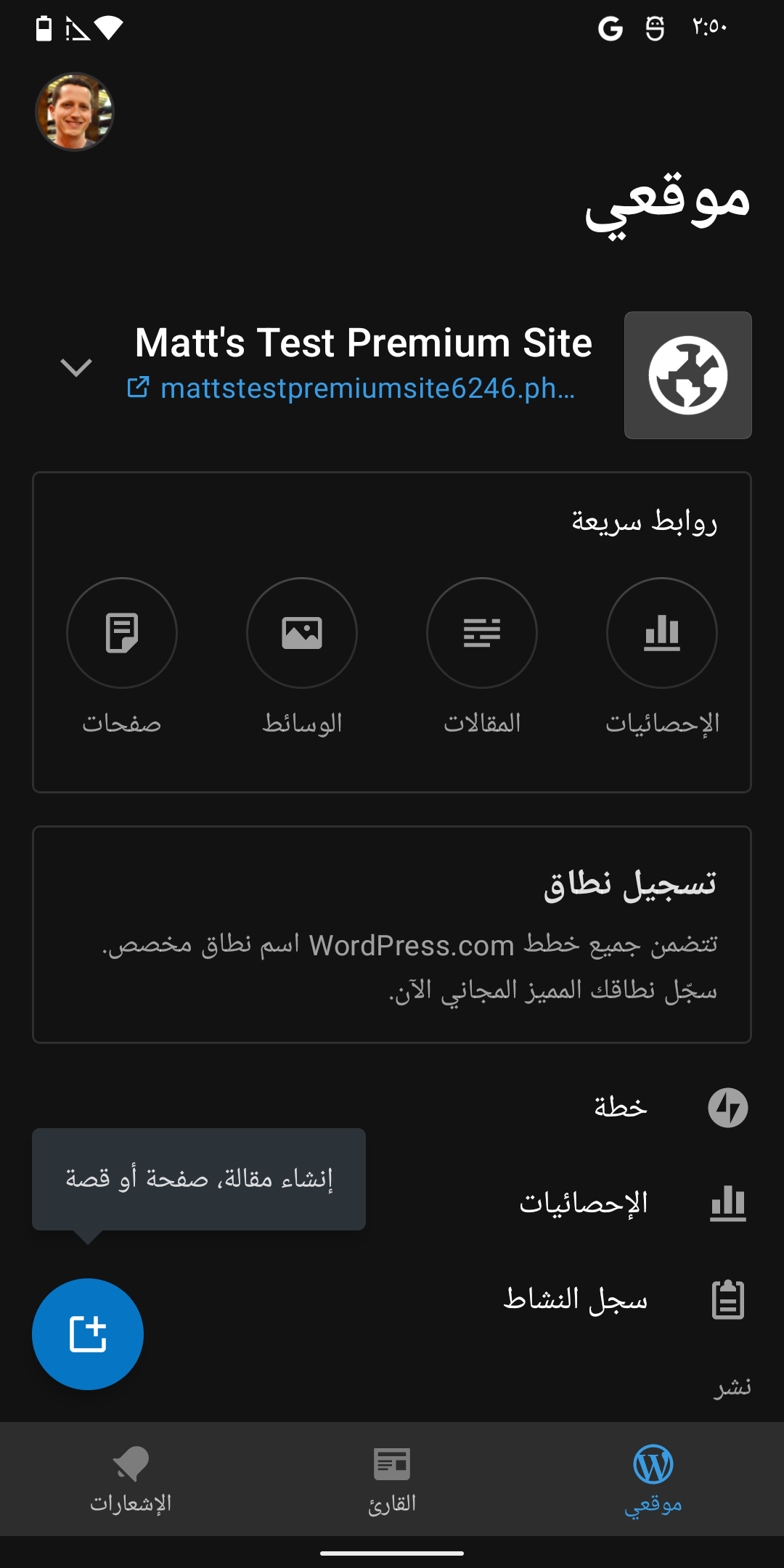
Expected behavior
Selecting a RTL language should update the layout to be RTL. This occurs when updating the language system-wide via Android's settings.
| Hebrew | Arabic |
|---|---|
 |
 |
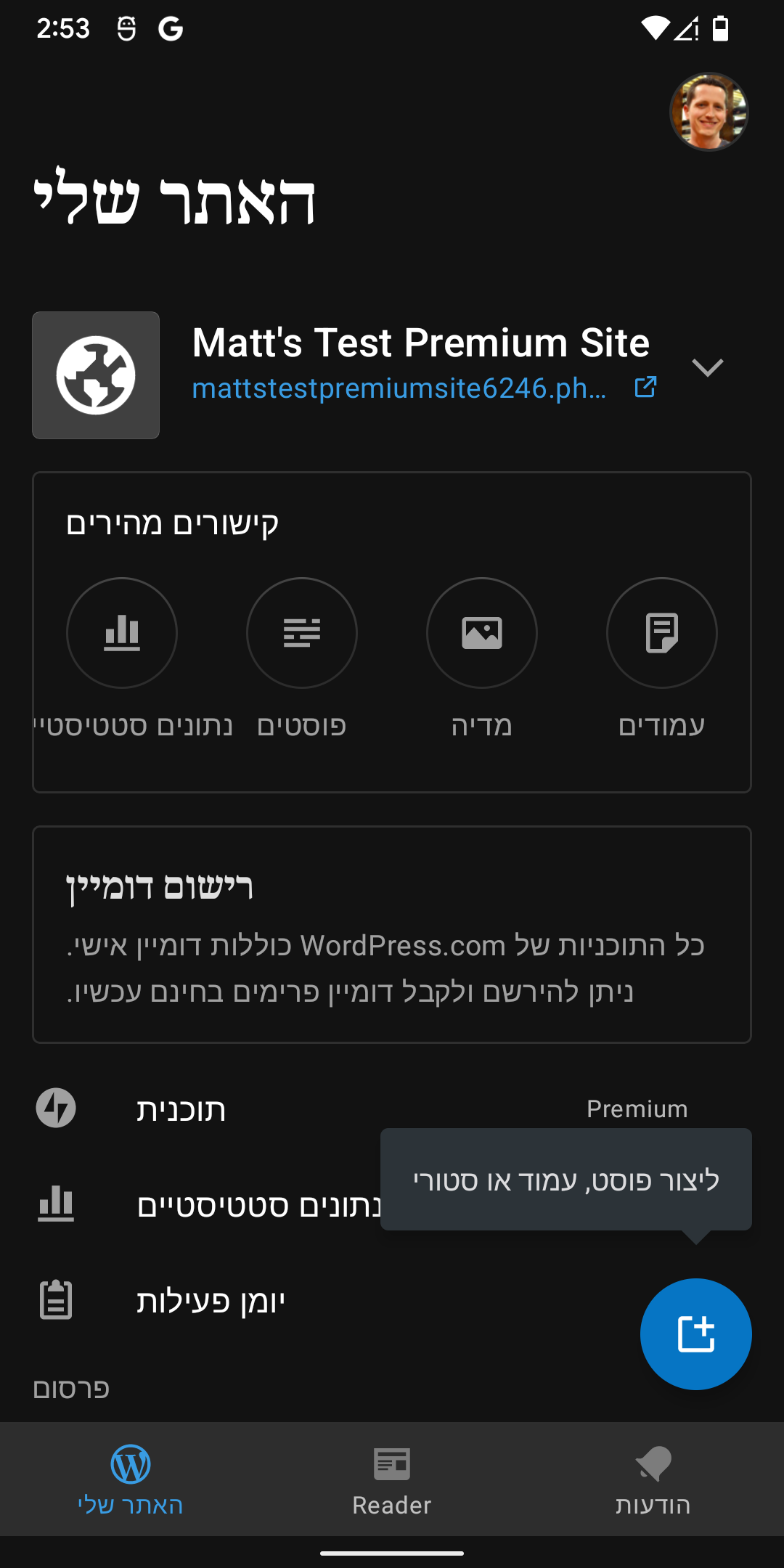
Actual behavior
When setting a RTL language from WPAndroid's settings, the layout does not change (tap on Avatar image -> App Settings -> Interface Language).
| Hebrew | Arabic |
|---|---|
 |
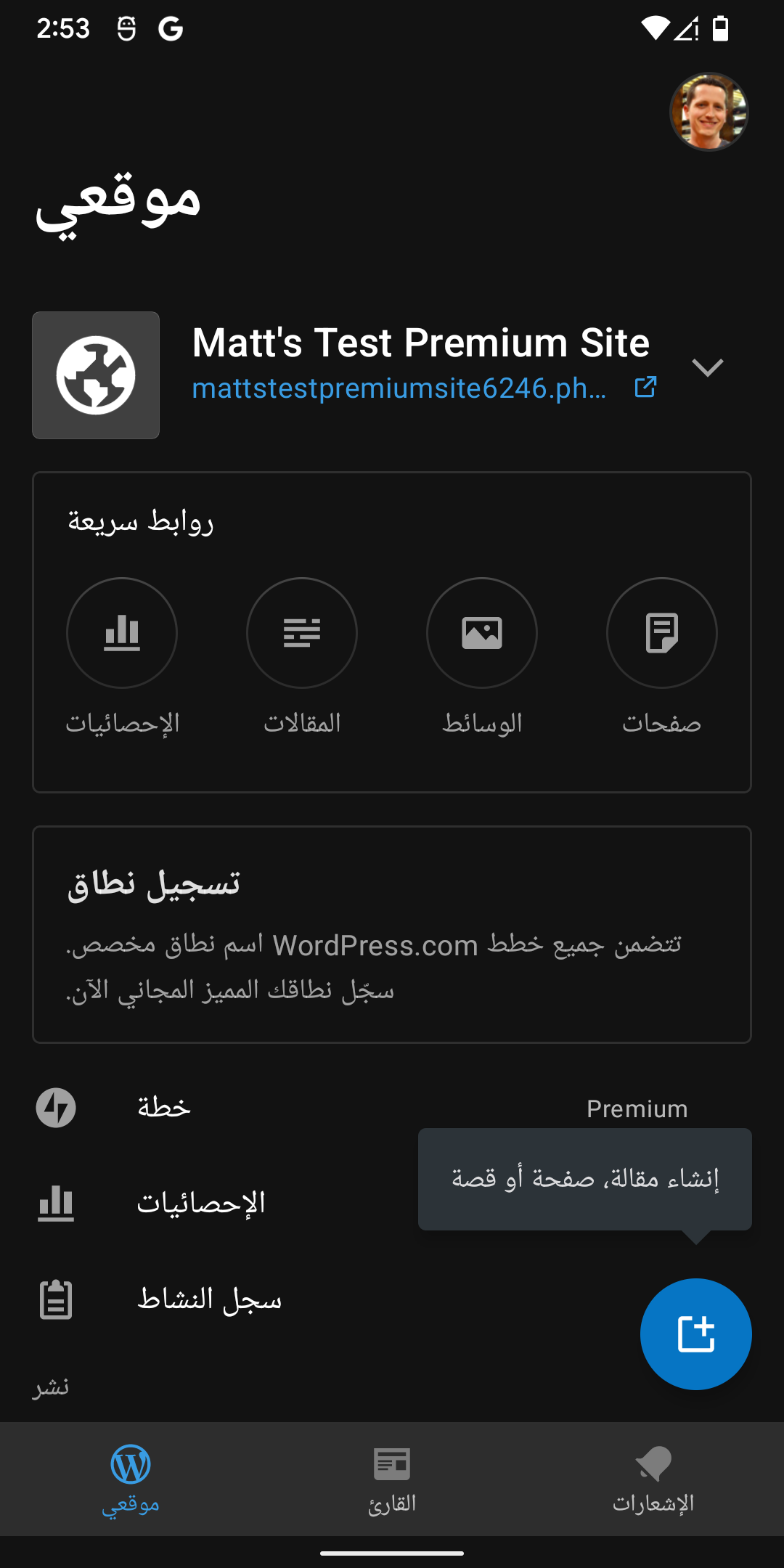 |
**NOTE: Once you set the language in-app, changing the device language has no effect until you wipe the app's data.*
Steps to reproduce the behavior
- Enter App Settings (tap on Avatar image -> App Settings -> Interface Language), and select a RTL language like Hebrew or Arabic
- Observe that the layout within the Interface Language menu is RTL
- Tab back
- Observe that the App Settings menu is NOT RTL
- Tab back
- Observe that the WP Dashboard is NOT RTL