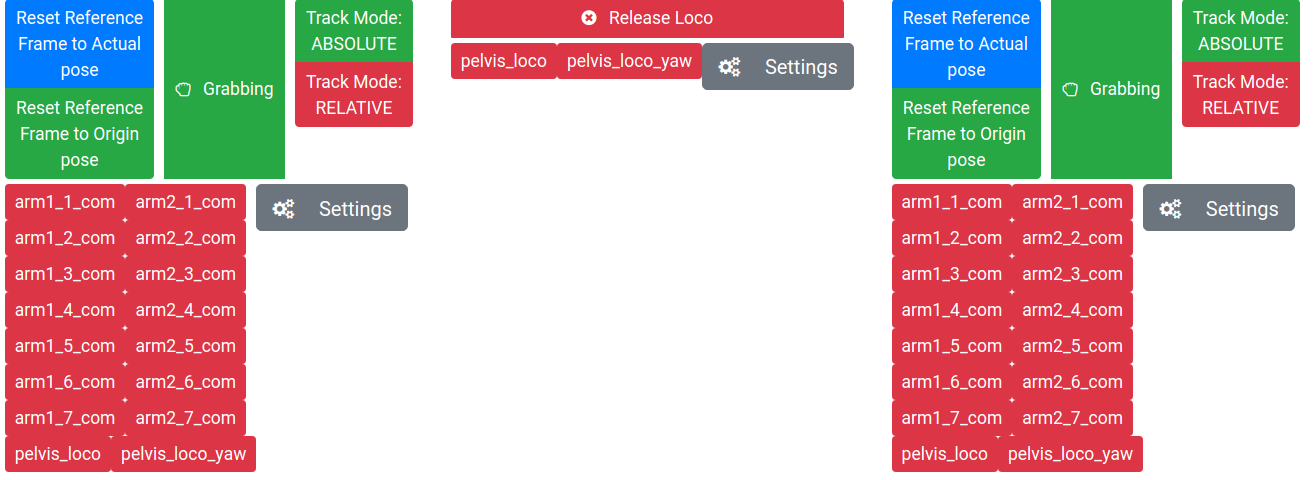
Telephysical operation web server for ros interfaces over the network
part of the TelephysicalOperation project
sudo apt install ros-melodic-roswww
sudo apt install ros-melodic-rosbridge-server
-
Be sure to source tpo_msgs which is necessary since some services use custom messages
-
catkin_make(There is no c++ nor python code, but I think it is necessary just to be able to roslaunch the launch file) -
Launch the server-websocket : roslaunch tpo_web_gui webServer.launch
-
Access the web page through a local newtork : http://<SERVER_IP>:8085/tpo_web_gui/www/handheld_gui.html changing server ip accordingly. Note that the server port (8085) can be changed in the launch file, if necessary
-
On the client, click settings and set the right params. Note that the web socket port there (default 9090) is different from the port to access the webpage (8085). Also this one can be changed in the roslaunch if necessary
-
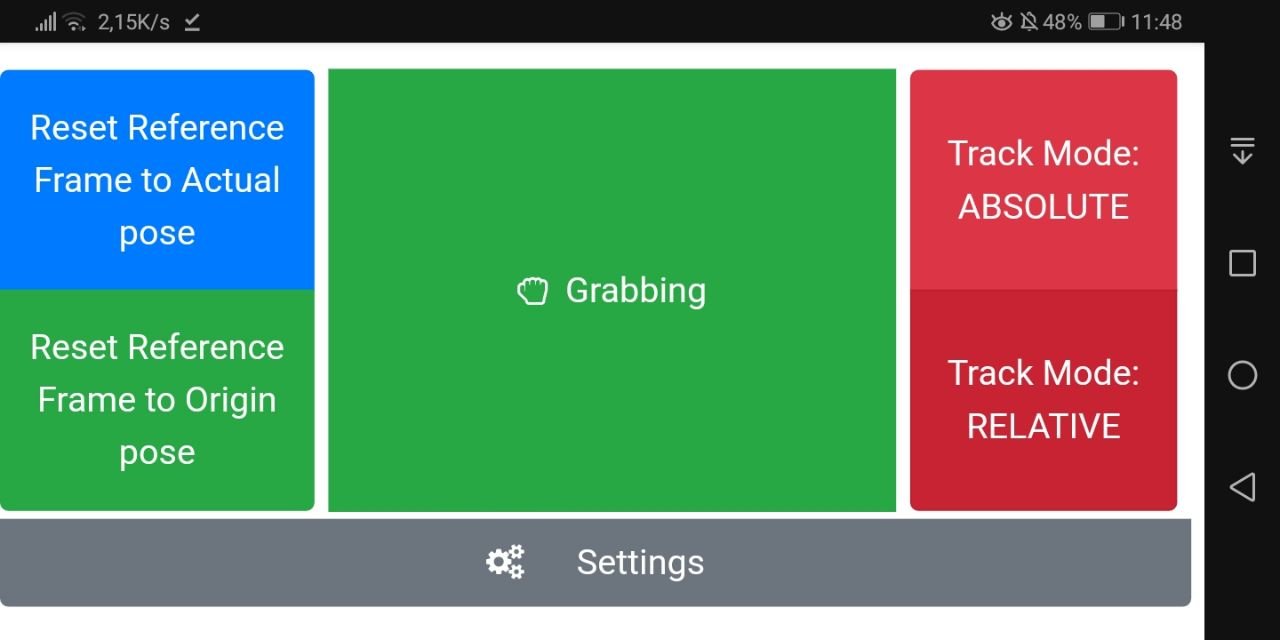
From the homepage, the only thing developed so far is the "handheld_gui" :
-
Check for logs and errors on the javascript console of your browser.
- Please use http://localhost:8085/tpo_web_gui/www/3cam_gui.html. It is already loaded for control points of centauro, if used for another robot delete last lines of the interactingGui_3cam.js